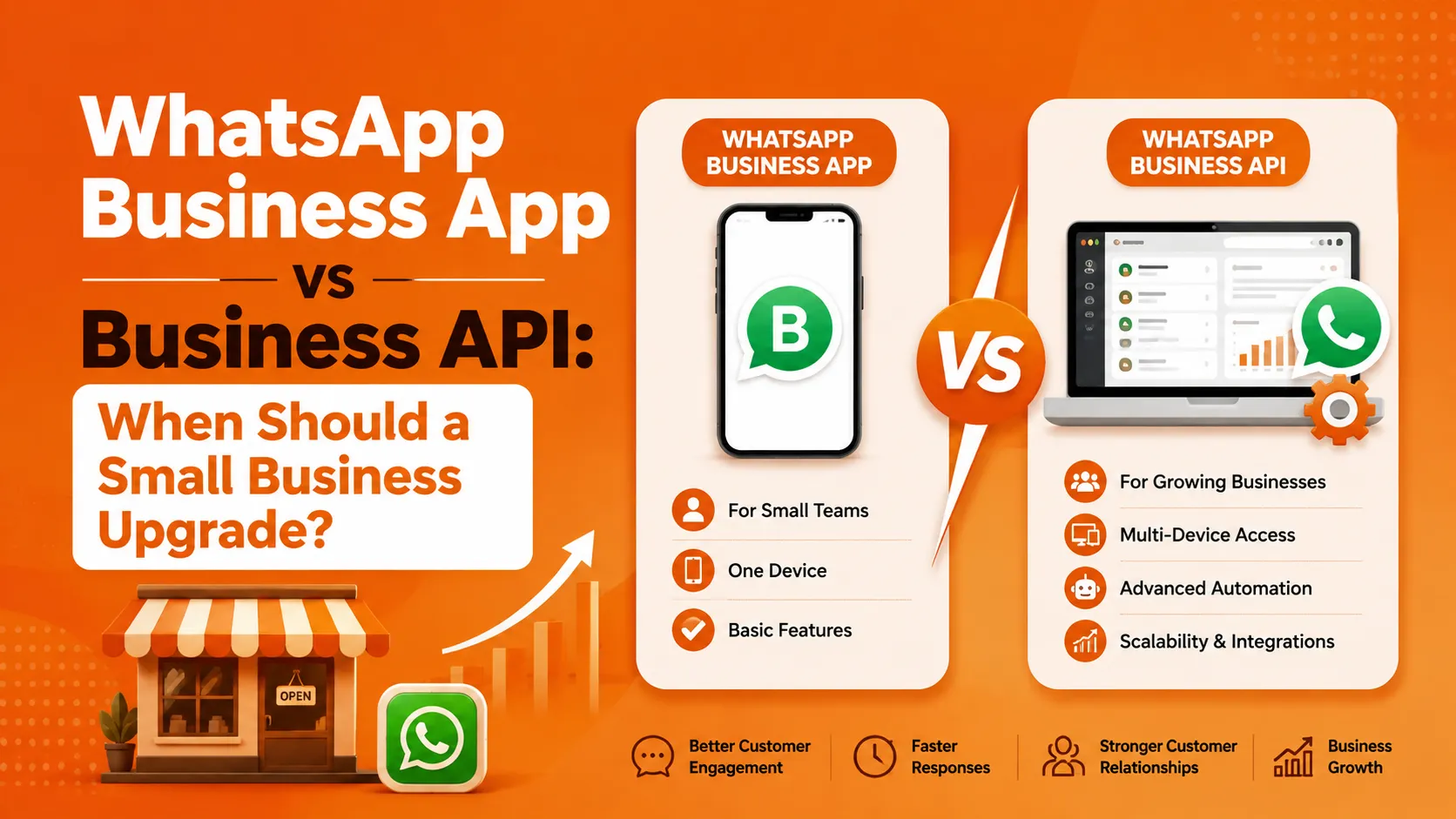

Almost every small business that gets serious about WhatsApp starts in the same place: the free WhatsApp Business App, downloaded onto a company phone, run by whoever's free to answer messages that day. It works fine — until it doesn't. At some point, message volume outgrows what one phone and one person can handle, and the natural question comes up: is it time to move to the WhatsApp Business API?
This isn't a trivial upgrade decision, and it's not right for every small business at every stage. Moving too early means paying for capability you don't need yet. Waiting too long means your team is drowning in missed messages while a solution sits right there, unexplored. This article walks through exactly what changes between the two, and how to know when you've actually hit the ceiling of what the free app can do.
What the WhatsApp Business App Actually Is
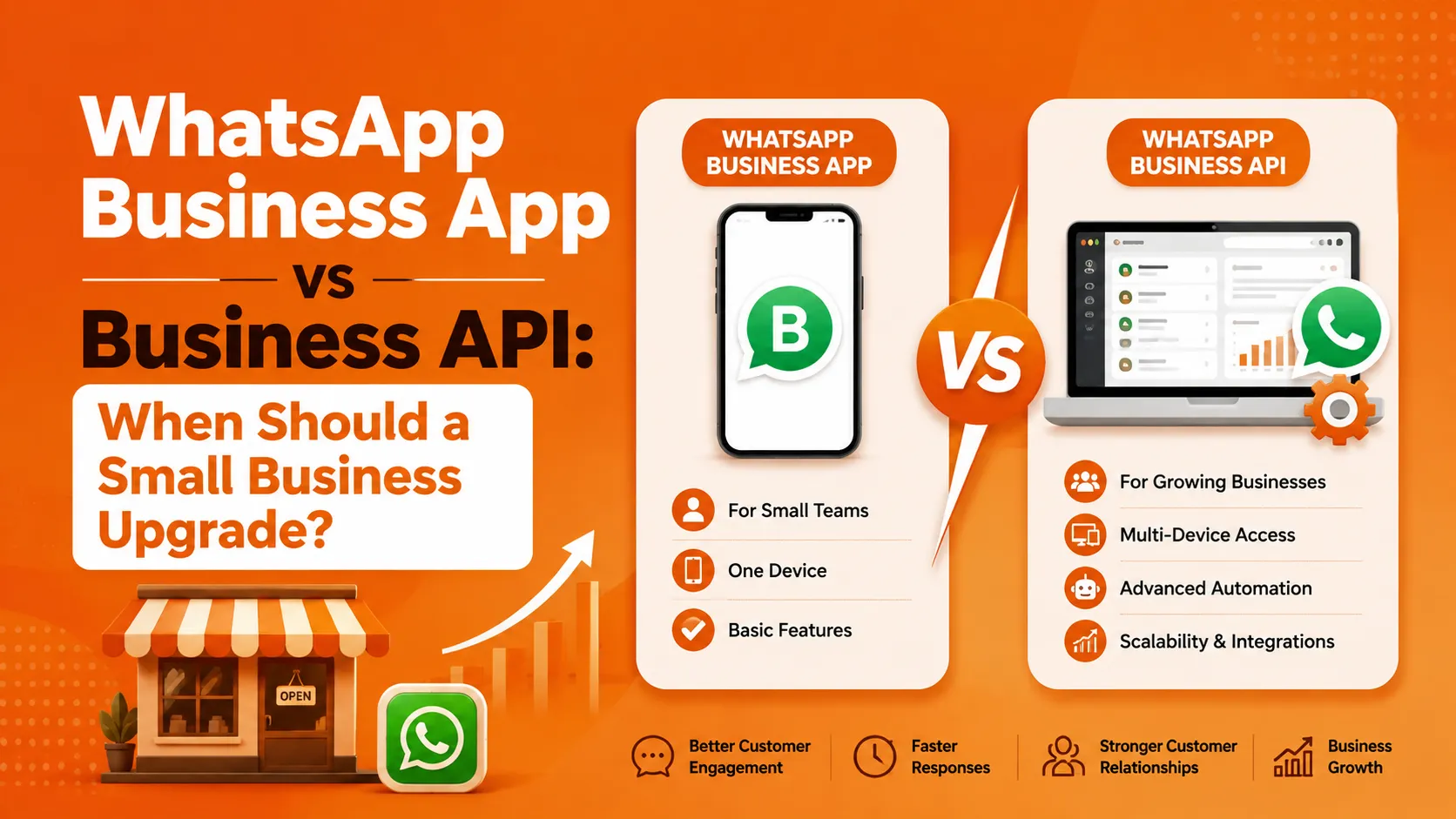
The WhatsApp Business App is Meta's free, downloadable app — essentially the consumer WhatsApp app with a few business-oriented additions: a business profile, quick replies, automated greeting and away messages, labels for organizing chats, and basic catalog functionality. It's designed for a single person managing conversations from one device, and it works well for exactly that use case.
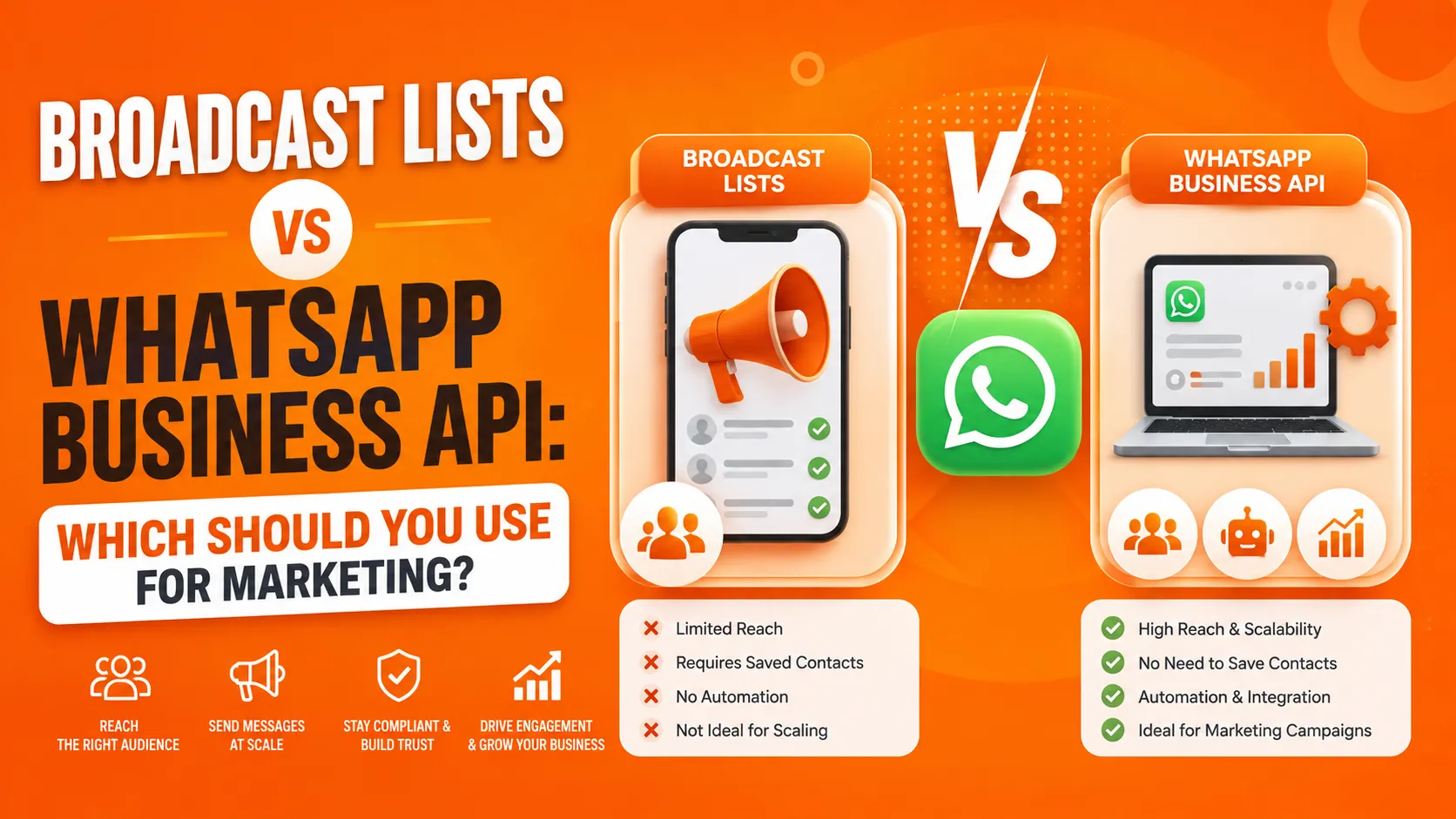
Its limitations are also built directly into its design: it supports only one active login (one phone, or the app plus linked devices tied to that same account), broadcast lists are capped at 256 contacts and only reach recipients who've saved your number, there's no way to programmatically integrate it with a CRM or backend system, and automation is limited to simple, fixed greeting and away messages — nothing resembling a real chatbot or workflow engine.
What the WhatsApp Business API Actually Is
The WhatsApp Business API is Meta's programmatic, enterprise-grade messaging infrastructure — the same underlying platform every serious WhatsApp automation software for small businesses solution is ultimately built on. Rather than a single app on a single phone, it's an API that connects your business systems directly to WhatsApp, either accessed directly by developers or, more commonly for small businesses, through a no-code platform built on top of it.
This unlocks capabilities the app simply can't offer: multiple team members working from a shared inbox instead of one phone, message templates and automated workflows triggered by real business events (an order status change, an abandoned cart, an appointment reminder), broadcast messaging without the 256-contact cap or the requirement that recipients have saved your number, and integration with CRMs, e-commerce platforms, and payment systems.
The Real Signs You've Outgrown the App
Rather than picking an arbitrary revenue or message-volume threshold, it's more useful to look at specific operational symptoms that indicate the app is actually holding your business back.
More Than One Person Needs to Answer Messages
This is usually the first and clearest signal. Once you have two or more people who need to respond to customer WhatsApp messages — even just you and one employee — the app's single-device limitation becomes a genuine operational bottleneck. Someone ends up locked out, messages get missed while the phone is with one person, and there's no way to see who already responded to what without physically checking the same device.
You're Manually Sending the Same Message to Many Customers
If you're regularly typing out or copy-pasting the same update — a new product announcement, a seasonal offer, a service reminder — to dozens or hundreds of customers individually or through the 256-contact broadcast cap, you're doing manually what the API's campaign and segmentation tools handle automatically, with proper delivery tracking your team currently has no way to see.
You're Losing Track of Customer Context
Without any structured record beyond WhatsApp's own chat history, it becomes genuinely hard to track which customer is at which stage — who's an active lead, who's already paid, who needs a follow-up. This is exactly the gap that CRM integration through the API closes, connecting your WhatsApp conversations to the same customer record your business already tracks elsewhere.
You Need Messages Triggered by Events, Not Just Sent Manually
If your business needs something like an automatic order confirmation the moment a sale happens, or a fee reminder that goes out automatically as a due date approaches, the app simply has no mechanism for this — every message has to be typed and sent manually by a person, every time. The API's ability to trigger messages from backend events is one of its most immediately practical advantages for a growing small business.
Your Contact List Has Outgrown Manual Segmentation
Once your customer base is large and varied enough that blasting the same message to everyone starts feeling wasteful or even risky — annoying customers who aren't interested in a specific offer — you need real segmentation, filtering by purchase history, location, or engagement, which the app has no capability to do at all.
When You Genuinely Don't Need to Upgrade Yet
It's worth being honest that not every small business needs to make this jump immediately, and upgrading before you actually need it means paying for and managing complexity you don't yet require.
If you're a solo operator or very small team handling a manageable volume of conversations from a single device, and you're not missing messages or losing track of customers, the free app may genuinely be serving you well. There's no inherent virtue in moving to the API earlier than your actual operational needs require.
If your customer communication is mostly reactive — customers occasionally message you, you reply, that's the extent of it — rather than something you need to proactively trigger or broadcast at scale, the app's core one-to-one messaging may cover your needs adequately for now.
What the Upgrade Actually Involves
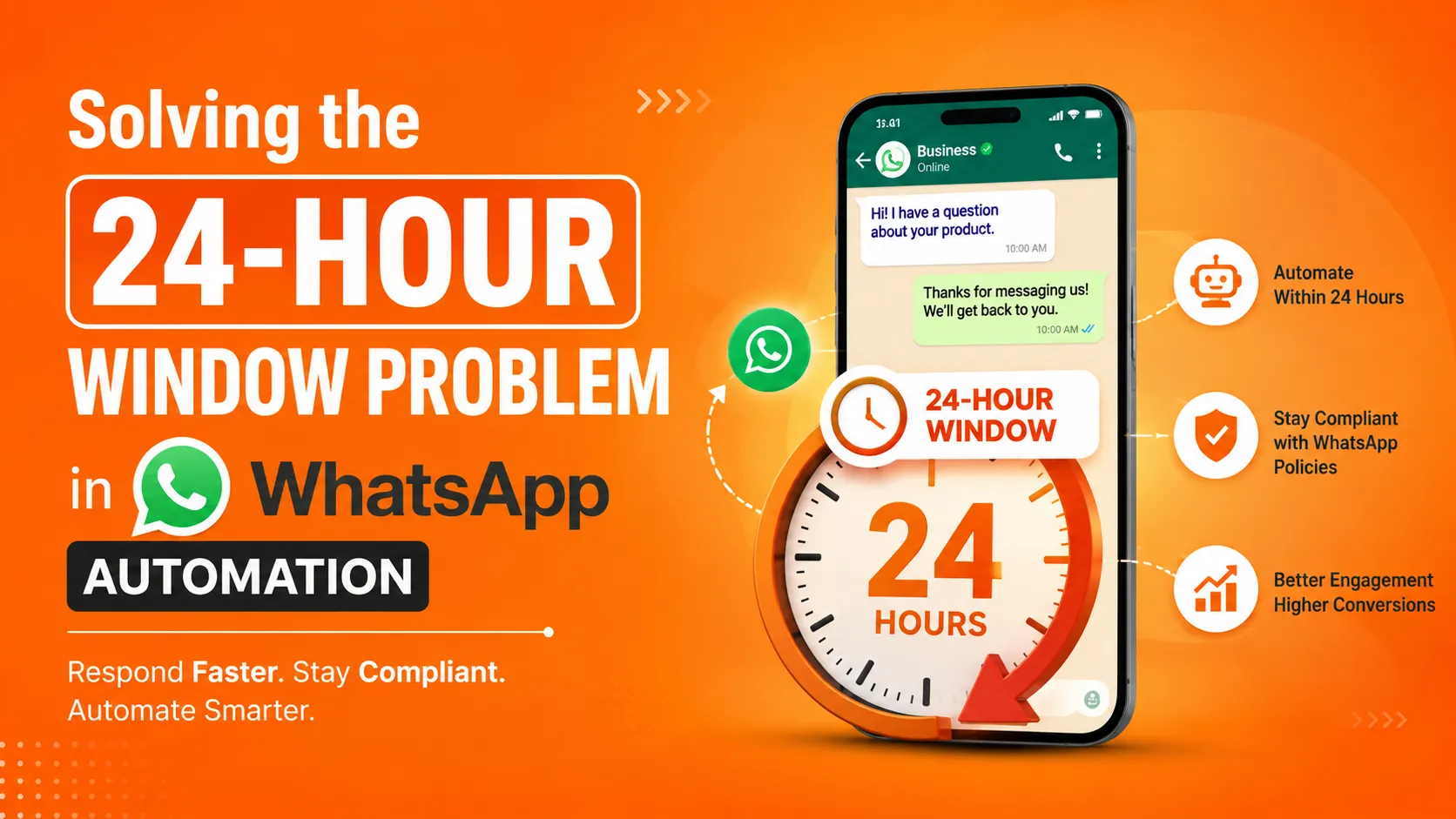
Moving to the Business API isn't a simple app download — it involves registering your business through Meta's verification process, choosing between direct API access (which requires development resources) or a no-code platform built by a Business Solution Provider (BSP), and setting up message templates for anything you plan to send outside active customer conversations.
For most small businesses without in-house developers, a no-code BSP platform is the realistic path, since it removes the technical integration work while still providing the API's core capabilities — shared inbox, segmentation, automation, and integrations — through a manageable dashboard interface rather than raw code.
What a No-Code Upgrade Path Actually Looks Like
It's worth looking at a concrete example of what this upgrade looks like in practice for a small business specifically evaluating WhatsApp automation software for small businesses. ItTalk by Imbibe Tech is built specifically around this transition — a Meta Authorised Tech Provider offering no-code setup with go-live in as little as 48 to 72 hours, meaning a small business can move from the app to full API capability without hiring a developer or managing a lengthy technical rollout. Its feature set directly addresses the specific gaps discussed above: a shared team inbox so multiple staff can manage conversations from one place instead of a single phone, a campaign engine with real segmentation — filtering by lead source, geography, or engagement history rather than blasting an entire contact list — and native integrations with common small-business tools like Zoho CRM, Shopify, WooCommerce, and Razorpay, so WhatsApp conversations connect directly to the systems a business already uses for sales and payments. Pricing starts at ₹990/month for the platform itself, with Meta's own conversation-based fees explained separately and transparently, rather than being bundled into an opaque combined cost.
This kind of platform illustrates the practical reality of the upgrade decision: moving to the API doesn't have to mean a complicated, developer-heavy migration — for a small business evaluating WhatsApp automation software for small businesses, a well-built no-code platform can close the exact operational gaps the free app leaves open, without requiring technical resources most small businesses don't have on staff.
A Practical Checklist Before You Decide
Count how many people currently need to respond to WhatsApp messages. If it's more than one, that alone is often reason enough to consider the upgrade.
Estimate how much time your team spends manually sending the same message to multiple customers. If this is a recurring, time-consuming task, automation through the API will likely pay for itself quickly in saved staff time.
Check whether you're losing track of customer context or follow-ups. If WhatsApp conversations exist disconnected from wherever else you track customers and orders, that disconnect is a real, ongoing cost worth solving.
Ask whether your business needs event-triggered messaging. If you can identify specific, recurring moments — a sale, a booking, a payment due date — where an automatic message would save real manual effort, that's a strong signal the API's automation capability directly addresses a concrete need.
Weigh the ongoing cost honestly against the operational time it saves. The API and any platform built on it carry a real, ongoing cost — but for a business with genuine bottlenecks in the areas above, that cost is usually smaller than the value of the staff time and missed-message risk the upgrade eliminates.
The Bottom Line
The WhatsApp Business App and the WhatsApp Business API aren't a smaller and larger version of the same tool — they're built for fundamentally different scales of operation. The app serves a solo operator or very small team handling a manageable volume of reactive conversations well. The API exists for exactly the moment a business outgrows that model: multiple people needing shared access, messages that need to be automated rather than manually typed, and a customer base large enough that segmentation and integration genuinely matter.
The right time to upgrade isn't a specific revenue number or employee count — it's the moment you recognize your business is already running into one or more of the specific limitations described above. At that point, a no-code API platform gets you the operational capability you actually need, without requiring the kind of technical resources most small businesses don't have the luxury of hiring just to manage a messaging channel.


























Sign in to leave a comment.