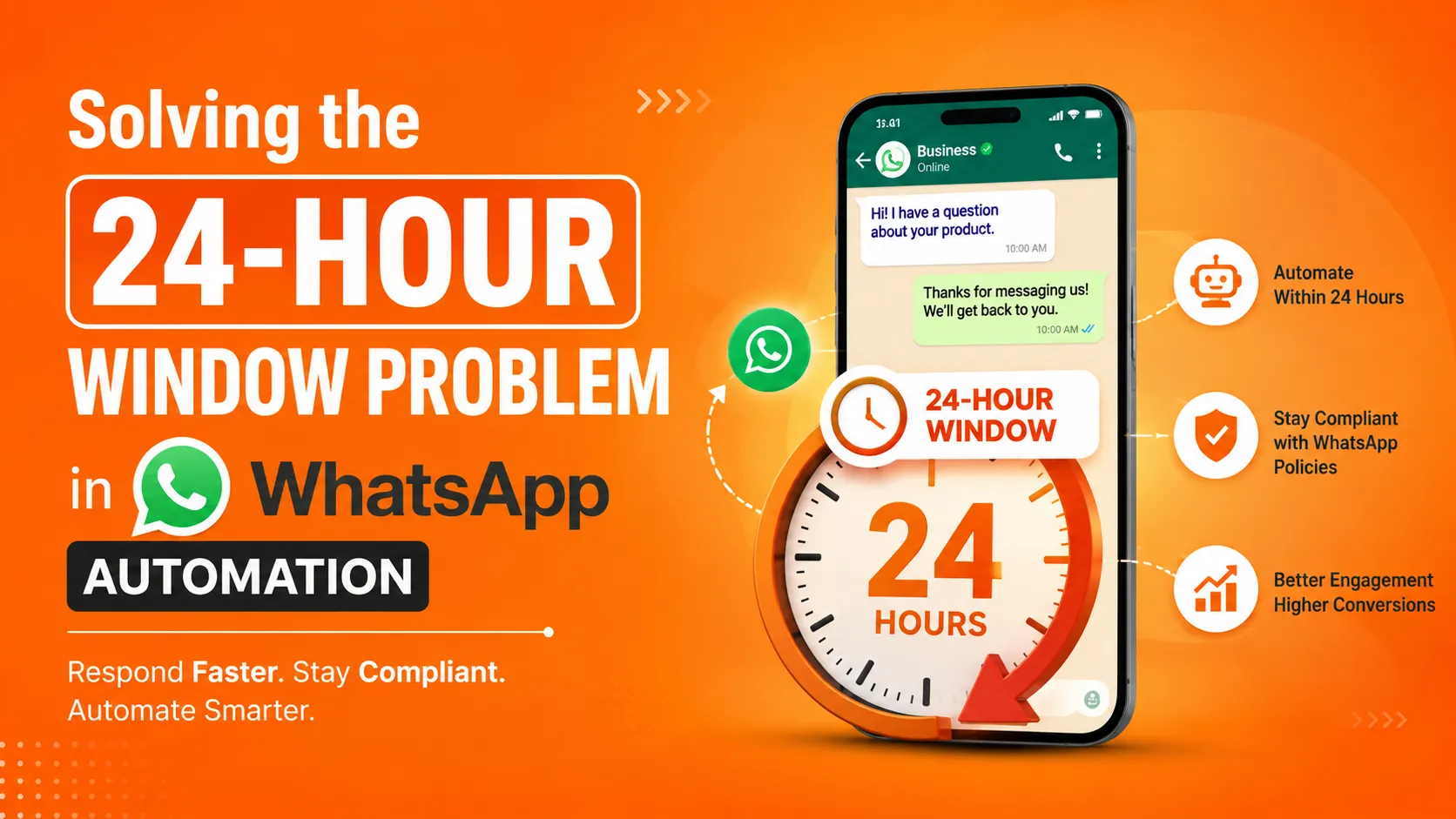

If you've built anything on top of the WhatsApp Business API, you've run into it eventually: a customer messages you, your automation replies perfectly, and then — nothing. Twenty-five hours later you try to send a helpful follow-up, and it fails. Not because your code is broken, but because you've hit WhatsApp's 24-hour customer service window, and free-form messaging outside that window simply isn't allowed.
This single rule trips up more WhatsApp automation projects than almost anything else. It's not complicated once you understand it, but it has to be designed around from the start — bolting it on after the fact usually means rebuilding a chunk of your messaging logic. This article walks through what the window actually is, why it exists, where teams get it wrong, and the concrete patterns that solve it cleanly.
What the 24-Hour Window Actually Is
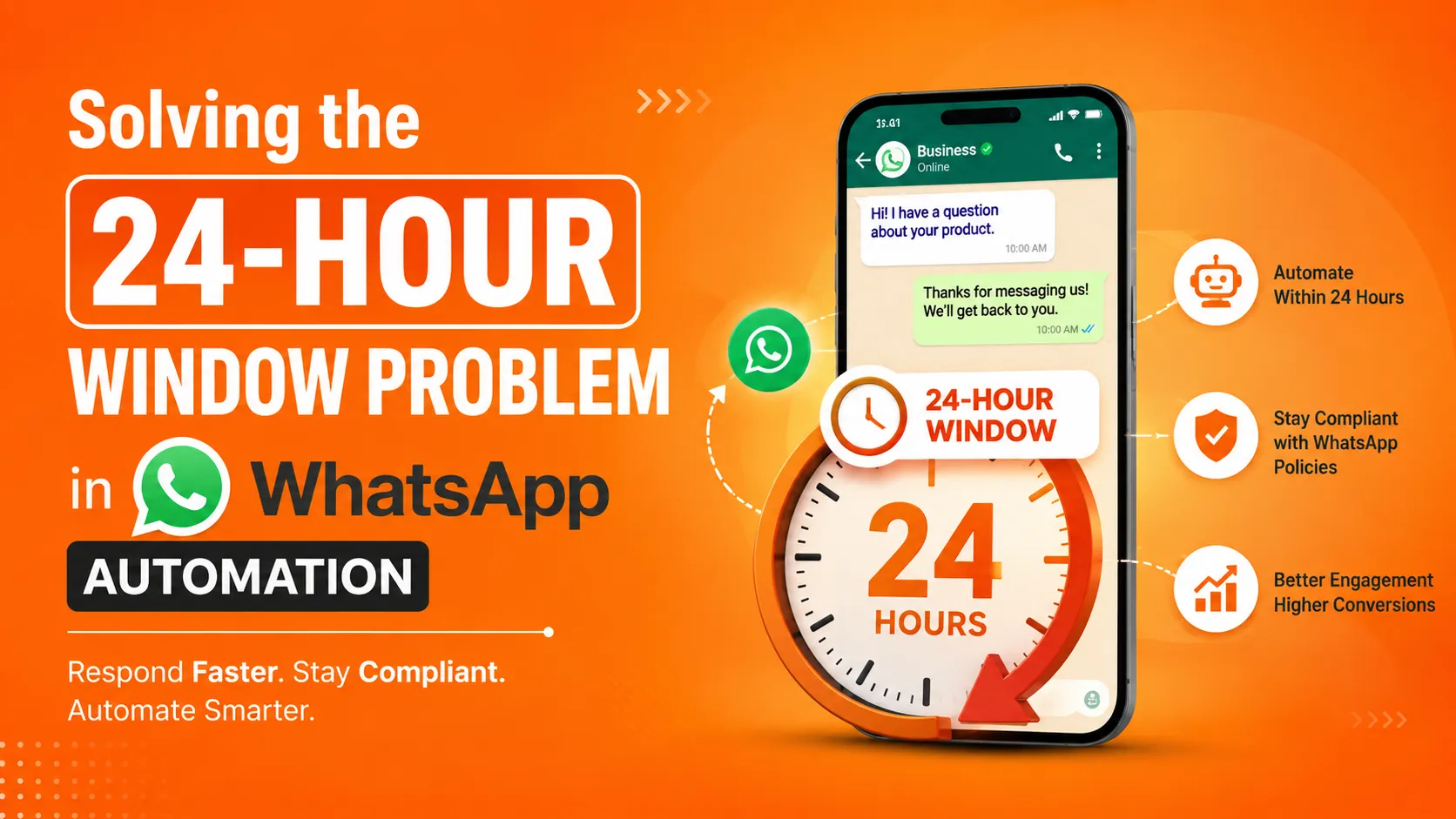
Every time a customer sends your business a WhatsApp message, it opens a 24-hour window during which you can reply with free-form text — anything you want, formatted however you want, no restrictions. Once 24 hours pass since their last message, that window closes. From that point on, you can only send pre-approved message templates, with a fixed structure and specific variable placeholders, until the customer messages you again and reopens the window.
The rule exists to protect users from being spammed. Without it, any business with your number could message you indefinitely with unrestricted content. By requiring pre-approved templates outside an active conversation, Meta keeps unsolicited business messaging predictable and reviewable, while still allowing rich, natural conversation once a customer has actually engaged.
Why This Trips Up So Many Automation Builds
The window itself is a simple rule. The problem is that most teams design their message-sending logic first and only discover the window's implications once something breaks in production.
Support conversations that span more than a day. A customer messages with an issue on Monday evening, your team looks into it, and by the time there's an update, more than 24 hours have passed. The system tries to send a free-form update and the API call fails — because nobody designed for messages that need to survive across the window boundary.
Delayed transactional updates. An order status changes two days after the customer's last message. Without template infrastructure in place, that update simply can't go out as originally coded.
Marketing and re-engagement flows. Any campaign trying to reach customers who haven't messaged recently runs straight into this wall, because by definition, most of that audience is outside the 24-hour window.
Silent failures in production. Perhaps the most damaging version of this problem: a send call fails because the window closed, but the failure isn't handled gracefully, so the message is just lost — and nobody notices until a customer complains that they never got a promised update.
The Core Fix: Design Around the Window From the Start
The most important shift is architectural, not tactical: stop treating "send a message" as a single, unconditional action. Every outbound message in your system should first check whether the window is open, and branch accordingly.
javascript
async function sendCustomerMessage(waId, freeformText, templateFallback) { const state = getConversationState(waId); const windowOpen = isWithin24Hours(state.lastCustomerMessageAt); if (windowOpen) { return sendFreeformMessage(waId, freeformText); } return sendTemplateMessage(waId, templateFallback.name, templateFallback.variables); }
This single pattern — checking window status before every send, rather than assuming it's always open — eliminates the majority of the failures teams run into. It does mean every message you might need to send outside the window needs a corresponding approved template ready to go, which brings us to the next piece.
Building a Template Library That Actually Covers Your Needs
A common mistake is treating templates as an afterthought — something you'll deal with if a send fails, rather than something you plan proactively. A better approach is to audit your messaging flows ahead of time and identify every message that could plausibly need to go out after the window closes, then get templates approved for each of those cases before you need them.
Typical categories worth having pre-approved templates for:
- Order and delivery status updates — since these often need to go out days after the original message
- Appointment reminders — frequently scheduled well outside the original conversation window
- Support follow-ups — for cases that take longer than 24 hours to resolve
- Re-engagement messages — for reaching customers who haven't interacted recently
Each template needs to be submitted to Meta for review and approval, categorized correctly (Utility, Marketing, or Authentication), and written in a way that's genuinely templated — with variables for the parts that change, rather than trying to smuggle free-form flexibility into a structure that's meant to be fixed and predictable.
Handling the Boundary Gracefully
Even with templates ready, there's a subtler problem: what happens to a conversation that's actively straddling the boundary? A support ticket that's still open when the window closes shouldn't just go silent.
A clean pattern here is to track the window's remaining time and proactively prompt the customer before it closes, if there's an active, unresolved conversation:
javascript
function checkWindowExpiry(state) { const hoursRemaining = 24 - hoursSince(state.lastCustomerMessageAt); if (state.stage === 'open_ticket' && hoursRemaining < 1 && !state.expiryWarningsSent) { sendFreeformMessage( state.waId, "Just checking in — I'll follow up on this soon. If you don't hear back within a bit, feel free to message me again anytime." ); state.expiryWarningsSent = true; } }
This isn't strictly necessary from a compliance standpoint, but it noticeably improves the experience for the customer, since it avoids the abrupt silence that otherwise happens once free-form messaging is no longer available.
Providers That Handle This Differently
Not every WhatsApp automation platform manages this problem the same way, and it's worth understanding what a given provider actually does before you build around it. Some platforms leave window management entirely to the developer — you're responsible for tracking timestamps and triggering template fallbacks yourself. Others build window tracking and automatic template fallback directly into their sending logic, so a call to "send this message" automatically routes to a template if the window has closed, without your application code needing to check manually.
ItTalk by Imbibe Tech, for instance, is built with this kind of automatic handling as part of its no-code automation layer — since it's aimed at businesses without dedicated engineering teams, template fallback and window tracking are handled inside the platform itself rather than something a developer has to wire up manually. That's a meaningful difference if your team doesn't want to build and maintain this logic in-house, versus a lower-level API provider like Twilio or 360dialog, where you're expected to implement window-awareness yourself on top of the raw API.
Neither approach is wrong — it depends on whether your team wants to own this logic directly or have a platform manage it for you. But it's a genuinely important question to ask any provider during evaluation: "What happens automatically when the 24-hour window closes on an active conversation?" A vague answer to that question is a sign you'll be building the safety net yourself either way.
Common Mistakes Worth Avoiding
Not tracking lastCustomerMessageAt accurately.
Every incoming customer message resets the window — not just the first one in a conversation. Miss this, and your system will incorrectly think the window is open (or closed) at the wrong times.
Submitting templates too close to when you need them.
Template approval isn't instant, and rejections happen — sometimes over category misclassification, sometimes over borderline promotional language in what should be a strictly transactional template. Build your template library well ahead of launch, not the week you need it live.
Treating template messages as a lesser fallback rather than designing them properly. Because templates are more restrictive, it's tempting to write them hastily, assuming they're a rare edge case. In practice, if your messaging spans any meaningful time gap, template sends can represent a significant share of your total outbound volume — they deserve the same care as your free-form copy.
Silent failures on blocked sends.
If a send call fails because the window is closed and there's no template fallback configured, make sure that failure is logged and surfaced — not just swallowed. A missed customer update because of an unhandled window-closure error is a preventable, embarrassing failure mode.
The Bottom Line
The 24-hour window isn't an obscure technical detail — it's a fundamental constraint that shapes how any serious WhatsApp automation system has to be architected. Teams that design around it from the beginning, with proactive template libraries and window-aware sending logic, rarely think about it again once it's built. Teams that discover it in production usually end up scrambling to retrofit template infrastructure onto a system that assumed free-form messaging would always be available.
Whether you build that window-awareness yourself on a lower-level API, or rely on a platform like ItTalk that handles it automatically as part of its automation layer, the key is making sure someone — your code or your provider — is actually accounting for it, rather than discovering the hard way that a message silently failed to send.
























Sign in to leave a comment.