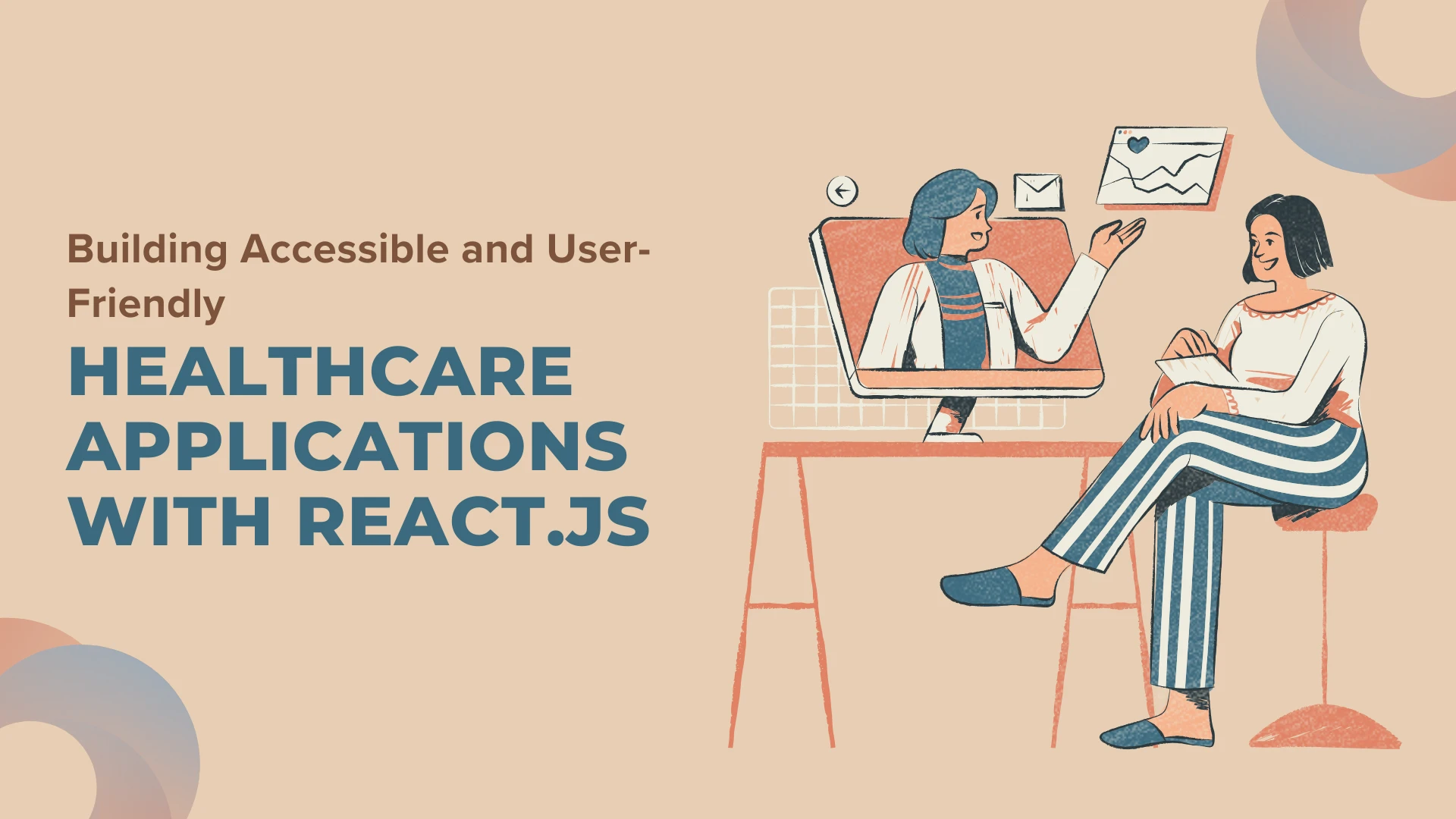

Nowadays, digital applications in healthcare have been contributing to efficient communication between patients and doctors. To achieve this goal, developers design the applications to be user-friendly and to be inclusive of everyone, including those with disabilities. React.js, a commonly used JavaScript library, is an excellent way to make your user interfaces interactive. This article intends to be an introduction to building healthcare applications that are not only user-friendly but also ones that can be easily handled with React.js, which will highlight simplicity and practicality.
Why Accessibility and User-Friendliness Matter
Accessibility is the way to go in creating an application that everybody, without expectations, can use, especially people who have visual, hearing, mobility, or cognitive impairments. User-friendliness is the main focus, as it’s about making it intuitive and easy to use, no matter how technical the user is.
For healthcare applications, these principles are crucial because:
- The apps are the medium through which patients avail essential services like appointment scheduling, medication management, and telehealth.
- Healthcare providers apply applications to complete the patient information in a time-efficient way.
- Legal standards, such as the Americans with Disabilities Act (ADA) and Web Content Accessibility Guidelines (WCAG), are the two among the numerous legal standards that require digital products’ accessibility.
Benefits of Using React.js for Healthcare Applications
React.js is widely chosen for healthcare app development due to the benefits of ReactJS, including its component-based structure and performance optimization.
- Reusable Components: React’s component-oriented structure guarantees quick and easy development and maintenance.
- Virtual DOM: Fast rendering and better performance are not a problem with technology like the Virtual DOM, which is a must for real-time updates in healthcare apps.
- Rich Ecosystem: Libraries and tools that are more adroit in dealing with state, routing, and accessibility.
- Community Support: The developer community is there digitally to provide not only resources but solutions for common problems in health IT.
Understanding React.js: A Brief Overview
React.js by Facebook is an open-source JavaScript library. React.js, specifically, was created to build user interfaces that are particularly used as single-page applications, where the data of a user and the application can change with user actions without even refreshing the whole page. Here are some of its key features:
1. Component-Based Architecture
React applications are comprised of small, reusable components that control their own state. This modularity makes it easier to develop and maintain complex applications like healthcare systems.
2. Virtual DOM
The Virtual DOM brings efficiency to rendering, as it updates only the parts of the UI that change, thereby increasing the performance speed. This feature is especially important for healthcare apps that need real-time data updates.
3. Unidirectional Data Flow
With React’s unidirectional data flow, it is ensured that the data structure is predictable, thus making debugging and state management easier.
4. Integration with Modern Tools
React has a clear and smooth integration with Redux for state management, React Router for assisted navigation, and accessibility tools for creating strong and powerful applications.
5. Ecosystem and Community
A wide range of React ecosystem tools and libraries that are used for testing, styling, and accessibility improvements are available. Additionally, the huge and highly active community gives it full support, tutorials, and plugins.
Steps to Build Accessible and User-Friendly Healthcare Applications
1. Understand User Needs
Begin with finding the needs of your target audience by doing research. This may be people who are patients, caregivers, or healthcare providers. To find out problems and desired characteristics, you may talk to people to get useful data. Conduct user interviews, surveys, and usability tests to identify pain points and desired features.
2. Adhere to Accessibility Guidelines
To make sure your application complies with accessibility standards, follow the Web Content Accessibility Guidelines (WCAG). Here are the critical points to bear in mind:
- Perceivable: Both the user interface components and the information must be in a form that users can perceive.
- Operable: The users must be able to find the menu and operate it to navigate the interface.
- Understandable: For the convenience of the user, the resources must be quite clear, and they should be comprehensive to all the users.
- Robust: The application should work with various assistive technologies.
3. Use Semantic HTML
Semantic HTML is important for the implementation of accessibility as it helps screen readers interpret and navigate content efficiently. The use of tags like <header>, <section>, and <footer> is for effective structuring and a clear understanding of the content.
4. Implement ARIA Attributes
ARIA (Accessible Rich Internet Applications) attributes are an indispensable tool for providing a better user experience for individuals who rely on assistive technologies. They can be used to embed aria-live for dynamic content updates and aria-label for buttons and links.
5. Ensure Keyboard Navigation
For many users who have limited movement abilities, a keyboard can be used as an accessible device that allows the user to navigate and interact with your application. Proper focus management and logical tab order make this feature more convenient.
6. Provide Text Alternatives for Media
If we attach alt text to images and provide captions or transcripts for videos, we can make sure that the content is accessible to visually and auditorily impaired users. This measure is of prime importance when it comes to fulfilling accessibility standards.
7. Test with Accessibility Tools
Utilizing testing tools like axe-core, Lighthouse, or screen readers such as NVDA and VoiceOver has proved to be a powerful way to locate errors and failures, thus ensuring the accessibility of your software.
8. Optimize Performance
To ensure that healthcare applications always work smoothly, enhancement of performance is crucial. Techniques include:
- In ReactJS in Development, React hooks, for instance, useMemo, which can be effectively used to reduce unnecessary rendering, thus improving website performance.
- Implementing code-splitting and lazy loading for faster load times.
9. Prioritize Responsive Design
Plenty of individuals are using mobile devices to access healthcare applications, so making them responsive is very important. Using CSS frameworks like Bootstrap or Tailwind CSS and responsive UI libraries like Material-UI will make it possible to achieve this.
10. Secure User Data
In healthcare applications, data security is the most important thing. By way of example, it is possible to maintain user trust and safety by proper encryption protocols, regular security audits, and compliance with such standards as HIPAA.
Additional Best Practices for Healthcare Applications
a. Simplify User Interface
By clearing away the clutter and enhancing the user interface with intuitive elements, cognitive load is reduced, which in turn makes it easier for the users to navigate through the app. A user-friendly experience is a result of clear labels, consistent layouts, and minimally designed principles
b. Enable Multi-Language Support
Healthcare apps often need to serve diverse populations. By offering multi-language support, these apps can increase inclusivity and make it easier for non-native speakers to use.
c. Focus on Scalability
With the expansion of healthcare apps, the number of users also rises, and consequently, the features grow as well, and thus, scalability becomes essential. React’s modular architecture, which merely aids gradual progress, is the core of its flexibility that results in smooth and limited scale back without the need for major reworking.
d. Incorporate Telehealth Features
The demand for telehealth features, such as video conferencing, secure messaging, and remote monitoring, is increasing. These features not only improve convenience but also expand access to care.
e. Integrate with Wearables and IoT Devices
Integration with wearable devices and IoT can provide real-time health monitoring and insights. React’s robust ecosystem supports such integrations effectively.
Case Study: Enhancing Patient Engagement with a Healthcare App
One example of building healthcare platforms is creating an app that helps manage chronic conditions. The services that are provided may involve scheduling a meeting, having medication reminders, and monitoring your health. By applying accessibility and user-friendliness principles:
- Users who are visually impaired can use screen readers and alt text to help them navigate.
- Keyboard navigation is what makes sure that people with mobility issues can use the app.
- Providing multiple languages and support broadens the app’s reach across diverse communities.
Patient engagement and satisfaction can be significantly improved by these enhancements, and thus, the influence of accessible design is acknowledged.
Conclusion
Developing healthcare applications that are accessible and user-friendly by using React.js is based on knowing user requirements well, meeting the accessibility standards, and adding React’s functions to it. Through the pursuit of accessibility, performance, security, and scalability, developers can create applications that will still cater to the complex needs of modern society while still adhering to regulatory requirements.
Healthcare applications that are created with accessibility and user experience as top priorities are some of the important ways of bridging gaps in healthcare delivery, and in this way, can equally provide a game-changing power for everyone. The use of the applications is really spreading a lot, and they are closing the gaps in the healthcare system.





























Sign in to leave a comment.