
Getting a new client through the door is only half the job. The real revenue in a salon or spa doesn't come from first visits, it comes from the fifth, the tenth, the fiftieth. Yet most salons pour their marketing budget into attracting new faces while barely tracking whether those same clients ever come back. That's backwards. Acquiring a new client typically costs far more than keeping an existing one, which means retention isn't just a nice metric to watch, it's one of the cheapest ways to grow revenue you already have.
The tool that makes this possible is your client management system, or CRM. Done right, it's not just a digital address book. It's the thing that tells you who's about to churn, who's ready for an upsell, and who hasn't been back in ninety days and needs a nudge before they forget you exist. This post walks through how to actually use CRM data to build a retention system, not just store client names.
Why Most Salons Lose Clients Without Noticing
A client doesn't usually announce that they're leaving. They just quietly stop booking. No complaint, no goodbye, just a gap that gets longer until it's permanent. By the time an owner notices a client hasn't been in for six months, that client has often already found a new salon.
This happens for a few common reasons. There's no system tracking visit frequency, so drop offs go unnoticed until it's too late. There's no personalization, so every client gets the same generic marketing blast regardless of what they actually book. There's no follow up after a service, so feedback and small issues never surface until the client has already decided not to return. And there's no rebooking prompt at checkout, so the next appointment depends entirely on the client remembering to call.
Every one of these is fixable with data your CRM is probably already collecting, just not using.
What Your CRM Should Actually Be Tracking
A CRM that only stores names and phone numbers is barely doing its job. For retention to work, it needs to track the details that reveal patterns in client behaviour.
Visit frequency and gaps. How often does this client typically come in, and how does that compare to their actual last visit? A client who usually books every six weeks and is now at ten weeks is a flight risk worth flagging.
Service and product history. What have they booked before, what products have they bought, and what does that suggest about what they might want next.
Spend patterns. Are they a high value client worth a personal touch, or someone who books the cheapest service and never upgrades.
Preferences and notes. Allergies, preferred stylist, preferred appointment times, anything that makes the next visit feel tailored rather than generic.
Communication history. What messages have already been sent, so clients aren't bombarded with the same offer twice or ignored entirely.
This is exactly the kind of tracking a proper client management CRM is built for, pulling all of it into one place instead of scattering it across sticky notes and staff memory.
Turning CRM Data Into an Actual Retention System
Data sitting in a database doesn't retain anyone. It only works once it triggers action. Here's how that looks in practice.
1. Automate the Rebooking Prompt
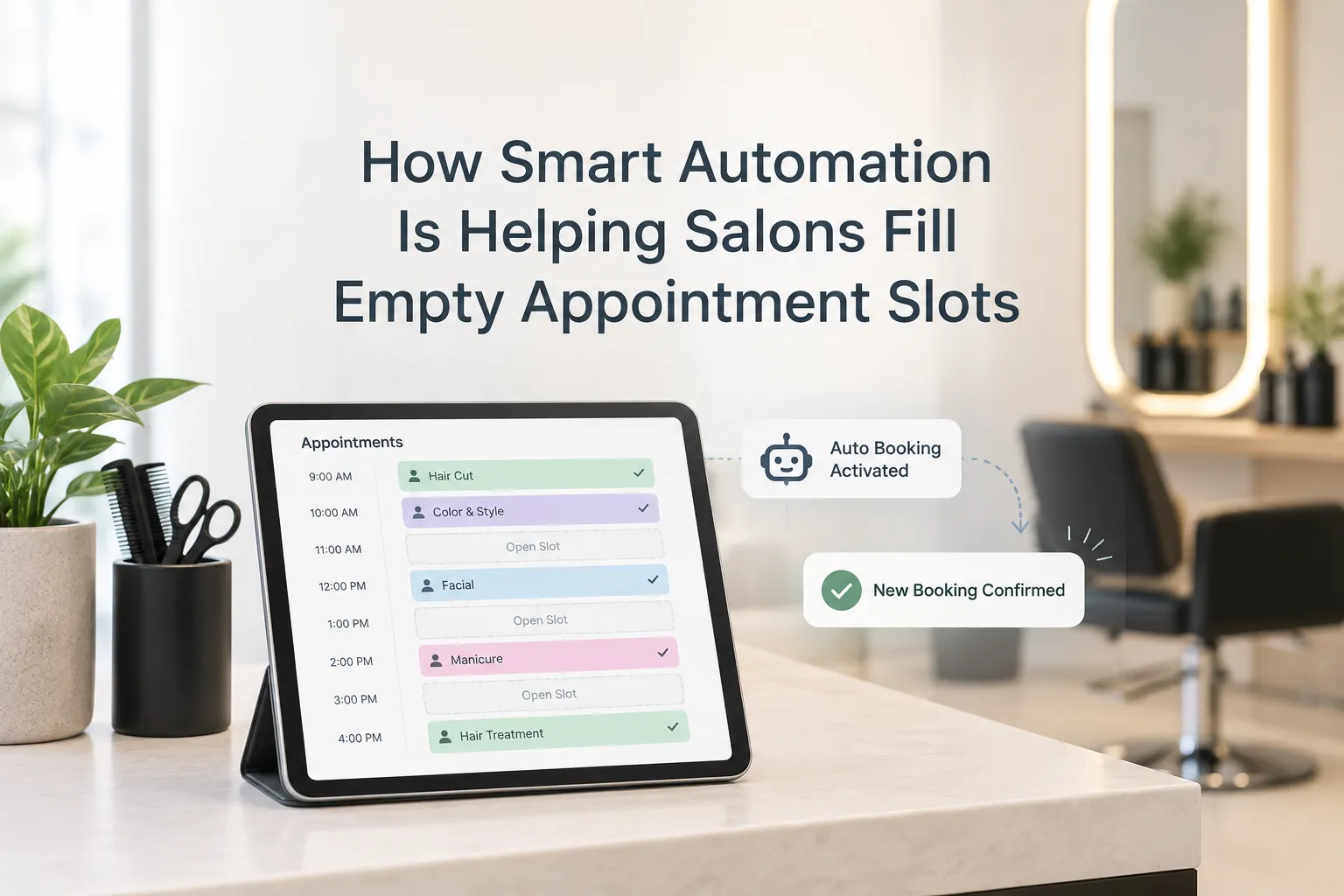
The best time to book a client's next appointment is while they're still in the chair, not three weeks later when they've forgotten. If in person rebooking doesn't happen, an automated prompt sent a few days after the visit, timed to their usual cycle, keeps the next appointment on the calendar without relying on the client to initiate it.
2. Flag Clients Who Are Overdue
Set a threshold based on each client's typical visit frequency, and let the system flag anyone who's gone quiet past that window. A short, personal check in message to a client who's overdue often recovers a booking that would otherwise have been lost for good.
3. Personalize Based on History, Not Guesswork
A client who always books color touch ups doesn't need a generic haircut promotion. A client who buys retail product every visit is a good candidate for a loyalty offer on that specific product. CRM data makes this kind of targeting possible instead of sending the same blast to every contact on the list.
4. Segment Your Client Base
Not every client deserves the same outreach. New clients need a strong first impression and a reason to rebook quickly. Regulars need recognition and small perks that reward loyalty. At risk clients, the ones overdue for a visit, need a different message entirely than someone who was just in last week.
5. Track Retention as a Real Metric
Most salons track revenue and bookings but never actually measure retention rate itself, how many first time clients return for a second visit, and how many of those become regulars. Without measuring it, there's no way to know whether any of the above is actually working.
From First Timer to Regular: The Real Window
The first 90 days after an initial visit are the most important window in the entire client relationship. A first timer who rebooks within that window is far more likely to become a long term regular than one who doesn't. This is where automated CRM triggers matter most, since the follow up after a first visit is exactly the kind of task that gets skipped when a salon is busy and short staffed.
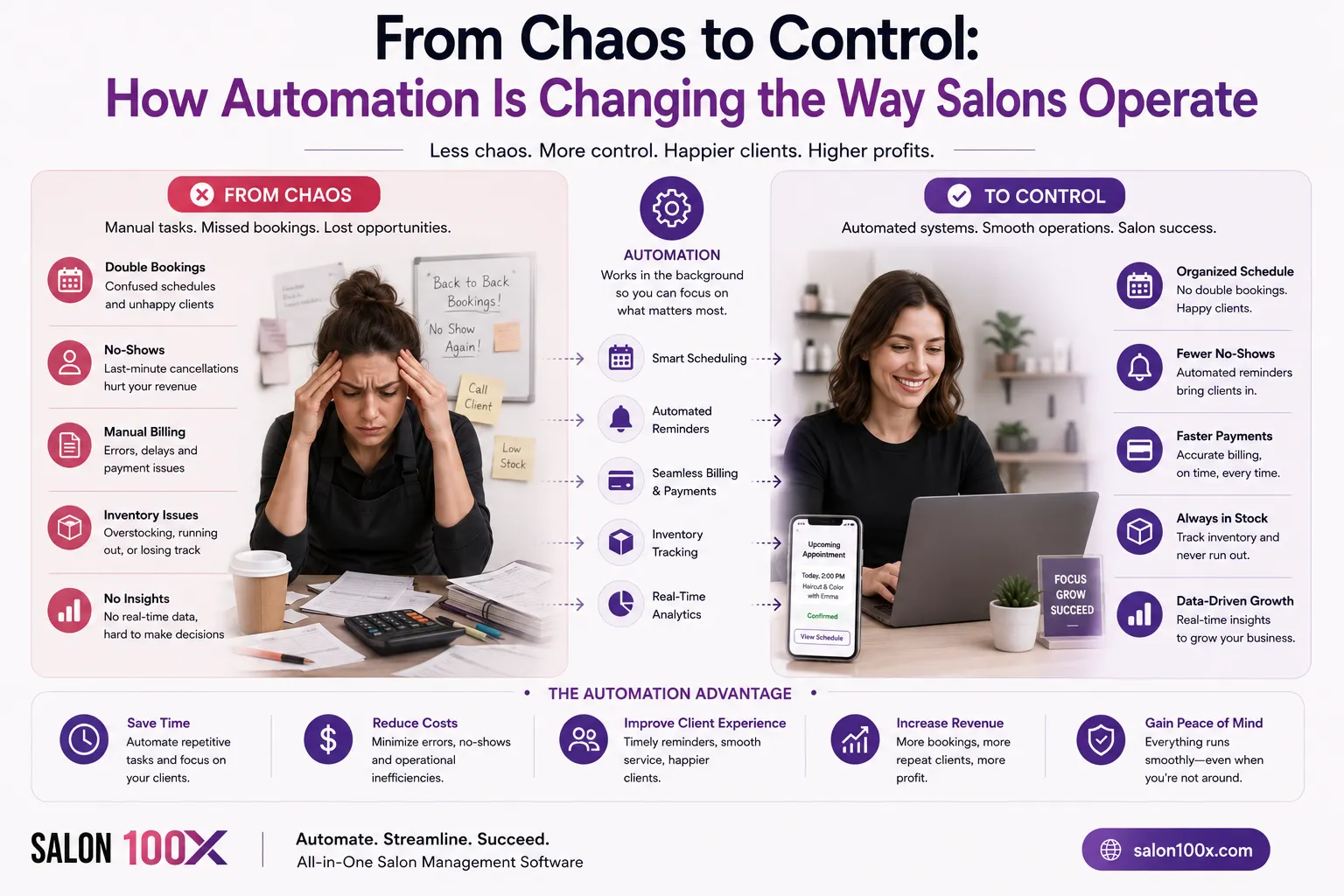
This same principle shows up across service businesses generally. In a similar way that automated reminders reduce no shows by removing reliance on staff memory, automated retention triggers remove that same reliance from the rebooking process. The system does the remembering so your team doesn't have to.
Making It Work Across Multiple Locations
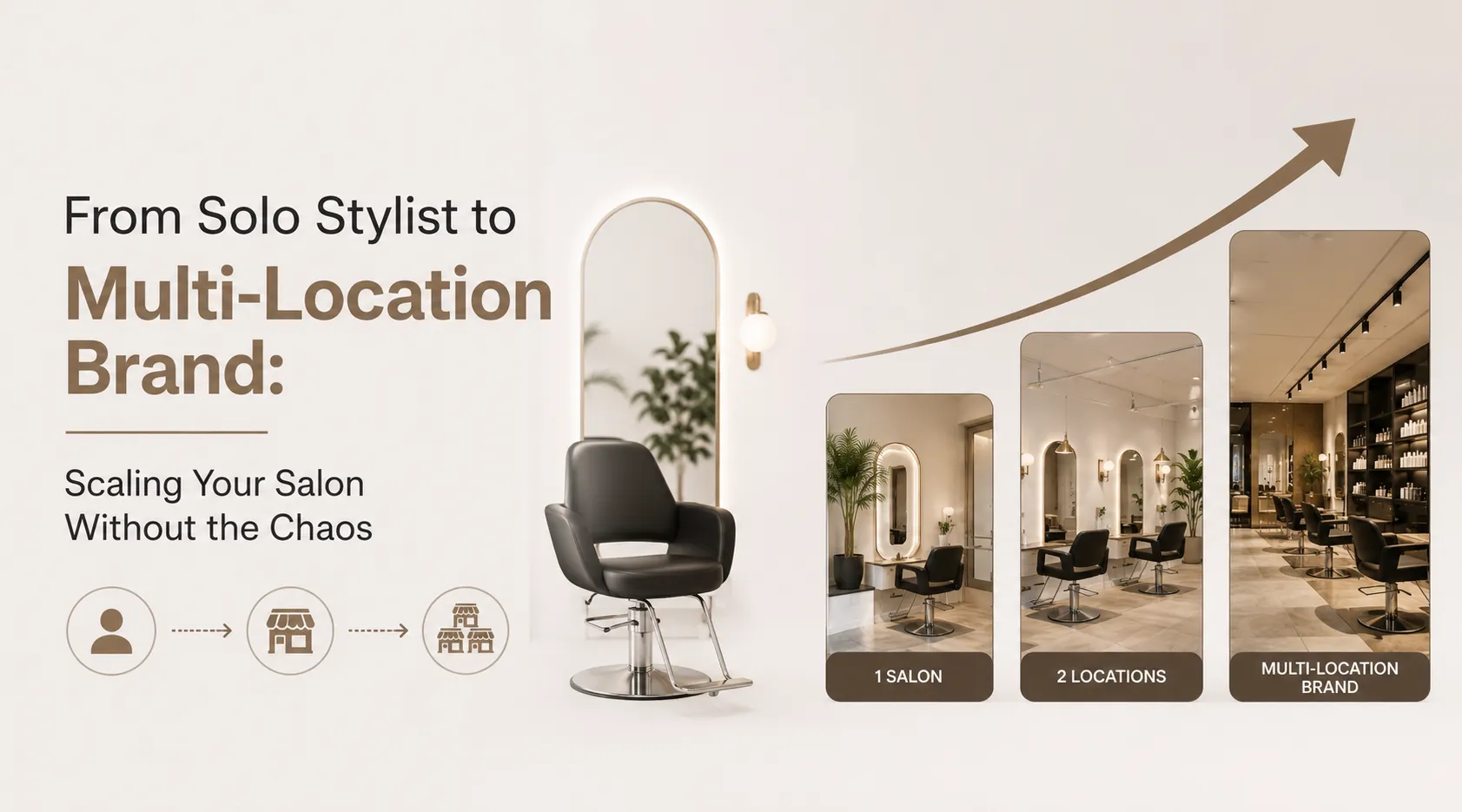
Retention gets harder to manage as a business grows. A single stylist can remember their regulars by name. A five location salon group can't rely on memory at all. Centralized salon management software that shares client data across every location means a client's history follows them, even if they book at a different branch, and no location is working from a blank slate.
Salon100x brings booking, CRM, and retention automation into one platform, so first time clients get the follow up they need to come back, and regulars get the recognition that keeps them coming. If your salon has more first time clients than repeat ones, it's worth booking a free demo to see what a proper retention system looks like in practice.
FAQs
What is a good client retention rate for a salon? Somewhere between 60 and 70 percent is generally considered strong for salons and spas. Below 40 percent usually points to a gap in rebooking or follow up rather than service quality alone.
How soon should a salon follow up after a client's first visit? Within the first two weeks is ideal, and definitely before the client's typical rebooking window closes. Waiting longer than that significantly lowers the chance they return.
What CRM data actually improves retention? Visit frequency, service history, spend patterns, and communication history matter most. These reveal who's overdue, who's a flight risk, and who's ready for a personalized offer.
Is client retention more important than acquiring new clients? Both matter, but retention is usually far cheaper and has a bigger impact on revenue, since regulars book more consistently and are more likely to buy retail and refer others.
Can small salons benefit from CRM based retention, or is it only for bigger businesses? Small salons benefit just as much, if not more. A missed regular client is a bigger percentage hit to revenue for a small team than for a large multi location business.
























Sign in to leave a comment.