
EMAIL MIGRATION · TUTORIAL
Reading time: 5 min | May 2026 | NSF to PST · IBM Notes · Outlook Migration
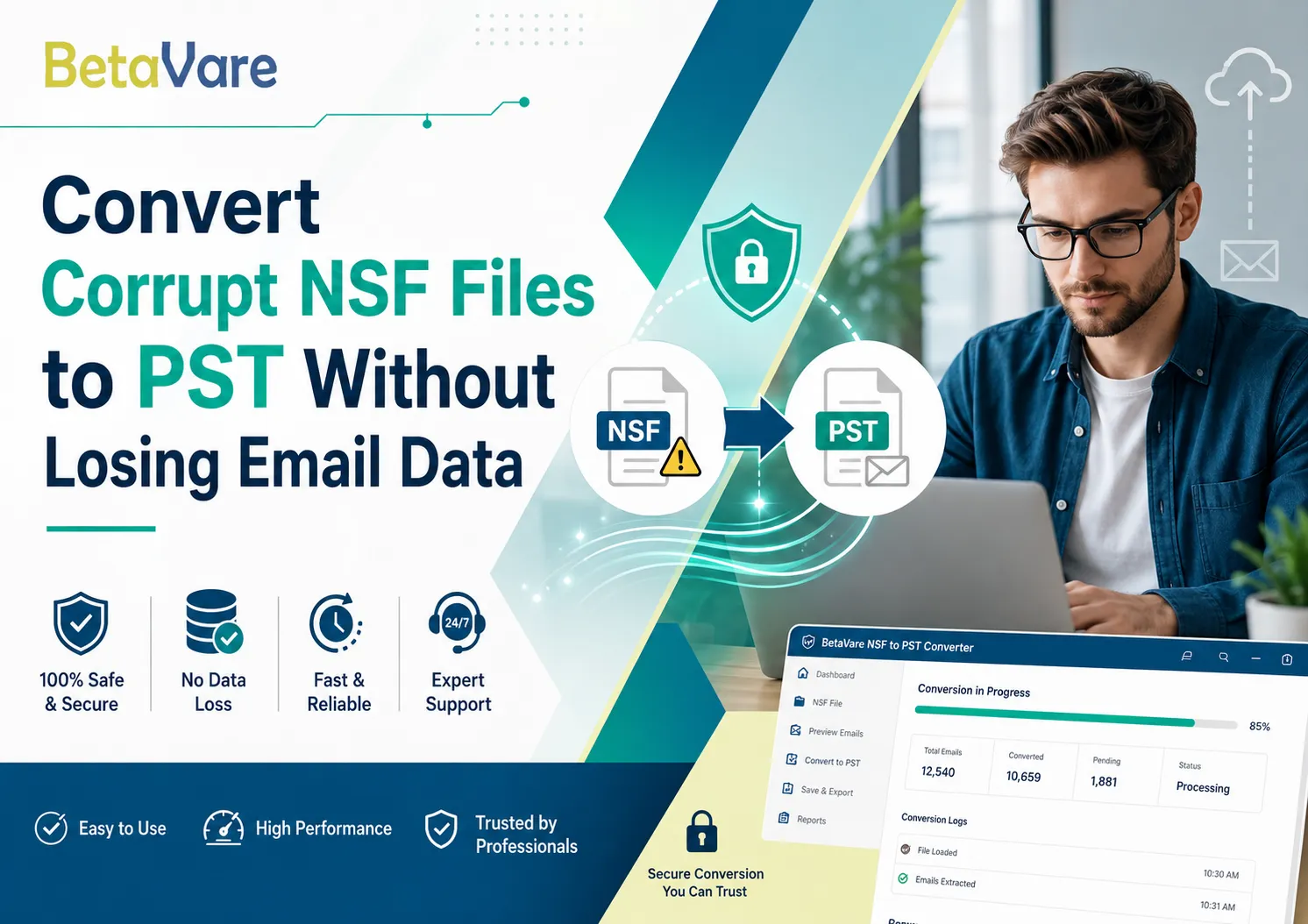
For those who depend upon IBM Notes as their primary means of communication, the inability to access an NSF file can lead to far worse consequences than simply being inconvenienced. In case of system crashes, shutdowns, or even just corruption of the data, NSF files become unreadable and result in the loss of valuable emails. But don’t worry; there is now a way to BetaVare Convert your corrupt NSF files to PST, and not one email will be lost in the process.
Quick insight: NSF (Notes Storage Facility) files store all IBM Notes mailbox data — emails, contacts, calendars, and tasks. PST (Personal Storage Table) is Microsoft Outlook's native format. Moving between them does not have to mean losing data.
Why NSF Files Become Corrupt in the First Place
It is only by understanding the problem at its core that you can be sure not to have the problem again in the future. NSF files may get corrupted for several different reasons, namely, sudden shut-down while running Notes applications, malfunctioning hard drive, large mailboxes that exceed capacity restrictions, infection with viruses, or migration problems.
But the worst feeling is when your IT staff is working against a deadline to move from Lotus Notes to MS Outlook, and the data seems totally unusable. It's here that an NSF to PST converter comes to the rescue.
What to Look for in a Reliable NSF to PST Conversion Tool
However, not all migration tools have adequate functionality for processing corrupt source files. The following is what sets professional software apart from simple converters:
- Data Integrity: Ensures email headers, embedded pictures, digital signatures, and directory structure are preserved during conversion.
- Prior to conversion preview: Check all items before exporting – no guesswork.
- Either selective or full export: Select individual folders like Inbox, Sent, and Drafts, or perform a full NSF mailbox export at once.
- NSF Password protection: Supports encrypted NSF files and does not require Domino Server access.
How to Convert a Corrupt NSF File to PST: Step-by-Step
Here is a simple step-by-step procedure to extract and export the Lotus Notes mailbox emails into Outlook PST, despite the NSF file being corrupted or inaccessible.
Step 1 – Installation and running of the utility software
Download the application and set it up on a Windows system where IBM Notes application is installed but without setting up any profile in it. No need to have Domino server access here, which makes the entire conversion process very easy.
Step 2 – Loading of the corrupted NSF mailboxes
Click the browse button to specify the inaccessible NSF file in question. The utility instantly starts analyzing its file structure and tries to recover whatever is there in it.
Step 3 – View recoverable data
Upon completion of scanning, an overview of all the recoverable folders and items like emails, contacts, calendar entries, tasks, and notes are shown. One can expand any of the nodes and view individual messages before exporting. This will help in making sure that all desired items are exported during the NSF to PST conversion process.
Step 4 – Choose and export selected data in PST format
Select all the folders or individual items for export. Now, click on export, select PST as the file format, specify the location for export and wait for the engine to do its magic. The size of the NSF file and the number of items in the NSF file do not affect the operation of the software.
Step 5 – Import PST files into MS Outlook
Now open MS Outlook and go to File -> Open and Export -> Import and export and select your new PST file.
Tip: It is advisable to try the free version before anything else. Using the free trial allows users to access the entire NSF database and check if the data can be retrieved at all.
Key Items Preserved During NSF to PST Conversion
The first challenge in cross-platform migration is the ability to maintain rich metadata and formatting. Here are the items that a top-quality tool maintains without change:
- Email metadata fields such as To, CC, BCC, From, Date, Time, and Subject fields are not changed.
- Images, hyperlinks, and HTML formats in messages are perfectly transferred.
- Calendar entries, including recurring events, reminders, and lists of attendees, are migrated correctly.
- Contacts are preserved with complete address, telephone number, birthday, and other contact-specific data.
- Task items will include date, priority, ownership, and completion status fields..
Why This Tool Works Well for Enterprise NSF to Outlook Migration
Organizations migrating from the IBM Notes framework usually encounter the problem of NSF to PST file conversion on an extensive scale – hundreds of mailboxes, various sizes of files, and possible file damage. A tool capable of converting unlimited numbers of NSF files individually, supporting all Lotus Notes versions starting from 6.0 and ending with 10.0, as well as all Outlook versions from 2003 up to 2019, will meet the criteria.
Betavare Export NSF to PST satisfies all those conditions. It copes with encrypted NSF files, preserves folder structure after the process is completed, and doesn't involve any additional server-side software.
Frequently Asked Questions
Do I need a Lotus Notes licence to transfer NSF to PST?
IBM Notes must be installed, but there is no need for purchasing a legitimate licence. The software will perform the task even with a trial account of IBM Notes.
What is the upper file size for NSF?
There are no file size limitations, meaning that both tiny and large NSF files can be exported to PST effortlessly without splitting.
Does the program support Microsoft 365?
The exported PST can be used with Microsoft 365 desktop mail clients.
Final Thoughts
A corruption in the NSF file doesn’t necessarily have to mean a loss of data forever. When using proper NSF to PST software for recovering emails from the IBM Notes mailbox, you may be able to easily retrieve emails, contacts, calendars, and attachments even from those severely corrupted NSF files – and transfer them successfully to Microsoft Outlook without the need for reformats or any manual intervention. Anyone involved in converting from NSF to PST will definitely find such software easier to handle.

























Sign in to leave a comment.