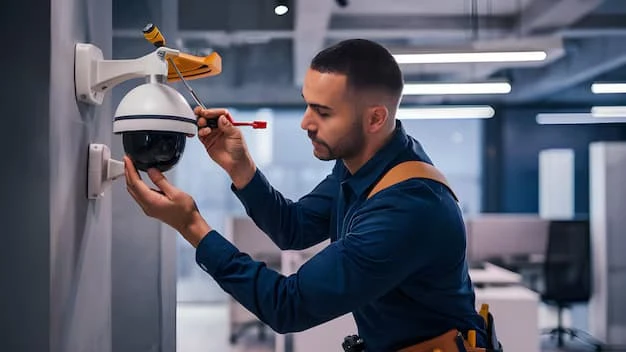

Installing a CCTV system can significantly enhance the security of your property, whether it’s your home or a small business. While the technology behind CCTV cameras is relatively straightforward, the installation process can feel overwhelming for beginners. With the right knowledge and planning, however, anyone can install a CCTV system that offers comprehensive protection. In this article, we will provide a step-by-step guide on CCTV installation for beginners, along with essential tips and best practices to ensure you get the most out of your security system.
Planning Your CCTV Installation
Before diving into the technical aspects of CCTV installation, it is essential to start with a solid plan. Proper planning is key to ensuring that your system covers all vulnerable areas of your property while maintaining optimal functionality.
Assess Your Property's Security Needs
The first step in planning your CCTV installation is to assess your property's security requirements. Consider which areas you want to monitor, such as:
- Entry points: These include doors, windows, and garages, which are common entry points for intruders.
- Perimeter: Outdoor cameras can monitor the boundaries of your property, such as fences, driveways, or walkways.
- High-value areas: If you have valuable items such as electronics, safes, or documents, place cameras in these areas for added security.
- Vulnerable spots: Pay attention to poorly lit areas or hidden corners where criminals may target.
By determining the areas most at risk, you can plan where to place your cameras for maximum coverage.
Determine the Number and Placement of Cameras
Once you have identified the vulnerable areas, decide how many cameras you need and where to place them. Here are some general guidelines to follow:
- Outdoor cameras: Install these at elevated positions to cover a wider area, such as under eaves or on high walls. Ensure they are weatherproof to withstand outdoor conditions.
- Indoor cameras: Place them near entrances, hallways, or areas with high foot traffic.
- Camera angles: Make sure your cameras have a clear line of sight, avoiding obstructions like trees or walls. Aim to cover doorways, driveways, and other high-traffic areas from multiple angles if needed.
A well-planned camera setup ensures no blind spots and maximizes the effectiveness of your CCTV system.
Choosing the Right CCTV System
Now that you've planned where your cameras will go, it's time to choose the right CCTV system. There are several different types of CCTV systems available, each with its own set of features.
Wired vs. Wireless CCTV Systems
One of the most significant decisions when selecting a CCTV system is whether to go with a wired or wireless option. Here are the pros and cons of each:
- Wired CCTV systems: These systems offer a reliable connection and are less prone to interference. They are ideal for larger properties where long-range connections are needed. However, they can be more difficult to install and may require professional help, especially when running cables through walls and ceilings.
- Wireless CCTV systems: These are much easier to install, as they do not require any cables for installation. They can be placed anywhere within range of your Wi-Fi signal. However, wireless systems may experience connectivity issues if your Wi-Fi signal is weak or if there is interference from other devices.
Consider the layout of your property and the level of expertise you have with installation to choose between wired or wireless systems.
Camera Resolution and Features
Another key factor to consider is the resolution and features of the CCTV cameras. Higher resolution cameras provide clearer images and better detail, which is especially important if you need to identify people or license plates. Key features to look for include:
- HD or higher resolution: A 1080p HD camera provides a clear image, while 4K cameras offer even more detail, though they require more storage.
- Night vision: Infrared night vision allows the cameras to capture footage in low-light or dark conditions, providing 24/7 surveillance.
- Motion detection: Motion-sensing cameras only record when activity is detected, saving storage space and making it easier to find relevant footage.
- Remote access: Many CCTV systems allow you to access the live feed via a smartphone or computer, so you can monitor your property remotely.
Make sure the cameras you choose are capable of meeting your specific security needs.
CCTV Installation: Step-by-Step Guide
Once you've selected the right system, it's time to begin the installation process. Here's a step-by-step guide to help you get your CCTV system up and running.
Step 1: Gather the Necessary Tools and Equipment
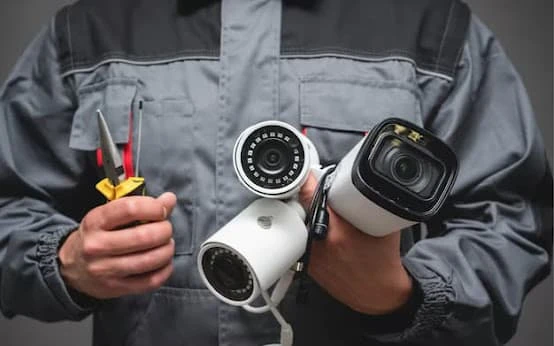
Before starting the installation, gather the following tools and equipment:
- CCTV cameras and accessories: This includes cameras, DVR or NVR, hard drive, and power adapters.
- Mounting brackets: These are essential for securing cameras in place.
- Power drill and screws: To secure the cameras and other components to walls or ceilings.
- Cable ties and clips: To keep wires neat and organized.
- Wrenches or screwdrivers: For tightening brackets or connections.
Step 2: Install the Cameras
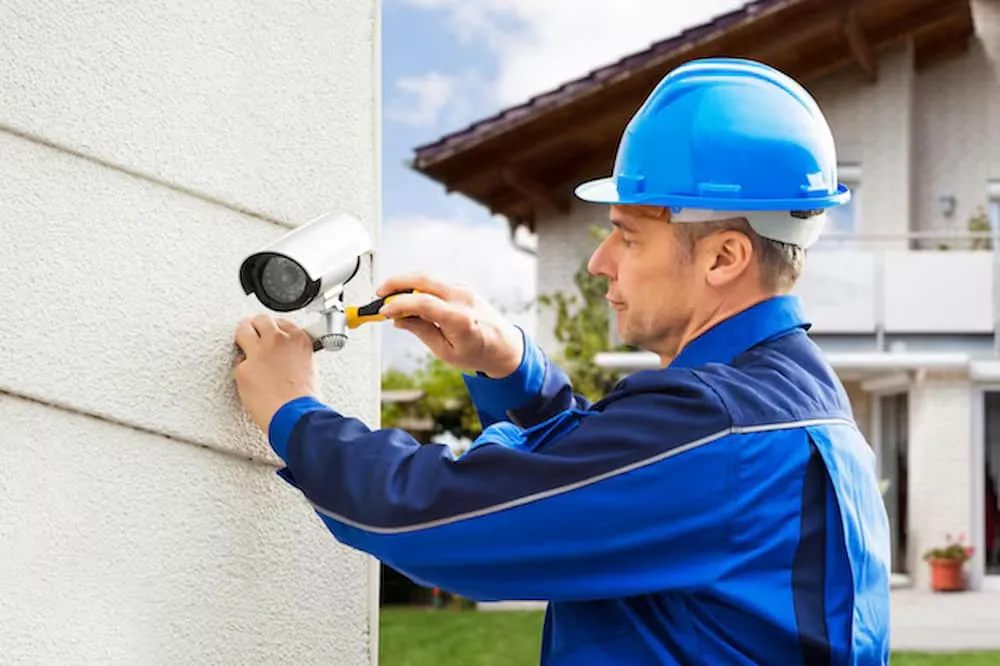
Begin by installing the cameras in the locations you planned. Use a power drill to create holes for the mounting brackets and secure them in place. Follow the manufacturer's instructions to ensure each camera is properly positioned and fixed.
For wired cameras, run the cables through the walls or ceilings to the designated DVR or NVR. For wireless cameras, ensure that they are within range of your Wi-Fi network.
Step 3: Connect the Cameras to the DVR or NVR
Once the cameras are installed, connect them to the Digital Video Recorder (DVR) or Network Video Recorder (NVR). These devices store and manage the footage from your cameras. Depending on your system type, you may need to connect the cameras via cables or over a Wi-Fi network.
Ensure that each camera is connected to the correct input on the DVR or NVR, and check that all connections are secure.
Step 4: Power Up the System
After the cameras are connected, plug them into a power source. If you are using wired cameras, this may involve connecting the power cable directly to a nearby electrical outlet. For wireless cameras, ensure they are connected to a power source and have a stable Wi-Fi signal.
Step 5: Test the System
Once the cameras are powered on and connected, test the system to ensure everything is working correctly. Check each camera’s field of view to make sure they are covering the intended areas. Also, verify that the recording and storage systems are functioning properly.
For remote monitoring, test the mobile app or computer software to ensure you can access the live feed and recorded footage.
Step 6: Adjust Settings and Configure Motion Detection
After the system is set up, configure the settings according to your preferences. This may include:
- Adjusting camera angles: Fine-tune the positioning of your cameras to ensure they capture the best possible footage.
- Setting up motion detection: Adjust the sensitivity of motion sensors to avoid false alarms or missed events.
- Configuring storage settings: Set up storage options, including how long the footage is kept before being overwritten.
Step 7: Regular Maintenance and Monitoring
After installation, ensure regular maintenance of your CCTV system. Clean the cameras to prevent dirt or weather-related buildup that may obscure the lens. Periodically check the system’s functionality and update any software or firmware to improve performance.
Best Practices for CCTV Installation
To maximize the effectiveness of your CCTV system, here are some best practices to follow:
Secure Your System from Hacking
Ensure your CCTV system is secure from unauthorized access by changing default passwords and enabling encryption on your network. Use strong, unique passwords and enable two-factor authentication wherever possible to prevent hackers from gaining control of your cameras.
Optimize Storage
If you're using a hard drive to store footage, ensure that it has adequate capacity for the data your system generates. Set your system to overwrite old footage after a certain period to prevent running out of storage space.
Privacy Considerations
While installing CCTV cameras can increase security, it's important to respect the privacy of neighbors and others around you. Make sure your cameras are not recording areas beyond your property, such as public sidewalks or neighboring homes.
Professional Installation Option
While DIY CCTV installation is possible, some homeowners may prefer professional installation for optimal performance and convenience. If you are unsure about certain aspects of the installation, such as wiring or camera placement, hiring a professional may be the best option.
Conclusion
CCTV installation is a practical and effective way to enhance the security of your home or business. By planning your system carefully, selecting the right cameras, and following proper installation procedures, you can ensure your CCTV system offers maximum protection. With the right tools, knowledge, and attention to detail, you can successfully install a CCTV system that provides peace of mind and security for years to come.
At CCTV, we understand the importance of security and offer a range of CCTV solutions to help protect your property. Whether you are a beginner or an experienced installer, our systems provide the reliability and performance you need to safeguard your home.





























Sign in to leave a comment.