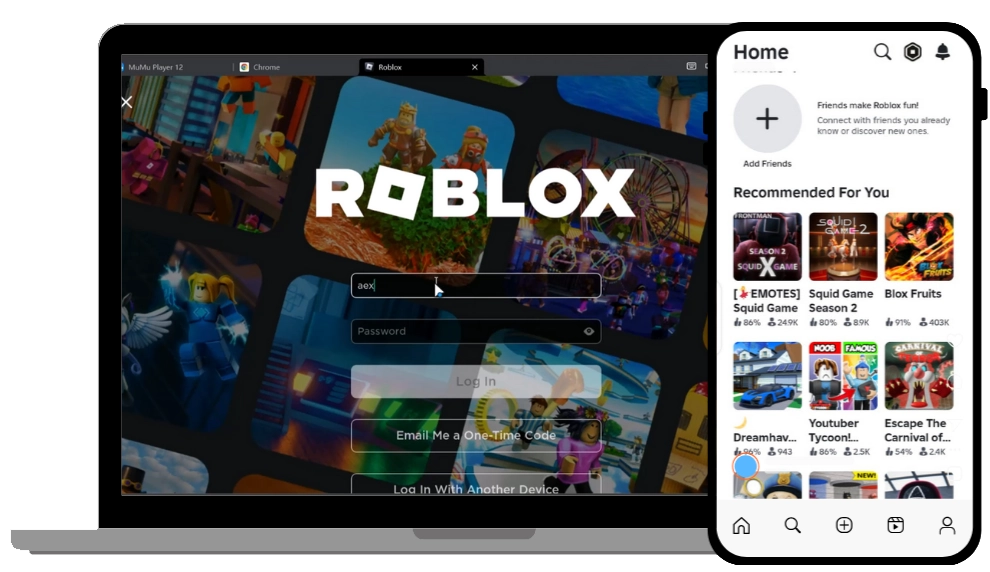

If you are looking for a complete and updated guide to download and install Delta Executor on PC, this article provides a step-by-step tutorial using the latest working method in 2026.
Since Delta Executor is primarily designed for mobile devices, you need a reliable Android emulator to run it on a computer. In this guide, you will learn how to install Delta Executor on PC using MuMu Player, optimize performance, and activate it using the Delta key system.
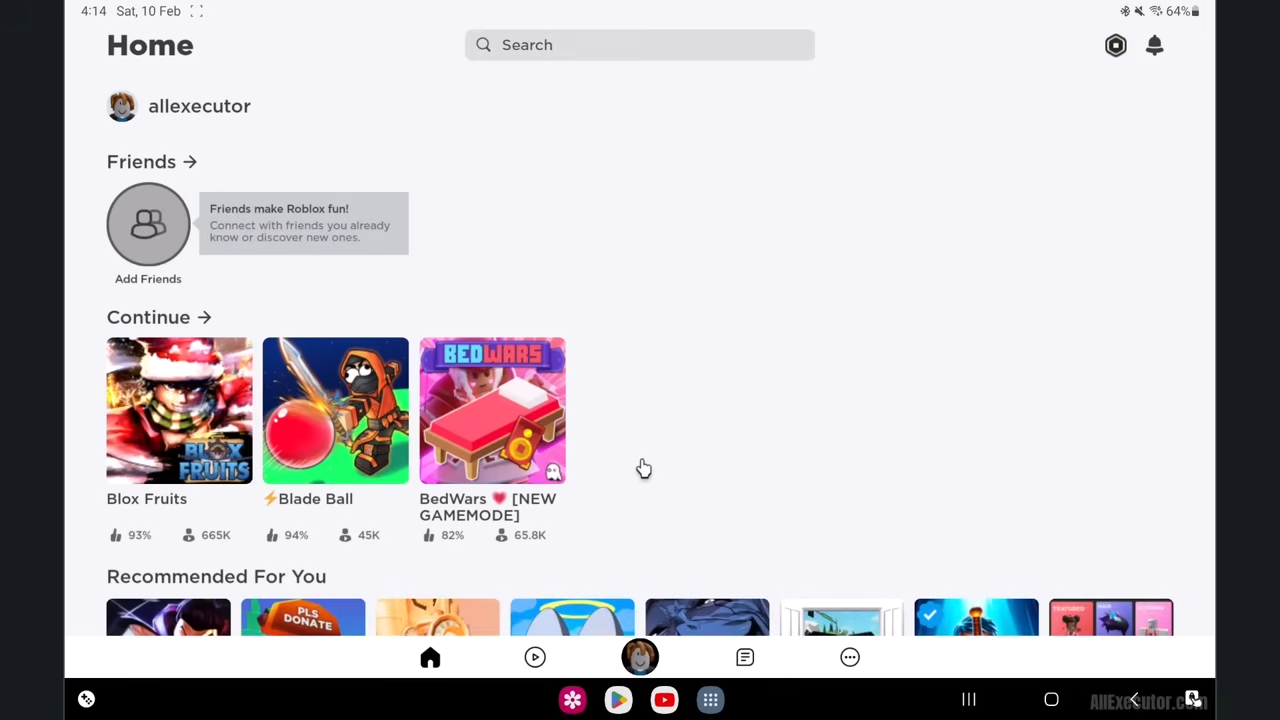
What is Delta Executor for PC?
Delta Executor is a popular Roblox script executor that allows users to run custom scripts inside Roblox games. While it is mainly built for Android devices, it can also be used on PC through an emulator.
Using Delta Executor on PC provides:
- Better performance
- Larger screen experience
- More stable gameplay
- Improved control compared to mobile devices
Why Use MuMu Player for Delta Executor?
To run Delta Executor on PC, you need an Android emulator. MuMu Player is one of the best choices because of its performance and stability.
Key Features of MuMu Player:
- Lightweight and fast performance
- No unnecessary ads
- Ultra HD graphics support
- Dark and light mode options
- Smart memory optimization feature
- Reduced lag during gameplay
The latest version of MuMu Player includes smart memory optimization, which makes it smoother, especially when running Roblox and executors.
Step-by-Step Guide to Install Delta Executor on PC
Follow all steps carefully to install and run Delta Executor without issues.
Step 1: Download MuMu Player
- Visit the official MuMu Player download page
- Download the latest version for Windows
- Open the installer after download
- Follow the on-screen instructions to install
Once installation is complete, launch MuMu Player.
Step 2: Adjust Emulator Settings for Best Performance
Before installing Delta Executor, optimize your emulator settings:
- Enable high performance mode
- Set CPU cores (based on your PC specs)
- Allocate at least 4GB RAM (or more if available)
- Enable 60 FPS mode
- Turn on smart memory optimization
If your PC is low-end, reduce CPU cores and RAM. For high-end PCs, increase performance settings for smoother gameplay.
Step 3: Open Android Environment
After setup:
- Launch MuMu Player
- You will see an Android-like interface
This is where you will install Delta Executor.
Step 4: Download Delta Executor APK
- Open the built-in browser inside MuMu Player
- Go to the Delta Executor download page
- Download the latest updated APK file
Make sure you download the latest version to avoid compatibility issues.
Step 5: Install Delta Executor
- Open the downloaded APK file
- Follow the on-screen instructions
- Complete the installation
Once done, Delta Executor will be successfully installed on your PC.
How To Get Delta Executor Key on PC
After installation, you need to activate Delta Executor using its key system.
Step 6: Generate Delta Key
- Open Delta Executor
- Click on “Receive Key”
- You will be redirected to the key system page
Follow the instructions on that page carefully to generate your key.
Step 7: Activate Delta Executor
- Copy the generated key
- Paste it into Delta Executor
- Confirm activation
Once completed, Delta Executor will be fully activated and ready to use.
Using Delta Executor on PC
After activation, you can start using Delta Executor with Roblox:
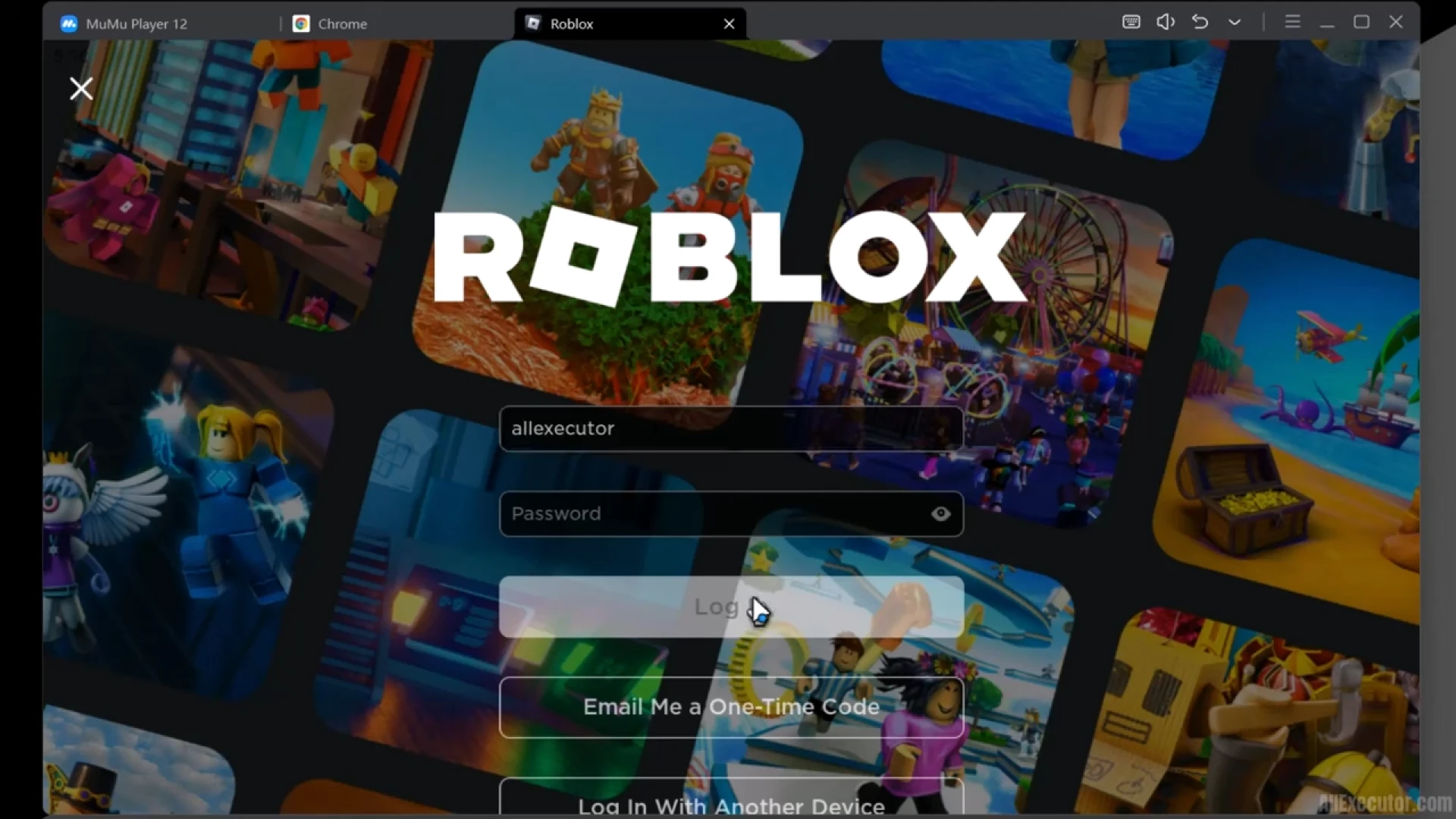
- Open Roblox inside the emulator
- Launch any game
- Run your scripts using Delta Executor
This method allows smooth and stable execution compared to many other setups.
Tips for Best Performance
- Always use the latest version of MuMu Player
- Keep Delta Executor updated
- Allocate enough RAM and CPU resources
- Close background apps for better performance
- Use stable internet connection
Common Issues and Fixes
If you face any problems:
- Restart MuMu Player
- Reinstall Delta Executor APK
- Regenerate the key
- Adjust emulator performance settings
Conclusion
Running Delta Executor on PC is simple when using the correct method. By installing MuMu Player, optimizing its settings, and following the key activation process, you can easily use Delta Executor on your computer.
This method is currently one of the most stable and reliable ways to run Delta Executor on PC in 2026.



























Sign in to leave a comment.