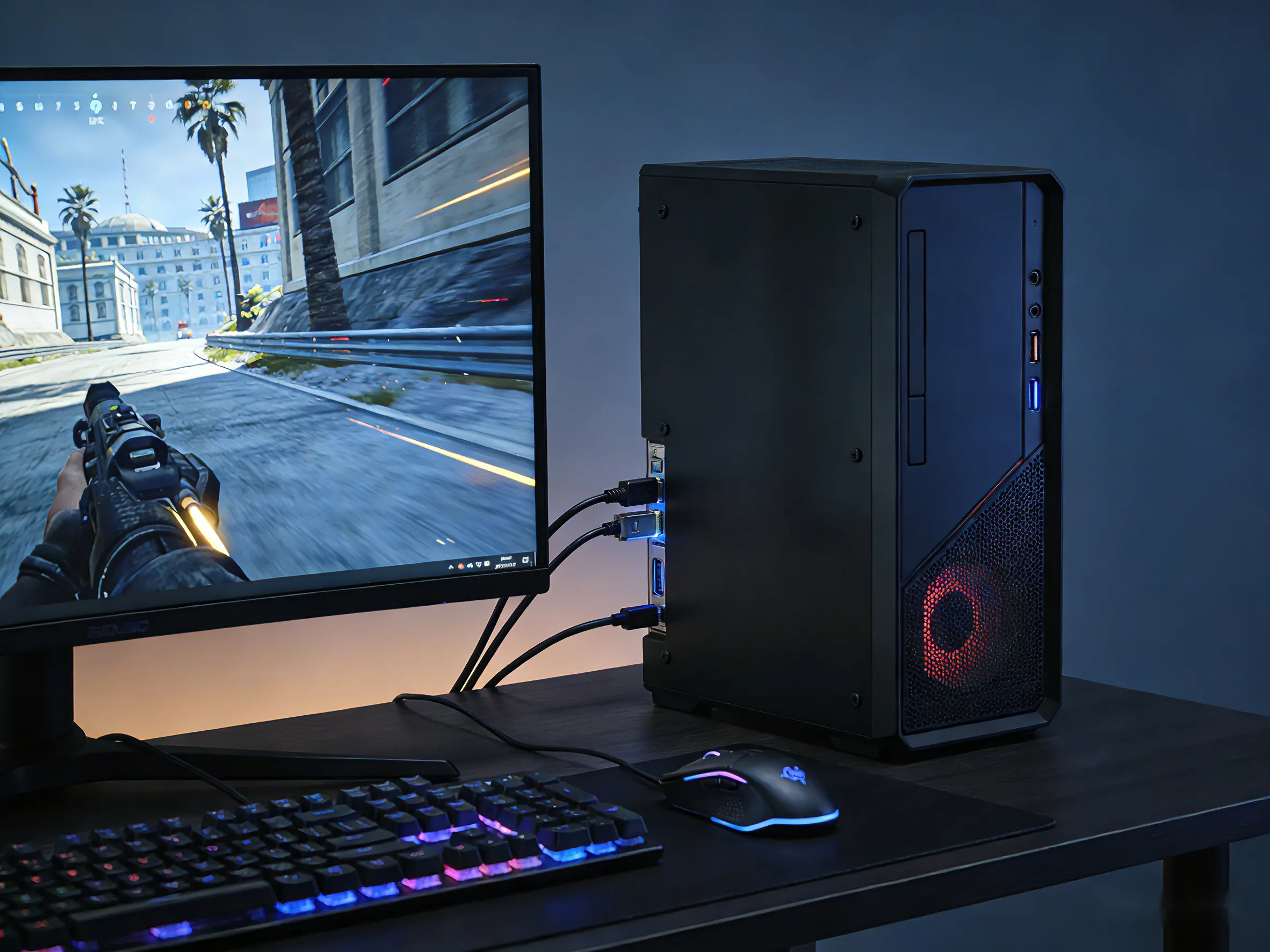

Choosing between DisplayPort and HDMI can directly impact your gaming experience—especially if you care about refresh rates, resolution, and smooth gameplay. While both interfaces are widely used, they are not created equal for gaming. This guide breaks down the differences to help you decide: DisplayPort vs HDMI, which one suits your setup best?
What Is DisplayPort?
DisplayPort is a digital display interface primarily designed for computers and high-performance monitors. It’s widely used by PC gamers because of its strong support for high refresh rates and advanced gaming features.
One of DP’s biggest advantages is bandwidth. It supports higher data transfer rates compared to most HDMI versions, allowing for smoother gameplay at higher resolutions and refresh rates. It also supports features like Adaptive Sync (used in AMD FreeSync and NVIDIA G-Sync compatible monitors), making it ideal for reducing screen tearing.
In terms of versions:
- DisplayPort 1.2: Supports up to 1440p at 144Hz, suitable for mid-range gaming.
- DisplayPort 1.4: Enables 4K at 120Hz (with compression), widely used in modern gaming monitors.
- DisplayPort 2.0 / 2.1: Offers extremely high bandwidth, supporting 4K at 240Hz or even 8K, though still not common in most setups.
For gamers using high-refresh-rate monitors, DP is often the go-to option.
What Is HDMI?
HDMI (High-Definition Multimedia Interface) is the most common audio/video interface used across TVs, gaming consoles, and home entertainment systems. It’s designed for versatility and broad compatibility.
Unlike DP, HDMI is found on nearly every modern display device, from TVs to projectors. It carries both audio and video signals, making it convenient for living room setups.
Key HDMI versions include:
- HDMI 1.4: Supports 1080p at 120Hz or 4K at 30Hz.
- HDMI 2.0: Supports 4K at 60Hz, widely used in older monitors and TVs.
- HDMI 2.1: A major upgrade, supporting 4K at 120Hz and even 8K, along with gaming features like VRR (Variable Refresh Rate) and ALLM (Auto Low Latency Mode).
For console gamers, HDMI 2.1 is especially important, as it unlocks the full performance potential of modern gaming systems.
Now that we’ve covered both DP and HDMI, let’s compare how they perform in real gaming scenarios. The differences become clearer when it comes to refresh rates, resolution, and gaming features.
DisplayPort vs HDMI: Key Differences for Gamers
| Feature | DisplayPort | HDMI |
|---|---|---|
| Primary Use Case | PC Gaming / High-Refresh Monitors | Consoles / TVs / Home Theater |
| Max Bandwidth | Up to 80 Gbps | Up to 48 Gbps |
| Max Resolution & Refresh Rate | Up to 4K @ 240Hz / 8K @ 60Hz+ | Up to 4K @ 120Hz / 8K @ 60Hz |
| High Refresh Rate Support | Excellent (144Hz / 240Hz / 360Hz widely supported) | Good (up to 120Hz, limited higher refresh support) |
| Variable Refresh Rate (VRR) | Native Adaptive Sync (FreeSync, G-Sync compatible) | VRR supported (HDMI 2.1), but device-dependent |
| Adaptive Sync Stability | More consistent on PC monitors | Varies by TV/monitor brand |
| Audio Support | Yes (less commonly used) | Yes (widely used, supports eARC) |
| Multi-Display Support | Yes (Daisy chaining via MST) | No |
| Cable Length Flexibility | Better for longer distances (depending on version) | Good, but may degrade at high bandwidth |
| Console Support | Not supported on most consoles | Fully supported (PS5, Xbox Series X) |
While the table provides a quick way to compare DisplayPort and HDMI, real-world gaming performance can vary depending on your setup. To make the decision even clearer, let’s take a closer look at how both interfaces perform in key gaming scenarios.

DisplayPort vs HDMI: Gaming Performance Comparison
1. High Refresh Rate Gaming (144Hz / 240Hz / 360Hz)
If you’re playing competitive games like FPS or esports titles, refresh rate matters more than resolution. DP clearly leads here. It can handle 240Hz and even 360Hz at lower resolutions more reliably than HDMI.
HDMI 2.1 improves things significantly, but many monitors still rely on DP for the highest refresh rate modes.
2. 4K Gaming Experience
For 4K gaming, both interfaces perform well—but only if you’re using the latest versions.
- DisplayPort 1.4 can achieve 4K at 120Hz using compression (DSC).
- HDMI 2.1 can deliver 4K at 120Hz natively, making it ideal for console gaming on TVs.
If you’re gaming on a 4K TV, HDMI 2.1 is often the better choice. For high-end monitors, both can work depending on the model.
3. Variable Refresh Rate (VRR) & Adaptive Sync
Both interfaces support VRR, but DisplayPort has historically had broader and earlier support through Adaptive Sync technologies.
HDMI 2.1 now includes VRR, but compatibility can vary depending on the display and device. For PC gamers, DP still offers more consistent performance in this area.
DisplayPort vs HDMI for Different Gaming Setups
1. PC Gamers
For most PC gamers, DP is the best option. It supports higher refresh rates, works seamlessly with gaming monitors, and ensures compatibility with technologies like G-Sync and FreeSync.
If your GPU and monitor both support DP, it’s usually the optimal choice.
2. Console Gamers (PS5 / Xbox Series X)
Modern consoles like the PlayStation 5 and Xbox Series X rely on HDMI 2.1. These systems are designed to output 4K at 120Hz through HDMI, making it the only practical choice.
DP is generally not available on consoles, so HDMI is mandatory here.
3. TV Gaming vs Monitor Gaming
- TV Gaming: HDMI is standard. TVs rarely include DisplayPort inputs.
- Monitor Gaming: DisplayPort is often preferred, especially for high refresh rates.
Your display device largely determines which interface you should use.
When Should You Use DisplayPort?
You should choose DisplayPort if:
- You are a PC gamer using a high-refresh-rate monitor (144Hz or higher)
- You want the best performance for competitive gaming
- Your monitor supports G-Sync or FreeSync via DisplayPort
- You need higher bandwidth for future-proofing
In short, DisplayPort is ideal for performance-focused gaming setups.
When HDMI Is the Better Option?
HDMI is the better choice if:
- You are gaming on a console (PS5, Xbox Series X)
- You are using a TV instead of a monitor
- Your setup requires simple plug-and-play compatibility
- You have HDMI 2.1-capable devices and want 4K at 120Hz
It’s the most practical and widely compatible interface for home entertainment gaming.
Conclusion: DisplayPort vs HDMI for Gaming
Conclusion: DisplayPort vs HDMI for Gaming
There’s no one-size-fits-all answer—your ideal choice depends on your gaming setup.
- Choose DisplayPort if you’re a PC gamer chasing high refresh rates and maximum performance.
- Choose HDMI (especially 2.1) if you’re gaming on a console or a TV and want smooth 4K gameplay.
Ultimately, both interfaces are powerful, but they serve slightly different purposes. Understanding your gaming needs—and your hardware—will help you make the right decision.
About WyreStorm
WyreStorm delivers professional-grade AV over IP solutions, HDMI matrix systems, and advanced wireless presentation and conferencing systems for seamless collaboration.
Its portfolio also includes high‑performance HDMI Extender and KVM Extender products designed for reliable, scalable signal distribution.
Explore more innovative solutions at WyreStorm.com and elevate your next project today.















Sign in to leave a comment.