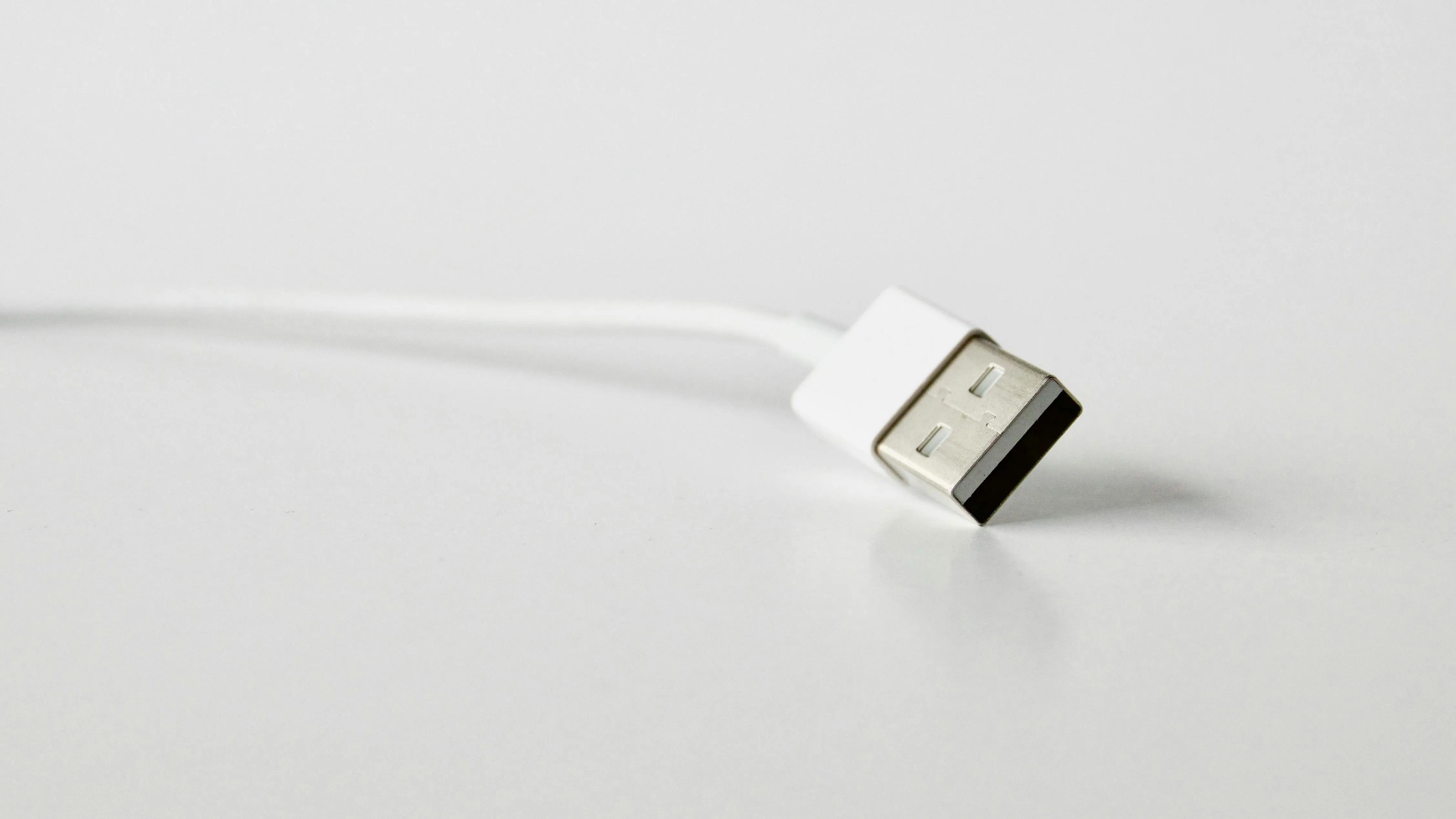

USB devices such as webcams, keyboards, and storage drives are widely used in offices, conference rooms, and professional systems. However, standard USB cables have strict distance limits, typically around 3–5 meters. When devices need to be placed farther away, signal stability can become a challenge.
A USB extender solves this problem by allowing USB signals to travel much longer distances through media such as Ethernet cables or fiber. This article explains what a USB extender is, how it works, its main types, and where it is commonly used.
What Is a USB Extender?
A USB extender is a device designed to increase the distance between a USB host (such as a computer) and a USB peripheral device.
Under normal circumstances, USB cables have strict length limits:
- USB 2.0: up to about 5 meters (16 ft)
- USB 3.0 / 3.2: typically around 3 meters (10 ft)
When these limits are exceeded, signal degradation may occur, causing problems such as unstable connections, reduced transfer speeds, or intermittent device disconnections.
A USB extender overcomes this limitation by converting and transmitting USB signals over longer-distance media, such as Ethernet cables or fiber optics. At the receiving end, the signal is converted back into USB so the connected device works as if it were directly plugged into the computer.
How Does a USB Extender Work?
Most USB extenders use a transmitter and receiver architecture. The transmitter connects to the host computer through a USB port. It captures the USB signal and converts it into a format suitable for long-distance transmission.
The signal is then transmitted through a medium capable of longer distances, such as Cat5e / Cat6 Ethernet cable, fiber optic cable, and wireless communication. These transmission methods allow USB signals to travel much farther than standard USB cables.
At the remote end, the receiver converts the signal back into USB and connects to the peripheral device. This process allows the device to operate normally even when located far away from the host computer.
Many professional USB extenders also include signal regeneration technology, helping maintain stable communication and minimize signal errors during long-distance transmission.
What’s the Pros and Cons of a USB Extender?
USB extenders provide several advantages in professional installations, but there are also a few limitations to consider.
Pros
- Long-distance connectivity: USB extenders can extend signals from a few meters to 50–100 meters or more, depending on the technology used.
- Flexible installation: devices can be placed where they are needed, while the host computer remains in a rack or equipment room.
- Cleaner cable management: using a single Cat6 cable can simplify installation compared with multiple long USB cables.
- Improved equipment protection: computers can remain in secure or climate-controlled environments while peripherals operate remotely.
Cons
- Additional hardware required: most solutions require both transmitter and receiver units.
- Possible bandwidth limitations: some extenders support USB 2.0 speeds rather than USB 3.0.
- Higher cost than standard cables: professional extender solutions are typically more expensive than simple USB cables.
Main Types of USB Extenders
Different types of USB extenders are designed for different distances and application environments.
1. USB over Ethernet (Cat Cable)
This is the most common USB extension method. It uses Cat5e or Cat6 network cables to extend USB signals over distances of 50–100 meters.
The advantages include cost-effective installation, reliable transmission, and compatibility with existing network infrastructure.
2. USB over Fiber
Fiber-optic USB extenders are designed for very long distances or environments with strong electromagnetic interference.
Key advantages include:
- Transmission distances of hundreds of meters or more
- Excellent signal stability
- Immunity to electrical interference
They are often used in industrial automation, broadcasting, and medical environments.
3. Wireless USB Extenders
Wireless USB extenders transmit USB signals through radio communication instead of cables.
Benefits include flexible device placement and easier installation in environments where running cables is difficult. However, wireless systems may be affected by interference or bandwidth limitations.
4. IP (Network) USB Extenders
IP-based USB extenders allow USB devices to be accessed through standard network infrastructure.
These systems enable remote device connectivity across a LAN and are commonly used in enterprise IT environments and centralized device management systems.
Typical Applications of USB Extenders
USB extenders are widely used in environments where USB devices must be located far from the host computer.
Conference Room USB Camera Extension
Modern meeting rooms often use USB cameras, microphones, and speakerphones connected to a central meeting PC. Because the computer is usually installed in an equipment rack, the USB devices may need to be located near displays or conference tables.
USB extender solutions—such as the EX-60-USB2 from Wyrestorm, which supports 60-meter USB transmission over a single Cat6 cable—make it easy to connect these peripherals reliably. With USB 2.0 speeds up to 480 Mbps, one-way PoC support, and a built-in USB hub, multiple devices can be deployed quickly with a simple plug-and-play installation.

Educational and Training Systems
In classrooms and lecture halls, instructors may need to connect document cameras, USB microphones, or interactive devices located far from the teaching computer.
Industrial Control Systems
In industrial environments, computers are often placed in control rooms while USB devices operate on the factory floor. USB extenders enable reliable communication while protecting the host computer from dust, heat, or vibration.
Medical Imaging Equipment
Medical systems frequently rely on USB-based cameras and diagnostic devices that require stable long-distance connections between operating rooms and monitoring stations.
Digital Signage and Remote KVM Systems
USB extenders are also used in digital signage and remote KVM setups, allowing keyboards, mice, and storage devices to connect to computers located in equipment rooms.
Conclusion
USB extenders provide an effective solution when standard USB cables cannot reach the required distance. By transmitting USB signals through Ethernet cables, fiber optics, wireless links, or network infrastructure, they enable reliable long-distance connectivity for many professional applications.
From conference rooms and classrooms to industrial facilities and medical environments, USB extenders help ensure USB devices can be deployed where they are most needed without being limited by cable length.
About WyreStorm
WyreStorm delivers professional-grade AV over IP solutions, HDMI matrix systems, and advanced wireless presentation and conferencing systems for seamless collaboration.
Its portfolio also includes high‑performance HDMI Extender and KVM Extender products designed for reliable, scalable signal distribution.
Explore more innovative solutions at WyreStorm.com and elevate your next project today.




















Sign in to leave a comment.