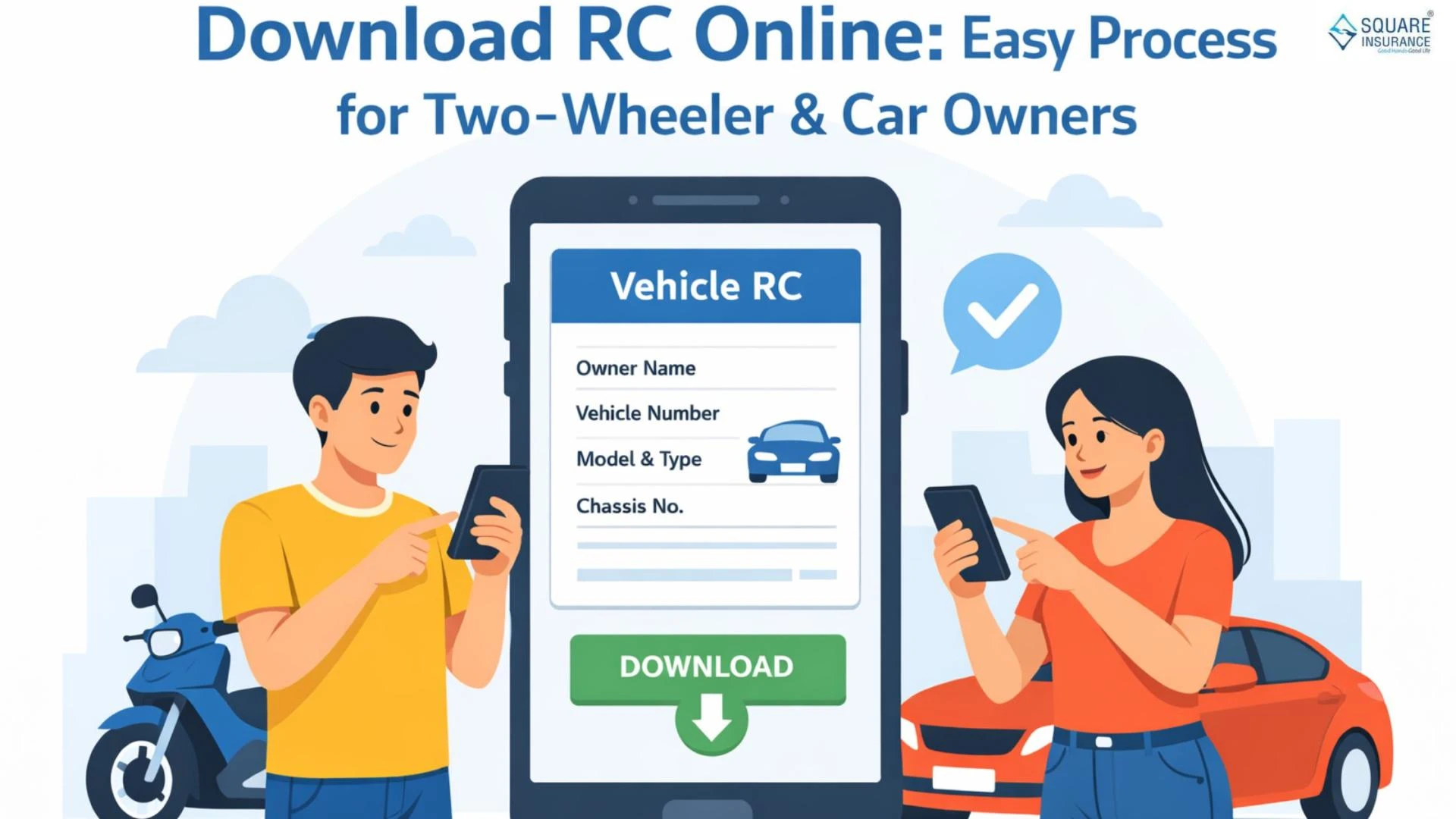

Owning a vehicle comes with many responsibilities, and one of the most important documents is the Registration Certificate, commonly known as RC. It proves that your vehicle is legally registered and allows you to drive it on public roads. Earlier, people had to visit transport offices, stand in long queues, and wait for days just to get a copy of their RC. Today, thanks to digital services, learning how to download RC online has made the process simple, fast, and convenient, allowing vehicle owners to access their RC in just a few minutes from anywhere.
Whether you own a two-wheeler or a car, downloading your RC online is simple, fast, and convenient. This article explains everything in clear and easy language so anyone can understand the process without confusion.
What Is RC and Why Is It Important?
The Registration Certificate is an official document that contains details of your vehicle such as:
- Registration number
- Owner’s name
- Vehicle type and model
- Engine and chassis number
- Fuel type
- Registration date
- Validity period
RC is required while driving, selling a vehicle, transferring ownership, renewing insurance, or applying for a loan. If you are stopped by traffic authorities, you must show your RC either in physical or digital form.
Why Download RC Online?
There are many benefits of downloading RC online:
Saves Time – No office visits required.
Easy Access – Available anytime on your phone or computer.
Safe Backup – You won’t lose it like a paper copy.
Legally Valid – Digital RC is accepted by authorities.
Helpful During Emergencies – Useful if you forget your physical RC.
Who Can Download RC Online?
Any vehicle owner can download RC online if:
- The vehicle is registered in their name.
- The mobile number is linked with the vehicle record.
- They have basic vehicle details like registration number.
Both two-wheeler and car owners can use the same process.
What You Need Before Downloading RC
Keep these details ready:
- Vehicle registration number
- Last few digits of chassis number (if asked)
- Registered mobile number
- Internet connection
These details help verify ownership.
Step-by-Step Process to Download RC Online
The online process is designed to be user-friendly. Even first-time users can complete it easily.
- Step 1: Open the official transport service portal or digital document platform
Use a secure and trusted government digital platform from your device.
- Step 2: Choose the RC download option
Look for options like “Vehicle Services” or “Registration Certificate.”
- Step 3: Enter vehicle details
Fill in your vehicle registration number correctly.
- Step 4: Verify with OTP
An OTP will be issued to your registered mobile number. Enter it to confirm your identity.
- Step 5: View RC details
Once verified, your RC details will appear on the screen.
- Step 6: Download or save
You can download it as a PDF or save it in your digital document storage.
That’s it. Your RC is now available on your device.
Is Digital RC Valid?
Yes. Digital RC is legally accepted across the country. Traffic authorities recognize digital documents, and you can show them directly from your mobile device. You do not need to carry a physical copy if your digital RC is available.
Difference Between Physical RC and Digital RC
| Physical RC | Digital RC |
|---|---|
| Paper format | Electronic format |
| Can be lost or damaged | Safe and secure |
| Needs reprint if lost | Easily downloadable |
| Hard to carry always | Available on phone |
Both contain the same information and have equal legal value.
What If You Lost Your Original RC?
If your original RC is lost, downloading it online is the fastest solution. You can also later apply for a duplicate physical RC using the digital copy as reference.
Common Problems and Simple Solutions
1. Mobile number not linked
Update your number at the transport office to enable online access.
2. Wrong vehicle details
Double-check registration number before submitting.
3. OTP not received
Wait a few minutes or try again with correct network signal.
4. Old vehicle data missing
Some very old records may take time to appear digitally.
Can You Use RC for Insurance and Selling?
Yes. Digital RC can be used for:
- Insurance claims
- Ownership transfer
- Loan processing
- Address updates
- Vehicle resale
- Police verification
It holds the same authority as the physical document.
Tips to Keep RC Safe
- Save a copy on your phone and email.
- Store in a secure digital folder.
- Do not share RC publicly.
- Check details for accuracy after downloading.
RC for Two-Wheelers vs Cars
The process is the same for both. Only vehicle type and model details differ. Whether it is a scooter, bike, hatchback, sedan, or SUV, the RC format remains similar.
Future of Vehicle Documents
Digital documents are becoming the new standard. In the future, most vehicle-related work will be done online. Downloading RC online is just the beginning of a fully digital transport system that saves time and reduces paperwork.
Conclusion
Downloading RC online has made life easier for millions of vehicle owners. It removes unnecessary stress, saves time, and provides instant access to an important document. Whether you own a bike or a car, keeping your RC in digital form is a smart decision.
You no longer need to worry about losing your RC or carrying a bulky file while traveling. With just a few simple steps, your RC is always with you.
If you haven’t downloaded your RC yet, doing it today will give you peace of mind tomorrow.
Also Know:- Merchant LIC Portal for Fast Customer Service

























Sign in to leave a comment.