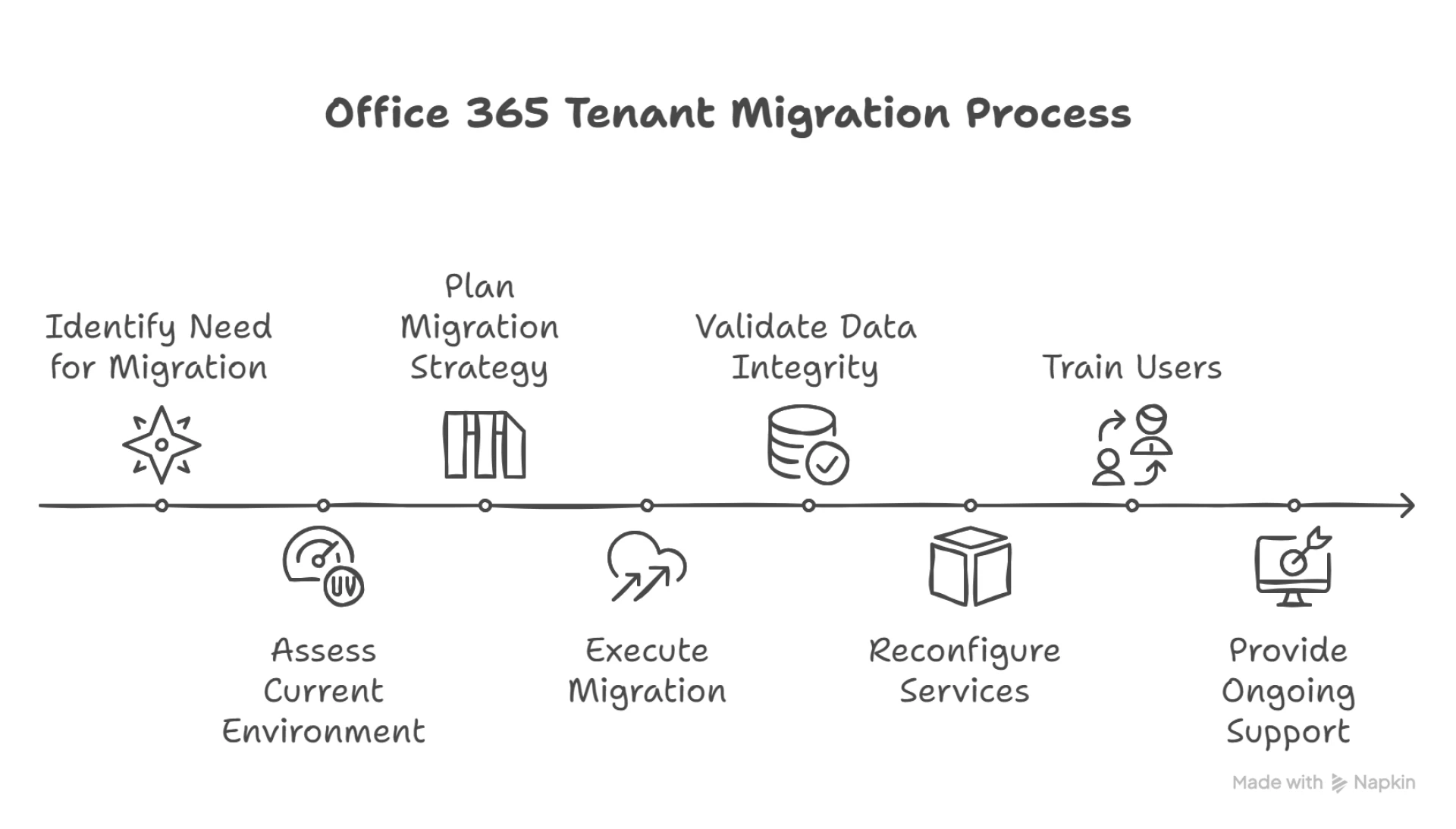

Office 365 tenant migration is a crucial process for organizations undergoing mergers, acquisitions, divestitures, or restructuring that require consolidating or separating Microsoft 365 environments. This migration involves moving data, users, mailboxes, and services from one Office 365 tenant to another, ensuring smooth business continuity without disruption.
One of the key reasons companies perform tenant-to-tenant migrations is to unify their collaboration tools and data under a single Microsoft 365 tenant. This enables better management, improved security, and streamlined communication across the organization. Whether consolidating multiple tenants after a merger or moving to a new tenant for organizational restructuring, tenant migration requires careful planning and execution.
The migration process typically involves moving Exchange Online mailboxes, SharePoint Online sites, OneDrive for Business data, Teams configurations, and other Office 365 services. Depending on the size and complexity, migrations can be done in phases or as a full cutover. Microsoft provides some native tools for mailbox migrations, but many organizations rely on third-party tools like BitTitan or Quest to simplify and accelerate the process.
Before migration, it’s essential to assess the current environment, map out users and resources, and prepare the target tenant with necessary licenses and configurations. DNS records, security settings, and compliance policies also need to be aligned to avoid service interruptions. Communication with end-users about potential downtime and new login procedures is critical to ensure a smooth transition.
Post-migration tasks include validating data integrity, reconfiguring Outlook profiles, setting up permissions, and training users on any changes. Migrating Teams data and channels can be especially complex due to their collaborative nature, so specialized tools and expertise are often required.
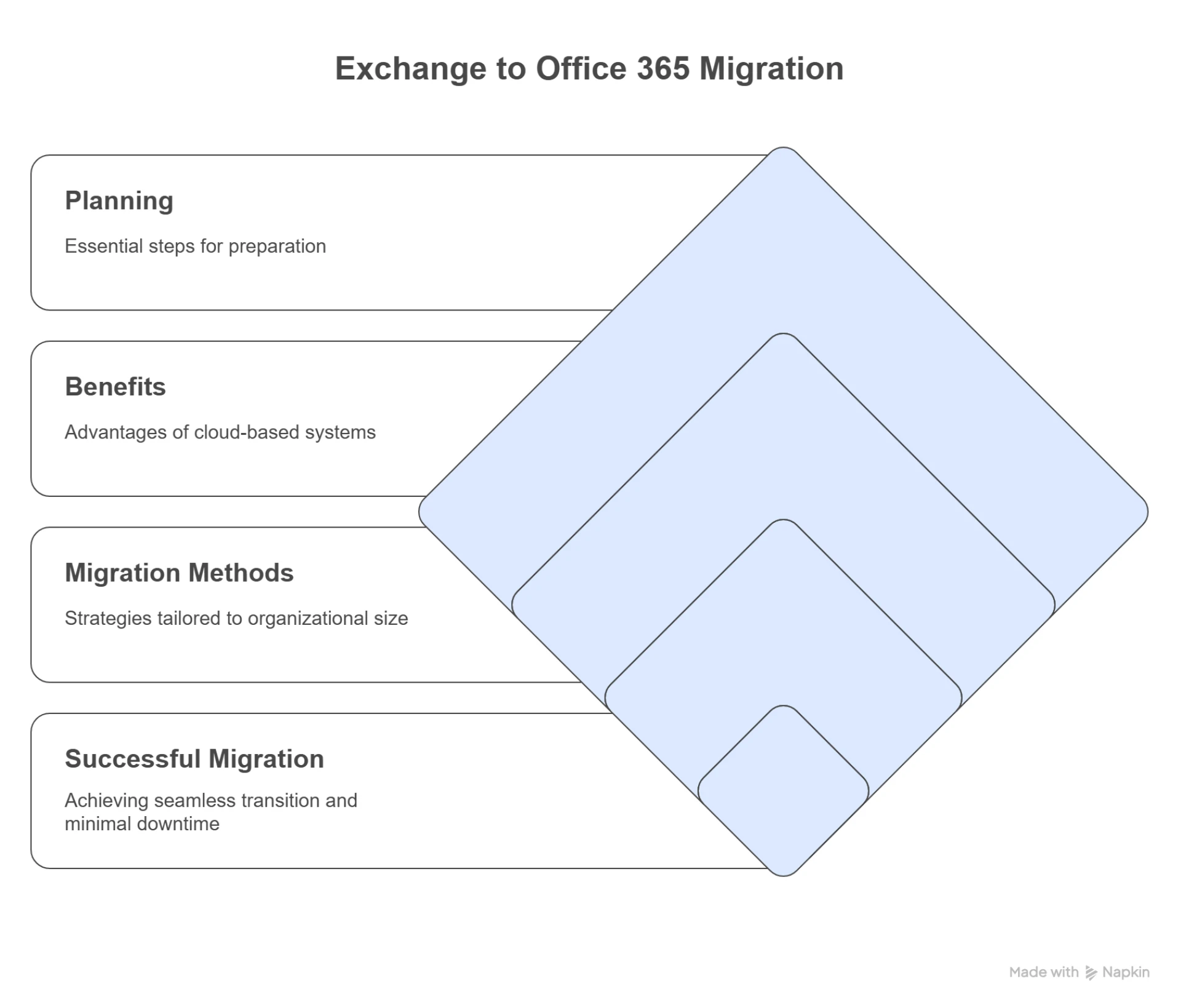
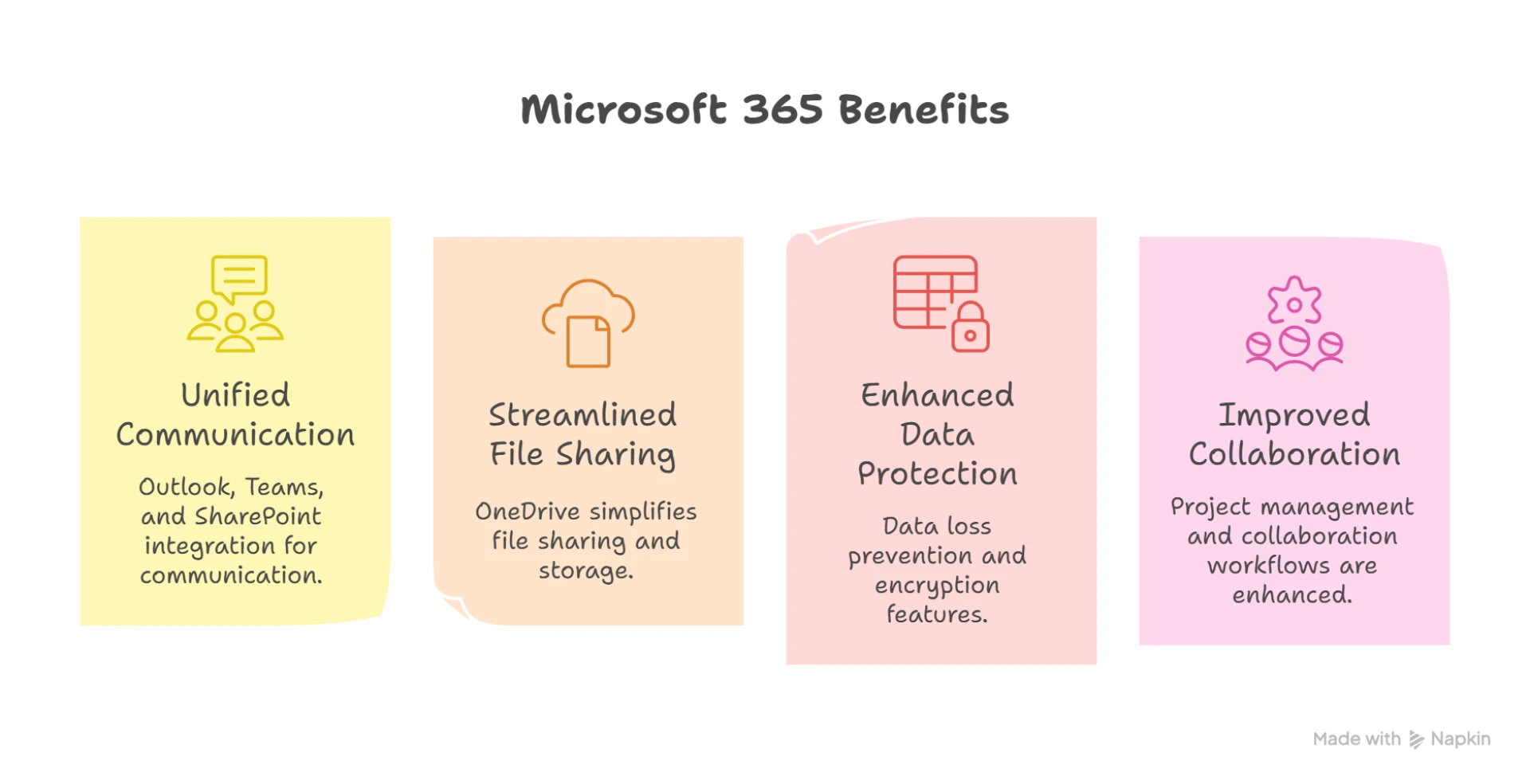
Many organizations turn to experienced migration partners like Apps4Rent for end-to-end support. These providers offer expertise in planning, executing, and troubleshooting Office 365 tenant migrations, reducing risks and minimizing downtime. With professional guidance, businesses can achieve a seamless transition and fully leverage the capabilities of Microsoft 365, empowering their workforce with uninterrupted access to productivity tools and data.



























Sign in to leave a comment.