

The upcoming Windows Server 2016 End of Support is an important milestone for organizations that continue to rely on this operating system for business-critical workloads. Windows Server 2016 has been a trusted platform for running applications, managing networks, hosting databases, and supporting enterprise infrastructure. However, as Microsoft approaches the end of its support lifecycle, businesses must begin planning their next steps to maintain security, compliance, and operational efficiency.
When the Windows Server 2016 End of Support date arrives, Microsoft will no longer provide regular security updates, bug fixes, non-security patches, or technical support for the platform. While servers may continue to function, they will become increasingly vulnerable to newly discovered security threats and software compatibility issues. This can create significant risks for organizations that depend on these systems to support daily operations.
One of the biggest concerns associated with Windows Server 2016 End of Support is cybersecurity. Unsupported operating systems become attractive targets for cybercriminals because newly identified vulnerabilities are no longer patched by the vendor. As cyber threats continue to evolve, running outdated server software can increase the likelihood of data breaches, ransomware attacks, and system compromises. For organizations handling sensitive customer, financial, or operational data, these risks can have serious consequences.
Compliance is another important consideration. Many regulatory frameworks and industry standards require organizations to maintain supported and regularly updated systems. Following the Windows Server 2016 End of Support, businesses in sectors such as healthcare, finance, government, and legal services may face compliance challenges if they continue operating unsupported servers. Failing to meet compliance requirements can result in audits, penalties, and reputational damage.
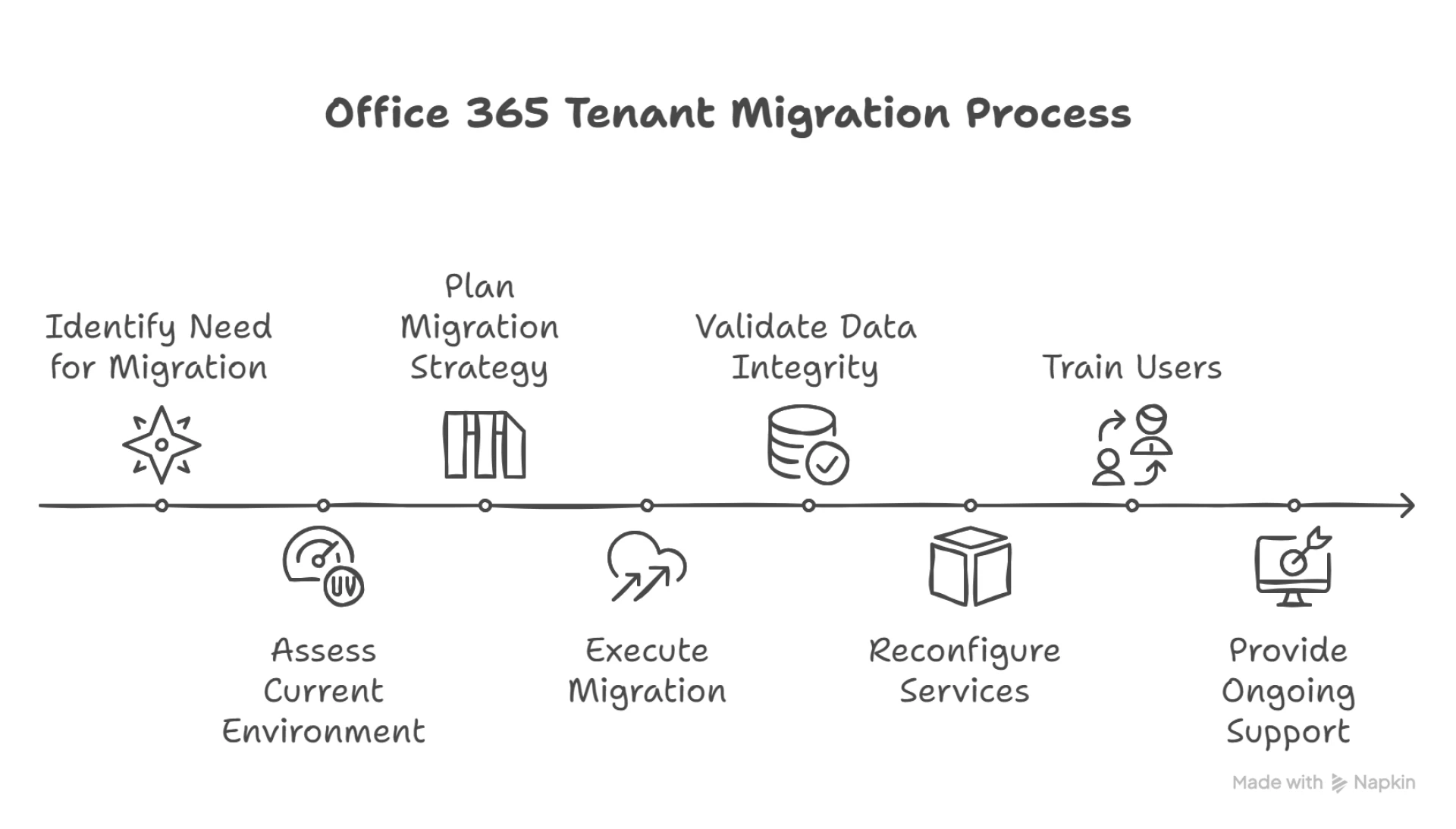
To prepare for the Windows Server 2016 End of Support, organizations should begin by conducting a thorough assessment of their existing infrastructure. This includes identifying servers running Windows Server 2016, documenting hosted applications, evaluating dependencies, and reviewing hardware compatibility. Understanding the current environment helps businesses develop a migration strategy that minimizes disruption and aligns with future technology goals.
Several modernization options are available. Some organizations may choose to upgrade to a newer version of Windows Server to take advantage of enhanced security features, improved performance, and expanded virtualization capabilities. Others may opt to migrate workloads to cloud platforms or hybrid environments that offer greater scalability, flexibility, and disaster recovery capabilities. The right approach depends on business requirements, budget considerations, and long-term IT objectives.
A successful transition requires careful planning, testing, and execution. Businesses should verify application compatibility, create reliable backups, develop rollback procedures, and schedule migrations during low-impact periods whenever possible. User communication and administrator training are also essential components of a smooth migration process.
The Windows Server 2016 End of Support should not be viewed solely as a technical deadline but as an opportunity to modernize IT infrastructure and improve operational resilience. By acting early, organizations can reduce security risks, maintain compliance, and position themselves for future growth.
Apps4Rent helps businesses navigate the Windows Server 2016 End of Support transition with server migration services, cloud hosting solutions, managed infrastructure support, and expert guidance. Whether upgrading on-premises environments or moving workloads to the cloud, Apps4Rent can help ensure a secure, efficient, and seamless migration experience.























Sign in to leave a comment.