
In today’s evolving business landscape, organizations are increasingly choosing to migrate from Gmail to Office 365 to benefit from enhanced security, centralized control, and an integrated suite of productivity tools. Microsoft Office 365 offers powerful features like Outlook, Teams, SharePoint, and OneDrive that go far beyond what Gmail and Google Workspace provide in terms of enterprise collaboration and compliance.
Why Migrate from Gmail to Office 365?
The decision to move from Google Workspace to Microsoft 365 is often driven by a need for:
- Enterprise-grade email and calendaring through Outlook
- Advanced collaboration tools like Microsoft Teams and SharePoint
- Better integration with desktop productivity tools (Word, Excel, PowerPoint)
- Stronger security, compliance, and administrative controls
- Unified user experience and centralized IT management
Organizations handling sensitive data or operating in regulated industries often prefer Office 365 due to its superior data governance and compliance capabilities.
Key Steps for a Successful Migration
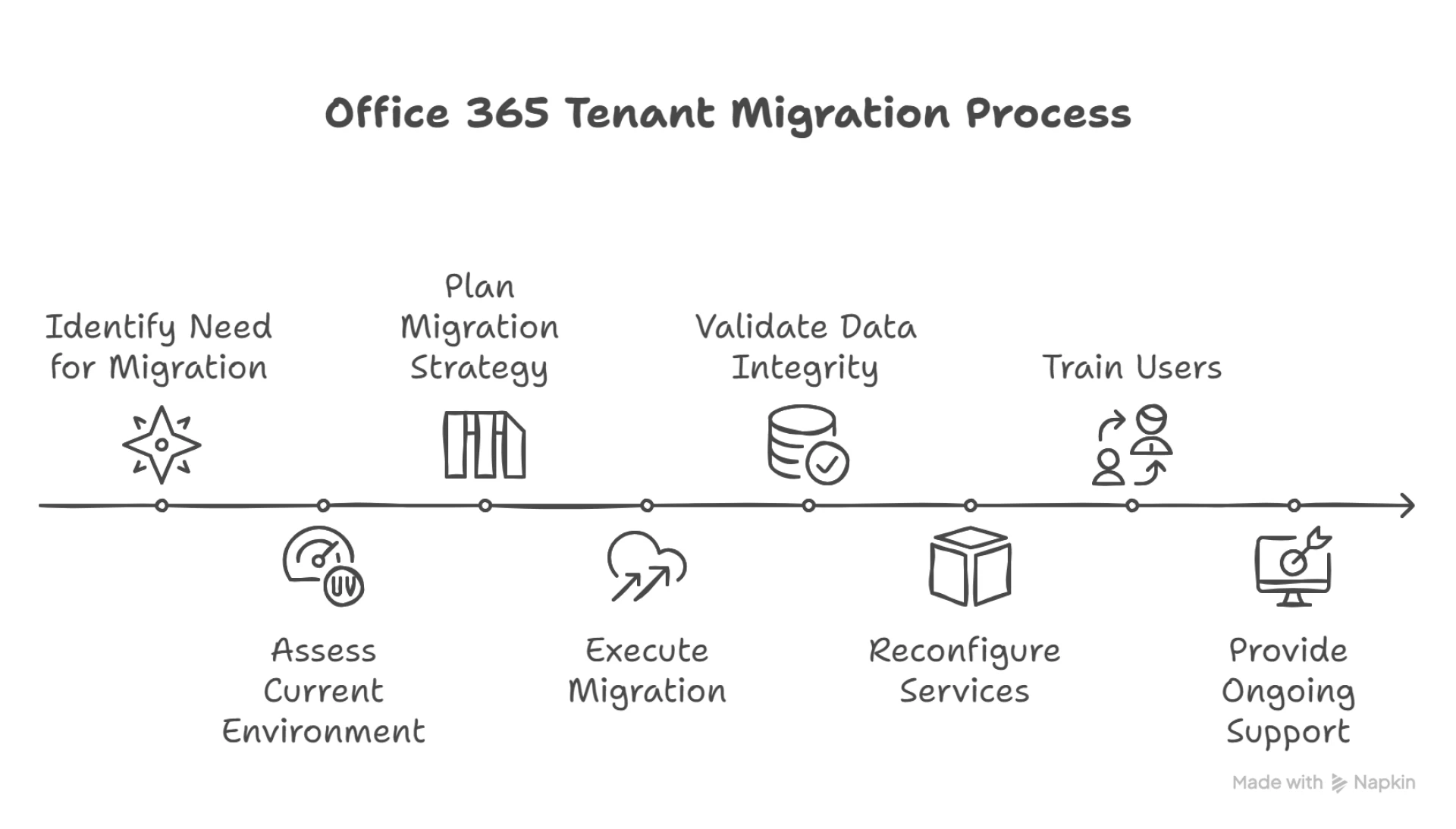
A Gmail to Microsoft 365 migration requires careful planning to ensure no data is lost and minimal disruption occurs:
- Pre-Migration Assessment – Inventory Gmail accounts, Google Drive files, and other Google Workspace data that need to be moved.
- Account Setup in Office 365 – Create user mailboxes in Microsoft 365 and assign appropriate licenses.
- Choose the Right Migration Tool – Use Microsoft’s native IMAP migration or third-party tools like BitTitan or MigrationWiz for mailbox and Google Drive data transfer.
- DNS Configuration – Update MX records to route emails to Office 365.
- Validation and Testing – Verify mailbox content and application access post-migration.
Common Challenges
Transitioning from Gmail to Office 365 isn’t without challenges. Users may face differences in interfaces, formatting inconsistencies, or syncing issues. With the right migration partner, like Apps4Rent, these issues can be resolved smoothly.
Apps4Rent offers end-to-end migration services, including:
- Gmail to Outlook mailbox migration
- Google Drive to OneDrive/SharePoint transition
- DNS management and validation
- Post-migration training and support
Benefits of Office 365 Post-Migration
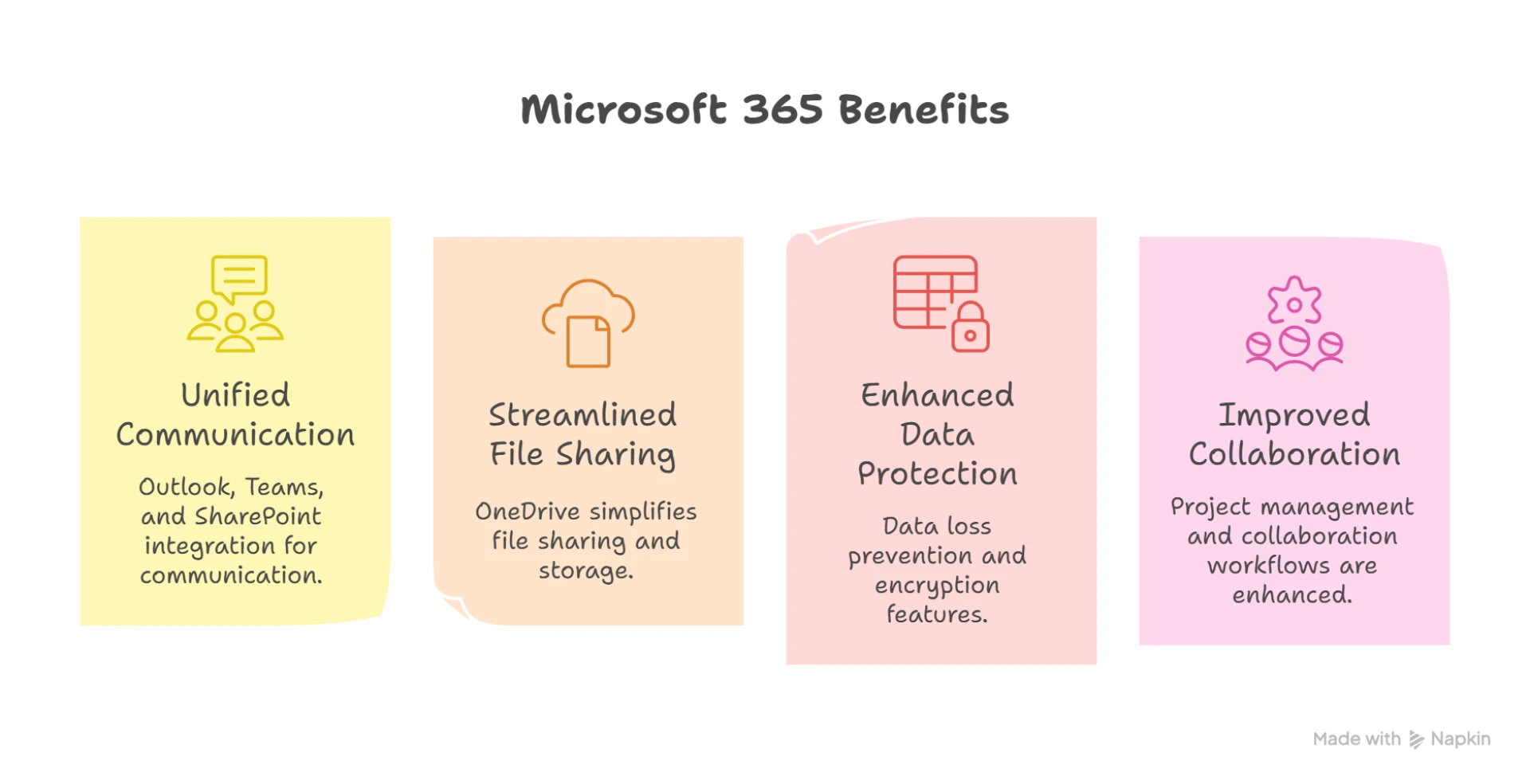
After migrating from Gmail to Microsoft 365, organizations can expect:
- A unified communication platform with Outlook, Teams, and SharePoint
- Streamlined file sharing and storage with OneDrive
- Better data loss prevention and encryption features
- Improved project management and collaboration workflows
Final Thoughts
Migrating to Office 365 enables businesses to unlock a new level of productivity and security. It’s not just a move—it’s a digital transformation. By partnering with experts like Apps4Rent, you ensure a seamless, secure, and customized migration tailored to your business needs.

























Sign in to leave a comment.