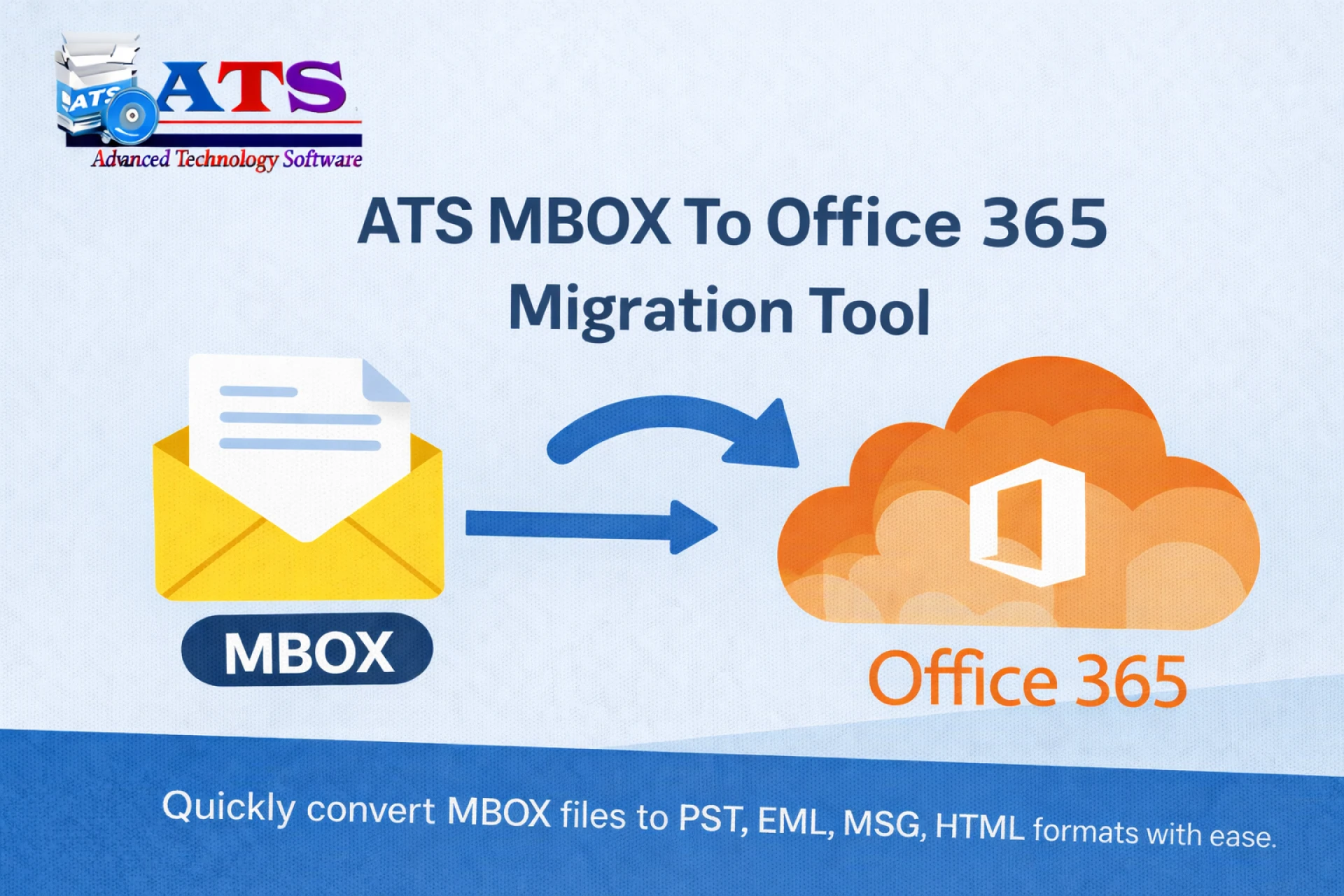

Email platforms evolve, and so do user needs. Many individuals and organizations start with email clients like Mozilla Thunderbird, Apple Mail, or other UNIX-based applications that store data in MBOX format. Over time, the need to migrate to Microsoft Outlook becomes essential due to its enterprise-level features, Office 365 integration, and centralized email management. However, Outlook does not support MBOX files directly, making migration a technical challenge.
This blog explains why MBOX to PST conversion is required, the difficulties of manual methods, and how MBOX Converter Software makes migration to Outlook simple, secure, and efficient.
Why MBOX to PST Conversion Is Necessary
MBOX is a popular mailbox format, but it lacks compatibility with Microsoft Outlook. Outlook uses PST (Personal Storage Table) files to store emails, contacts, calendars, and other mailbox data. When users switch platforms, they face issues such as:
- Inability to open MBOX files in Outlook
- Risk of email data loss during manual migration
- Loss of folder hierarchy and metadata
- Time-consuming and error-prone processes
To ensure smooth access to emails in Outlook, converting MBOX files into PST format is the most reliable approach.
Challenges with Manual MBOX to PST Migration
Many users attempt manual workarounds before opting for professional software. The most common manual approach involves using Thunderbird as an intermediate client. While this method works for small mailboxes, it has several drawbacks:
- Requires multiple tools and configurations
- Not suitable for large or multiple MBOX files
- High chances of missing emails or attachments
- No direct option for Office 365 migration
- Requires technical expertise and extra time
Due to these limitations, manual migration is not recommended for business-critical or large-scale email data.
ATS MBOX Converter Software: The Smart Migration Solution
ATS MBOX Converter is a professional-grade tool designed to eliminate the complexities of manual conversion. It enables users to convert MBOX files directly into PST format without needing Outlook or Thunderbird installed.
The software is suitable for individuals, IT administrators, and enterprises looking for a reliable way to migrate email data into Outlook or Office 365 environments.
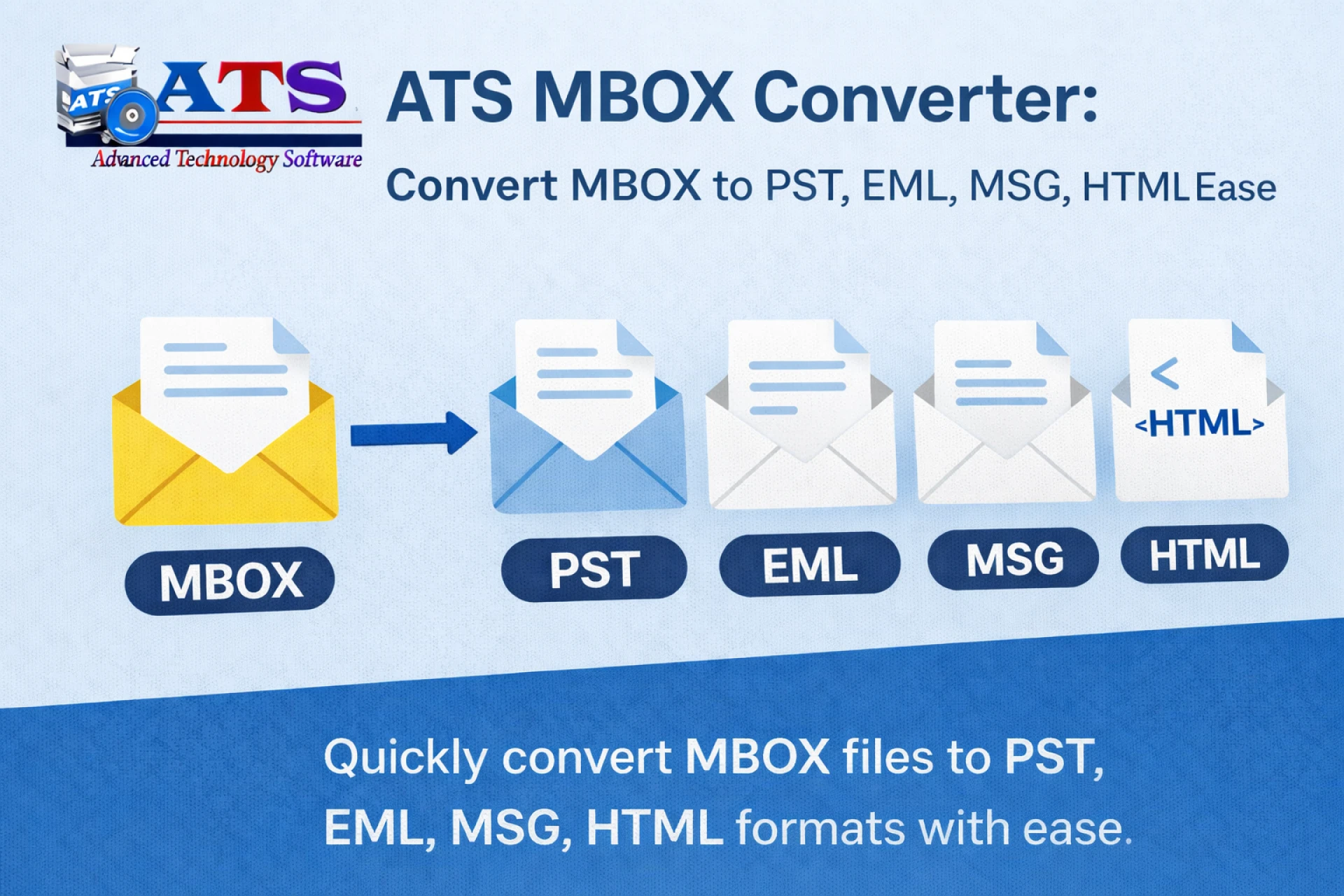
Key Features of ATS MBOX Converter
ATS MBOX Converter includes advanced features that ensure accurate and secure email migration:
- Direct MBOX to PST Conversion: No intermediate email client required
- Preserves Folder Structure: Keeps original mailbox hierarchy intact
- Complete Data Integrity: Maintains emails, attachments, headers, and formatting
- Bulk Conversion Support: Convert multiple MBOX files in one process
- Selective Migration: Filter emails by date, sender, or subject
- Wide Compatibility: Supports MBOX files from Thunderbird, Apple Mail, Eudora, and more
These features make ATS a dependable solution for seamless Outlook migration.
How to Convert MBOX to PST Using ATS Software
The conversion process with ATS MBOX Converter is simple and user-friendly. Below is a general overview of the steps involved:
- Install and Launch ATS MBOX Converter on your Windows system
- Add MBOX Files or Folders from your local drive
- Preview Mailbox Content to verify email data
- Choose PST as the Output Format
- Apply Filters (Optional) for selective conversion
- Start the Conversion Process and wait for completion
Once finished, the generated PST file can be easily imported into Microsoft Outlook or used for Office 365 migration.
Benefits of Using ATS Software for Outlook Migration
Using ATS MBOX Converter offers several advantages over manual methods:
- Saves time and effort
- Reduces the risk of data loss
- Ensures professional-level accuracy
- Suitable for large mailboxes and enterprises
- No dependency on Outlook installation
For users searching for an easy and reliable way to migrate MBOX emails to Outlook, ATS Software delivers consistent results.
Common Use Cases
ATS MBOX Converter is widely used in scenarios such as:
- Migrating from Thunderbird to Outlook
- Switching from Apple Mail (Mac) to Outlook (Windows)
- Preparing PST files for Office 365 migration
- Archiving emails for compliance or backup
- Enterprise-level email consolidation
These use cases highlight the flexibility and reliability of the tool.
Best Practices for Smooth MBOX to PST Conversion
To ensure the best conversion results, follow these tips:
- Verify MBOX file integrity before conversion
- Ensure adequate disk space for PST output
- Use filters carefully to avoid missing important emails
- Preview emails before starting the final conversion
- Avoid interrupting the process once it begins
These practices help maintain accuracy and prevent conversion issues.
Conclusion
Migrating from MBOX-based email clients to Microsoft Outlook does not have to be complicated or risky. While manual methods exist, they are time-consuming and unreliable for large or important mailboxes.
ATS MBOX Converter Software provides an easy, secure, and professional solution for converting MBOX files into PST format. With its advanced features, user-friendly interface, and high accuracy, it is an ideal choice for individuals and organizations planning a smooth transition to Outlook or Office 365.
If you’re looking for a hassle-free way to migrate your emails, ATS MBOX Converter ensures your data moves safely—without compromise.



























Sign in to leave a comment.