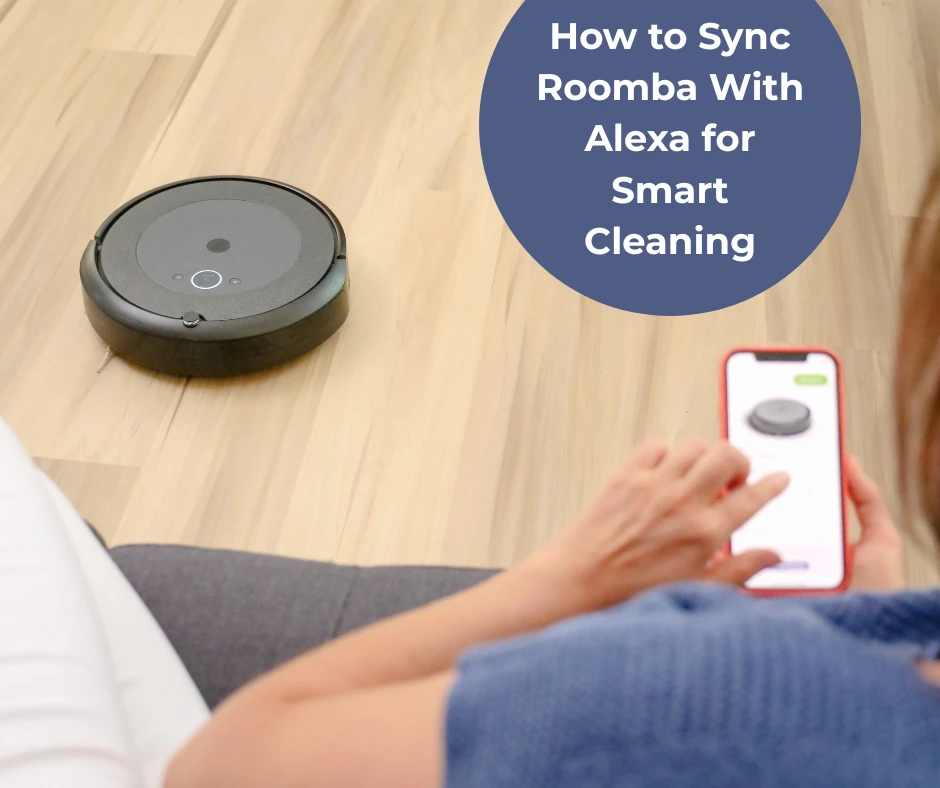
When the vacuum starts disconnecting every few minutes, fixing Roomba offline issues usually takes higher priority. If your Roomba keeps going offline, the approach to the solution usually involves examining the Wi-Fi network, firmware, and app settings.
Start by checking the signal strength of your Wi-Fi. These devices require a solid 2.4 GHz network connection; it would be best not to go for 5 GHz, as it is not good at roaming across walls. Place the router close to the charging dock or get a Wi-Fi extender to fill in the weak spots.
Next, check your router settings. Check correctly if the network name and password are entered correctly, and see if MAC address filtering or firewalls are blocking access to the device. Such blocks can cause your iRobot Roomba to get forced offline from time to time.
Firmware is the most important thing for the stability of the device. Using the mobile app, find out if an update for the firmware is available for download, and install it if yes. Such updates have more than often aimed to fix connectivity bugs that make the vacuum cleaner lose signal or go offline during operation.
Another useful feature is to assign a static IP address from your router. This will prevent IP conflicts that arise when more than one device fights over the same address, one of the frequent causes being that your Roomba keeps going offline unexpectedly.
Lastly, if all else fails, reset the vacuum to factory settings. Using the app, reconnect it to your network after carefully entering all login information.
You may reduce offline mistakes and regain device dependability by following these procedures. With hands-free automation, a connected vacuum not only improves cleaning but also offers you peace of mind.
























Sign in to leave a comment.