

IT device spending shot up to USD 4.7 trillion in 2023—showcasing the importance of robust IT devices and technology for professional and business usage. When it comes to business computers, architects are one group that requires high-performance workstations without fail.
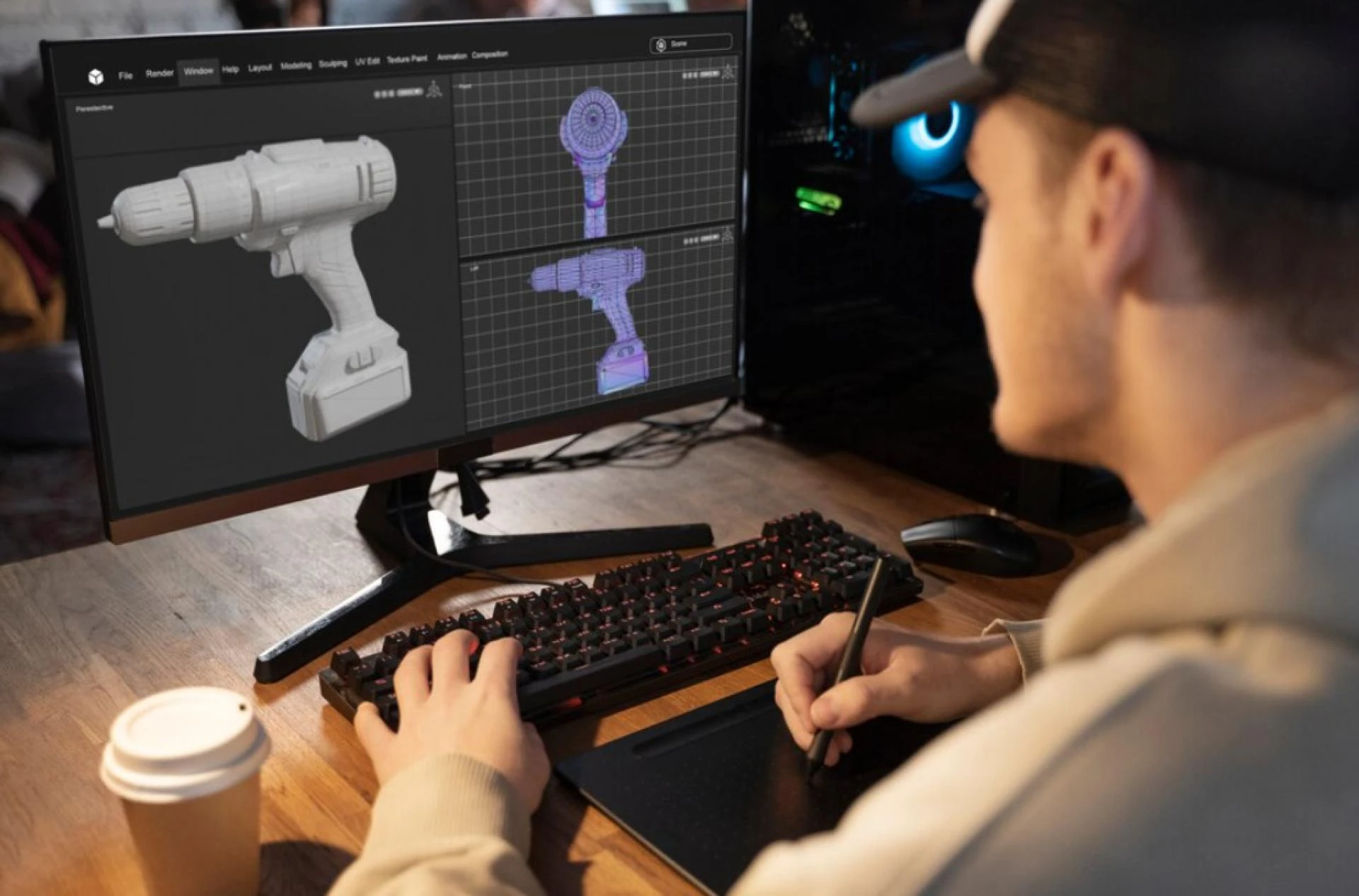
The daily tasks of architects, like complex 3D modelling, intricate design iterations, and real-time visualization call for high-performance machines. This, alongside their usage of design software like AutoCAD, Revit, SketchUp, Rhino and ArchiCAD, visualization software like V-Ray, Lumion, and Enscape, and Building Information Modelling (BIM) software, means that architect workstation builds need to provide significant processing power.
A high-performance workstation is an essential investment—whether it’s for a single architect or an architectural firm. Here are the essential components of an ideal workstation for architects.
Essential components for high-performance architect workstation builds
High Core-count CPU
For architects, a high core count CPU is crucial. Rendering 3D models, running simulations, and managing multiple programs all benefit from a processor with numerous cores. This allows for efficient multitasking and smoother workflow, especially when working with large and complex projects.
For this, you can choose AMD’s Threadripper PRO CPUs or Intel’s 14th-Gen CPUs.
Top-of-the-line GPU
Architectural software relies on the GPU to display intricate 3D models, generate realistic textures, and create high-quality renders. A powerful GPU ensures smooth navigation within complex models, minimizes rendering times, and allows for real-time design change visualization.
For this, you can choose NVIDIA’s RTX series or AMD’s Radeon PRO series, particularly the W7000.
Powerful DDR4 (or DDR5) RAM
When working with large architectural files, textures, and complex models, RAM is paramount. It ensures smooth operation by keeping frequently used data readily available for the CPU, minimizing program lag and maximizing responsiveness.
For architects, 32GB of DDR4 or DDR5 RAM is highly recommended for optimal performance, with 16GB serving as the minimum acceptable amount.
Well-rounded Storage Configuration
An SSD improves boot times, program loading speeds, and overall system responsiveness. This enables quick access to large files and open programs with minimal waiting. However, when dealing with massive project files, textures, and 3D models—a secondary HDD is ideal.
An NVMe SSD paired with a high-capacity HDD combination is the ideal storage configuration for architect workstation builds.
A Compatible Motherboard
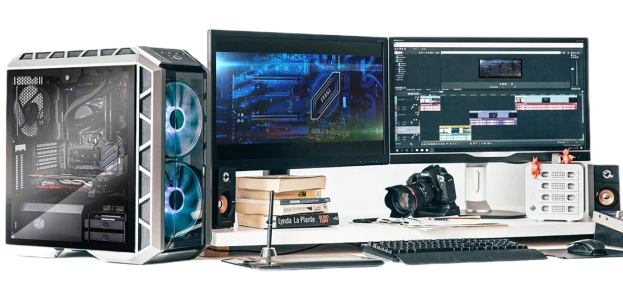
A motherboard with several HDMI or DisplayPort outputs for connecting multiple monitors allows for an expansive workspace, ideal for viewing complex models, design iterations, and reference materials simultaneously. Sufficient USB ports are also necessary for connecting peripherals like scanners and drawing tablets. A motherboard with multiple PCIe 4.0 or 5.0 slots is ideal here.
Get a high-performance architect workstation built for your firm from Micro-Vision Computers
Building a custom workstation can be a daunting task. Here at Micro-Vision Computers, we understand the specific needs of architects. Our workstations are built free of bloatware and trial software—delivering high-performance custom office PCs tailored to your firm’s requirements.
We also offer a fully online ordering process, and nationwide shipping within 10 business days of placing your order. Let Micro-Vision Computers take the guesswork out of building your ideal architectural workstation. Get in touch today.





























Sign in to leave a comment.