
What Are GA4 Event Parameters in Google Analytics?
GA4 is built entirely around events. Every meaningful user action a scroll, a click, a checkout triggers an event, and every event arrives with parameters: the descriptive details that give each interaction its context.
Take a purchase event. It might carry value, currency, transaction_id, and coupon_code, all logged by GA4 the moment it fires, with no manual configuration required.
What GA4 does not do automatically is make those parameters available for reporting. Collection and reporting are separate steps, and the gap between them is where most tracking setups quietly fall apart.
What Are GA4 Custom Dimensions?
GA4 Custom dimensions are the registration step that closes that gap. When you create one, you're telling GA4 to move a specific parameter from raw storage into the full reporting and analysis layer.
Without that step, the parameter remains invisible inside:
- Standard GA4 reports and Explorations
- Audience definitions and remarketing segments
- Comparisons, filters, and attribution models
This invisible data gap sits behind many of the GA4 tracking and configuration issues that silently cost businesses revenue. Teams diagnose the problem as missing data. In most cases, the data is present just never exposed to reporting.
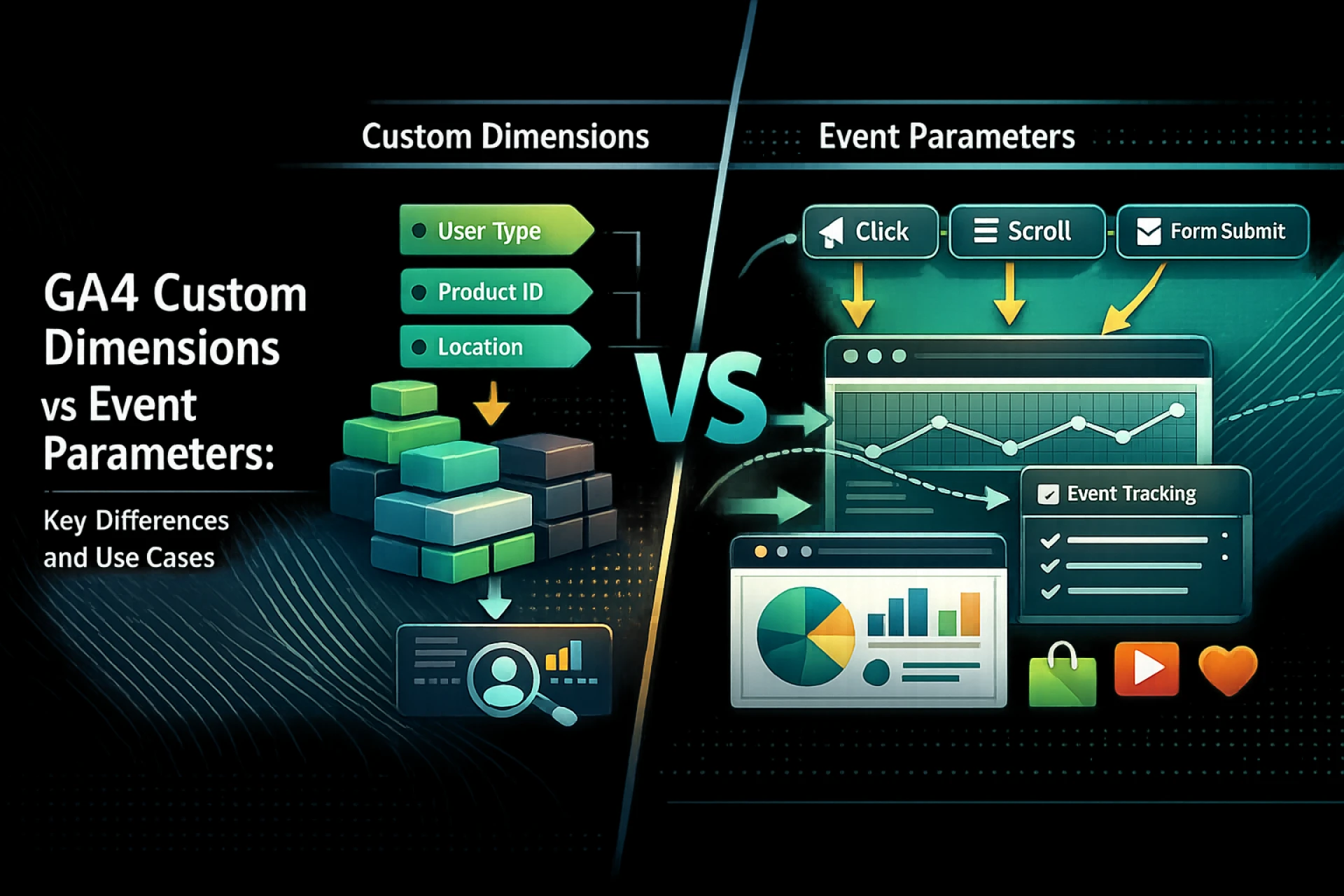
In plain terms: Event parameters are what GA4 captures. Custom dimensions are what GA4 shows you.
GA4 Event Parameters vs GA4 Custom Dimensions (Side-by-Side)
Event Parameter — Recorded automatically at the moment of each event. Held in raw data. Inaccessible for filtering, segmentation, or audience creation until a corresponding custom dimension is registered.
Custom Dimension — Created manually in GA4 Admin. Once active, the linked parameter becomes available across all of GA4's reporting, audience, and analysis tools.
Neither does the other's job. Remove either one, and the data either goes uncollected or stays permanently unreported.
When Should You Create GA4 Custom Dimensions?
The deciding question is straightforward: will this parameter shape a business decision on a recurring basis? If yes, register it. If not, leave it as a raw parameter.
Parameters worth registering typically do at least one of these things:
- Distinguish between meaningful user groups e.g., user_category, subscription_tier
- Describe how users move through products or checkout flows e.g., plan_type, checkout_type
- Define audiences for remarketing or personalisation campaigns
- Feed into conversion funnels or multi-touch attribution models
When You Do NOT Need a Custom Dimension
Parameters that are short-term, diagnostic, or destined only for BigQuery pipelines don't need a custom dimension slot. Debug flags, temporary test IDs, implementation markers, and campaign-specific tracking fields are common examples. Registering these speculatively inflates your dimension list without adding any reporting value — and erodes the quota you need for fields that actually matter.
Understanding the GA4 Custom Dimension Limit
GA4 imposes a hard ceiling of 50 event-scoped and 25 user-scoped custom dimensions per property. Reach the limit and GA4 will not allow new registrations until existing ones are archived.
Archiving frees the slot. It does not restore historical reporting. Any gap created by removing a dimension is permanent the data cannot be recovered retroactively.
Properties that run into this limit consistently share the same underlying cause: no plan, no process, and no review cycle. Putting a structured GA4 measurement planning and audit framework in place stops quota erosion before it starts and keeps your reporting layer clean as the property scales.
Event Scope vs User Scope: Another Critical Decision
Registering a custom dimension requires choosing a scope. This choice determines how GA4 applies the dimension and getting it wrong creates data inconsistencies that are difficult to trace.
- Event-scoped:
Applies to each individual event. Correct for parameters that vary interaction by interaction checkout_type, content_author, coupon_code.
- User-scoped:
Persists across all events for the same user. Correct for stable profile attributes user_category, plan_type, subscription_tier.
A mismatched scope produces segmentation that drifts across sessions visually coherent reports that deliver quietly wrong conclusions.
What About BigQuery?
GA4 properties connected to BigQuery export the complete raw event stream parameters included without any custom dimension required on the GA4 side.
BigQuery is the better destination for parameters that:
- Support infrequent, deep-dive analysis rather than regular reporting
- Feed data science, ML, or engineering pipelines
- Are too operational or granular for standard stakeholder dashboards
Routing these fields to BigQuery preserves your custom dimension quota for the parameters that genuinely earn their place in everyday reports.
A Practical Decision Framework
Run every parameter through these questions before creating a custom dimension:
- What recurring report or decision does this support?
- Will stakeholders use this breakdown at least monthly?
- Should this be event-scoped or user-scoped and why?
- Is BigQuery better suited to this use case?
- Will this field still be relevant in six months?
If the answers aren't clear, the registration can wait. For properties already carrying the weight of years of unreviewed dimensions, specialist GA4 audit services reporting and cleanup can remove what's redundant, reclaim wasted quota, and establish an ongoing governance process that prevents the same accumulation from recurring.
Common Implementation Mistakes in Google Analytics
The same patterns appear in misconfigured GA4 properties regardless of industry or team size:
- Registering parameters as dimensions reflexively, without a reporting use case
- Choosing scope based on assumption rather than how the parameter actually behaves
- No naming conventions dimensions grow without documentation or ownership
- No audit cycle redundant and unused dimensions are never reviewed or retired
None of these are technical problems. They are process absences and their impact on reporting reliability compounds with every month they go unaddressed.
Why This Matters More Than It Seems
The difference between a parameter and a custom dimension looks small on paper. In practice, it shapes every report your team relies on.
When the reporting layer is well-structured, segments are consistent, funnels are trustworthy, and attribution sends budget where it performs. When it isn't, the same data produces conclusions no one can fully rely on even if the dashboards look fine.
Custom dimensions are not a minor configuration detail. They are the point at which collected data becomes something a business can actually use.
Frequently Asked Questions
Are GA4 event parameters automatically available in reports?
No. GA4 captures and stores parameters automatically, but they only become usable in standard reports, Explorations, and audience tools once registered as custom dimensions.
What happens if I don't create a Google Analytics custom dimension?
The parameter data is collected and held in GA4's raw data layer. Without a custom dimension, it cannot be used for filtering, segmenting, or audience creation inside GA4's reporting interface.
What is the limit for GA4 custom dimensions?
GA4 permits 50 event-scoped and 25 user-scoped custom dimensions per property.
Does archiving a custom dimension restore the slot?
Archiving does free up the slot for reuse. However, historical report data connected to the archived dimension is permanently lost and cannot be retrieved.
Final Takeaway
Parameters give GA4 something to store. Custom dimensions give it something to report. Register only the parameters that serve real, recurring analysis audience building, segmentation, attribution, or optimisation. Leave the rest as raw parameters or route them to BigQuery. The properties that report well are almost always the ones that registered less, not more.


































Sign in to leave a comment.