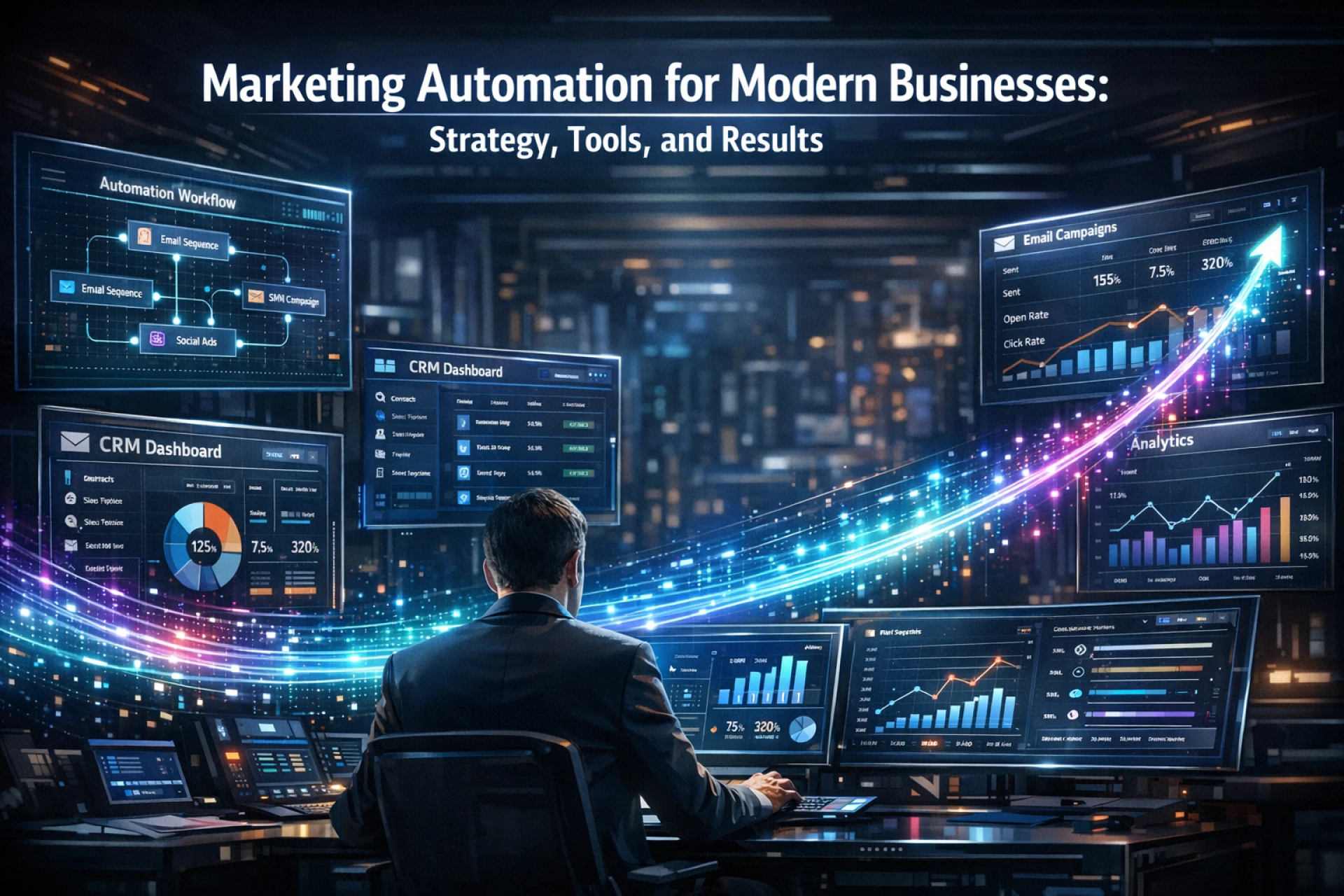

What It Is
Marketing automation is software that responds to customer actions so you don't have to do it manually. Someone fills out a form a welcome email goes out. A lead keeps coming back to your pricing page sales gets flagged. A cart gets left behind a reminder fires an hour later. All of it without anyone pressing a button.
The bigger change it creates is less obvious. Teams stop planning around "what should we send this month" and start asking "what does this specific person need right now." That shift is where the real value comes from not the tool itself.
Email is where most teams start, and for good reason. Building solid email flows early gives you a reliable foundation before you start adding channels and complexity.
Why Teams Use It
Automation closes the gap between what a lead does and what should happen next without depending on someone being available to act on it. That gap is where deals fall through, customers churn, and follow-ups never happen.
•No action goes unacknowledged: every trigger fires regardless of team bandwidth or timezone
•Response speed matters: leads reached quickly convert at significantly higher rates than those who wait
•Growth without adding headcount: the same workflow runs for 500 or 500,000 contacts with equal consistency
•Cleaner sales handoffs: shared data means sales knows exactly what a prospect has seen before they speak
•Revenue clarity: one system tracking all activity makes it much easier to see what actually drives pipeline
How It Works
Every automation follows the same structure: Trigger → Condition → Action → Outcome. Something happens, the system checks context, executes a response, and logs it. Simple in principle. The power comes from doing this across thousands of contacts simultaneously, all day, all night.
Your website, CRM, email platform, and analytics all feed the same engine. A contact does something anywhere and their profile updates in real time. The system reads that and responds. Nobody has to check anything manually.
What most platforms do
•Triggered email: sends based on behavior, not calendar dates
•Lead scoring: surfaces the hottest prospects automatically based on actions
•Live segmentation: contacts shift between groups as their behavior changes
•A/B testing: runs tests against real traffic and accumulates data without manual effort
•CRM sync: marketing and sales share the same contact history and data
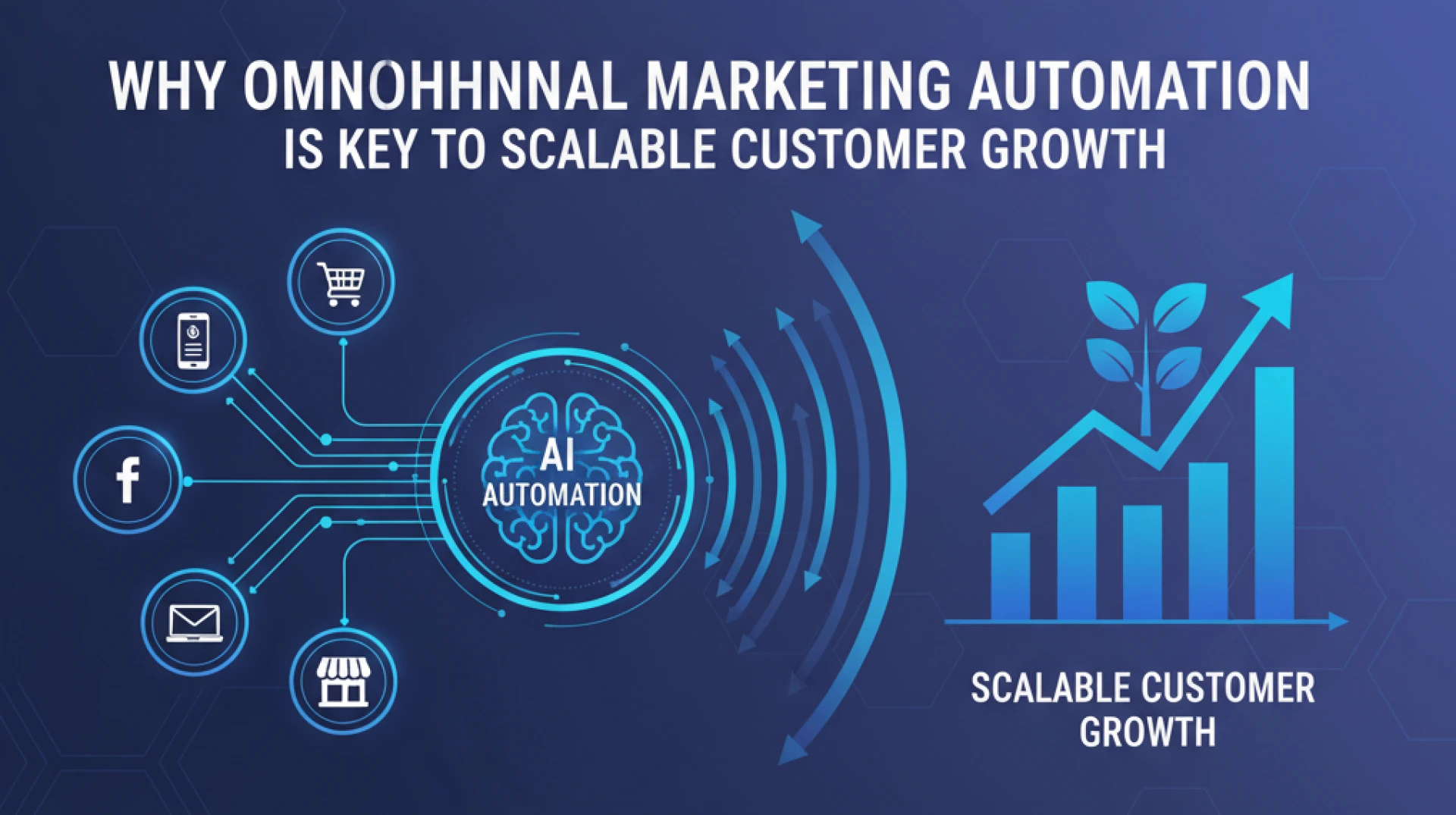
Connected across channels, the effects compound. Omnichannel ecommerce automation is a good example of this working in practice browse abandonment, cart recovery, and post-purchase running off the same customer data.
The Strategy That Actually Works
React to behavior, not the calendar
Fixed drip sequences treat every lead the same. Someone who visits your pricing page three times in a week is not in the same headspace as someone who read a blog post once. Automation that responds to what people actually do rather than what day it is converts better and annoys people less.
This matters especially in complex sales. B2B automation looks at how to manage long sales cycles and multiple stakeholders without losing the thread of the conversation.
Coordinate channels, don't just add them
A contact who just opened an onboarding email doesn't need a top-of-funnel ad twenty minutes later. When channels run in parallel without coordination, the experience feels disjointed. The customer can't always say why, but they feel it.
Coordinating channels properly is where most teams need help. Our omnichannel marketing services help brands build journeys that hold together across email, ads, SMS, and on-site rather than just running them in parallel.
Let behavior drive personalization
Good personalization doesn't announce itself. It just shows up as a message that fits what the person is doing. Returned to a product page twice relevant nudge. Dropped off mid-onboarding a prompt on the exact step they stopped at. It works because it's based on real signals, not demographic assumptions.
Picking a Platform
The best platform is the one your team will actually use. A simple tool that gets used consistently beats a powerful one that overwhelms everyone.
•Small businesses: Mailchimp or ActiveCampaign — easy setup, low cost, works out of the box
•E-commerce: Klaviyo — built around purchase and behavior data, strong DTC performance
•B2B / SaaS: HubSpot or Marketo — solid CRM alignment and lead management depth
•Enterprise: Salesforce Marketing Cloud or Oracle Eloqua scale and compliance, significant setup overhead
For retail and e-commerce, automation needs something real to run on. Our connected commerce infrastructure brings together customer data from online, in-store, and mobile so automation has a complete picture to work from.
During any platform evaluation, test real tasks not a feature demo. Build a workflow. Create a segment. Pull a report. If it feels awkward with someone guiding you, it'll feel worse at 11pm when something breaks. And price in the full cost: subscription, setup, training, and ongoing maintenance.
Getting Started
Fix the data first. Duplicates, empty fields, contacts who never opted in these don't just create problems, they make it nearly impossible to tell whether automation is working or broken. Clean it before you build anything.
Then pick two workflows. A welcome sequence. One high-value trigger cart abandonment, lead handoff, or onboarding. Get those running and producing real data before touching anything else.
Once they're stable, add scoring and segmentation. That's usually the point where automation starts influencing revenue, not just saving admin time. After that, the job is quarterly reviews open rates, drop-off points, unsubscribes. Workflows decay quietly. Checking in regularly is the difference between compounding results and silently degrading ones.
What Trips Most Teams Up
•Building before the process is clear: automation speeds up whatever you give it an unclear qualification process just produces bad leads faster
•Launching with bad data: broken personalization, misfiring workflows, and untrustworthy reports all trace back here
•Sending too much: without frequency caps, automation becomes the reason your unsubscribes go up
•Reporting on engagement instead of revenue: opens and clicks are proxies connect to pipeline to see what's actually working
•Not reviewing what's live: something built six months ago is probably running on outdated assumptions about your audience
What Good Looks Like
When it's working, the mechanics are invisible. Customers get messages that feel timely and relevant. Sales gets leads that are actually worth calling. The marketing team spends time on strategy, not execution. No one is thinking about the workflows behind it they just experience a brand that seems to know what it's doing.
The test worth applying to every workflow: is this better for the customer, or just more convenient for us internally? When the answer is mostly the latter, the customer tends to notice, even if they can't say exactly why.
If you want a practical resource for implementing automation in e-commerce, our e-commerce automation playbook covers platform selection, workflow design, and what actually drives revenue without the filler.
The Short Version
•Start with two workflows. Prove them. Then build.
•Bad data breaks good automation clean it first
•React to what people do, not your send schedule
•Channels need to coordinate, not just coexist
•Measure revenue impact, not open rates
•Review workflows quarterly. Decay is quiet and cumulative.
•The goal is a better customer experience. Convenience for your team is a side effect.























Sign in to leave a comment.