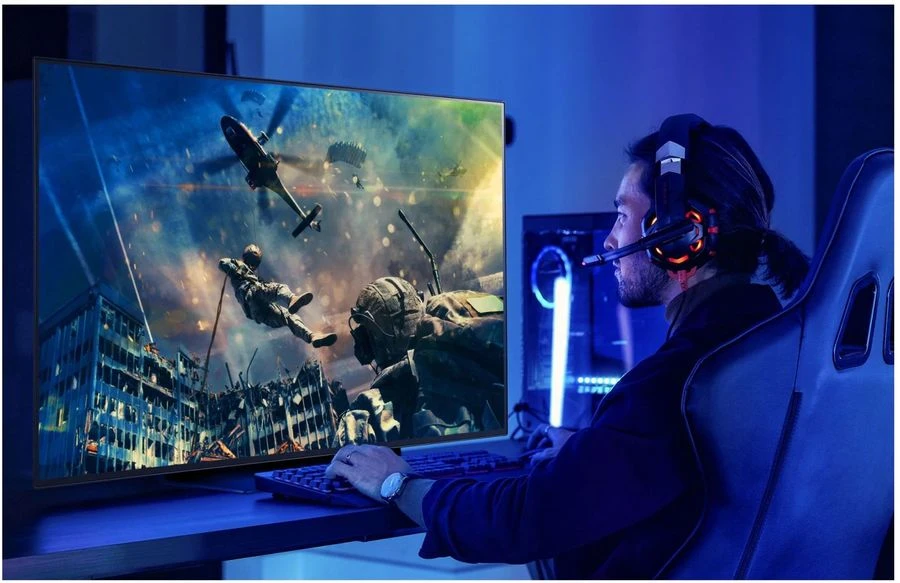

Do you think a high-priced gaming monitor always means better quality? Or that more refresh rate is always the best choice? Many people believe these things, but not all are true. There are many myths about gaming monitors, and today, we will break them down for you.
A good gaming monitor can improve how you play games, but understanding the facts is important. Some features matter, while others are just marketing tricks. If you know the truth, you can choose the right monitor without wasting money.
Let’s explore common myths about gaming monitors and see what’s real and what’s not. After reading this, you’ll be able to make a smarter choice for your gaming setup.
1. Higher Resolution Always Means Better Gaming
Many believe higher resolution means better gaming, but that's not always true. While 4K and 8K look sharp, they need powerful graphics cards. Without the right hardware, even the best monitor can cause lag or choppy gameplay.
A 1080p or 1440p monitor is often the best choice for gaming, especially for smooth gameplay. Competitive gamers prefer lower resolutions with higher refresh rates because speed matters more than extreme detail. Before choosing a high-resolution monitor, make sure your PC can support it. Otherwise, you may end up with slow performance.
2. Refresh Rate Is the Only Important Factor
Many believe that a 240Hz or 360 Hz monitor is always better than a 144Hz monitor. While higher refresh rates make games smoother, they are not the only factor that matters. Your graphics card must support the high refresh rate; otherwise, you won’t see any difference.
What Else Matters?
Besides refresh rate, response time and input lag are crucial. If a monitor has a high refresh rate but a slow response time, you may still experience motion blur. A good balance of all these factors is the key to smooth gameplay.
Does Everyone Need High Refresh Rates?
Casual gamers might not even notice the difference between 144Hz and 240Hz. If you play fast-paced games like shooters or racing games, high refresh rates help. However, for slower games, a 144Hz monitor is usually more than enough.
Choose According to Your Needs
A high refresh rate is great, but only if your system supports it. If your PC cannot push enough frames, a 144Hz monitor is a smart choice. Focus on a good combination of refresh rate, response time, and resolution for the best experience.
3. Bigger Monitors Are Always Better
Many believe a bigger screen means better gaming, but that’s not always true. The best monitor balances size and visibility. If a screen is too large, spotting details quickly becomes harder, especially in fast-paced games.
Here are some important points to consider:
- Size vs. Distance – A 27-inch screen is ideal for most gamers sitting close to the screen.
- Resolution Matters – A big screen with low resolution looks blurry.
- Competitive Gaming – Smaller screens help players react faster.
- Desk Space – Large monitors take up more space.
- Price Factor – Bigger screens are more expensive but not always better.
4. All Gaming Monitors Have the Same Response Time
Some people believe that all gaming monitors have the same response time, but this is not true. Response time affects how fast pixels change colors, impacting motion clarity.
Why Response Time Matters?
A lower response time means less motion blur. Monitors with 1ms response time are best for fast gaming. If the response time is too high, images may appear blurry during movement.
IPS vs. TN vs. VA Panels
IPS panels have better colors but slower response times. TN panels are the fastest but have weaker colors. VA panels offer deep contrast but can be slower. Choose the right one for your gaming needs.
How to Check Response Time?
Manufacturers list response time in milliseconds (ms), but real-world performance can differ. Read reviews and check actual tests instead of trusting marketing claims. A monitor with a true 1ms response time is great for gaming.
5. Gaming Monitors Are Only for Gamers
Some think gaming monitors are only useful for gamers. While they are made for gaming, they are also great for other tasks.
Here are five reasons why gaming monitors are useful beyond gaming:
- Smooth Performance – High refresh rates help in video editing and animation.
- Better Colors – IPS gaming monitors provide accurate colors for designers.
- Low Input Lag – Useful for professional tasks like trading.
- Multiple Uses – Many gaming monitors support features like USB-C and HDR.
- Better Eye Comfort – Gaming monitors often have eye-care features to reduce strain.
So, even if you don’t play games all the time, a gaming monitor can still be a great choice for work and entertainment.
6. Expensive Monitors Always Perform Better
Many people believe that an expensive gaming monitor is always better. But price does not always mean quality. Some expensive monitors focus on features that may not improve your gaming experience.
For example, a monitor with RGB lighting and premium materials might look cool, but it won’t make your games run faster. A budget-friendly monitor with a good refresh rate, response time, and resolution can perform just as well. Instead of spending extra on unnecessary features, choose a monitor that meets your gaming needs. A well-balanced monitor at a reasonable price is often the best choice.
7. HDMI and DisplayPort Are the Same
People often think HDMI and DisplayPort do the same job. While both transfer video and audio, there are differences.
HDMI is great for general use and works with most devices, but DisplayPort offers higher refresh rates and resolutions, making it ideal for gaming. For the best monitor experience, especially at 144Hz or higher, DisplayPort is the better choice.
Some monitors support both, so check your graphics card to see which one it supports best. If you are using HDMI, make sure it is a newer version (2.0 or 2.1) to get the best performance.
8. More Features Always Mean a Better Monitor
Modern gaming monitors come with many features like HDR, FreeSync, and G-Sync. But more features do not always mean a better monitor. Some features are useful, while others are just extras that don’t improve gaming performance.
For example, HDR sounds great, but not all monitors have true HDR. Some only simulate it, which does not improve visuals much. G-Sync and FreeSync help reduce screen tearing, but they only work if your graphics card supports them. When choosing a monitor, focus on key features like refresh rate, response time, and resolution. Don’t get distracted by unnecessary extras.
Conclusion
Gaming monitors come with many features, and not everything you hear is true. Some myths make people spend more money than necessary. A good gaming monitor is not just about high resolution, refresh rate, or price. It’s about finding the right balance.
Before buying a monitor, consider what games you play and what your PC can handle. Don’t fall for marketing tricks or unnecessary features. Focus on what truly matters for performance. Now that you know the facts, you can choose the best monitor for your needs. Happy gaming!


























Sign in to leave a comment.