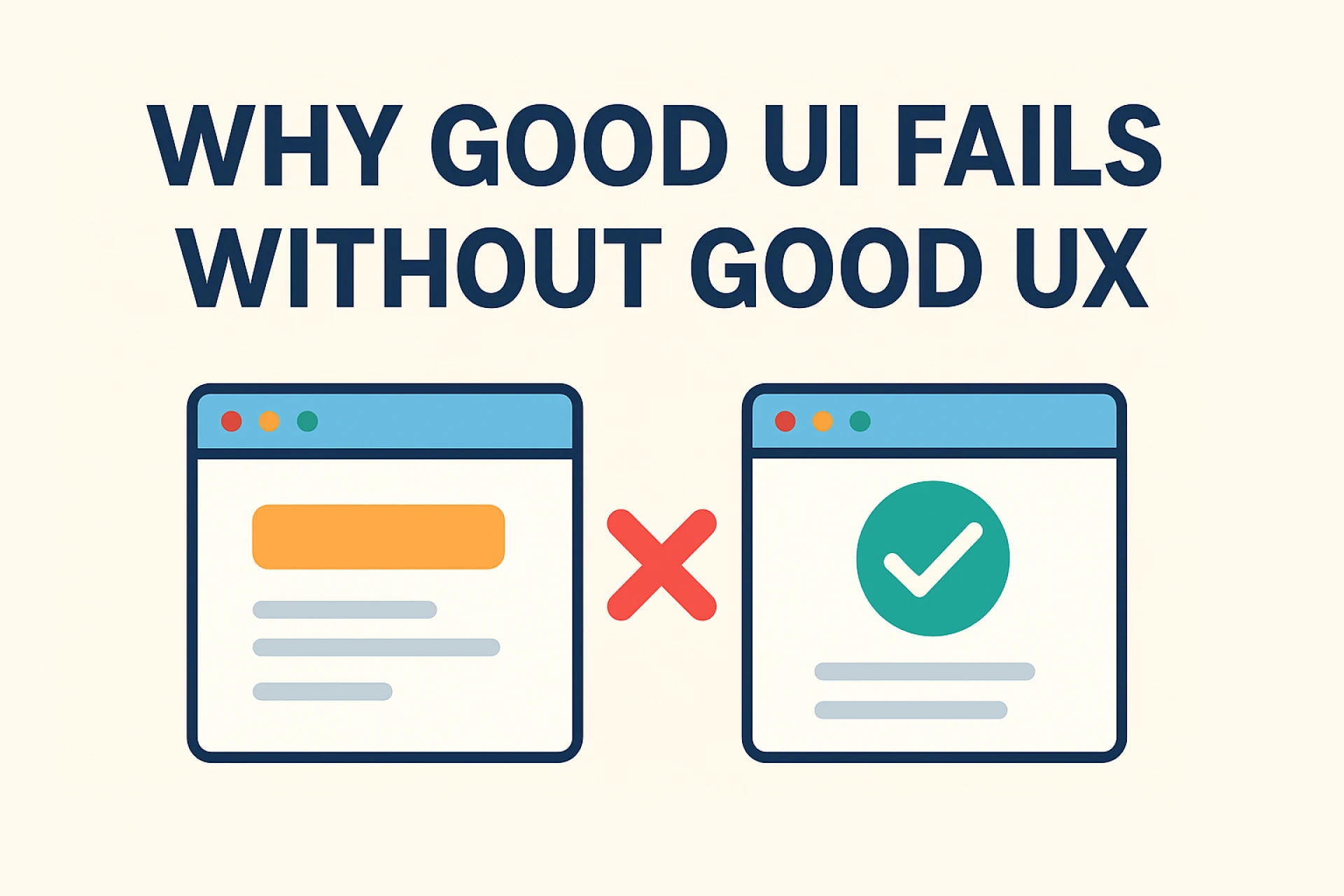

In the digital landscape, a beautiful UI has often been regarded as a hallmark of a high-quality product. Sleek designs, attractive colors, and modern typography no doubt catch the eye of a user. However, appearances cannot totally guarantee success. Without a strong user experience, or UX, even a visually stunning UI can fall flat in delivering value to its users.
The Difference Between UI and UX
UI is the look and feel of a product. It's about how things look: the buttons, layouts, colors, and icons. A well-designed UI creates an immediate appeal and helps users feel confident while using the product.
UX, on the other hand, takes into consideration the user's journey and satisfaction. It focuses on how easy, intuitive, and enjoyable completing tasks will be. UX ensures that the product deliberately solves real problems and meets user expectations.
The great UI attracts, but only UX retains users. UI can be likened to the package of a product, and UX to the quality inside it. Without UX, the package might be beautiful, yet that product inside may disappoint.
When Good UI Falls Short
Many applications or websites really look great from a UI design perspective: buttons are well-aligned, colors are consistent, and typography is beautiful. Still, users get confused trying to find their way around, critical features are difficult to access, and task execution is delayed.
This is the classic case of UI without UX. At first, users like the design, but then frustration overtakes admiration because the product doesn't work intuitively. Often, the result is high bounce rates, abandoned shopping carts, and abysmal engagement metrics.
The Cost of Ignoring UX
Neglecting UX comes at a certain cost. If good UI attracts users, poor UX drives them away. People want not just to see something beautiful; they need functionality and clarity. If users cannot understand how to use a product, they will likely never come back, even if it looks amazing.
A business that prioritizes UI at the expense of UX risks losing customers, harming its brand reputation, and ultimately cutting conversion rates. In the competitive digital world, usability is what makes or breaks a product's success.
How to Balance UI and UX
Start With User Research—Understand the needs, goals, and pain points of your audience before designing the interface.
Design for Functionality First—design wireframes and prototypes that are more about usability than aesthetics.
Test and Iterate – Conduct usability testing to identify issues and refine the user journey.
Collaborate Across Teams—UI designers and UX designers must work together to ensure a visually appealing and seamless experience.
Measure Success—Track engagement in, completion of tasks, and satisfaction to ensure that your product meets user expectations.
Conclusion
In other words, UI and UX are inseparable partners in digital design. Where UI might draw a user's attention, great UX is what retains users, guarantees satisfaction, and brings along results. Focus solely on beauty without considering the user journey, and you have a recipe for failure. To truly make digital products successful, beautiful interfaces must be combined with meaningful, intuitive experiences.
For more guides on UI/UX design, explore: Olynex


























Sign in to leave a comment.