
As anticipated by recent online leaks and rumors, Google released its latest AI video generation model, Veo 3.1, late last night.
Veo 3.1 introduces richer audio, enhanced narrative control, and more realistic texture reproduction. Building upon Veo 3, Veo 3.1 further improves prompt adherence and delivers higher audiovisual quality when generating videos from images.
Alongside the new model, the AI film creation tool Flow, powered by Veo 3.1, has also been updated. It now enables finer-grained editing of video clips and granular control over final scenes. Notably, Google has integrated audio capabilities into existing features for the first time, including “Ingredients to Video,” “Frames to Video,” and “Extend.”
Enhanced Narrative and Audio Control
Veo 3.1 builds upon its predecessor Veo 3 (released in May 2025), strengthening support for dialogue, ambient sound effects, and other audio elements.
Native audio generation is now supported across multiple core Flow features, including Frames to Video, Ingredients to Video, and Extend. These features allow users to:
- Convert static images into video;
- Integrate people, objects, or elements from multiple images into a single video;
- Generate video clips longer than the original 8 seconds, extending up to 30 seconds or even over 1 minute, with seamless transitions from the final frame of the previous segment.
By providing multiple reference images featuring different people and objects, Veo 3.1 can integrate them into a complete scene with sound.
Veo 3.1 can create longer clips, even lasting a minute or more, to extend the action from the original footage. Each generated video builds upon the final second of the preceding clip to help continue the story and maintain consistency in background and characters.
Previously, users had to manually add audio after utilizing these features.
Today, the introduction of native audio empowers users to better control a video's emotional tone, pacing, and narrative voice—capabilities once achievable only through post-production, now directly during the generation phase.
In enterprise settings, this heightened level of control is expected to reduce the need for separate audio production workflows, offering an integrated approach to synchronized audio-visual creation. This facilitates the production of training content, marketing videos, or digital experience pieces.
Enhanced Input and Editing Capabilities
With Veo 3.1, Google has introduced support for multiple input types and provided finer control over generation outcomes. The model accepts text prompts, images, and video clips as inputs, further supporting:
- Reference images (up to three) to guide the appearance and style of the final output;
- Keyframe interpolation to generate smooth transitions between specified start and end frames;
- Scene extension to extend video actions or movements beyond the original duration.
By providing the first and last frames, Veo brings entire scenes to life, helping users create seamless videos with epic transitions.
Additionally, Google has introduced new features such as Insert (adding objects to scenes) and Remove (deleting elements or characters), though not all features are currently available through the Gemini API.
Multi-Platform Deployment
Veo 3.1 is accessible through multiple existing Google AI services:
- Flow: Google's proprietary AI-assisted film creation platform;
- Gemini API: For developers seeking to integrate video generation capabilities into their applications;
- Vertex AI: An enterprise-grade integration platform that will support core Veo features like “scene extension” in future updates.
Pricing and Access
The Veo 3.1 model is currently in preview and available only on paid tiers of the Gemini API. Its pricing structure aligns with the previous-generation AI video model, Veo 3:
- Standard model: $0.40 per second of video
- Fast model: $0.15 per second of video
No free tier is currently available, and billing occurs only upon successful video generation. This pricing model aligns with previous Veo iterations, providing enterprise teams focused on cost management with a predictable budgeting framework.
Technical Specifications and Output Control
Veo 3.1 supports video output at 720p or 1080p resolution with a frame rate of 24 frames per second (fps).
- When generating videos using text prompts or uploaded images, duration options include 4 seconds, 6 seconds, or 8 seconds;
- With the Extend feature, videos can be extended up to 148 seconds (over two and a half minutes).
New features also bring more precise control over subjects and environments.
For example, enterprise users can upload a product image or visual reference, and Veo 3.1 will generate scenes throughout the video that maintain consistent appearance and style.
This capability helps streamline creative production workflows, particularly benefiting teams in retail, advertising, and virtual content creation who require brand consistency and visual continuity.
Finally, let's explore some wildly imaginative user creations:
That said, between Sora 2 and Veo 3.1, which one do you favor?
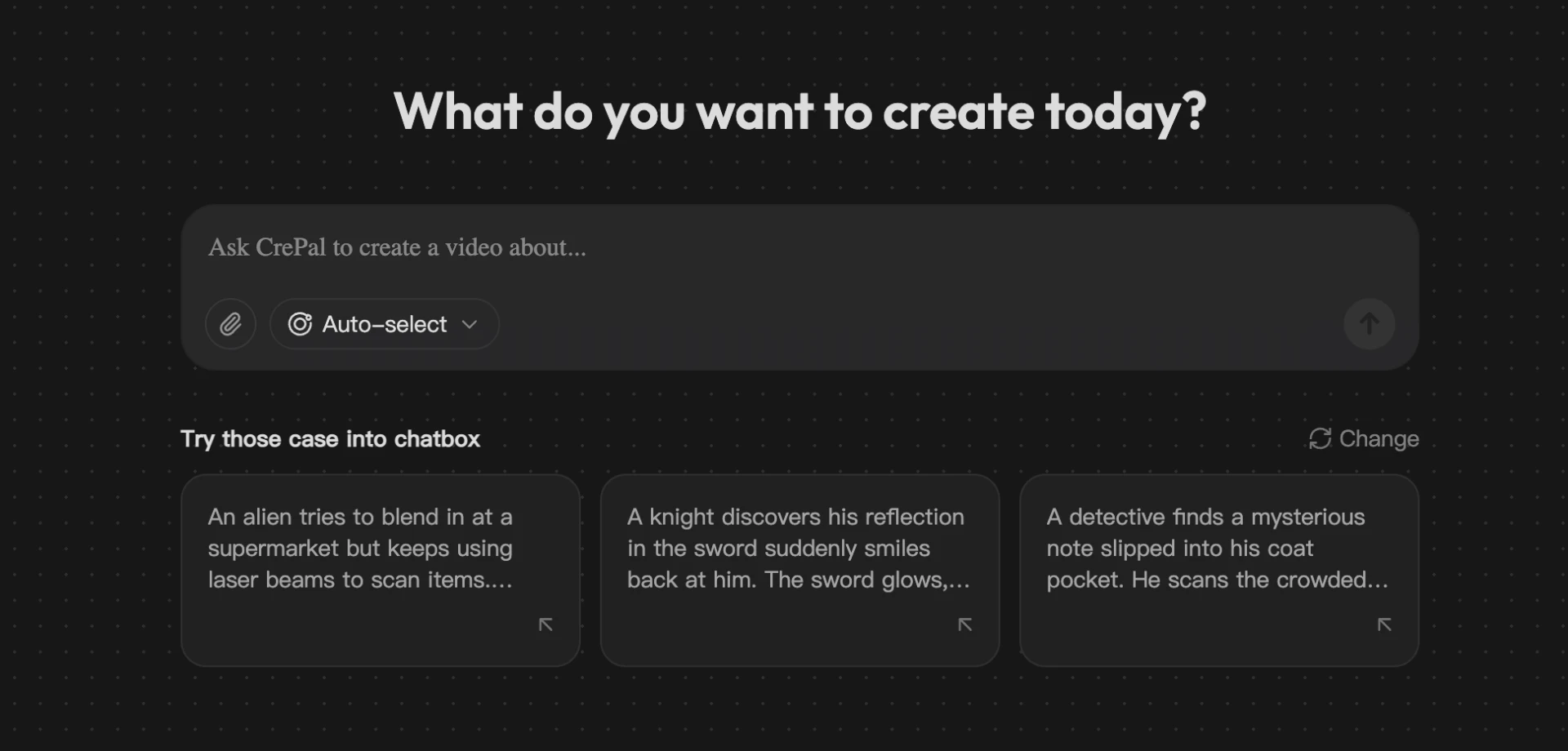
Crepal AI can now fully experience Veo 3.1.





























Sign in to leave a comment.