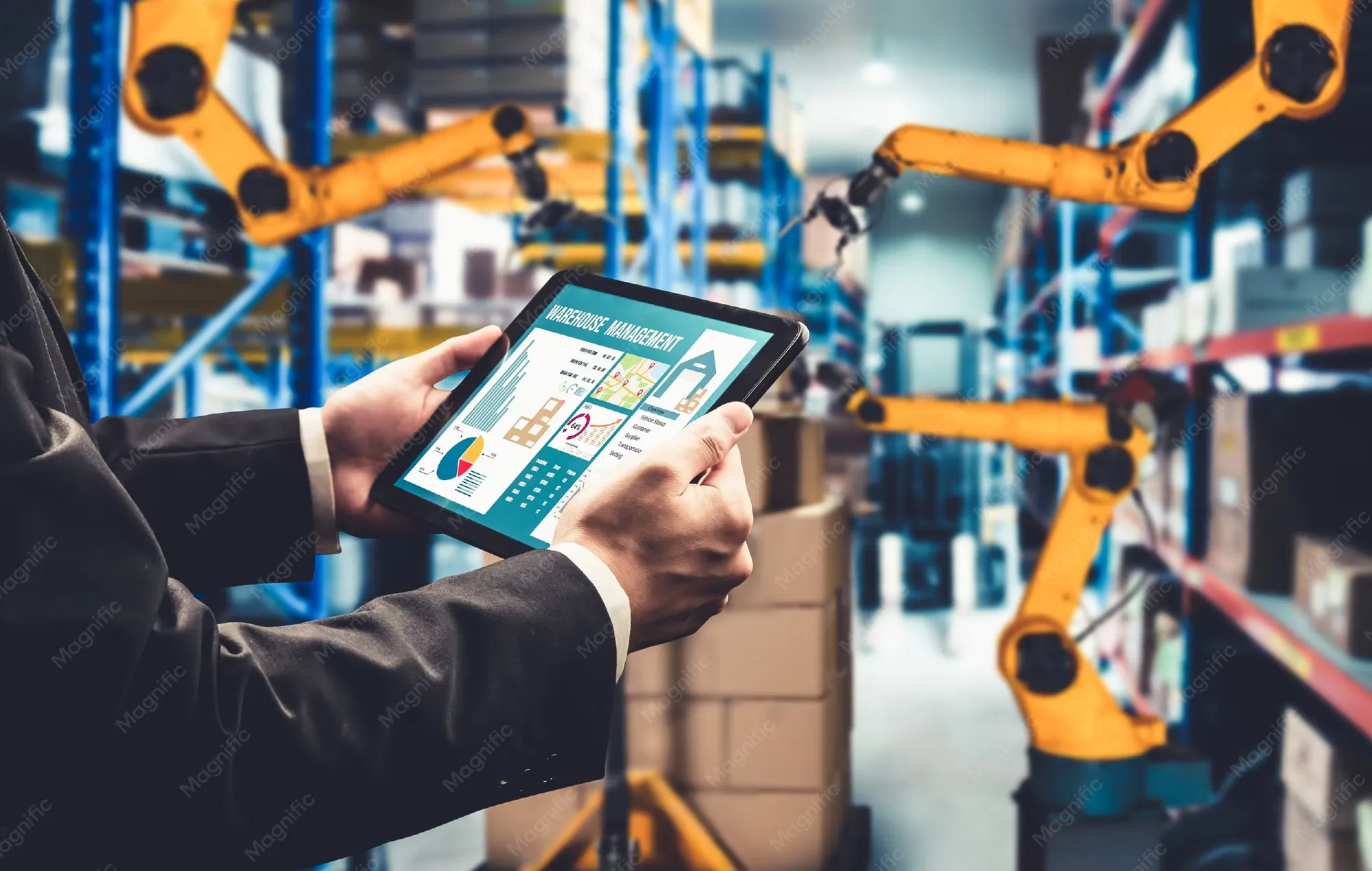

Shop floors are busy, fast-moving environments where even a small miscommunication or delay can slow down an entire production line. Managing machines, workers, materials, and schedules all at once is no small task. That is where the right technology can make a real difference. A manufacturing software company builds tools specifically designed to bring order to these complex environments, helping teams work smarter without adding unnecessary steps to their day.
Why Shop Floor Workflows Get Complicated
Most manufacturing facilities grow over time. New machines get added, teams expand, and product lines become more diverse. As operations scale, the processes that once worked on paper or simple spreadsheets start to break down. Data gets scattered across departments, communication lags between the floor and the office, and supervisors spend more time chasing updates than making decisions.
The result is a workflow full of gaps. Workers may not know which job to prioritize. Managers may not have real-time visibility into production status. Quality issues often get caught too late. These are not signs of a failing team. They are signs of a system that has outgrown its tools.
Where Software Steps In
Modern manufacturing software addresses these pain points directly. Rather than patching problems manually, it creates a connected environment where information flows automatically between people, machines, and processes.
Some of the most practical ways software simplifies shop floor workflows include:
1. Centralized Scheduling and Job Tracking
Instead of relying on whiteboards or printed job sheets, software gives every team member a clear view of what needs to be done, by when, and by whom. Supervisors can assign tasks, update priorities, and track progress all from one place. Workers spend less time asking questions and more time executing.
2. Real-Time Data from the Floor
When machines or workers log updates directly into a connected system, managers no longer need to wait for end-of-shift reports. They can see live production counts, identify slowdowns as they happen, and respond quickly. This kind of visibility alone can prevent many common bottlenecks.
3. Reducing Paperwork and Manual Entry
Manual paper systems often lead to delays and increase the risk of mistakes. When the same information needs to be written, scanned, and re-entered into a computer, something will eventually go wrong. Digital workflows cut out these extra steps, reduce mistakes, and free up time for more valuable work.
4. Inventory and Material Management
Running out of a key component mid-production is one of the most disruptive things that can happen on a shop floor. Software tracks material levels in real time and sends alerts before stock runs low. This helps teams plan ahead rather than react.
5. Quality Control Integration
Rather than treating quality checks as a separate step at the end of a production run, software can embed them throughout the process. Inspections can be logged at each stage, making it easier to catch issues early and trace them back to their source if something does go wrong.
The Importance of Fitting the Tool to the Operation
Not every manufacturing facility works the same way. A job shop producing custom parts operates very differently from a high-volume assembly line. Off-the-shelf software sometimes forces teams to work around its limitations instead of solving actual problems.
This is why many manufacturers choose to work with a development partner who understands their specific environment and can adapt tools that match the exact workflow of a facility, rather than asking workers to change how they operate just to fit a system.
Making the Transition Manageable
Switching to new software can feel overwhelming, especially in environments where downtime has real costs. The transition goes more smoothly when it is approached in stages, starting with the workflows that cause the most friction. Training should be practical and hands-on, and feedback from floor workers should shape how the system evolves over time.
Software is most effective when the people using it feel like it was built for them, not imposed on them.
Final Thoughts
Simplifying shop floor workflows is not about replacing skilled workers or adding layers of technology for its own sake. It is about giving people better tools so they can focus on what they do best. When information moves freely, schedules are clear, and problems surface early, everyone on the floor can do their job with greater confidence. Partnering with a custom software development company can make this journey smoother, ensuring the solution fits your operation rather than the other way around. The path forward looks different for every facility, but the goal is always the same: less confusion, more output, and a team that is set up to succeed.
Frequently Asked Questions
1. What types of manufacturing businesses benefit most from shop floor software?
Almost any type of manufacturing operation can benefit, but businesses with high production volume, multiple production lines, or complex scheduling needs tend to see the most immediate improvements.
2. How long does it typically take to implement shop floor management software?
Implementation timelines vary depending on the size of the operation and the complexity of the system. Simple deployments can take a few weeks, while more involved integrations may take several months.
3. Can shop floor software connect with existing ERP or accounting systems?
Yes, most modern manufacturing software is designed to integrate with commonly used ERP, accounting, and inventory platforms, either through built-in connectors or custom API integrations.
4. Do workers need technical skills to use shop floor management tools?
Not necessarily. Well-designed software prioritizes ease of use, with interfaces that are intuitive enough for workers without a technical background to learn quickly with basic training.
5. Is cloud-based or on-premise software better for manufacturers?
Both have valid use cases. Cloud-based solutions offer easier updates and remote access, while on-premise systems give manufacturers more direct control over their data. The right choice depends on the facility's specific needs and infrastructure.

























Sign in to leave a comment.