
In the current educational landscape of 2026, the shift toward digital and hybrid learning is no longer a temporary adjustment but a permanent fixture of modern pedagogy. While the integration of high-speed internet and advanced learning management systems has unlocked unprecedented accessibility, it has also introduced a pervasive challenge: "screen fatigue." Often described as digital burnout, this phenomenon stems from the cognitive load of processing information through a screen for hours on end. For students, this manifests as reduced attention spans, eye strain, and a decline in academic motivation. For teachers, managing this fatigue is a delicate balancing act that requires a fundamental redesign of the traditional classroom schedule. Educators are now tasked with being more than just conveyors of information; they must be architects of a sustainable digital lifestyle.
To effectively combat the biological and psychological effects of prolonged device usage, teachers must adopt evidence-based strategies that prioritize student well-being without sacrificing academic rigor. This transition involves moving away from "passive" screen time—such as long, uninterrupted video lectures—toward more "active" and varied instructional methods. Understanding the logistics of this modern environment is not just about teaching the curriculum; it is about overseeing the safety and integrity of the learning process.
Implementing Structural Breaks and the 20-20-20 Rule
One of the most immediate and effective tools in a teacher's arsenal is the implementation of structured physical breaks designed to mitigate eye strain. The "20-20-20 rule" has become a staple in digital-first classrooms. Teachers are now encouraged to pause their lessons every 20 minutes, prompting students to look at something 20 feet away for at least 20 seconds. This simple act allows the ciliary muscles in the eyes to relax, significantly reducing the frequency of headaches and blurred vision. In hybrid environments, these breaks often transition into "movement interludes," where students are encouraged to stand, stretch, or walk away from their workstations entirely.
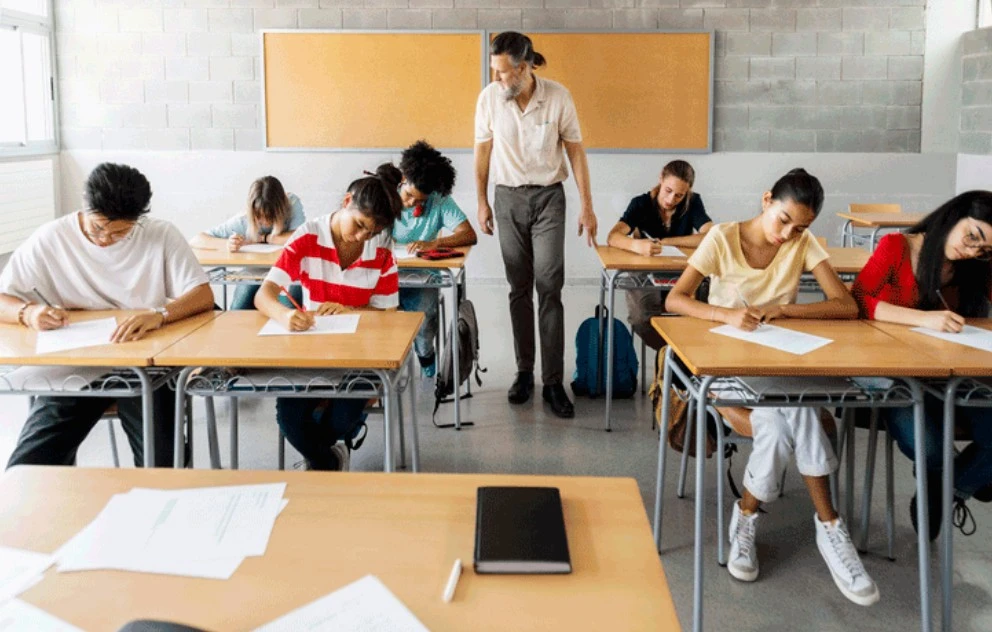
Beyond eye care, structural breaks serve to reset the brain's "attentional clock." When a lesson is delivered solely through a screen, the lack of three-dimensional visual cues makes it harder for the brain to maintain focus. By breaking a 60-minute session into three 15-minute "micro-learning" blocks separated by analog activities—such as sketching a diagram on paper or engaging in a verbal peer discussion—teachers can maintain a higher level of cognitive engagement. This approach is particularly important during formal assessments.
Diversifying Content Delivery and Analog Integration
Digital fatigue is often exacerbated by the "monotony of the glow." When every assignment, textbook, and discussion occurs on the same backlit surface, the brain begins to suffer from sensory deprivation. To counter this, modern teachers are increasingly "analog-weighting" their curriculum. This means that while the instructions might be delivered digitally, the output is physical. Students might be asked to conduct a science experiment in their kitchen, build a model out of recycled materials, or write their initial essay drafts by hand. This blend of "high-tech and high-touch" ensures that the screen remains a tool for connection rather than a barrier to the physical world.
Furthermore, teachers are leveraging "asynchronous" learning to allow students to manage their own energy levels. Instead of requiring eight hours of "live" camera-on time, hybrid models often provide recorded content that students can consume in shorter bursts at their own pace. This flexibility is vital for reducing the "Zoom fatigue" associated with the constant pressure of being watched on camera. For educators, the challenge shifts to monitoring these diverse work streams effectively. By applying the principles found in an invigilator course, teachers can learn to set up digital "checkpoints" that verify student progress without requiring constant, fatiguing screen-to-screen surveillance. This creates a culture of trust and autonomy that is essential for long-term digital wellness.
Ergonomics and the Digital Environment
A frequently overlooked factor in screen fatigue is the physical setup of the student’s learning environment. Poor posture, incorrect screen height, and improper lighting can double the rate of physical exhaustion. Teachers are now taking an active role in educating students and parents about "digital ergonomics." This includes teaching students how to position their screens at eye level to prevent "text neck" and how to adjust the color temperature of their displays to reduce blue light exposure in the evenings. By standardizing these ergonomic practices, schools can ensure that the physical toll of digital learning is minimized across the entire student body.
In fully digital environments, the "virtual classroom" itself must be designed for low cognitive load. Teachers are simplifying their slides, using high-contrast colors for better readability, and limiting the number of open tabs required for a single lesson. The goal is to reduce "digital friction"—the small, frustrating technical hurdles that add up to significant mental exhaustion. For professionals who manage online examinations, the stakes are even higher.
The Role of Mindfulness and Digital Minimalism
Finally, teachers are incorporating "digital minimalism" into their pedagogical philosophy. This involves being selective about the tools used in the classroom. Instead of chasing every new educational app, teachers are focusing on a few high-impact platforms that students can master, thereby reducing the cognitive load of learning new interfaces. Mindfulness exercises, such as guided breathing or "digital detox" days where no devices are permitted, help students develop a healthier relationship with technology. These practices teach students that "logging off" is a skill as valuable as "logging on."




























Sign in to leave a comment.