How Salesforce Customization Improves Enterprise Workflow Efficiency

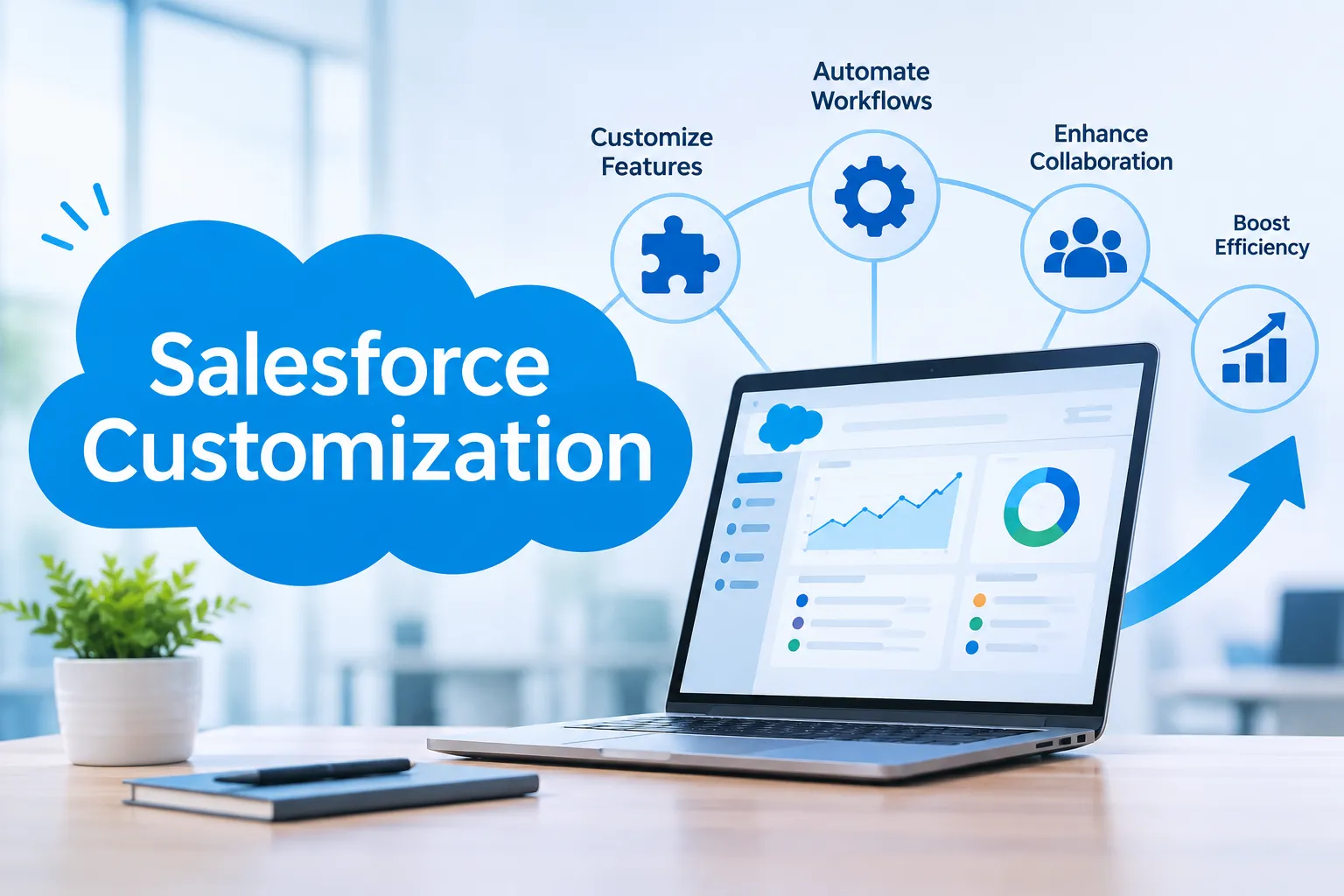
In today’s fast-paced business environment, operational efficiency is the cornerstone of sustainable growth. Enterprises that streamline their internal workflows, eliminate redundancies, and automate repetitive tasks consistently outperform those that rely on outdated, disconnected systems. One of the most powerful catalysts for this transformation is Salesforce — and more specifically, the tailored capabilities delivered through expert Salesforce Development Services.
Unlike generic CRM deployments, Salesforce customization allows organizations to configure the platform precisely around their unique processes, teams, and goals. The result is a smarter, faster, and more connected enterprise where every department operates with clarity and purpose. This article explores how Salesforce customization directly impacts workflow efficiency and why investing in professional Salesforce Development Services is a strategic priority for modern enterprises.
Understanding Salesforce Customization vs. Configuration
Prior to examining the advantages of workflows, it is vital to differentiate between the Salesforce configuration and customization methodologies, both of which Salesforce Development Services utilizes based on the complexity of the enterprise.
Configuration
What it entails:
- Modifying the Salesforce settings without coding
- Designing custom fields, page layouts, and validation rules
- Automating tasks with standard tools like Flow Builder and Process Builder
Customization
What it entails:
- Customizing applications with custom logic written in Apex (the proprietary language of Salesforce)
- Building Lightning Web Components (LWC) for customized interfaces
- Integrating enterprise systems with third parties via APIs
- Developing customized workflows that extend beyond the functionalities of out-of-the-box options
Enterprise-level organizations that demand complex operations must consider customization through Salesforce Development Services.
Eliminating Workflow Bottlenecks with Custom Automation
Process bottlenecks constitute one of the major sources of low workflow efficiency – the parts of the workflow at which the process of completing the task becomes obstructed due to delays in approvals or the transfer of information from one team to another. Customization of Salesforce provides solutions to these problems by means of intelligent automation of tasks.
How Salesforce Development Services solve process bottlenecks:
- Automated lead routing immediately assigns all leads to the appropriate representative depending on the territory, product category, or transaction value
- Customized approval processes expedite approvals of purchase orders, contracts, and discounts from various parties
- Apex Trigger executes complex business logic automatically in response to record creation or modification events
- Scheduled apex batch jobs run overnight, allowing reports and updates to be available upon arrival
By replacing human activities with automated actions, companies can improve cycle times and cut operational expenses considerably.
Custom Objects and Data Models That Mirror Your Business
Standard Salesforce objects such as Accounts, Contacts, and Opportunities are created with broad applicability across industries in mind. Nevertheless, all companies possess unique data schemas that are difficult to reconcile with standard Salesforce objects. Salesforce Development Services provides the solution to this challenge by creating custom objects that reflect an organization’s exact workflow.
Examples of custom data schemas that streamline workflow management:
- A manufacturer uses a custom “Production Order” object to link its production processes to the inventory, supplier relationships, and logistics planning to achieve transparency for production staff
- A financial services provider creates a custom “Compliance Review” object that allows for monitoring of regulatory requirements, audit trails, and approvals in the context of different investment portfolios
- A hospital uses a custom “Patient Interaction” object connected to scheduling and billing systems to cut down on administrative duplication by 40%
Salesforce data schema architecture tailored to real-world workflows makes searching for the relevant information unnecessary.
Streamlining Cross-Departmental Collaboration
Workflow inefficiencies hardly occur within a single department; they occur where there is interaction between different departments. Sales claims poor leads from marketing; operations have trouble sharing timelines with the finance department; customer service cannot provide enough context based on the sales' perspective. Salesforce customization provides for a common operational platform, among other things.
Some cross-departmental workflow improvement services offered by Salesforce Development Services include:
- The ability to share record views across sales, service, and financial teams will give all parties involved access to customer account history, contract information, open issues, etc. There will be no conflict of interest regarding information anymore.
- A custom notifications system will notify appropriate employees once the milestones have been achieved (e.g., the deal has closed, an invoice has become overdue, a ticket escalation has occurred).
- Collaboration capabilities for multiple departments working together on one and the same record within the Salesforce environment, including full record history for actions and notes.
- Custom dashboards will show particular metrics and tasks for the respective departments based on roles defined within the platform.
The outcome is a business organization where collaboration becomes part of its workflow.
Lightning Web Components: Building Interfaces Teams Actually Use
The most advanced workflow automation will fall flat on its face when the interface design is too complex or takes teams through an unnecessarily convoluted process. Custom interface development through Salesforce Development Services makes use of Lightning Web Components (LWC).
Customizations for efficient interfaces:
- One-screen view that presents all relevant information in a single page without the necessity of switching among several screens
- Question-and-answer-style forms where subsequent questions depend on the answers given in prior questions, which streamlines the form-filling process
- Analytics widgets are embedded in the record view itself, thereby negating the need to open a different page to check key performance indicators
- Mobile-compatible components that allow mobile field workers, mobile technicians, and executives alike to access their workflows via their smartphones
Designing interfaces with the user task flow in mind yields incredible success rates.
Integration-Driven Efficiency: Connecting the Enterprise Ecosystem
However, no organization is run solely on Salesforce. Other systems, such as ERP systems, HR software, accounting packages, marketing automation, and even e-commerce software, also play a role in creating data and determining the daily workflow within the business.
Salesforce Development Services offer services for creating business-level integrations, allowing you to streamline your entire technology stack through:
- Salesforce-to-ERP integration, whether with SAP, Oracle, or Microsoft Dynamics; this means your sales orders made using Salesforce can be processed for fulfillment automatically without having to enter them twice
- Integration of marketing platforms with Salesforce, making sure that your leads, campaign activity, and contacts are consistent across both systems – think Marketo or Pardot here
- Integration of billing and finance to ensure that your closed/won opportunities in Salesforce are integrated immediately into invoicing, avoiding any revenue recognition lag
- Real-time integration of APIs to logistics and supply chain software, ensuring that your customer-facing team has live visibility into delivery and inventory status
Each integration removes a layer of manual work, reduces error risk, and accelerates the end-to-end workflow from customer enquiry to delivery.
Measuring Workflow Efficiency Gains: Key Metrics
However, the effect of Salesforce customization on the efficiency of workflow management is not only qualitative but also quantitative, as it is always possible to identify its influence on the main parameters of work performance.
Time-to-resolution: Customer service is performed faster thanks to the ability to instantly view all information about the client, as well as having a set of automatic procedures and tools for handling issues.
Sales cycle length: Through the use of customized opportunities management workflow, follow-up, and selling tools, the length of sales cycles decreases due to minimizing idle periods.
Data accuracy rates: As a result of implementing validation procedures, duplication checks, and automatic enrichment procedures for the database, mistakes resulting from manual data entry do not occur.
Employee productivity: With most operations automated and the amount of paperwork reduced, employees are able to perform valuable work.
Conclusion
Workflow efficiency cannot be gained merely by implementing a CRM solution; it requires customized solutions designed by experts to match technological capabilities with the practicalities of business processes. Whether it is through automation and data modeling, interface design, or integration, Salesforce customization eliminates all forms of inefficiencies in the workflow process.
When it comes to improving business processes, enterprises should consider working with experienced Salesforce Development Services companies or hire Salesforce developers who understand their operational requirements. The right expertise can help businesses implement effective customizations, automate workflows, and achieve both immediate and long-term efficiency gains. With the right customization strategy, businesses can optimize existing processes and prepare for future growth.








Sign in to leave a comment.