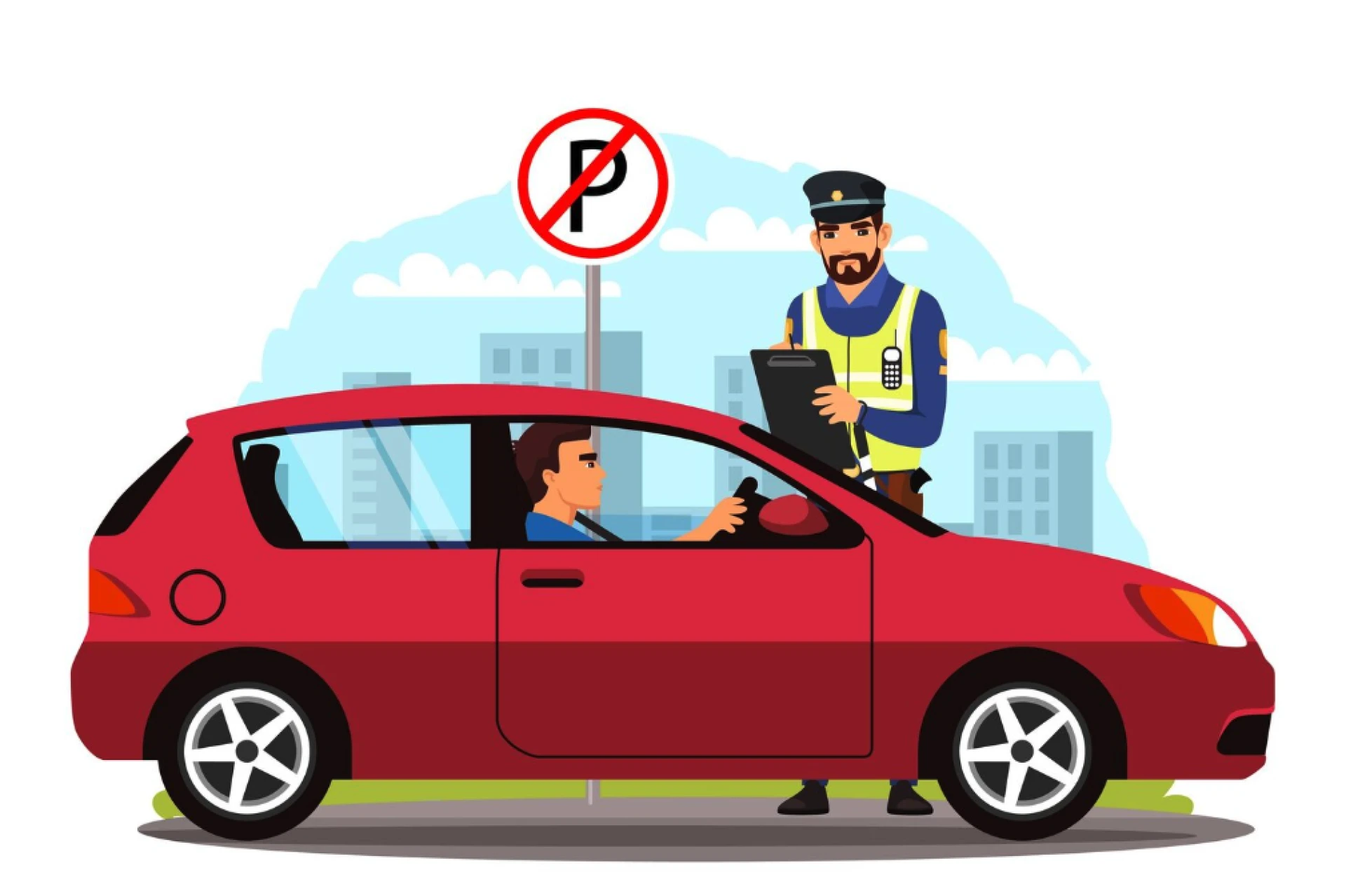

Traffic challans, or fines, are issued when a motorist violates traffic rules. Whether it’s for speeding, illegal parking, or running a red light, receiving a challan can be stressful. But with the digital transformation of traffic enforcement systems, checking your challan online has never been easier!
In the past, people had to visit traffic offices in person to inquire about fines, which was often time-consuming and inconvenient. However, today, most traffic authorities offer easy-to-use online platforms to help you check your challan status—whether you know your challan number or just your vehicle registration number.
In this blog, we’ll walk you through the process of checking your traffic challan online in just 3 simple steps. We’ll also explain how to check your challan either by vehicle number or challan number, making it accessible for both tech-savvy users and those who might not be as familiar with digital tools.
Why Check Your Challan Online?
Before we get into the specifics, let's look at the reasons why checking your challan online is beneficial:
- Convenience: You can check your challan status from the comfort of your home, anytime, without having to stand in line at the traffic office.
- Transparency: Online systems provide accurate and up-to-date information about any fines you owe, minimizing errors.
- Avoid Penalties: By checking your challan online, you can clear your fines on time and avoid additional penalties or legal consequences.
- Save Time: It’s quicker than visiting the traffic police office in person, which could take hours depending on your location.
Now, let's dive into the simple process of checking your challan online.
Step 1: Visit the Official Website or App
The first step to checking your challan is to visit the official website or mobile app of the traffic authority or transport department for your region. For example:
- India: If you're in India, you can use the Parivahan Sewa website or the official state transport department websites for checking your challan.
- Other Countries: Most countries have similar online portals for traffic-related services. Check your local transport authority’s website for the right portal.
Alternative Options:
- Many traffic authorities also have mobile apps that allow users to check their challan status. For example, in India, the M-Parivahan app and E-challan app offer easy access to traffic fines and challan details.
Once you are on the right platform, look for the section titled "Check Challan" or "E Challan". These sections are usually easy to find on the homepage.
Step 2: Enter Your Details
Once you’ve accessed the challan check section, you will be prompted to enter some details to retrieve your traffic challan information. There are two main ways you can search for your challan: by vehicle number or challan number.
Option 1: Check By Vehicle Number
If you don't have your challan number but you know your vehicle’s registration number, you can search for your challan using that information. Here’s what you need to do:
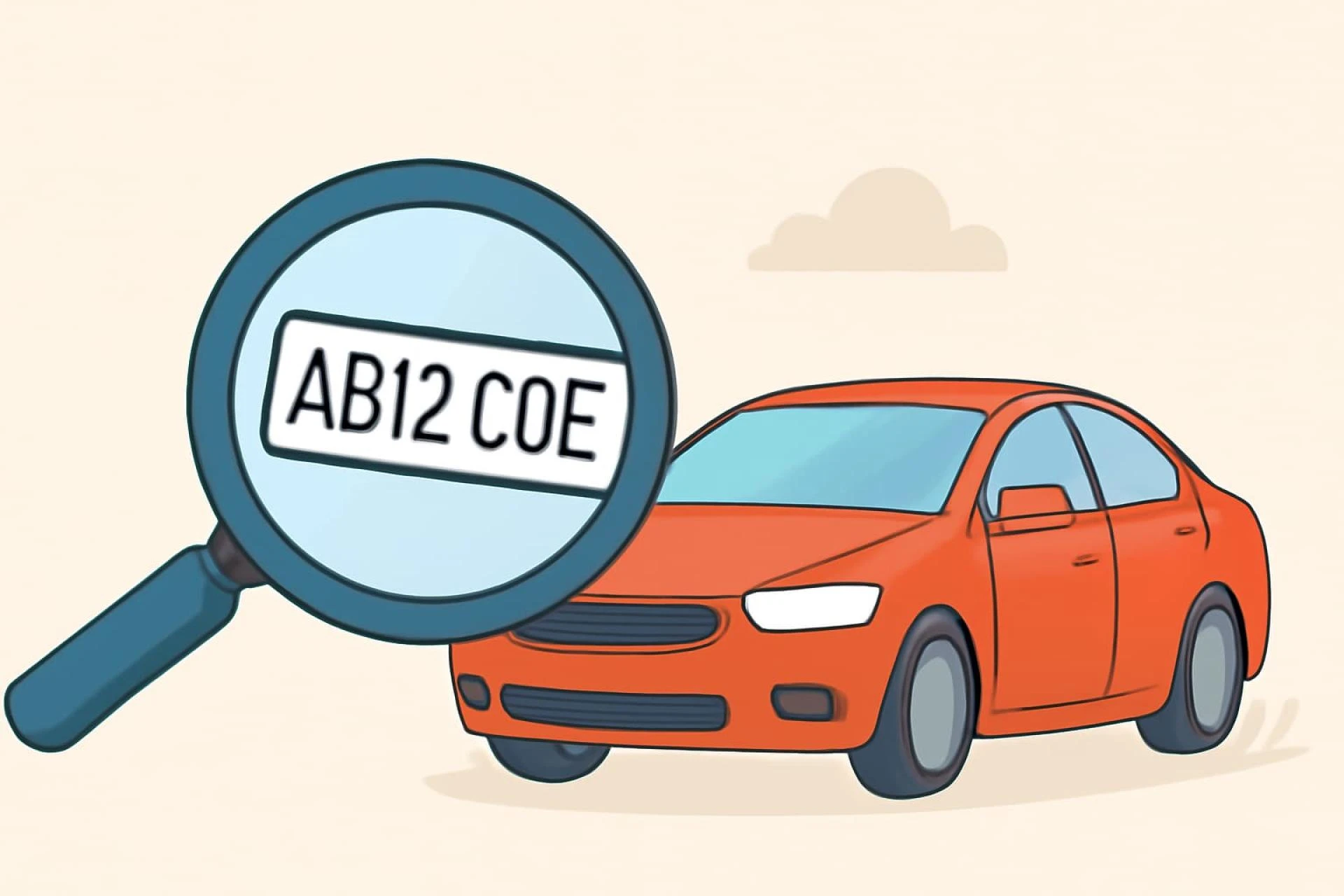
- Enter Your Vehicle Number: Type in your vehicle’s registration number (license plate number) exactly as it appears.
- Verify the Details: Some websites may ask you to verify your vehicle number with a captcha or other security measure to ensure the process is secure.
After entering your vehicle number, the portal will display any fines associated with that vehicle, including details like the type of violation, fine amount, and the location of the violation.
Option 2: Check By Challan Number
If you have your challan number (which you may have received via SMS, email, or the physical challan slip), you can use it to track the fine. This is how it works:
- Enter the Challan Number: Type in the unique challan number, which is typically printed on the challan slip.
- Confirm the Details: Again, you may need to verify your identity using a captcha or OTP (One-Time Password) sent to your registered mobile number or email.
After entering the challan number, the portal will display detailed information about the fine, including the nature of the violation and the due payment amount.
Step 3: View the Challan Details and Payment Status
After entering the necessary details, the portal will display a page with all the relevant information regarding your challan. The information you will typically see includes:
- Challan Number (if checked by challan number)
- Vehicle Number (if checked by vehicle number)
- Violation Type: This could include offenses like overspeeding, jumping a red light, illegal parking, etc.
- Fine Amount: The total amount you need to pay.
- Violation Date and Time: When the offense occurred.
- Location: The location where the violation was recorded.
What to Do Next:
- If your challan is paid: You will see a "Paid" status, and you’ll typically be provided with the payment receipt or transaction ID for confirmation. Keep a copy of this for your records.
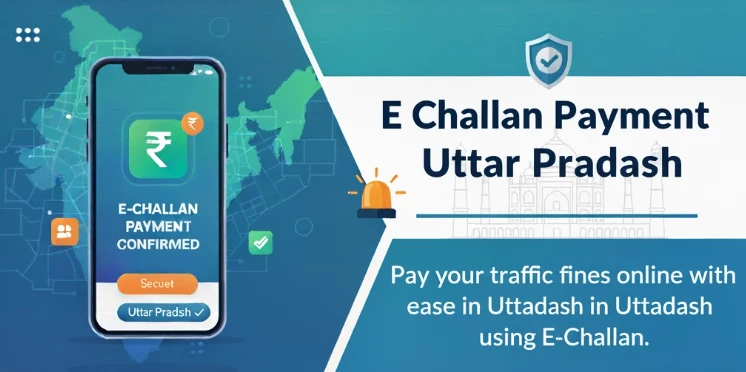
- If your challan is unpaid: You will see the amount due and options to make an online payment. Most portals allow you to pay directly through the website via credit/debit card, net banking, or UPI.
Additional Features of Online Challan Check Portals
Most official traffic challan portals offer additional features to help you manage your traffic fines more efficiently. Here are some features you might find:
- Payment History: You can check the history of any fines you’ve paid, making it easy to keep track of all your challan payments.
- SMS/Email Alerts: Some systems offer SMS or email notifications to alert you if a new challan is issued, making it easier to stay updated on any fines.
- Downloadable Receipts: After making an online payment, you can download your payment receipt, which is useful for record-keeping and legal purposes.
- Dispute Resolution: In case you believe the challan is incorrect or you want to dispute it, many portals offer a dispute resolution section where you can raise an issue with the authorities.
Benefits of Checking Your Challan Online
- Instant Access: You can check the status of your challan in real-time, without having to wait for physical notices or letters.
- Avoid Penalties: By checking online, you can ensure you don’t miss any due payments, which helps you avoid late fees or additional penalties.
- Transparency: Online portals provide clear details about the violation and payment status, reducing the chances of errors or misunderstandings.
- Convenience: You can access this service from anywhere, at any time—whether you're at home or on the go.
How to Pay Your Challan After Checking
Once you’ve checked your challan and confirmed that it’s unpaid, you can proceed to pay it online. Here's how to do it:
- Choose Your Payment Method: Most portals accept multiple payment methods, including credit/debit cards, UPI (e.g., Google Pay, PhonePe), and mobile wallets (e.g., Paytm).
- Follow Payment Instructions: Enter your payment details and complete the transaction. You’ll receive a confirmation receipt once your payment is processed.
- Download or Print Your Receipt: Always download or print your payment receipt for reference. It will serve as proof that your fine has been cleared.
Conclusion
Checking your challan online is a simple and efficient process that helps you stay on top of your traffic fines. Whether you choose to search by your vehicle number or challan number, the process is designed to be easy and user-friendly. By following the 3 simple steps outlined above, you can quickly and accurately check your challan status, avoid penalties, and make timely payments.
The online challan check system provides numerous benefits, including convenience, transparency, and real-time updates. So, next time you’re unsure about a traffic fine, simply follow these steps and manage your challans with ease!

























Sign in to leave a comment.