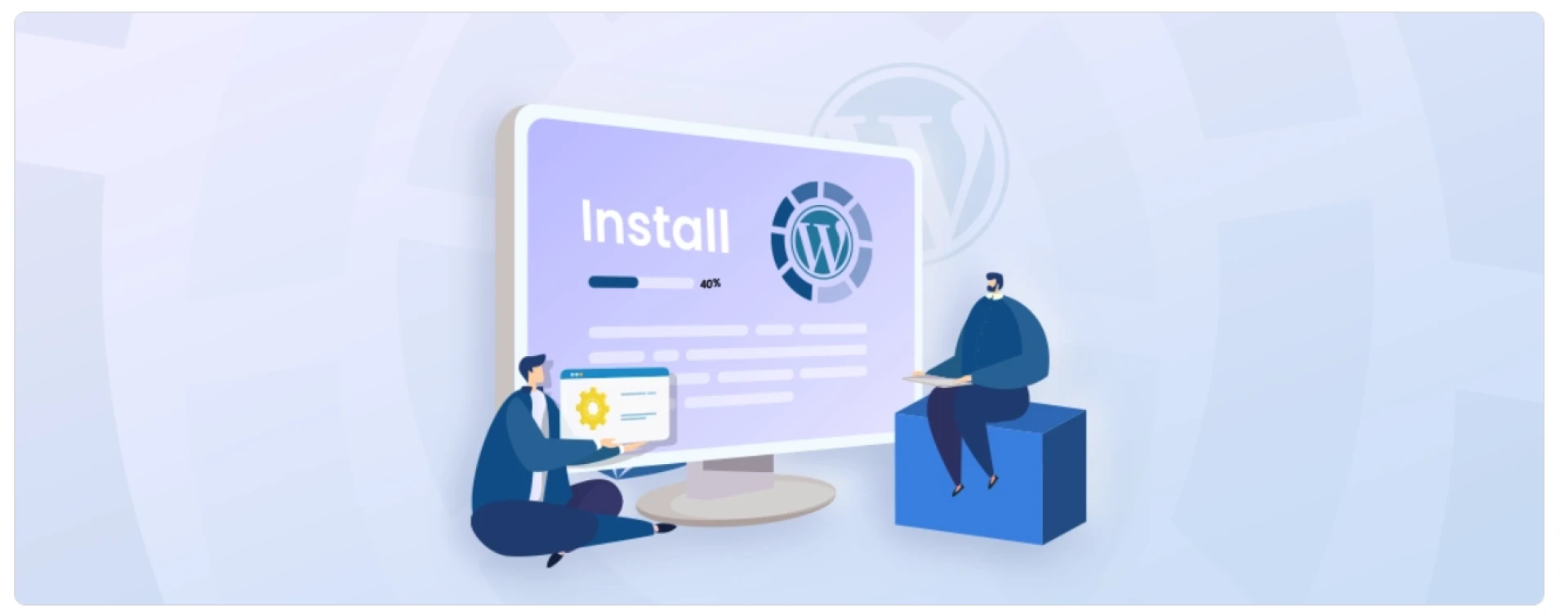

WordPress is a widely recognized and highly popular content management system that powers millions of websites around the world. It’s the go-to choice for bloggers, entrepreneurs, or small business owners, including CMS development companies, providing an accessible platform to shape and control their digital presence.
WordPress is an open-source CMS that allows users to easily develop and maintain websites without the need for extensive coding knowledge. It provides a flexible and customizable framework, enabling users to create websites for various purposes, including blogs, business websites, eCommerce stores, portfolios, and more. With its intuitive interface and extensive range of themes and plugins, WordPress empowers individuals and businesses to express their creativity and achieve their online goals. Lets have a look on How To Install WordPress.
Benefits of using WordPress
The popularity of WordPress is not without reason. Here are some key benefits that make it a preferred choice for WordPress website development:
User-Friendly: WordPress offers a user-friendly interface, making it accessible even to individuals with limited technical expertise. You can easily create, edit, and manage content using its intuitive dashboard.Extensive Themes and Plugins: WordPress provides a vast library of themes and plugins, allowing you to customize the look and functionality of your website. Themes offer design flexibility, while plugins enhance your site’s features and capabilities.SEO-Friendly: WordPress is built with search engine optimization (SEO) in mind, enabling your website to rank higher in search engine results. It offers various SEO plugins and tools to optimize your content and improve your WordPress website’s ranking and visibility.Mobile Responsiveness: With the increasing use of mobile devices, having a mobile-responsive website is crucial. WordPress themes are designed to be mobile-friendly, ensuring that your website looks and functions well across different screen sizes.Active Community Support: WordPress has a vibrant community of developers, designers, and users who actively contribute to its growth. You can find support, resources, and tutorials online, making it easier to troubleshoot issues and enhance your website.Pre-requisites to Install WordPress
Before installing WordPress, there are a few prerequisites you need to have in place. These requirements ensure a smooth installation process and a functional website.
Here are the key pre-requisites for installing WordPress:
Web Hosting: You will need a web hosting provider that meets the minimum requirements for running WordPress. Look for hosting plans that offer PHP (version 7.4 or higher), MySQL (version 5.6 or higher), or MariaDB (version 10.1 or higher), and sufficient storage and bandwidth for your website.Domain Name: A domain name is your website’s address on the internet (e.g., www.yourwebsite.com). Before installing WordPress, you need to register a domain name with a domain registrar. Make sure to choose a domain name that reflects your brand or website’s purpose.Database: WordPress uses a database to store your website’s content, settings, and user information. You will need to create a MySQL or MariaDB database to connect with WordPress during the installation process. Most web hosting providers offer tools like phpMyAdmin to create and manage databases.FTP Client (optional): Use an FTP client to transfer files between your computer and the web server. FileZilla is a popular and free FTP client that you can use.Updated versions of PHP and MySQL/MariaDB: Check the latest requirements specified by WordPress and ensure that your web hosting account has the recommended versions of PHP and MySQL/MariaDB installed.Access to your web server: You will need access to your web server to upload WordPress files and make necessary configurations. You can use either FTP (File Transfer Protocol) or a shell (command line) to access your server.A Text editor: Have a text editor ready for editing configuration files if needed. You can use any text editor of your choice, such as Notepad++, Sublime Text, or Visual Studio Code.Web Browser: Ensure that you have a web browser installed on your computer. You will use it to access the WordPress installation and manage your website.By ensuring that you have a suitable web hosting provider, a registered domain name, a database, and optionally, an FTP client, you’re perfectly poised to install WordPress and start constructing your website. This process could be made even smoother and more efficient if you choose to hire WordPress developers. Their expertise can help expedite the building and customization of your site, making your online presence feel quicker and more effective.
Install WordPress Today and Create your Site
Conclusively, installing WordPress is a hassle-free procedure suitable for all, regardless of tech-savviness. The process starts with downloading the WordPress software, then transferring it to your server. After that, you establish a MySQL database, and finally, execute the installation script. It’s critical to choose a reliable hosting service to ensure optimal website performance. Equally important is regularly updating your WordPress to its latest version, which ensures better security and features.
By following these steps, you’re not just building an online presence. You’re carving out a unique space on the web that can be tailored according to your needs. WordPress simplifies web development, making it a breeze to create and manage a website. It’s no wonder why it’s the choice of millions worldwide. You can always Get in Touch with experienced WordPress developers to understand the process.



























Sign in to leave a comment.