
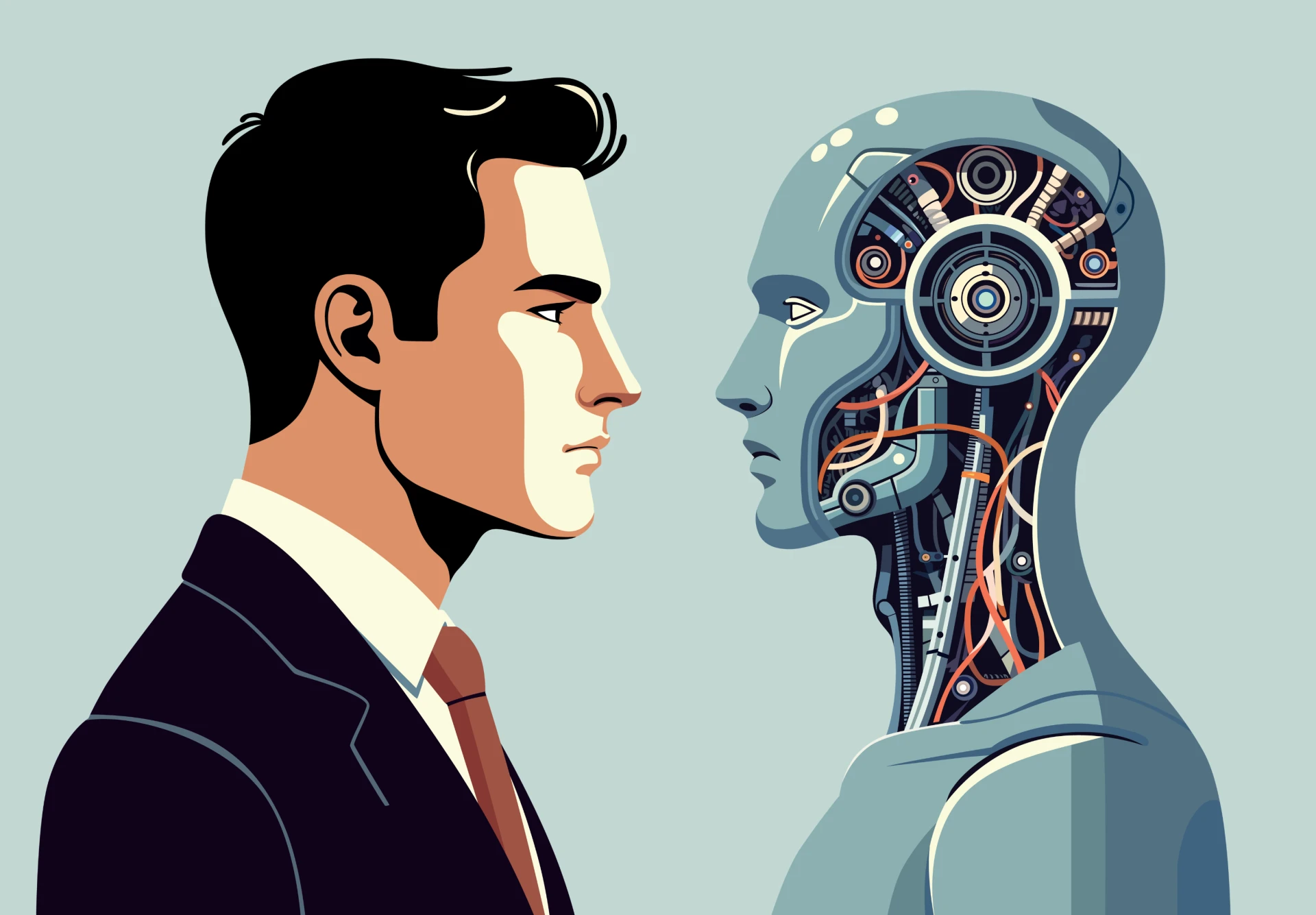
In the modern enterprise landscape, data is the new oil, but it is often trapped in silos—hidden within Customer Relationship Management (CRM) platforms, Enterprise Resource Planning (ERP) systems, and legacy databases. The key to unlocking this value lies in bridging the gap between static data and dynamic user interaction. This is where AI chatbots act as the catalyst. No longer just simple "FAQ bots," today's intelligent agents are capable of executing complex workflows, updating records in real-time, and personalizing customer experiences at scale.
For CTOs and product managers, the challenge is not just deploying a bot, but seamlessly weaving it into the existing fabric of enterprise software. This guide explores the technical strategies, architectural patterns, and best practices for successfully integrating AI chatbots into your mission-critical systems.
The Strategic Imperative: Why Integration Matters
A standalone chatbot is an island; it can answer general questions but cannot resolve specific user issues. By integrating your chatbot with your CRM (like Salesforce, HubSpot, or Microsoft Dynamics) and other enterprise systems, you transform it from a passive information dispenser into an active agent of change.
Consider a scenario in retail: A customer asks, "Where is my order?" A non-integrated bot offers a generic tracking link. An integrated bot, however, queries the ERP for the order status, checks the logistics API for real-time location, and responds, "Your order #12345 is out for delivery and will arrive by 2:00 PM today." This level of utility drives customer satisfaction and operational efficiency.
To achieve this, organizations often seek specialized AI chatbot development solutions that can handle the complexity of secure, bi-directional data flow between the AI interface and backend infrastructure.
Architecting the Integration: The "Brain" and the "Hands"
When designing your integration architecture, think of the Large Language Model (LLM) as the "brain" and the APIs as the "hands."
- The Brain (NLU & Context): The AI processes natural language to understand intent (e.g., "update my address").
- The Hands (Middleware & APIs): Once the intent is identified, the system triggers a specific workflow. This usually involves an API call to the CRM to fetch or update data.
- The Nervous System (Middleware): A middleware layer (like MuleSoft, Zapier, or custom microservices) often sits between the chatbot and the enterprise system to translate data formats (JSON to XML), manage rate limits, and handle authentication.
Step-by-Step Guide to Integration
1. Audit and API Readiness
Before writing a single line of code, audit your current tech stack. Does your CRM expose a RESTful or GraphQL API? Legacy systems might require an RPA (Robotic Process Automation) wrapper or a database connector if modern APIs are unavailable. Ensure you have access to sandbox environments for testing to avoid corrupting production data.
2. Define Data Mapping and Scopes
Determine exactly what data the chatbot needs to read and write. Adhere to the principle of least privilege. If the bot only needs to read order status, do not grant it permission to delete customer records.
- Read Access: Order history, ticket status, profile details.
- Write Access: Create new lead, update ticket priority, schedule appointment.
3. Middleware and Webhooks
Directly coupling your chatbot to your CRM can create security risks and maintenance headaches. Using a middleware layer allows you to decouple the systems.
- Webhooks: Configure webhooks in your CRM to notify the chatbot of events. For instance, when a "High Priority" ticket is created in Salesforce, a webhook can trigger the chatbot to proactively message the assigned support agent on Slack or Teams.
4. Authentication and Security
Security is paramount. Never hardcode API keys. Use OAuth 2.0 for authentication, ensuring the chatbot acts on behalf of a specific user or service account with limited scopes.
- Token Management: Implement robust token rotation strategies. As seen in recent security incidents like the Salesloft/Drift breach, compromised static tokens can lead to significant data exposure. Ensure your integration automatically refreshes tokens and validates IP addresses.
Technical Challenges and Solutions
Integrating modern AI with legacy infrastructure is rarely straightforward. Here are common hurdles:
- Legacy Latency: Older SOAP APIs may be slow, causing chatbot timeouts.
- Solution: Implement a caching layer (like Redis) in your middleware to store frequently accessed data, reducing the load on the legacy system.
- Data Silos: Customer data might be split between a CRM and an ERP.
- Solution: Use a Customer Data Platform (CDP) or a unified API layer to aggregate data before presenting it to the chatbot.
If your internal team lacks deep expertise in legacy protocols or LLM orchestration, partnering with a specialized ai development company can accelerate this phase, ensuring that the architectural foundation is scalable and secure.
Real-World Success Stories
The theoretical benefits of integration are proven by real-world implementations:
- Rheem Manufacturing (Manufacturing): Rheem integrated Microsoft Dynamics 365 Contact Center with their support operations. By unifying their data, they streamlined case management, allowing agents (and bots) to access a "single pane of glass" for customer history. This led to a significant reduction in average call-handling times and an increase in Customer Satisfaction (CSAT) scores.
- Shine (Fintech): Shine, a banking platform for freelancers, integrated the "Fin" AI agent with Intercom. By connecting the AI directly to their help center and customer data, they were able to resolve customer queries 44% faster. The bot handles complex financial questions by pulling context from the user's account status, reducing the load on human agents.
- Wheel The World (Travel): This accessible travel company integrated HubSpot’s AI tools to unify their marketing and sales data. This "single source of truth" allowed their automated systems to personalize interactions effectively, leading to a 65% increase in bookings.
The "Build vs. Buy" Decision in Integration
When deciding how to build ai chatbot integrations, you face a classic choice: use a platform’s native connectors or build custom integrations.
- Native Connectors: Platforms like HubSpot or Salesforce offer "one-click" integrations for popular tools. These are easy to set up but often limited in functionality (e.g., they might read data but not write custom fields).
- Custom Integrations: utilizing tools like LangChain or custom Python scripts allows for limitless flexibility. You can chain multiple API calls—"Check inventory in SAP > If available, create invoice in QuickBooks > Send confirmation via WhatsApp." This route requires significant engineering effort but offers the highest competitive advantage.
Measuring Success: KPIs for Integrated Bots
Don't just track "number of conversations." Measure the impact on business processes:
- Deflection Rate: Percentage of tickets resolved without human intervention because the bot could access backend data.
- Time-to-Resolution (TTR): How much faster are issues resolved when the bot can pull the necessary data instantly?
- Data Accuracy: Monitor the error rate of bot-initiated database updates.
Future-Proofing Your Enterprise
The integration of AI chatbots is not a one-time project; it is an ongoing journey. As your enterprise systems evolve—migrating to the cloud, adopting new CRMs, or changing security protocols—your chatbot integration must adapt.
We are moving toward a future of "Agentic AI," where bots don't just talk; they do. They will autonomously negotiate with vendors, optimize supply chains, and manage complex HR onboarding workflows. To prepare for this future, ensure your current integrations are modular, well-documented, and secure.
If you are looking to transform your fragmented systems into a unified, intelligent ecosystem, selecting the right AI chatbot development company is your first step toward operational excellence. By bridging the gap between your data and your users, you unlock the true promise of enterprise AI: efficiency, personalization, and speed


























Sign in to leave a comment.