
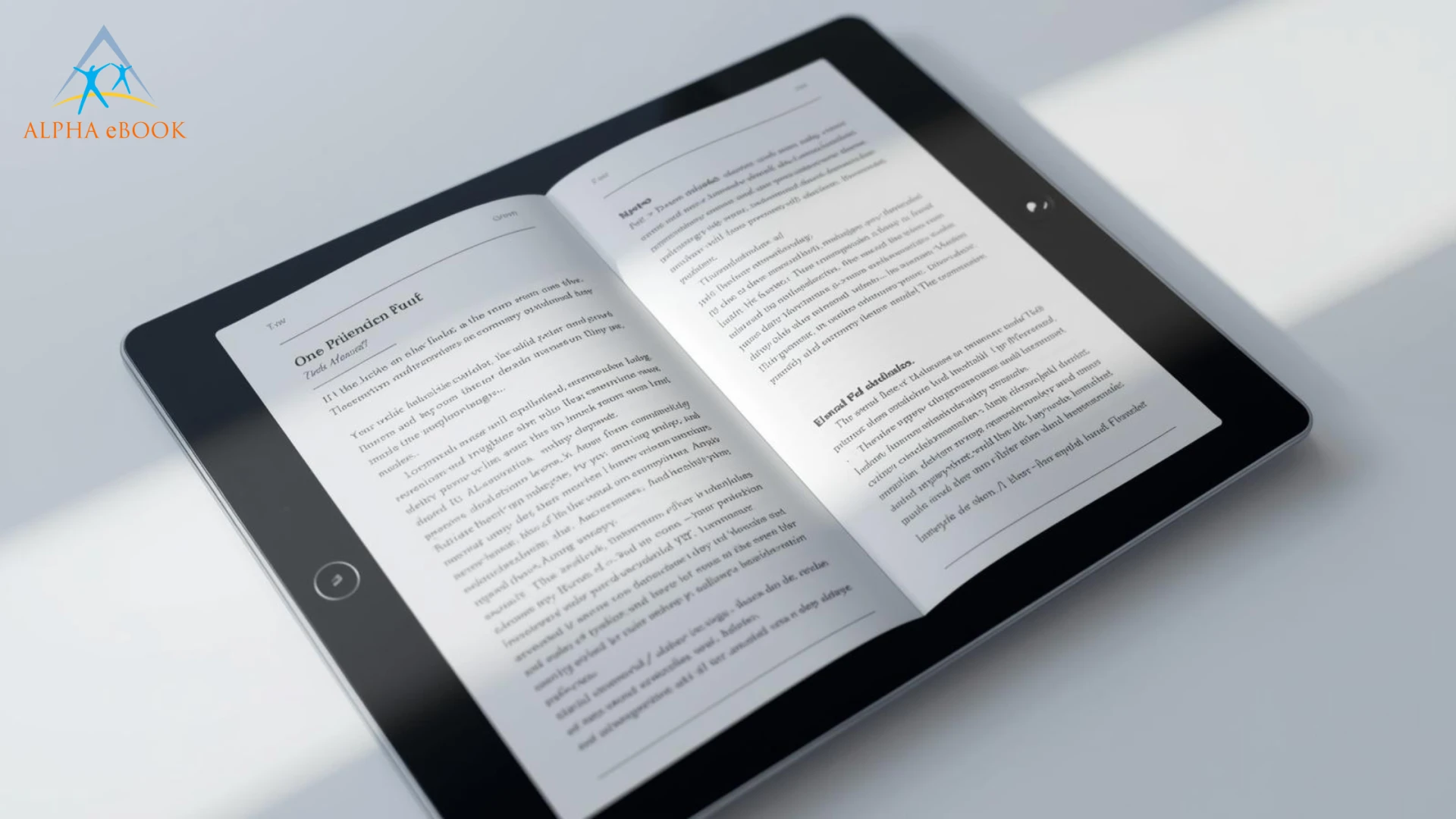
Visual quality can make or break your ebook. Even well-written content loses impact when images appear blurry, stretched, or misaligned across devices. Many creators invest in writing and formatting but overlook one critical factor: image optimization.
Do you want to increase the reader’s attention towards your ebook? It becomes possible with modern tools and by increasing the visuals in the ebook to sustain attention. For instance, does your ebook look blurry on some devices? Are your images pixelated and stretched? Is it misaligned? Many ebook creators are great writers, knowledgeable about their content.
However, some fail to recognize the importance of visuals and how they shape the reader’s perspective and overall experience. As a matter of fact, there are numerous instances of content creators investing heavily in ebook services to produce high-quality creative content but failing to deliver professionally looking images.
Whether it is your choice or someone else’s who offers to format your ebook for you, you will need to learn how to format ebook images properly. According to research, content with related visual elements attracts up to 94% more interest than plain content. In this blog, we will look at tips for confirming that the images in your ebooks are high-quality, sharp, clean, and professional.
Why Proper Formatting Of Ebook Images Is So Important?
While everyone, including authors and content creators, agrees that content is king, no one likes seeing a poorly formatted image in an ebook. Low-quality images in an ebook might:
- Reduce readability and visual clarity
- Make graphics appear blurry or distorted
- Slow down loading on certain devices
- Break layout alignment
In contrast, high-quality ebook images improve engagement, convey professionalism, and enable better explanation.
Resolution Is Critical In Making Your EBook Images Sharp
Using images with the wrong resolution is another major mistake most people make. If your images are more blurry, their resolution is likely low. In other serious cases, your image resolution might be very high, which can increase the file size of your ebook.
What Are The Correct Resolutions?
In most practical cases:
- It is recommended to use 300 DPI for print-ready ebooks.
- Also, 72-150 DPI is enough for ebooks.
Adherence to the correct ebook image resolution guidelines guarantees sharp visuals while minimizing file sizes.
Using The Correct Format For Your Ebook Images
Not all image formats are proper and appropriate. Using proper ebook image formats enables you to balance file size and quality.
- JPEG: It is the most recommended format for pictures.
- SVG: Highly recommended for graphs, tables, and logos.
- PNG: Excellent option for icons and graphics.
Optimize Images For Faster Ebook Preferences
When your images are larger, they will likely slow down your ebook significantly, making it frustrating for readers.
Practical Steps To Optimize Images Of Your Ebook Include:
- Compressing images to reduce the ebook size without compromising the quality.
- Resizing images and removing blurred ones based on your layout.
- Uploading images without increasing their file size.
Maintaining Uniformity In Terms Of The Size Of Your Images
Uniformity is essential to ensuring the images you use in your ebook have a professional look. The valuable tips include:
- Have images with uniform width.
- Position images properly in your ebook.
- Using images in the same margins increases professionalism.
Designing Images For Readability
Your primary aim is to confirm that the images complement the ebook's content. There are some things to keep in mind, including:
- Do not use too many colors when designing images.
- You can use readable fonts while designing the images.
- Confirm the contrast in your texts and background colors.
Making Images Responsive Across Various Devices
Since your ebook will be used on numerous devices, including specific ebook readers, tablets, and mobile phones, images should adapt well to all of them. Ebook images that adapt to different devices, guarantee:
- Readable text in images.
- Intact layouts.
- Scaling down images appropriately.
Real-World Example: How To Fix A Blurry Graph In Your EBook
Assuming you are preparing a business ebook containing sales performance figures. You can take the graph from the Excel sheet and paste it directly into your ebook file. Although the image looks fine on your laptop, it becomes blurry when viewed at full resolution on your tablet.
Different things that could have gone wrong during the preparation of the graph include:
- Much smaller fonts.
- Low resolution of the images.
- Incorrect resizing of the graph in the ebook.
How To Fix The Image Problem?
- Export your chart to a PNG file.
- Insert a high-resolution image into your ebook.
- Resize the image proportionately and properly.
- Confirm that the fonts are readable.
Outsourcing Your Image Design Tasks
Sometimes, due to a lack of adequate skills, outsourcing can be a perfect solution. Some of the tools you could use include:
- Canva
- Illustrator
- Photoshop
There are various ebook services you could also rely on.
Preview eBooks Before Publishing
Before finally publishing your ebook, confirm that you have previewed it properly. For instance, you will check for various things like:
- File Size
- Correctness of the images.
- Alignment of images with texts and fonts.
Achieve the Desired Results by Delivering a Unique Reading Experience with Professional eBook Services
Highly appealing images can completely change perceptions about your ebook. Image quality is also critical, apart from the practical content. The quality of the images in your ebook, along with proper ebook image formats, determines whether your content has the desired effect on your readers.
By choosing appropriate ebook formatting, optimizing file sizes, and simplifying images, you can create visually consistent, professional results across devices.




























Sign in to leave a comment.