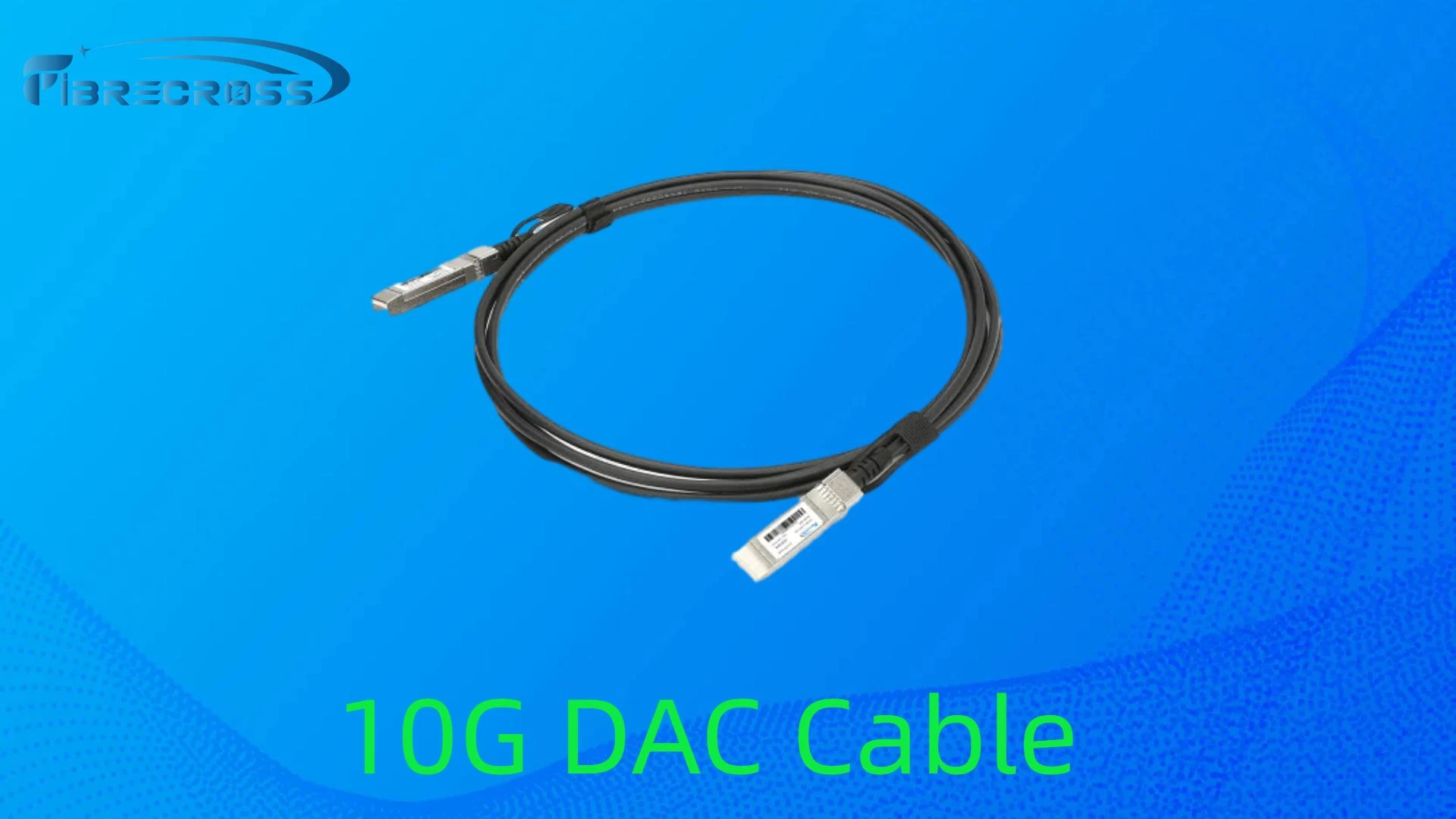

In today’s high-speed data environments, 10G DAC (Direct Attach Copper) cables are a go-to choice for short-distance, low-latency connections between network devices. They are reliable, cost-effective, and easy to deploy — but to get the best performance and longevity, proper installation and maintenance are essential.
Handle with Care During Installation
- Avoid sharp bends: 10G DAC cables use twinax copper, which can be damaged if bent beyond its minimum bend radius. Always check the manufacturer’s specifications.
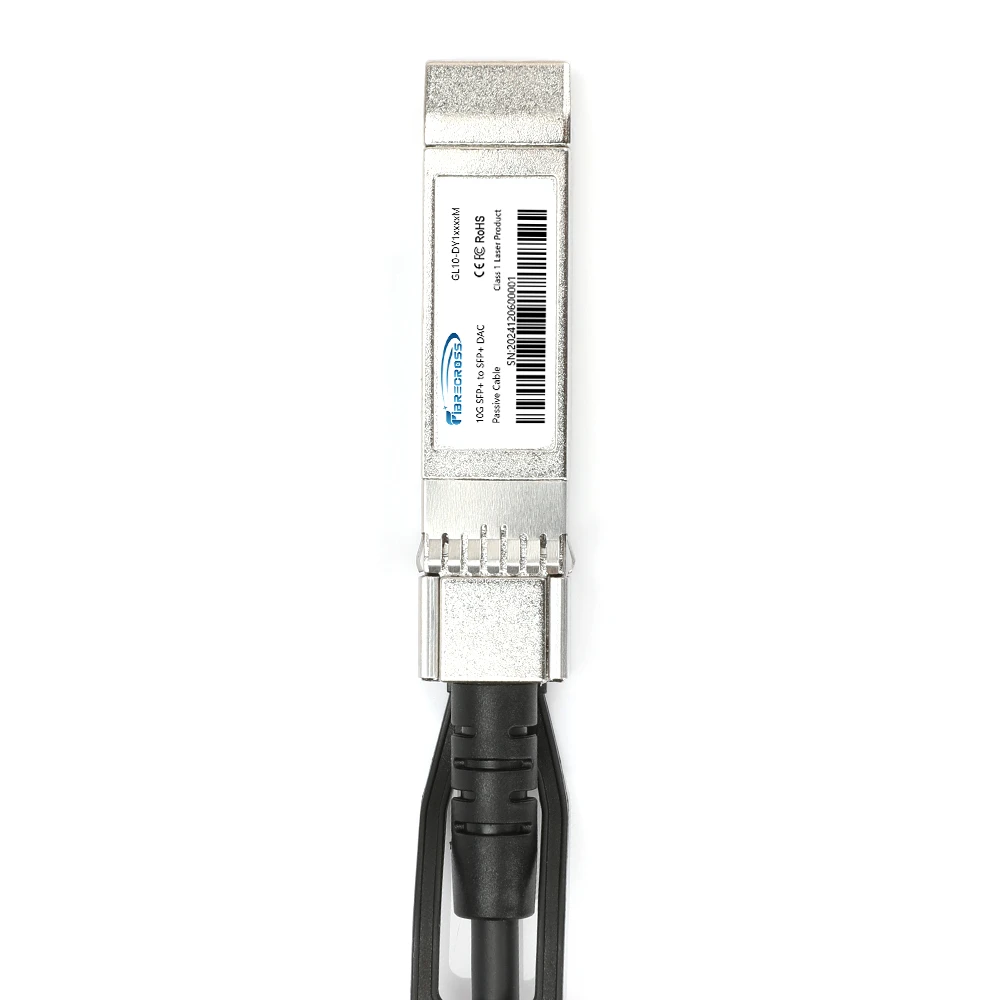
- No pulling on connectors: Grip the SFP+ housing when inserting or removing, never pull on the cable itself.
- Follow the plug orientation: Forcing the connector into the port at the wrong angle can damage both the cable and the equipment.
Plan Your Cable Routing
- Separate from power cables: Keep DAC cables away from high-voltage lines to reduce potential EMI (electromagnetic interference).
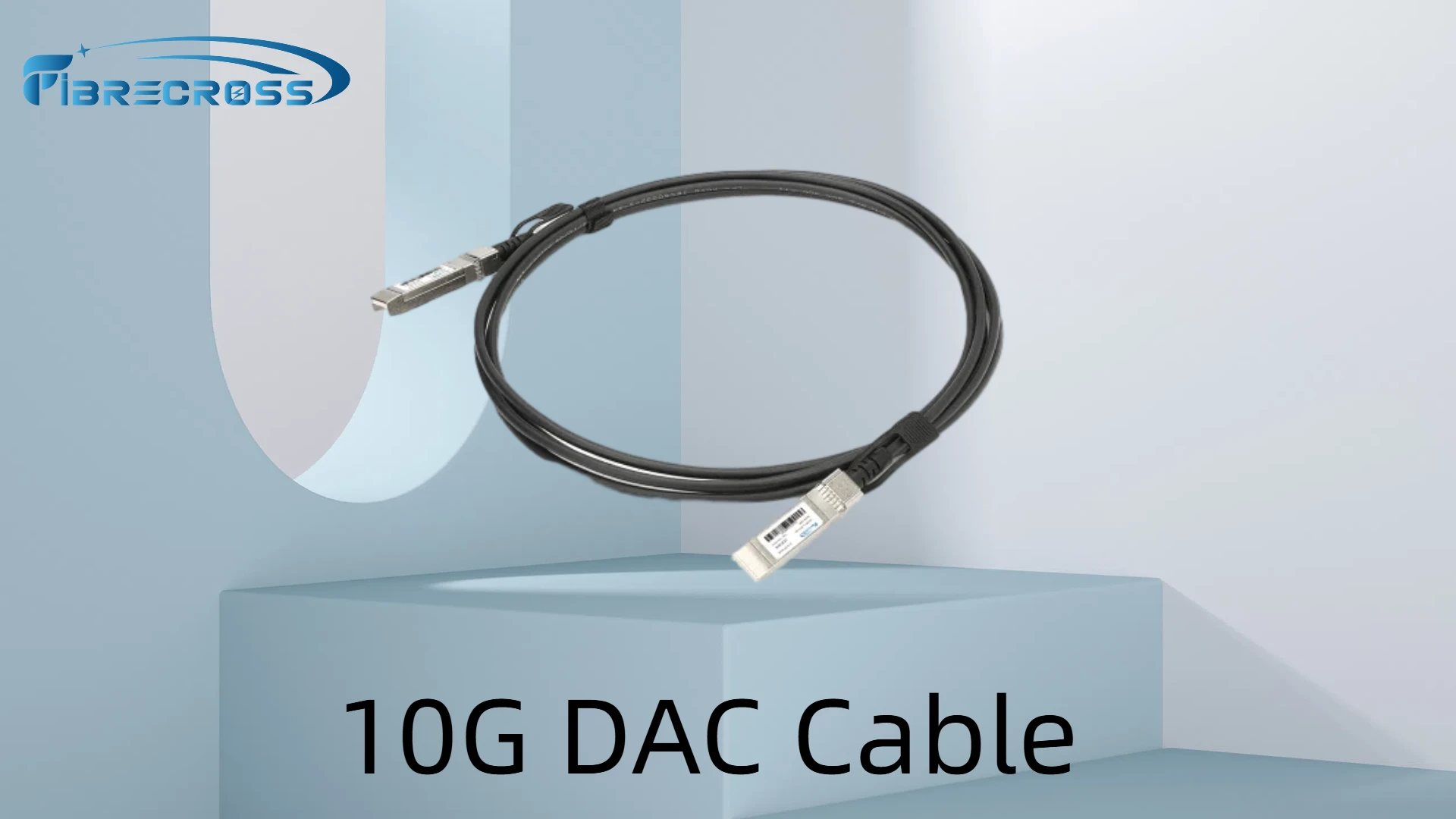
- Use proper cable management: Employ cable trays, Velcro straps (not zip ties), and labeling to keep the setup organized.
- Leave slack: A little extra length prevents strain on the connectors and allows for future adjustments.
Ensure Compatibility Before Deployment
- Check device support: Confirm that the DAC cable is compatible with your switch, server, or storage device model.
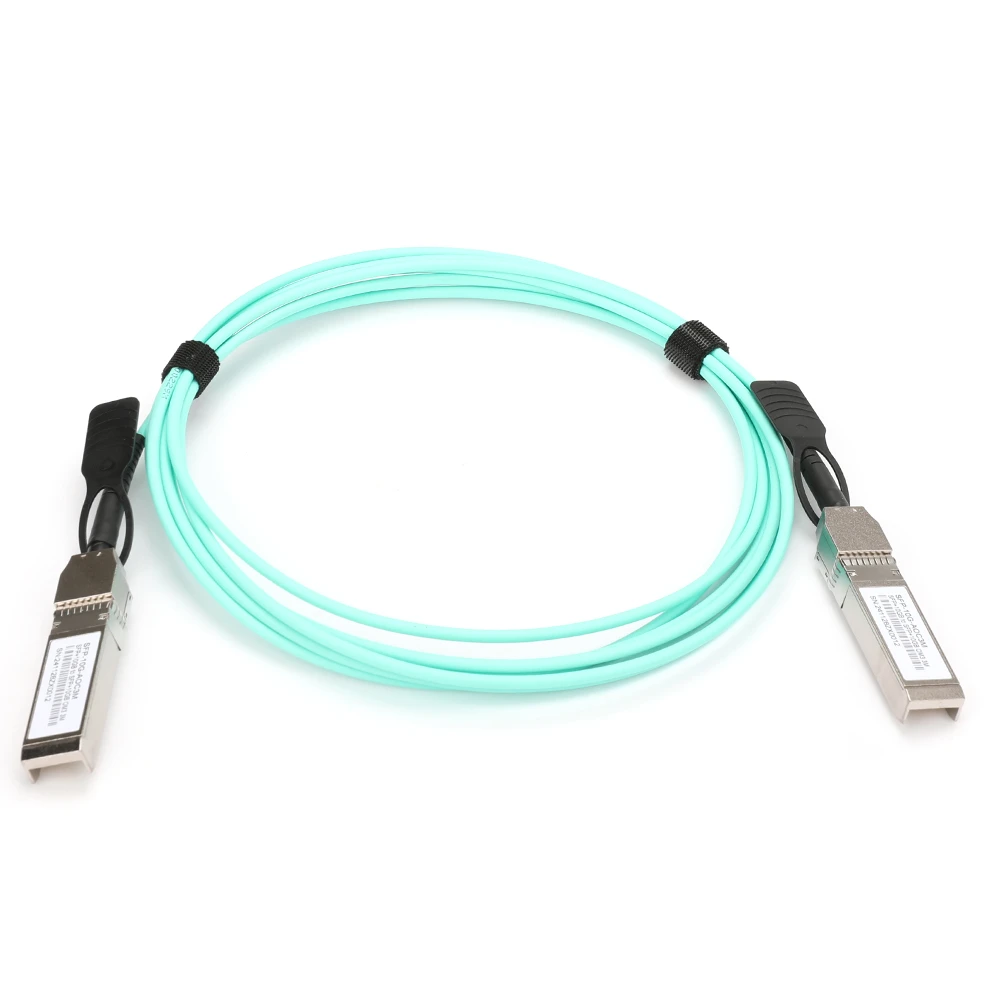
- Match lengths to application: Passive DACs are ideal for 1–7m, while active DACs can reach up to ~15m. Avoid using overly long cables for short runs to reduce clutter and signal loss.
Maintenance Best Practices
- Regular visual inspection: Look for signs of wear, bends, or damaged connectors.
- Dust protection: Use protective caps when cables are not in use to prevent debris from entering the connector.
- Document your connections: Maintain an up-to-date network map so you can quickly identify cable runs during troubleshooting.
Replace Proactively, Not Reactively
DAC cables are robust, but they aren’t immune to aging and wear. If you notice intermittent connectivity, higher-than-usual packet loss, or physical damage, replace the cable immediately to avoid network downtime.
Conclusion
Proper installation and maintenance of your 10G DAC cables will not only extend their service life but also ensure optimal network performance. In modern data centers where uptime is critical, good cable management isn’t just neat — it’s strategic.
If your network relies on high-density interconnects, it’s worth investing time in correct handling procedures, compatibility checks, and preventive maintenance routines. A little care now can save you a lot of headaches later.

























Sign in to leave a comment.