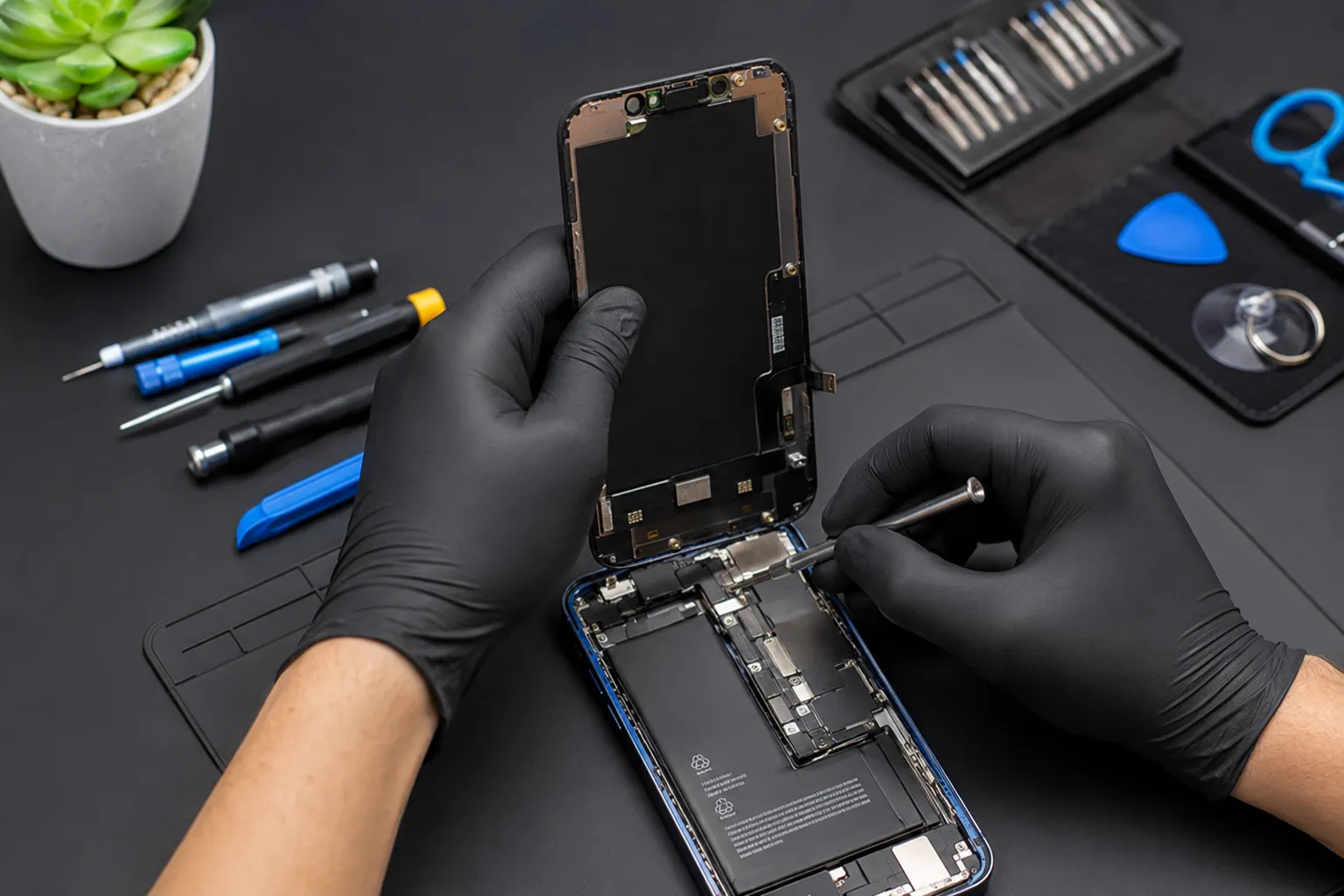

You drop your phone, hear that unmistakable crack, and flip it over to find a spiderweb of lines across the screen. Or maybe the battery that used to last all day now dies before lunch. Either way, you're suddenly typing the same three words into Google: iPhone repair near me. The question is, how do you pick the right shop out of dozens of search results?
This guide breaks down exactly what to check before booking a repair, what things typically cost, and how to avoid the mistakes that turn a simple fix into an expensive headache. Whether you're dealing with a shattered display, a swollen battery, or a phone that won't charge, the goal is the same: get it fixed properly, the first time.
The Most Common Reasons People Look Up iPhone Repair Near Me
Before comparing repair shops, it helps to know exactly what kind of problem you're dealing with. Most searches fall into a handful of categories:
- A cracked screen or shattered glass display
- A battery drain issue or a phone that shuts off unexpectedly
- Liquid exposure from rain, a spilled drink, or a dropped toilet
- A charging port that won't accept a cable
- A camera lens that's cracked or a camera that won't focus
- Speaker distortion or a microphone that no one can hear you through
- A phone stuck in a boot loop or frozen on the Apple logo
Knowing which category your issue falls into helps you ask the right questions when you call around, and it helps the technician give you a more accurate quote upfront.
How to Vet a Local iPhone Repair Shop
Anyone can put "iPhone repair" on a storefront sign. What actually matters is what happens once your phone is on their workbench.
Ask About Parts Quality First
This is the single biggest factor in repair quality. Shops typically use one of three part types: OEM parts pulled from genuine Apple components, original-quality aftermarket parts, or cheap generic parts. Ask directly which one they use for your model. A shop that dodges the question is a red flag.
Confirm Technician Experience
Newer iPhone models, particularly those with Face ID components or True Tone displays, require more precise repair work. A technician without experience on your specific model can accidentally disable features you didn't even know were tied to the part they're replacing.
Get Everything in Writing
Before any work begins, get a written repair estimate that includes the part cost, labor, and estimated completion time. This protects you from surprise charges once the job is "already started."
Check the Warranty Terms
Most legitimate shops back their work with a repair warranty covering at least 30 days, sometimes up to a year on parts and labor. Ask specifically what the warranty covers and what would void it.
Read Recent Reviews, Not Just the Top Ones
Older five-star reviews don't tell you much about current service quality. Filter for reviews from the last few months to get a realistic sense of turnaround time and consistency.
Why Choosing a Local Shop Often Beats Mail-In Repair
Sending your iPhone to a manufacturer repair center might feel like the "official" choice, but it comes with real trade-offs compared to walking into a shop nearby.
- You keep your phone longer in hand: mail-in repairs can take a week or more once you factor in shipping both ways.
- You can talk through the issue face-to-face: describing a problem in person is faster and more accurate than typing it into a form.
- Local pricing is usually lower: independent repair shops don't carry the overhead of a large corporate service program.
- You support a local business: money spent at a neighborhood shop tends to stay in the local economy.
- Same-day fixes are common: many screen replacement and battery replacement jobs are finished within an hour or two.
None of this means manufacturer repair is a bad option, especially for complex internal issues, but for most everyday problems, a good local shop gets you back up and running faster.
Mistakes That Cost People More Than They Expect
Waiting Too Long After Liquid Exposure
If your phone gets wet, time matters. Powering it off immediately and getting it to a technician quickly gives it a much better chance of full recovery than letting it sit in a bag of rice for two days first.
Assuming All Screens Are the Same
Not every replacement screen is built the same. Cheaper panels can affect touch sensitivity, color accuracy, or True Tone functionality. Ask what grade of screen you're getting before agreeing to the repair.
Skipping the Backup Step
It's easy to assume a screen or battery repair won't touch your data, and usually it doesn't, but backing up first through iCloud or your computer removes any risk entirely.
Not Comparing at Least Two Quotes
Prices for the same repair can vary significantly between shops in the same area. A quick round of calls or online quote requests can reveal a meaningful difference in cost.
Ignoring Third-Party Repair Notices
Newer iPhones may show a message about an unverified part after certain repairs. This is normal for many third-party repairs and doesn't necessarily mean the shop did poor work, but it's worth understanding before it surprises you.
What Does iPhone Repair Typically Cost?
Costs shift based on your model and the issue, but here's a general sense of where repairs tend to fall:
- Screen repairs are the most requested service and vary based on model generation
- Battery replacements are usually among the most affordable fixes
- Charging port repairs sit in the mid-range, depending on labor involved
- Camera repairs vary depending on whether it's a lens or full module replacement
- Liquid damage diagnostics can range widely since the full extent isn't always clear until the technician opens the device
Getting a repair quote from more than one shop is the easiest way to know if a price is fair for your area.
Simple Habits That Reduce Future Repair Visits
- Use a case with raised edges to protect the screen during drops
- Apply a tempered glass screen protector
- Keep your phone away from extreme heat, including car dashboards
- Update iOS regularly to catch performance and security fixes
- Avoid off-brand charging cables that can wear down the charging port over time
Frequently Asked Questions
How quickly can I get my iPhone repaired locally? Many common repairs, like screen and battery replacement, are completed the same day, often within an hour or two depending on the shop's workload.
Does a third-party repair always void my Apple warranty? Not automatically, but it can affect coverage for that specific component. Check your current warranty or AppleCare status before deciding where to go.
What's the difference between OEM and aftermarket parts? OEM parts come from genuine Apple components, while aftermarket parts are made by third-party manufacturers. Quality varies significantly among aftermarket options, so ask specifically what the shop uses.
Is it safe to get my iPhone repaired the same day I drop it off? Yes, for most standard repairs like screens, batteries, and charging ports. More complex issues, like extensive liquid damage, may take longer to properly diagnose.
Should I back up my phone before a repair? It's a good habit regardless of the repair type. Most fixes don't touch your data, but backing up through iCloud or your computer removes any uncertainty.
Final Thoughts
Finding the right iPhone repair near me really comes down to a few simple checks: ask about parts, confirm the warranty, compare a couple of quotes, and read recent reviews before you commit. A little bit of research upfront saves you from the frustration of a repeat repair down the road.
If your screen is cracked, your battery is fading, or your phone just isn't acting right, don't put it off. Reach out to a local repair shop today, ask the questions above, and get your iPhone back to working the way it should.




























Sign in to leave a comment.