

A reference brief for creators who have plenty of inspiration but still need to decide what belongs in the shot.
Suppose you want a short video of a handmade notebook on a desk. You have a clear product photo, a room image with lovely afternoon light, and a video whose slow movement feels right. All three are useful. They also contain things you do not want: the wrong furniture, a different object, and somebody else's styling.
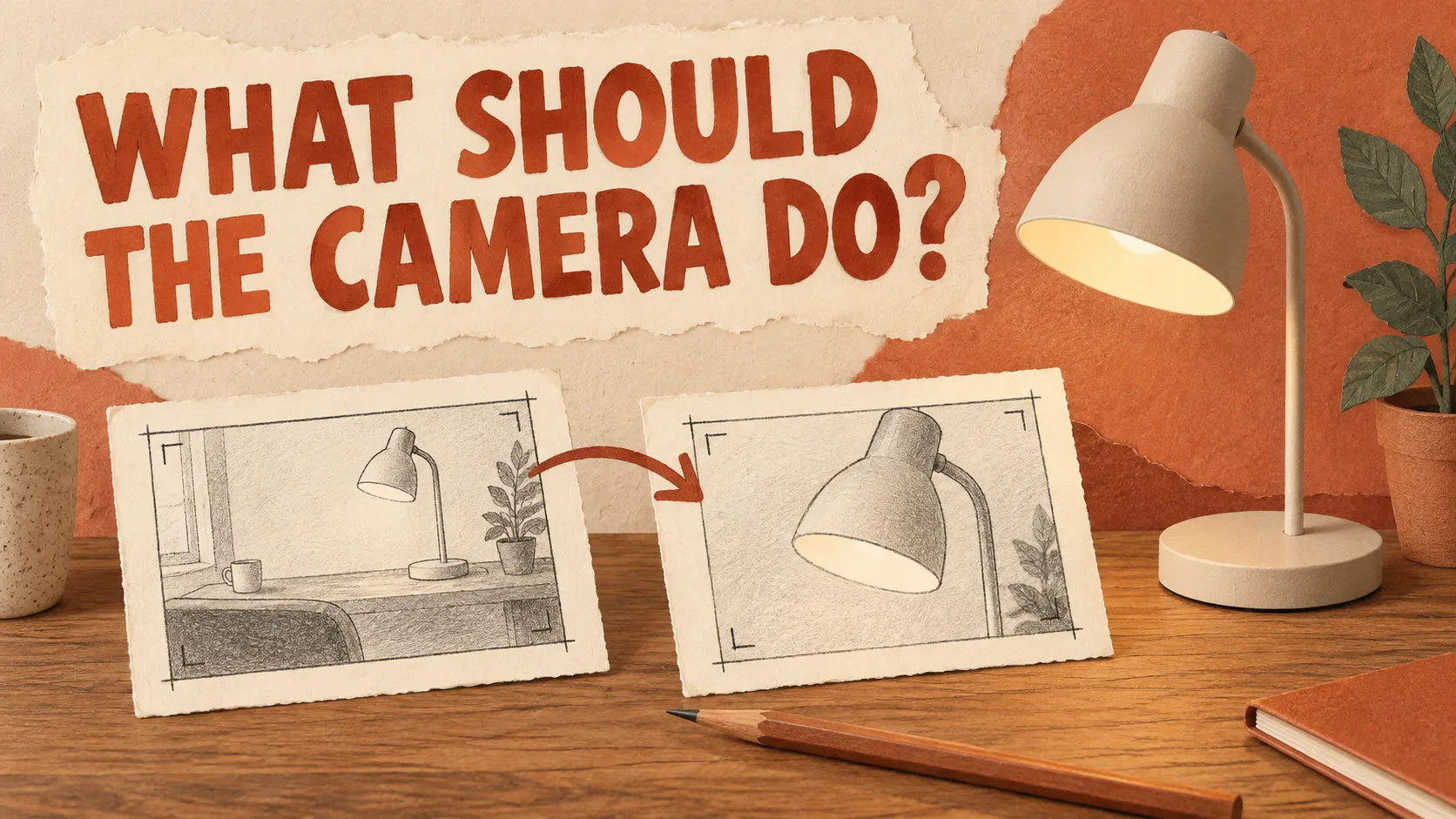
Before uploading that folder, it is worth answering a small question: what should each file contribute?
What Kling has announced
Kling's September 30 announcement describes multimodal references for Kling 4.0: up to 15 assets in one generation, with limits of 10 images, five videos totaling up to 30 seconds including video subjects, and seven subjects. Those are separate limits within the overall allowance, not numbers to add together. The announcement also describes references that combine images, videos, and subjects, including a specified voice for a subject. Source: Kling AI's official introduction.
That is the documented feature. Whether a particular collection of files produces a useful result is a different question.
This article is a documentation-based workflow proposal, not a hands-on review. I have not run the notebook example in Kling 4.0. Check the model and reference controls actually available in your account before following it; the launch announcement is not proof of access for every account.
Start with the object you cannot afford to change
For this hypothetical notebook clip, the product photo is the strongest constraint. It tells the viewer what the notebook looks like: a rounded spine, a cloth cover, and an elastic band. If those details change, attractive lighting will not rescue the result.
The room photo has a narrower purpose. It supplies a lighting direction and a quiet setting, not permission to replace the desk or copy every decoration.
The motion reference has a different purpose again. It suggests the pace of the shot. It should not determine the notebook's appearance.
Writing these distinctions down gives you something more useful than a folder called “inspiration.” It gives you a brief that another person could read and question before you spend anything on generation.
A reference brief you can copy
Use filenames rather than “the first image,” which becomes confusing when you rearrange uploads. This is a planning template, not Kling interface syntax:
- Deliverable: A short notebook video for a creator's project page.
- Product reference: notebook-front.jpg. Use for the notebook's shape, cloth texture, elastic band, and color.
- Scene reference: window-desk.jpg. Use for the side-light direction and calm background. Do not copy unrelated objects.
- Motion reference: slow-move.mp4. Use for the deliberate pace of the movement, not its subject or setting.
- Priority if references disagree: Product appearance takes priority over styling inspiration.
- Reject the result if: The notebook changes identity, extra objects distract from it, or the movement prevents a clear view of the cover.
Only use assets you have permission to use. For an initial trial, your own photos and a simple self-shot motion reference keep the brief easier to explain.
The priority line is a creative instruction, not a guarantee that a model will obey it. Its practical value is that it exposes a disagreement before you upload the files.
When two references want different things
A dark, dramatic room and a bright product photograph may both look good separately. They may still be poor partners for a brief that requires the product color to remain recognizable.
My suggestion is to remove the weaker reference first. If the room image only contributes a mood, describe that mood in words and keep the product photograph. If the camera movement is central to the idea, keep that reference and simplify the setting.
This is an editorial choice, not a tested claim that fewer files always improve Kling's output. Some ideas genuinely need several references. The point is to be able to explain why each one is there.
Make the first trial answer one question
If you test this workflow, save the original files, the exact prompt, the displayed model name, settings, date, and every output. Keep one version with the product reference alone and another that adds the scene reference while leaving the rest of the brief unchanged. Record what changed rather than selecting only the prettiest result.
That small comparison would not establish a general success rate. It could help answer a useful local question: did the additional reference contribute what this particular shot needed?
For me, that is the decision worth making before filling all the available reference slots. A file should earn its place in the brief.
Scope: official documentation checked October 20, 2026. Example filenames, creative decisions, and the proposed trial are illustrative; no generated-video results are reported.





















Sign in to leave a comment.