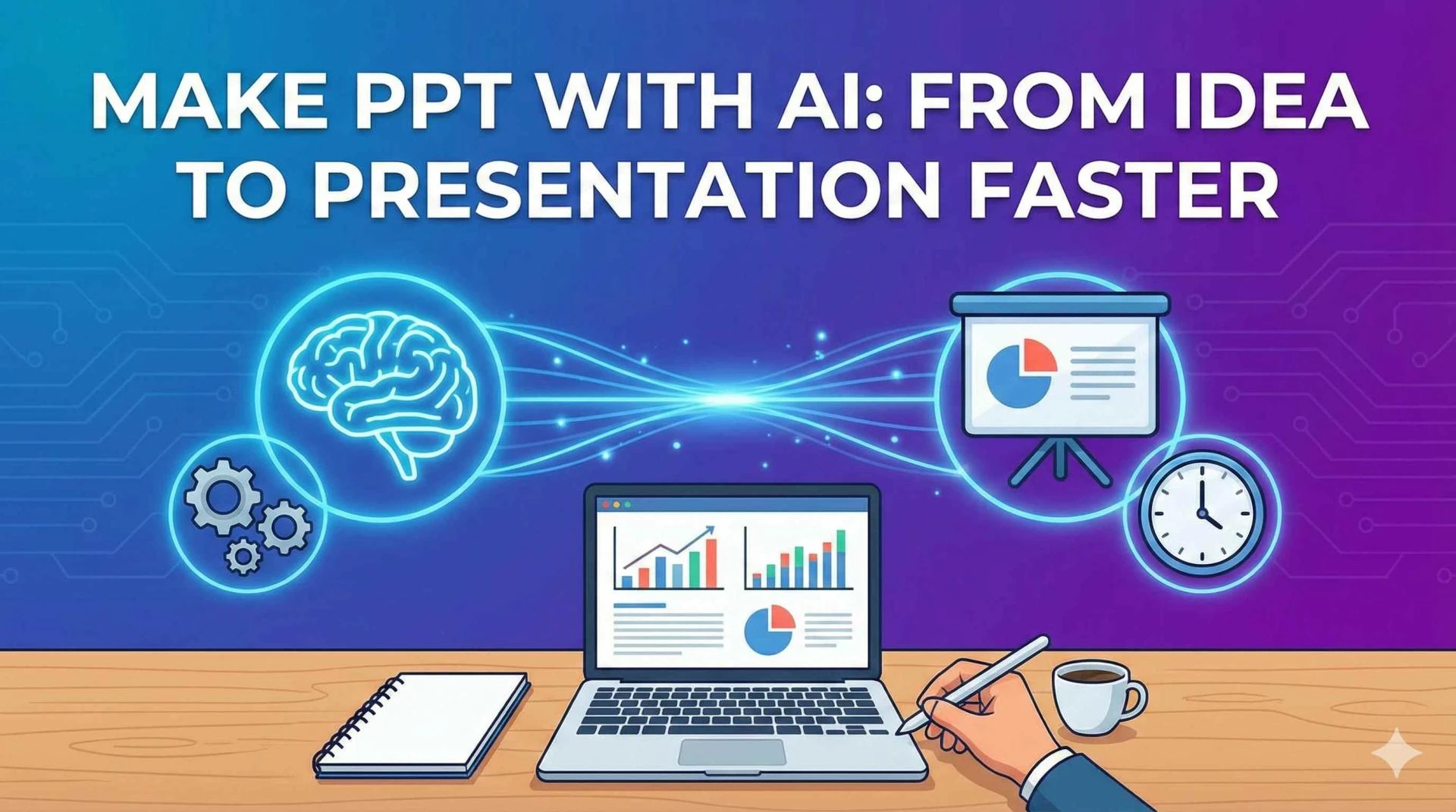

Every presentation starts with an idea. It might be a meeting agenda, a rough outline, or a few scattered notes. Turning that idea into a polished PowerPoint, however, often takes hours of formatting, rewriting, and fixing inconsistencies.
This is where AI is changing the way people work.
Today, professionals can make PPT using AI to move from idea to presentation much faster—without sacrificing quality or control.
What Does “Make PPT with AI” Actually Mean?
Making a PPT with AI doesn’t mean clicking a button and getting a perfect deck instantly. In a professional setting, AI works as an assistant that helps with execution while you stay in control of the message.
When you make PPT using AI, AI helps you:
- turn rough ideas into structured slides
- refine slide content for clarity and brevity
- improve layouts and visual balance
- maintain consistent branding
- update data-driven slides efficiently
The result is a faster, smoother path from concept to final presentation.
Why Turning Ideas into Slides Takes So Long
Most professionals face the same challenges:
- starting with a blank slide
- figuring out slide structure
- rewriting content multiple times
- fixing alignment and spacing at the end
- ensuring brand guidelines are followed
Even simple decks can take longer than expected. AI helps remove these friction points.
From Idea to First Draft in Minutes
The biggest advantage of AI is how quickly it helps create a usable first version.
Instead of manually building slides, AI can:
- convert bullet points into slide-ready content
- organize ideas into logical sections
- suggest a clear flow for the presentation
This allows you to focus on improving the message instead of assembling slides from scratch.
Refining Content Without Rewriting Everything
Once the first draft is ready, AI helps improve slide content.
It can:
- rewrite long text into concise, slide-friendly language
- improve clarity and tone
- remove unnecessary details
- make slides easier to scan
This is especially useful for business presentations where clarity matters more than volume.
Faster Design and Layout Adjustments
Design is one of the most time-consuming parts of presentation creation.
AI assists by:
- fixing alignment and spacing issues
- adjusting layouts when content changes
- balancing text and visuals automatically
Slides look cleaner and more professional without constant manual tweaking.
Keeping Branding Consistent Automatically
Brand consistency is critical, especially in shared or client-facing decks.
When you make PPT using AI, AI can:
- detect font and color mismatches
- apply brand styles consistently
- standardize layouts across slides
This reduces last-minute fixes and review cycles.
Handling Data and Charts More Efficiently
Presentations with numbers are often the hardest to maintain.
With AI-assisted workflows:
- charts stay connected to data sources
- updates reflect automatically
- manual copy-paste errors are reduced
This makes business and reporting decks easier to manage over time.
Why AI Works Best Inside PowerPoint
Some AI tools generate presentations outside PowerPoint and export them later. While that might be useful for quick drafts, it often leads to:
- limited editing flexibility
- formatting issues
- compatibility problems with templates and add-ins
A PowerPoint-native AI PPT tool works inside PowerPoint, so slides remain fully editable and compatible with existing workflows. This makes AI practical for real-world professional use.
Who Benefits Most from Making PPTs with AI?
Making PPTs with AI is especially helpful for:
- Consultants creating client-ready decks
- Sales teams building pitch presentations
- Managers preparing reviews and updates
- Marketing teams maintaining brand consistency
- Enterprise teams that rely on PowerPoint daily
If presentations are part of your routine, AI can save hours every week.
Does AI Reduce Human Control?
No. AI supports the process—it doesn’t replace decision-making.
Humans still:
- define the story
- choose what information matters
- tailor the presentation to the audience
AI simply speeds up execution so professionals can focus on impact.
Final Thoughts
Learning how to make PPT using AI, from idea to presentation, is about working smarter—not cutting corners.
By helping with structure, content, design, branding, and data, AI shortens the time between an idea and a polished deck. When AI works directly inside PowerPoint, it enhances existing workflows instead of disrupting them.
For professionals who create presentations regularly, a reliable AI PPT tool is quickly becoming an essential part of modern presentation creation.


























Sign in to leave a comment.