
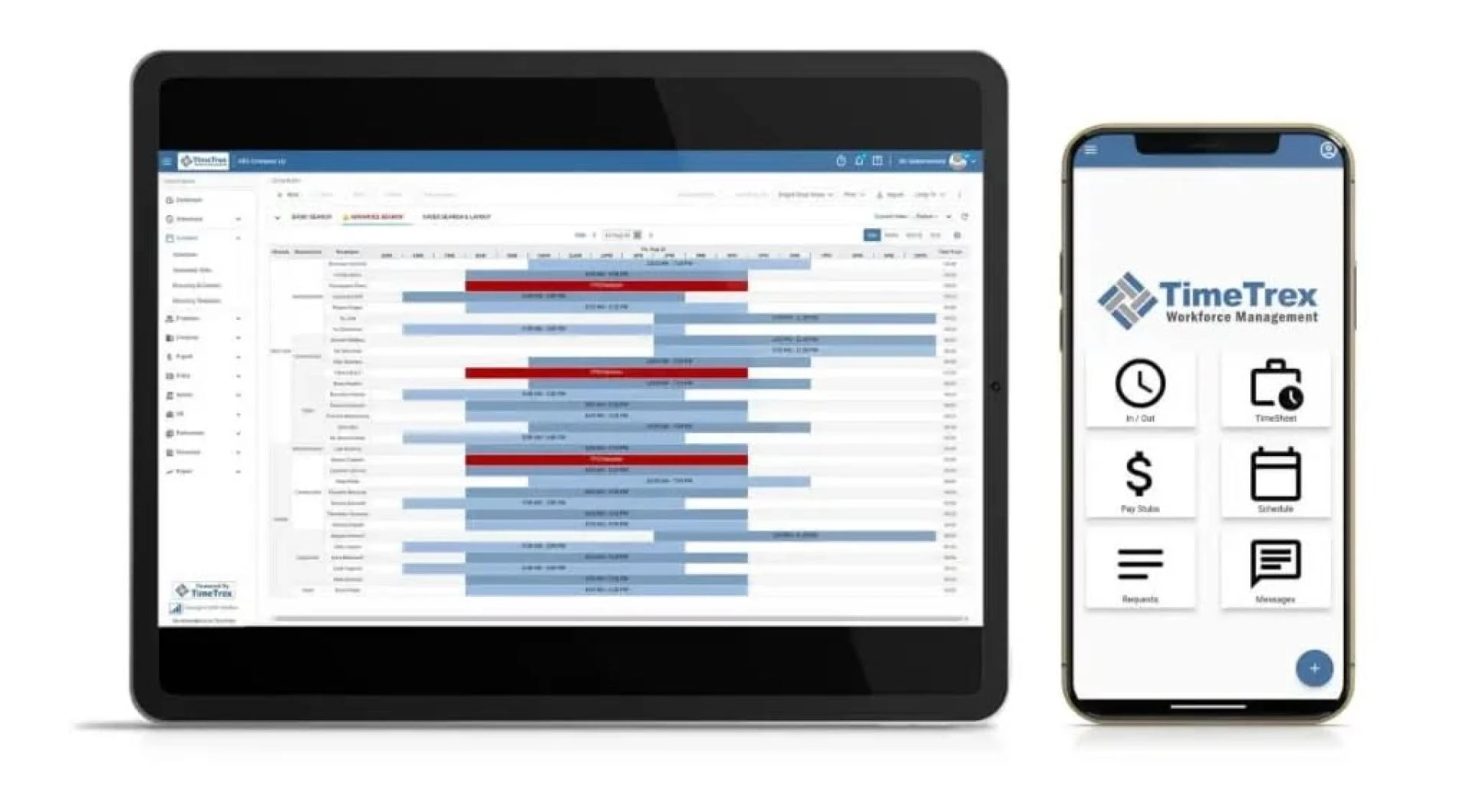
In an era where distractions are just a click away and multitasking often hampers more than it helps, staying productive during work hours has become increasingly challenging. Whether you're a remote worker, a freelancer, a student, or someone working in a bustling office, time management plays a crucial role in achieving success. Enter the work timer—a deceptively simple tool with the power to significantly enhance focus, efficiency, and productivity.
Understanding the Importance of Time Management
Time is arguably the most valuable resource we have. Unlike money, it cannot be saved or earned back. Once a moment is gone, it’s gone forever. Hence, effectively managing this finite resource can make a remarkable difference in personal and professional life.
Studies have shown that people who manage their time well are more likely to meet deadlines, reduce stress, and achieve a healthy work-life balance. Time management also fosters a sense of control, making workdays feel more structured and less chaotic.
What is a Work Timer?
A work timer is a specialized tool or application designed to help individuals allocate specific periods for focused work, often followed by short breaks. The most popular method associated with this concept is the Pomodoro Technique, which involves working for 25 minutes and then taking a 5-minute break. After four cycles, a longer break of 15–30 minutes is taken.
These timers are not limited to one method. They can be fully customizable to fit different work styles. Some people prefer 45-minute sessions followed by 10-minute breaks, while others may opt for longer or shorter durations depending on their energy levels and tasks.
Benefits of Using a Work Timer
1. Enhanced Focus and Concentration
By setting a timer for a specific duration, individuals train their brains to concentrate during that period. This “focus sprint” significantly reduces the temptation to multitask or check social media. When you know there’s a break coming, it’s easier to resist distractions.
2. Reduced Procrastination
One of the major hurdles in productivity is the tendency to delay tasks. A work timer creates a psychological sense of urgency, making tasks feel more manageable and less overwhelming. When tasks are broken into timed segments, they no longer appear insurmountable.
3. Better Time Tracking
Using a timer helps you understand how long different tasks take to complete. Over time, this allows for better planning and estimation. You can analyze how your workday is spent and make data-driven decisions on how to improve productivity.
4. Encourages Breaks and Rest
Ironically, working continuously without breaks often leads to burnout and decreased productivity. A work timer promotes regular short breaks, which are essential for mental rejuvenation. These breaks can improve creativity, problem-solving skills, and overall job satisfaction.
5. Customization and Flexibility
Modern work timer tools offer customizable options to fit diverse needs. Whether you're coding, writing, designing, or studying, you can tailor sessions based on your attention span and workload. Many timers also include analytics, allowing you to review your progress and tweak your schedule for optimal performance.
Integrating a Work Timer Into Your Routine
If you're new to using a work timer, start simple. Choose a timer app that suits your style—there are numerous free and premium options available for smartphones, desktops, and browsers.
- Start With One Task: Choose a single task to work on and set the timer.
- Stick to the Time Frame: Try not to switch tasks or get distracted during the session.
- Take Your Breaks Seriously: Use breaks to stretch, walk, hydrate, or meditate—not to scroll endlessly through social media.
- Review and Reflect: At the end of the day, look back at how many sessions you completed and what was achieved. Use this insight to plan future workdays.
Top Work Timer Tools to Consider
- Focus Booster: Offers Pomodoro-based sessions with visual graphs for tracking productivity.
- Toggl Track: Combines time tracking with project management features.
- Forest: Gamifies focus time by growing a virtual tree as you work—exit the app, and the tree dies.
- Tomato Timer: A minimalist and web-based Pomodoro timer for quick access.
- Clockify: A robust tool that supports time tracking for teams and individuals alike.
Real-World Applications of Work Timers
For Remote Workers
With the freedom of working from home comes the challenge of staying on task. A work timer helps remote workers simulate a structured office environment, keeping productivity high even when working alone.
For Students
Academic life demands focused study sessions. A timer breaks long study hours into digestible chunks, making it easier to absorb information and avoid burnout.
For Teams and Managers
Work timers can also be implemented in team settings. By using synchronized timers, teams can create shared focus periods, increasing collective productivity. Managers can also use time-tracking data to identify bottlenecks and optimize workflows.
Final Thoughts: A Small Tool with Big Impact
The beauty of a work timer lies in its simplicity. With no need for complex setups or extensive training, it offers immediate benefits to anyone willing to give it a try. As we continue to navigate a world filled with distractions, mastering our time becomes a superpower—and a humble timer can be your most trusted ally.
Whether you’re seeking better productivity, reduced stress, or a more balanced workday, incorporating a work timer into your routine is a step in the right direction. It's a small change that can lead to transformative results.






























Sign in to leave a comment.