
Overview
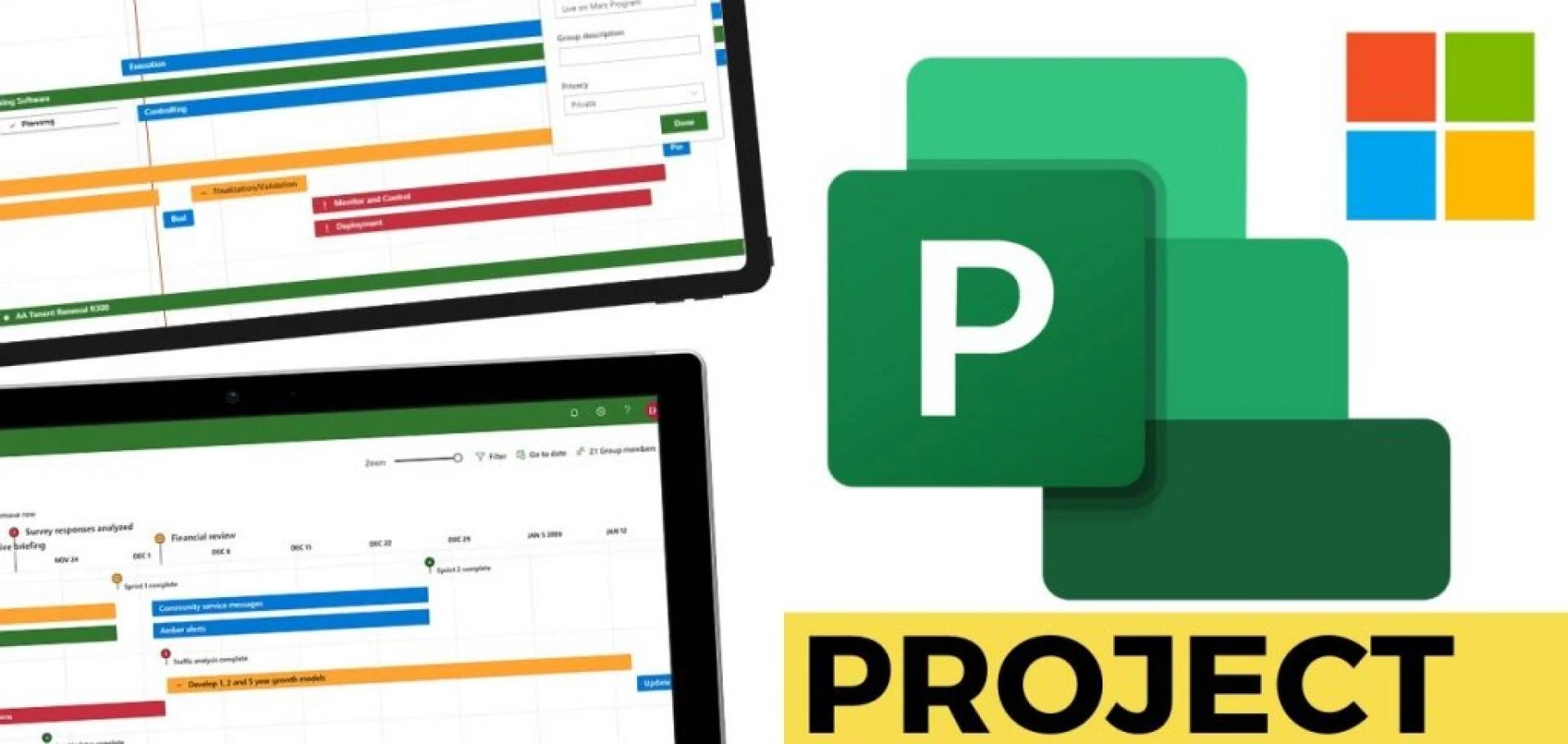
Microsoft Project is one of the oldest and most mature project management software in the industry. Developed by Microsoft, it is compatible with the Office 365 suite, and hence a top choice for large corporations and enterprises already utilizing Microsoft solutions. With its Gantt charts, task tracking, and resource management capabilities, Microsoft Project has been a top-rated tool for managing big and complicated projects.
Over time, Microsoft Project has transitioned from on-premise to encompassing cloud-based solutions. It provides flexibility and control for businesses to handle projects with varying levels of complexity. Nevertheless, even with its high capabilities, the platform is generally less user-friendly than contemporary project management tools, particularly for smaller teams or startups.
What Do Users Like About Microsoft Project?
According to Microsoft Project reviews, users like a number of things:
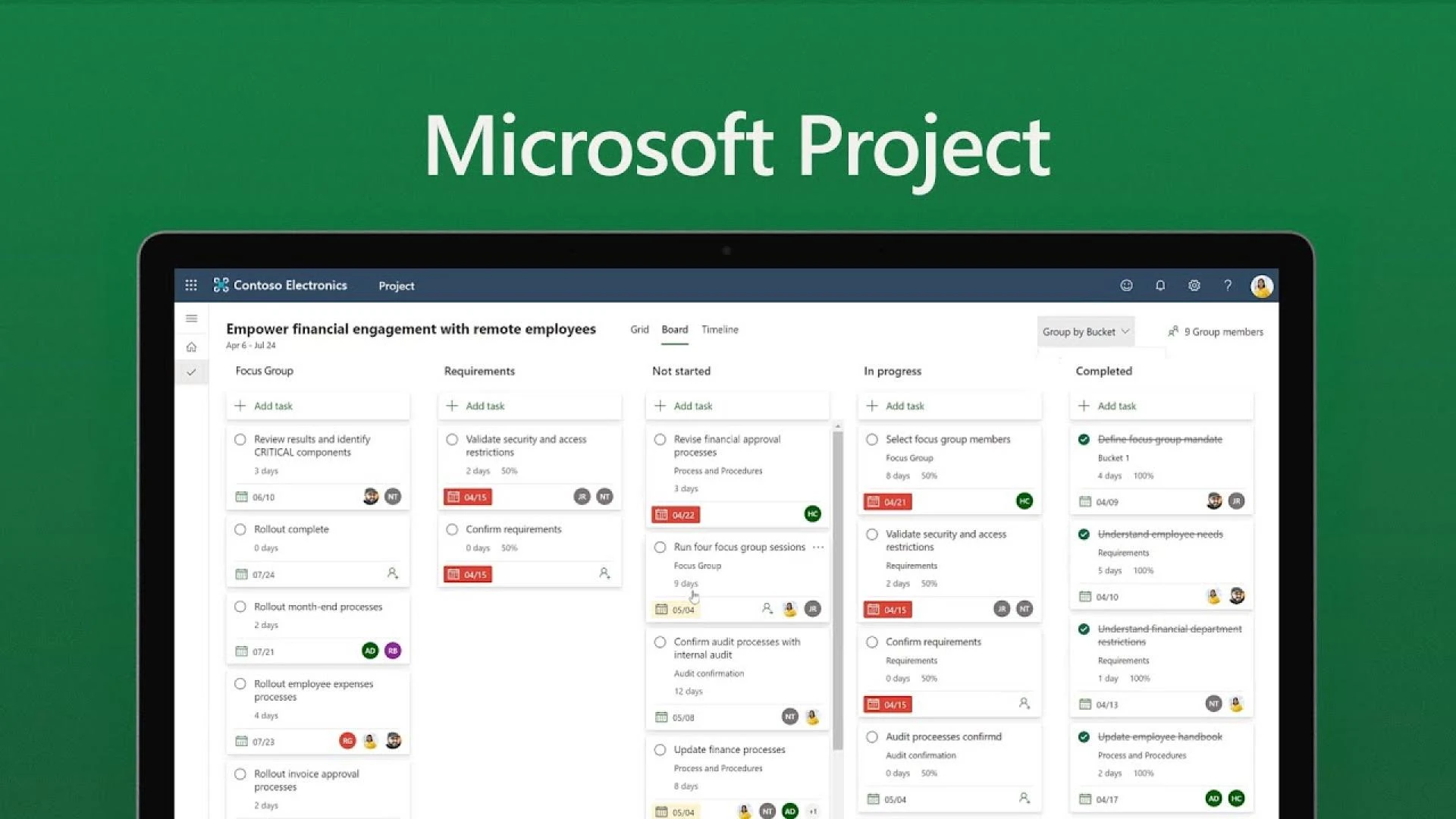
- Strong Project Scheduling– Its timeline and Gantt chart views enable teams to schedule projects with accuracy.
- Microsoft Integration– It integrates smoothly with Microsoft tools such as Excel, Teams, and Power BI, a major benefit for organizations already committed to Microsoft.
- Resource Management– Sophisticated features enable managers to allocate resources, manage workloads, and predict resource requirements.
- Scalability– Ideal for large-scale companies handling multiple, intricate projects at once.
- Reporting Capabilities– In-built reporting and analysis tools assist in tracking KPIs and project status.
What Don't Users Like About Microsoft Project?
Although robust, Microsoft Project is not without its flaws that are pointed out in numerous reviews:
- Steep Learning Curve– New users tend to find navigation and configuration a problem, as the interface is less intuitive compared to contemporary tools.
- High Cost– Microsoft Project pricing options are costly in comparison to others, making it less suitable for small businesses.
- Overwhelming Small Teams– The advanced features can be seen as unnecessary for smaller projects.
- Limited Shared Capabilities– Even though it integrates with Teams, Microsoft Project itself is not as collaboration-friendly as newer project management tools.
- Difficult Licensing– Users tend to confuse licensing and plan setup.
Looking for a better Microsoft Project alternative? Switch to Workstatus now!
What are the Pricing Options of Microsoft Project?
Microsoft Project pricing models are intended to support businesses of varying sizes, although they have a bias towards large and medium-sized firms. The cloud-based options usually have three levels:
Project Plan 1
Fundamentals of project management, best suited for straightforward task management.
Project Plan 3
Provides scheduling tools, reporting, and advanced project planning capabilities.
Project Plan 5
Full project and portfolio management tools along with extensive analytics.
Pricing depends on the subscription and deployment type (cloud or on-premise). In general, Microsoft Project is more expensive than most competitors and therefore more appropriate for larger enterprises.
What are the Standout Features of Microsoft Project?
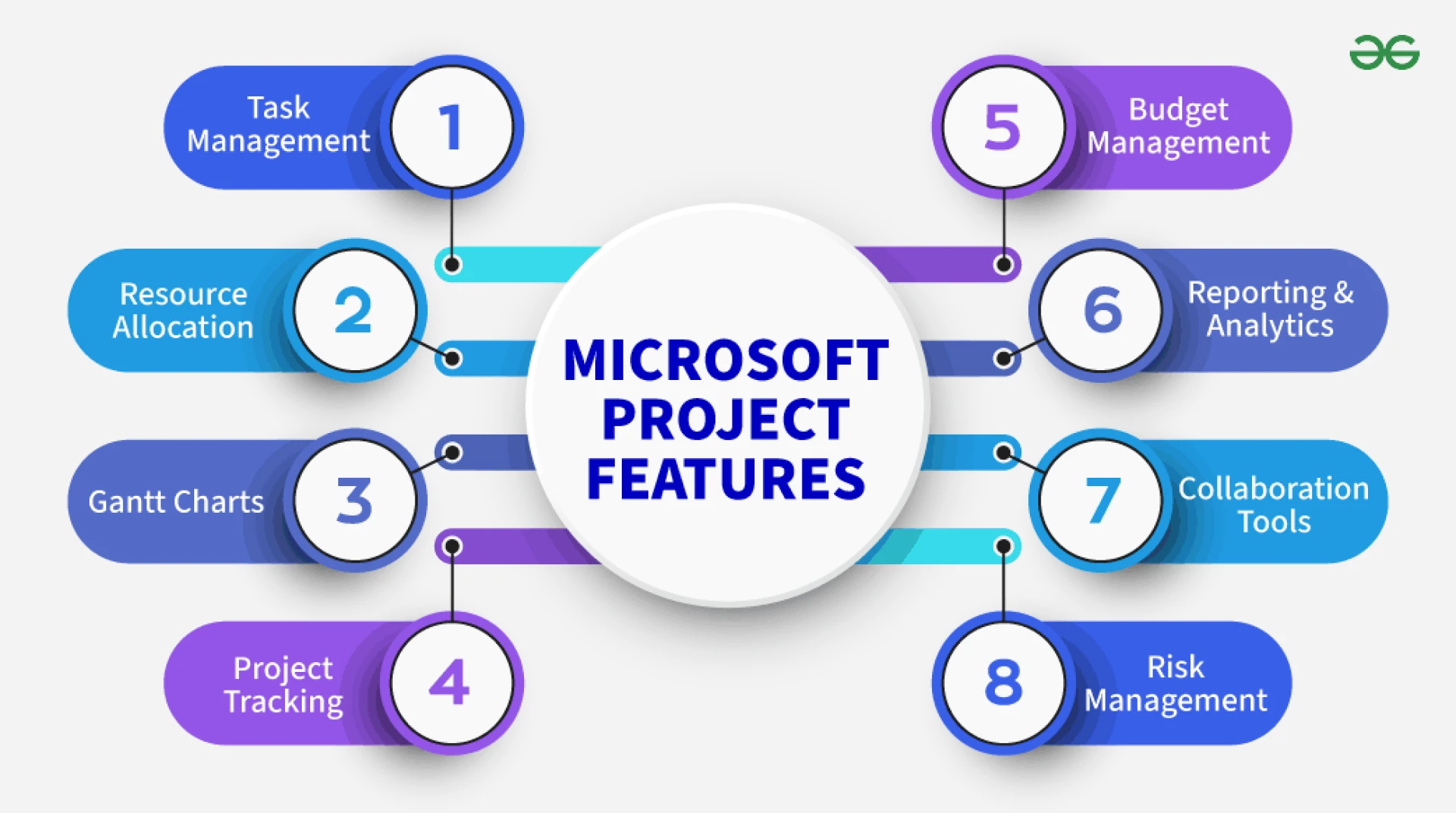
Several major features that differentiate Microsoft Project are:
- Gantt Charts & Timeline Views for organized scheduling.
- Resource Allocation Tools for monitoring availability and workload.
- Portfolio Management for organizations that work on multiple projects simultaneously.
- Integration with Microsoft 365 apps for improving productivity and collaboration.
- Native Reporting with choices for granular insights and projections.
Chosen Positive User Reviews
- "Microsoft Project is excellent for specific scheduling and resource planning. It keeps our big projects in line."
- "The Excel and Teams integration makes it simpler to fit with the remaining equipment."
- "In-depth reporting tools give rich insights into project advancement."
Chosen Negative User Reviews
- "The user interface is dated and not highly user-friendly for new users."
- "Pricing is too expensive for small businesses; there are lower-cost options out there."
- "Collaboration features are not as robust as other project management software."
What are the Review Ratings of Microsoft Project from Review Sites?
Ratings differ across review sites, but here's a summary based on aggregated Microsoft Project reviews:
- G2:~ 4.0/5
- Capterra:~ 4.⅘
- TrustRadius:~ 7.9/10
These ratings indicate that Microsoft Project is favorably viewed in terms of functionality but disparaged on both usability and expense.
Alternatives for Microsoft Project
For companies seeking easier or cheaper alternatives, options exist. Solutions such as Asana, Trello, or Workstatus are commonly referred to as contemporary alternatives.
Workstatus, for example, provides project and manpower management with functions such as task monitoring, time tracking, and productivity reports—all easy to use. It doesn't match the enterprise-grade sophistication of Microsoft Project, but it delivers real-world, easy-to-use solutions to small- to medium-sized businesses.
What's My Overall Opinion on Microsoft Project?
Microsoft Project is a formidable project management tool for businesses with large and complex projects. Its advanced scheduling, resource allocation, and integration with Microsoft's platform make it the best fit for organizations that require sophisticated project management features.
But its high learning curve, premium pricing, and less user-friendly design might not be ideal for small teams or businesses looking for rapid adoption. Firms need to balance the expenditure with benefits and also look at alternatives such as Workstatus for a leaner and cheaper experience.
Final Take: If you’re a large enterprise already invested in Microsoft tools, Microsoft Project is worth the investment. But if your needs are simpler and your team prefers ease of use, exploring alternatives might be the smarter choice.




























Sign in to leave a comment.