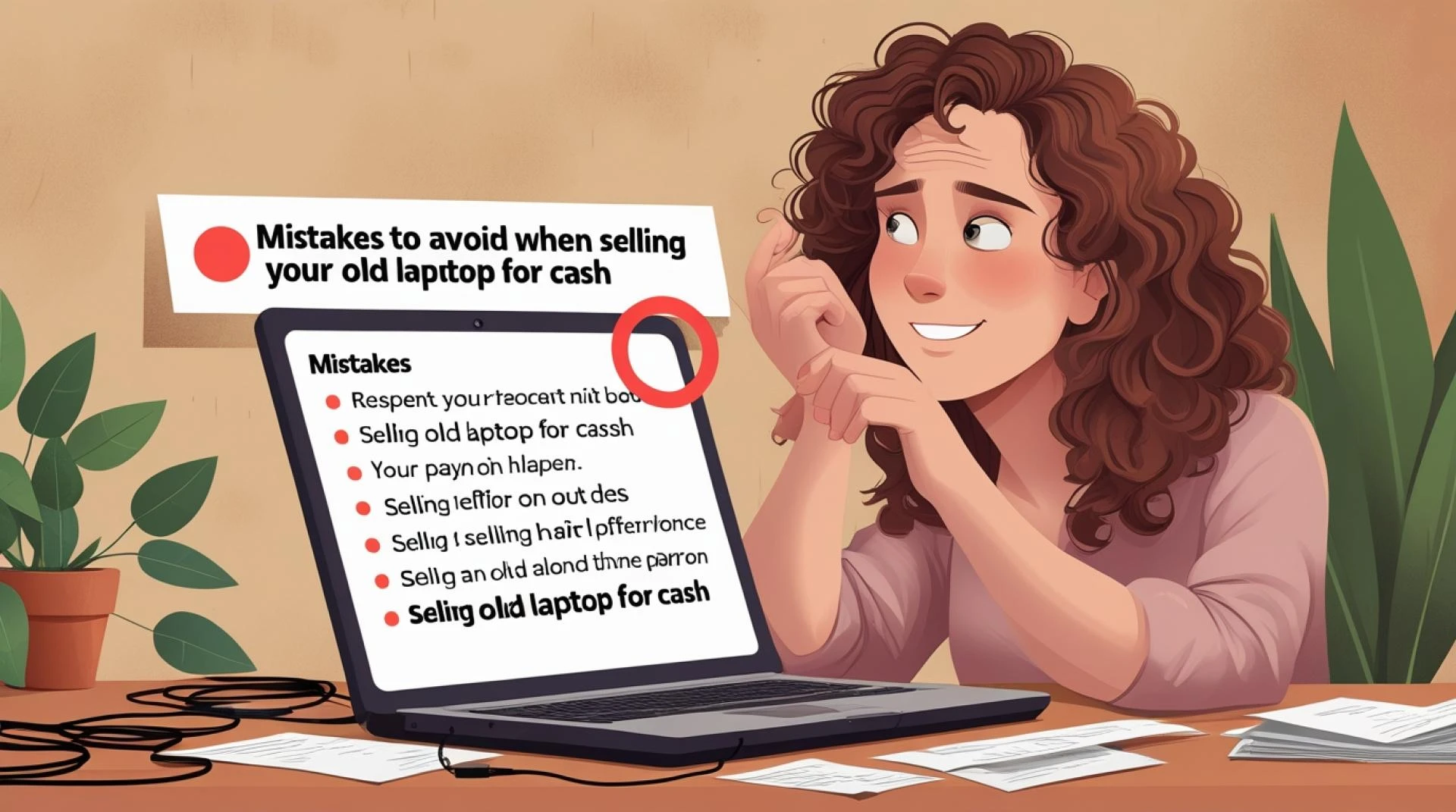

Got an old laptop gathering dust? Don't let that potential cash just sit there! Selling your used computer is a smart move, freeing up space and padding your wallet. However, it's not as simple as just slapping a price tag on it. People often make a few common blunders that either slash their selling price or invite headaches.
We're going to walk through the five biggest mistakes you should absolutely avoid to ensure you get the maximum value with the least hassle.
Skipping the Deep Clean (Inside and Out)
This might seem obvious, but many sellers only wipe down the screen and keyboard. That's only half the battle! A clean laptop is a more appealing laptop, period.
The Physical Clean: Grab a microfiber cloth and some electronics cleaner. Get the dust out of the vents and around the ports. A buyer doesn't want to see a keyboard full of crumbs or sticky residue. This visual effort instantly makes your machine look better cared for, justifying a higher price.
The Digital Clean (The Critical Part): This is where most people mess up, and it’s a huge security risk. Never just delete files and empty the trash! You need to perform a factory reset or a complete secure erase. If you’re switching to a new computer, you might also be looking to sell old phone online, and the same principle applies—data security is paramount. Your old laptop's hard drive contains sensitive information: passwords, documents, financial details.
A simple reset isn't enough; the data is still recoverable. Make sure you use the proper manufacturer-recommended method to completely wipe the operating system and user data before handing it over.
Pricing Based on Nostalgia, Not Reality
We all remember what we paid for our laptop when it was shiny and new, but those days are long gone. The tech market moves incredibly fast. Your machine's value depreciates sharply the moment you open the box.
The Reality Check: Don't guess or price your machine based on what you want to get. You need to do real market research. Check dedicated trade-in sites, look at completed listings on auction sites, and see what similar models (same CPU, RAM, and condition) are actually selling for right now. If you're also planning to sell old phone online, check prices there too. The goal is to set a competitive, attractive price that still maximizes your profit. Overpricing means your listing will just sit there while other sellers get the cash. Underpricing means leaving money on the table.
Remember to factor in the cost of any necessary accessories or upgrades. Do you have the original charger? A clean bill of health often makes buyers more confident, just like when you sell old phone online and include the original box.
Poor Photos and Vague Descriptions
Your listing is your storefront. Shabby, dark photos taken on a messy desk are instant turn-offs.
The Photo Power: Take several high-quality, well-lit photos. Show the laptop from all angles: the screen, the keyboard, the ports, the top, and especially any minor cosmetic damage. Transparency builds trust. If the laptop powers on, take a picture of it booted up. If you are also trying to sell old phone online, bright, clear pictures are non-negotiable for that as well.
The Description Detail: Be meticulously honest about the specifications and condition.
- List the Specs: Don't just say "Core i5." Say "Intel Core i5 (8th Gen)," "8GB RAM," and "256GB SSD."
- Note the Flaws: Does the battery only hold a charge for two hours? Is there a tiny scratch on the lid? Mention it! Being upfront prevents disputes after the sale.
- Explain the Why: Buyers like context. "Selling because I upgraded to a desktop" sounds better than no explanation at all.
This professional approach is crucial whether you want to sell old phone online or a high-end gaming laptop.
Ignoring Alternative Selling Venues
Most people immediately think of a popular auction site, but that’s not always the best option, particularly if you hate dealing with shipping, dealing with flaky buyers, or worrying about buyer scams.
Look Beyond the Auction Site: Consider alternatives:
- Local Marketplaces: Meet a buyer in a public place. This saves you shipping fees and cuts out platform commissions, but you might have to haggle more.
- Trade-in/Buyback Programs: These offer a guaranteed, quick sale. The cash amount might be lower, but the convenience and speed are often worth it. You drop it off, and you get paid—no photos, no listing, no meeting strangers. Many companies that facilitate this kind of quick sale also let you sell old phone online instantly. It’s a fast, streamlined process for all your unwanted gadgets.
- Specialized Buyers: If your laptop is a high-end gaming model or a very niche machine, a specialized forum or buyer might pay a premium compared to a general marketplace. Remember, if you are moving devices, it is always easier to sell old phone online at the same place you sell the laptop. Sell old phone online or offline, just make sure you use a secure service. People who are looking to sell old phone online and also sell a laptop are looking for efficiency. You might even find a service that helps you sell old phone online and offers a bundled price for both! The convenience of finding one place to sell old phone online and your laptop is a game-changer. Don't waste time trying to sell old phone online with one service and your laptop with another.
Finding a single reputable service can make the process of getting money for your devices much easier. For instance, if you're ready to make a quick, no-hassle deal for your devices, checking out a trusted buyback service is a great move. When you are ready to sell old phone online or your laptop, a company like sellnservice offers a straightforward process, clear pricing, and handles all the complexities, allowing you to get paid quickly.
Forgetting to Deactivate Licenses and Accounts
You've wiped the data, great! But did you remove the laptop from your online accounts?
The Software Oversight: Make sure you sign out of everything. This includes:
- Operating System Accounts: Apple ID, Microsoft Account, or Google Account. If these are still linked, the new owner might have issues setting up the machine.
- Software Licenses: Think about things like Adobe Creative Suite, Microsoft Office, or specialized design software. These are often tied to a limited number of devices. Deactivating the license on your old laptop frees it up for your new machine.
- Browser/Cloud Accounts: Are you still logged into Chrome, OneDrive, or Dropbox? Double-check everything. This is another step you absolutely should take when you sell old phone online too.
Taking these steps ensures a clean break for you and a seamless, secure start for the new owner. Avoiding these five mistakes will turn selling your old laptop from a frustrating chore into a quick, profitable transaction.



























Sign in to leave a comment.