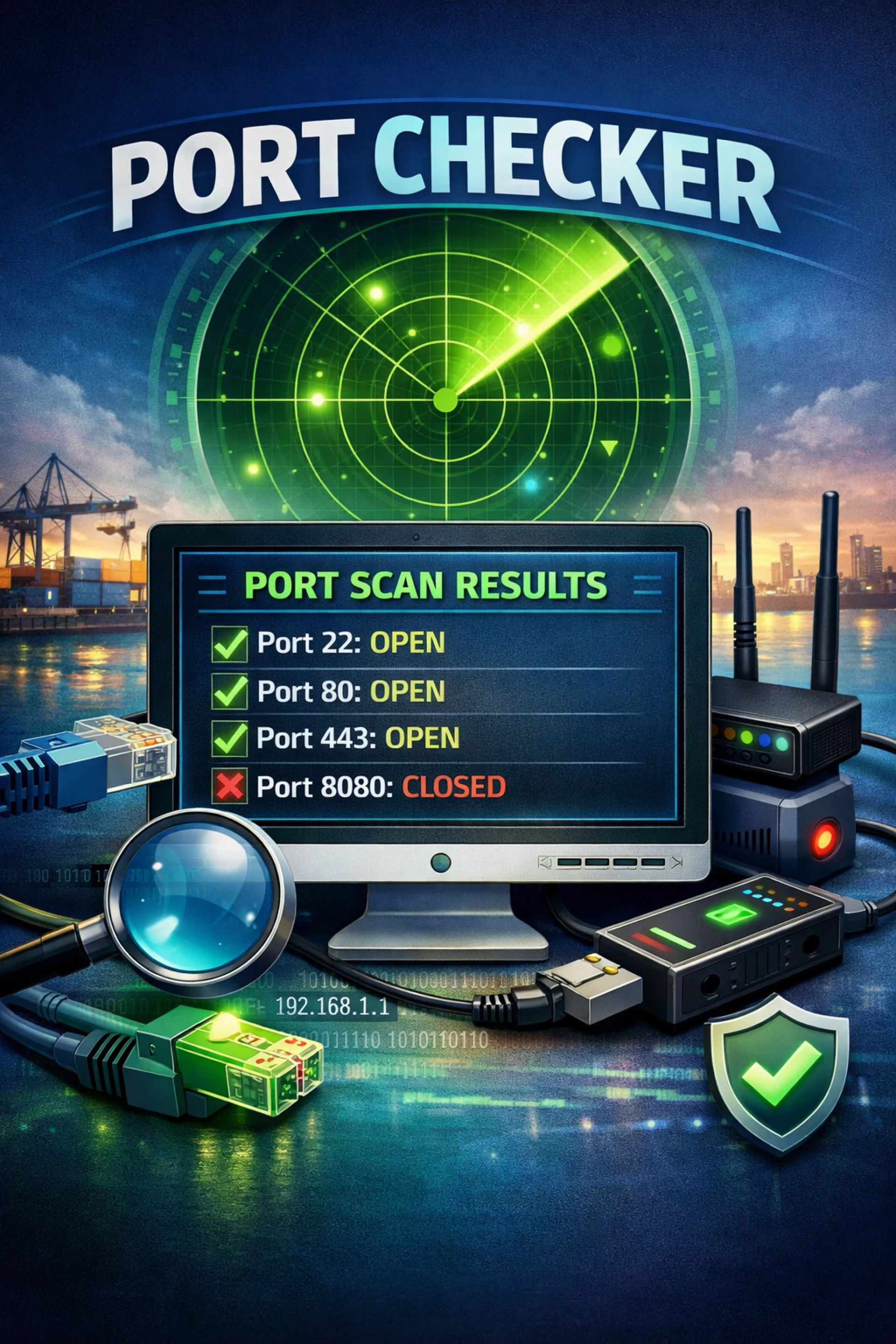
In today’s online world, websites, servers, games, and apps need a smooth connection to work properly. Sometimes, things stop working without any clear reason. A website may not open, a game server may not connect, or a remote system may refuse access. In many cases, the real problem is hidden behind something called a network port.
This is where a Port Checker Tool becomes very useful.
A Port Checker Tool helps you check whether a specific port is open or closed on a server or device. It tells you if data can pass through that port or not. Many people, including website owners, developers, system administrators, and even beginners, use a Port Checker Tool to solve connection problems quickly.
The best part is that most Port Checker Tools are very easy to use. You don’t need deep technical knowledge. You just enter an IP address or domain name and a port number, and the tool shows the result in seconds.
In this article, you will learn everything about the Port Checker Tool in very simple words. We will explain what it is, why it is important, how it works, and how it helps with security and troubleshooting. Each section is explained clearly so even a beginner can understand it easily.
What Is a Port Checker Tool
A Port Checker Tool is an online or software-based tool that checks the status of a network port. In simple words, it tells you whether a specific port is open, closed, or blocked.
Every device connected to the internet uses ports to send and receive data. Think of ports like doors in a building. Each door has a number, and data enters or leaves through these doors. If a door is closed, nothing can pass through it.
A Port Checker Tool checks these doors.
When you enter a port number, the tool sends a small request to that port. If it gets a response, the port is open. If there is no response, the port may be closed or blocked by a firewall.
This tool is commonly used to check ports like 80 (for websites), 443 (for secure websites), 21 (FTP), 22 (SSH), and many others. Website owners often use a Port Checker Tool to make sure their server ports are working correctly.
The tool does not change anything on your system. It only checks and reports the result. That makes it safe and easy to use for anyone.
Why Port Checker Tool Is Important
A Port Checker Tool is important because it helps find connection problems quickly. Without it, you might waste hours guessing what went wrong.
If a website is not loading, the issue could be a closed port. If remote access fails, the port might be blocked. A Port Checker Tool confirms this in seconds.
Security is another big reason. Open ports can be risky if they are not needed. Hackers often scan open ports to find weak points. Using a Port Checker Tool helps you see which ports are open so you can close the ones you don’t need.
For businesses, downtime means loss. A simple port issue can stop services. This tool helps prevent that by catching problems early.
Even beginners find it helpful. You don’t need coding skills. You only need basic details like an IP address and a port number.
In short, a Port Checker Tool saves time, improves security, and keeps systems running smoothly.
How Port Checker Tool Works
A Port Checker Tool works by sending a connection request to a specific port on a server or device. This process is very fast and usually takes only a few seconds.
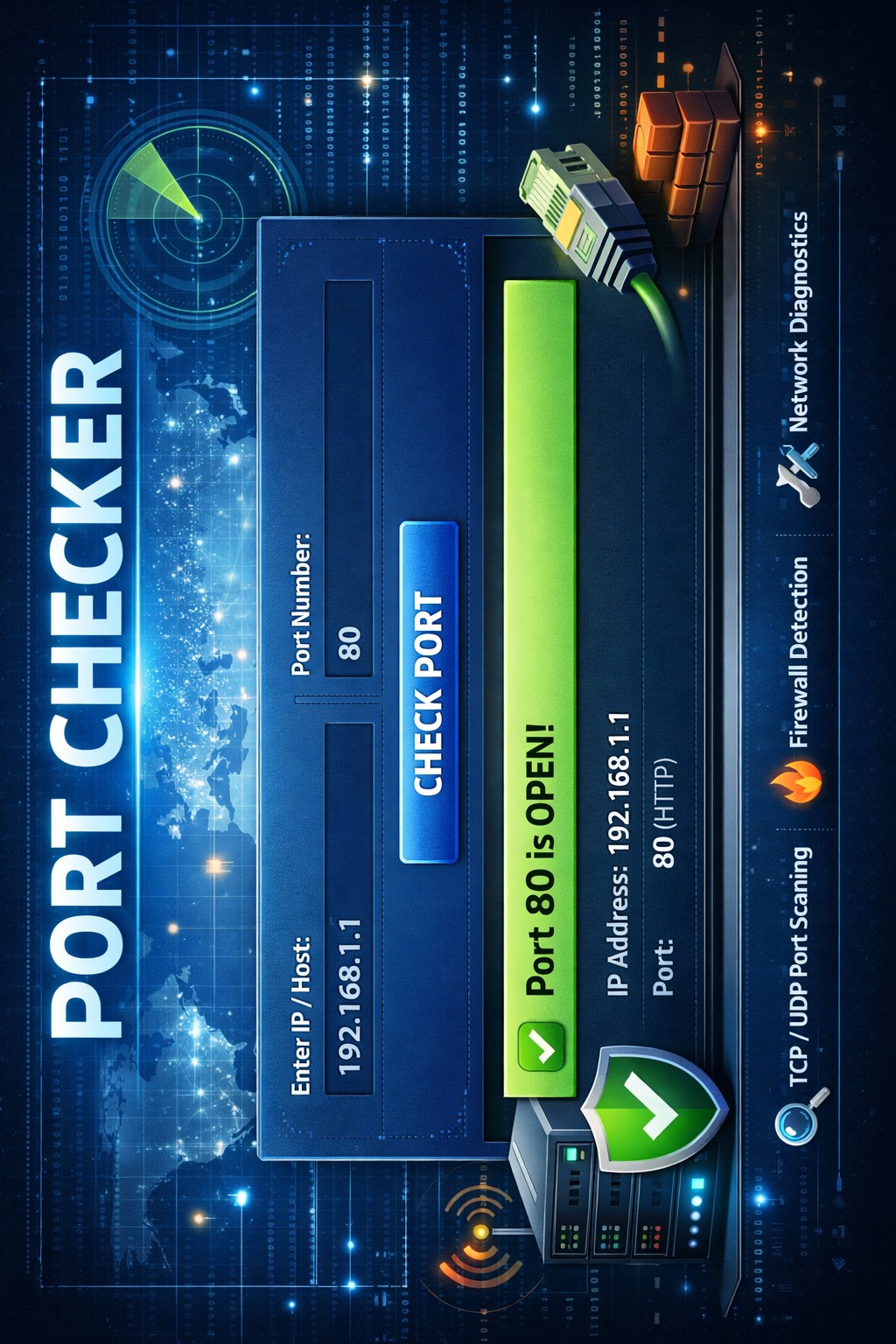
First, you enter the target information. This can be a domain name like example.com or an IP address. Then you enter the port number you want to check.
When you click the check button, the tool sends a signal to that port. If the port responds, it means the port is open and accepting connections. If there is no response, the port is closed or blocked.
Some Port Checker Tools also tell you whether a firewall is blocking the port. Firewalls are security systems that control which ports can be accessed.
The tool does not log in or access private data. It only checks whether communication is possible. That makes it safe and legal to use for basic checks.
Behind the scenes, the tool uses simple networking rules. But for users, it feels like a one-click solution.
Common Uses of Port Checker Tool
The Port Checker Tool is used for many practical reasons. One of the most common uses is troubleshooting website issues. If a website is not opening, checking port 80 or 443 can help find the problem.
Game servers also depend on open ports. Gamers use Port Checker Tools to make sure their server ports are reachable so others can join.
Remote access tools like SSH or RDP need specific ports. If they don’t work, checking the port can save time.
Developers use Port Checker Tools during testing. Before launching an app, they check whether required ports are open.
Even email services rely on ports. If emails are not sending or receiving, port checks can help.
In all these cases, the tool gives clear answers without confusion.
Port Checker Tool for Security
Security is a major reason why people use a Port Checker Tool. Open ports can be entry points for attackers if not managed properly.
By checking open ports, you can see which services are exposed to the internet. If you see ports that are not needed, you can close them to improve safety.
Many cyber attacks start with port scanning. Using a Port Checker Tool helps you stay one step ahead by monitoring your own system.
Businesses often schedule regular port checks as part of security audits. This helps protect sensitive data.
Even home users benefit. Routers, cameras, and smart devices use ports. Checking them improves personal network safety.
A Port Checker Tool does not replace full security software, but it is a strong first step.
Choosing the Best Port Checker Tool
There are many Port Checker Tools available online. Choosing the right one depends on your needs.
A good Port Checker Tool should be easy to use. It should give clear results without technical language.
Speed is important. The tool should check ports quickly without long waiting times.
Accuracy matters most. A reliable tool gives correct results every time.
Some tools allow checking multiple ports at once. This is helpful for advanced users.
Free tools are good for basic checks, while paid tools may offer extra features.
Always choose a trusted Port Checker Tool to avoid misleading results.
Conclusion
A Port Checker Tool is a simple but powerful tool for anyone who uses the internet seriously. It helps check whether ports are open or closed, making troubleshooting faster and easier.
From website owners to gamers, from beginners to professionals, everyone can benefit from using a Port Checker Tool. It improves security, saves time, and reduces frustration.
You don’t need technical skills to use it. Just a few clicks can give you clear answers.
In today’s connected world, understanding and checking ports is not optional. A Port Checker Tool makes this task simple and accessible for everyone.
Questions and Answers
Q1: What is a Port Checker Tool used for?
A Port Checker Tool is used to check whether a specific network port is open or closed on a server or device.
Q2: Is using a Port Checker Tool safe?
Yes, it is safe. The tool only checks port status and does not access private data.
























Sign in to leave a comment.