
Definition of Proctoring Tools
Proctoring tools are software solutions designed to monitor and supervise online exams to ensure academic integrity and prevent cheating. These tools use a variety of technologies to observe test-takers, ensuring that the exam environment remains secure and fair.
Importance and Relevance of Proctoring Tools
In the age of digital learning and remote work, the demand for reliable proctoring tools has skyrocketed. These tools are crucial in maintaining the credibility of online assessments, whether for academic exams, professional certifications, or corporate training programs.
Technical Specifications
Key Features of Proctoring Tools
Proctoring tools come with a range of features to ensure a secure exam environment:
- Real-time Monitoring: Live video and audio surveillance.
- Automated Alerts: AI-driven alerts for suspicious behavior.
- Identity Verification: Biometric and ID checks.
- Browser Lockdown: Prevents access to unauthorized resources.
Software Requirements
Most proctoring tools require:
- A stable internet connection.
- Compatible web browsers (Chrome, Firefox, etc.).
- Specific operating systems (Windows, macOS, etc.).
Hardware Requirements
Typically, the hardware requirements include:
- A functional webcam.
- A microphone.
- A computer with adequate processing power and memory.
Types of Proctoring Tools
Live Proctoring
Live proctoring involves a human proctor monitoring the exam taker in real-time via webcam. This method closely mimics the traditional in-person invigilation process.
Automated Proctoring
Automated proctoring uses AI algorithms to monitor and analyze the test environment. It flags any suspicious activity for further review by a human proctor.
Recorded Proctoring
In recorded proctoring, the entire exam session is recorded for subsequent review. This allows flexibility as the recording can be reviewed at any time to detect any potential issues.
Applications of Proctoring Tools
In Education
Proctoring tools are widely used in educational institutions to conduct online exams, ensuring that students cannot cheat and that the results are valid.
In Professional Certification
For professional certifications, proctoring tools help maintain the credibility of the certification process, ensuring that certified professionals meet the required standards.
In Corporate Training
Corporations use proctoring tools to monitor training assessments, ensuring that employees are genuinely participating and learning.
Benefits of Proctoring Tools
Enhancing Exam Integrity
Proctoring tools play a critical role in upholding the integrity of online exams by preventing cheating and ensuring that all test-takers are on a level playing field.
Expanding Accessibility
These tools make it possible for individuals to take exams from anywhere in the world, thus expanding access to education and professional certification.
Reducing Costs
By eliminating the need for physical test centers and on-site proctors, proctoring tools can significantly reduce the costs associated with conducting exams.
Challenges and Limitations
Privacy Concerns
One of the major challenges is ensuring the privacy of test-takers. Continuous monitoring can be seen as intrusive, and there are concerns about data security.
Technical Issues
Technical problems such as internet connectivity issues, software glitches, and hardware failures can disrupt the exam process and cause stress for the test-takers.
User Anxiety
The presence of proctoring software can increase anxiety among test-takers, potentially affecting their performance.
Latest Innovations in Proctoring Tools
AI and Machine Learning
Recent advancements in AI and machine learning have enhanced the ability of proctoring tools to detect suspicious behavior with high accuracy.
Biometric Authentication
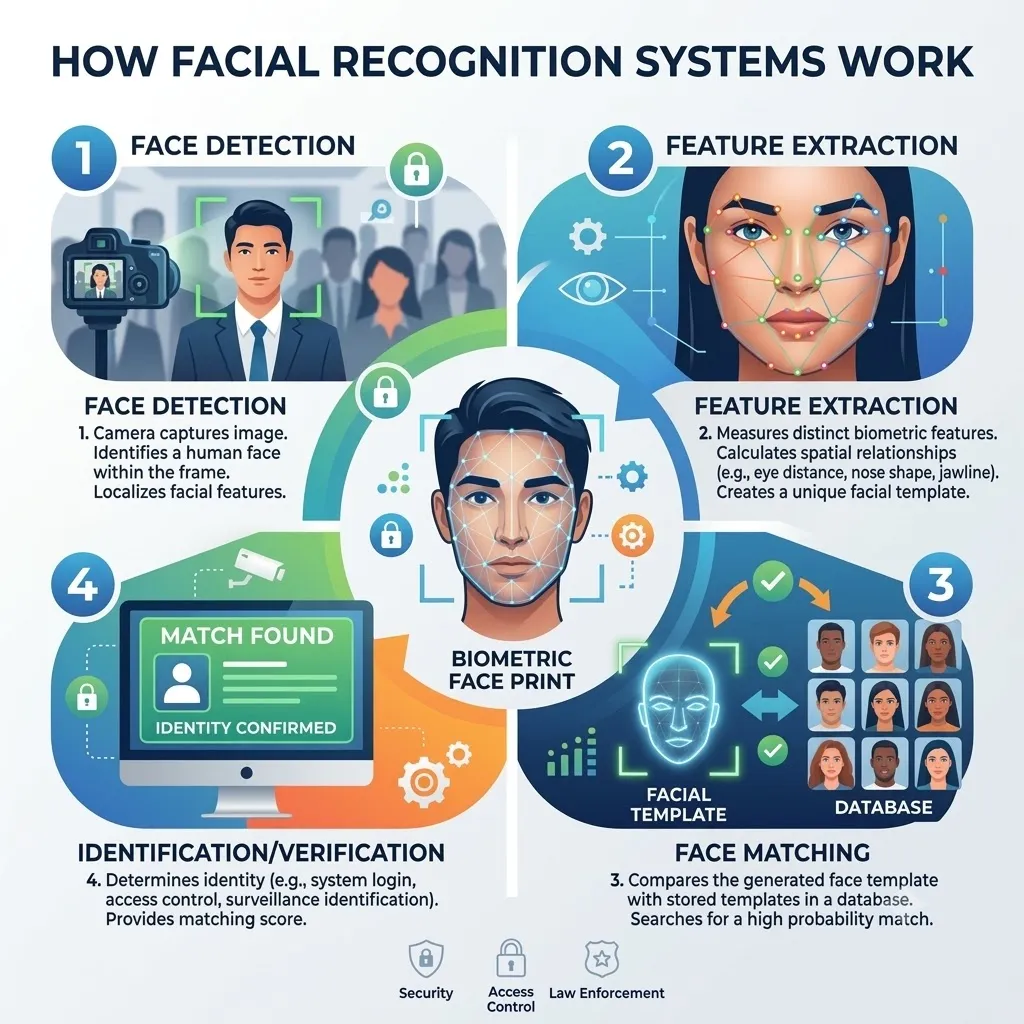
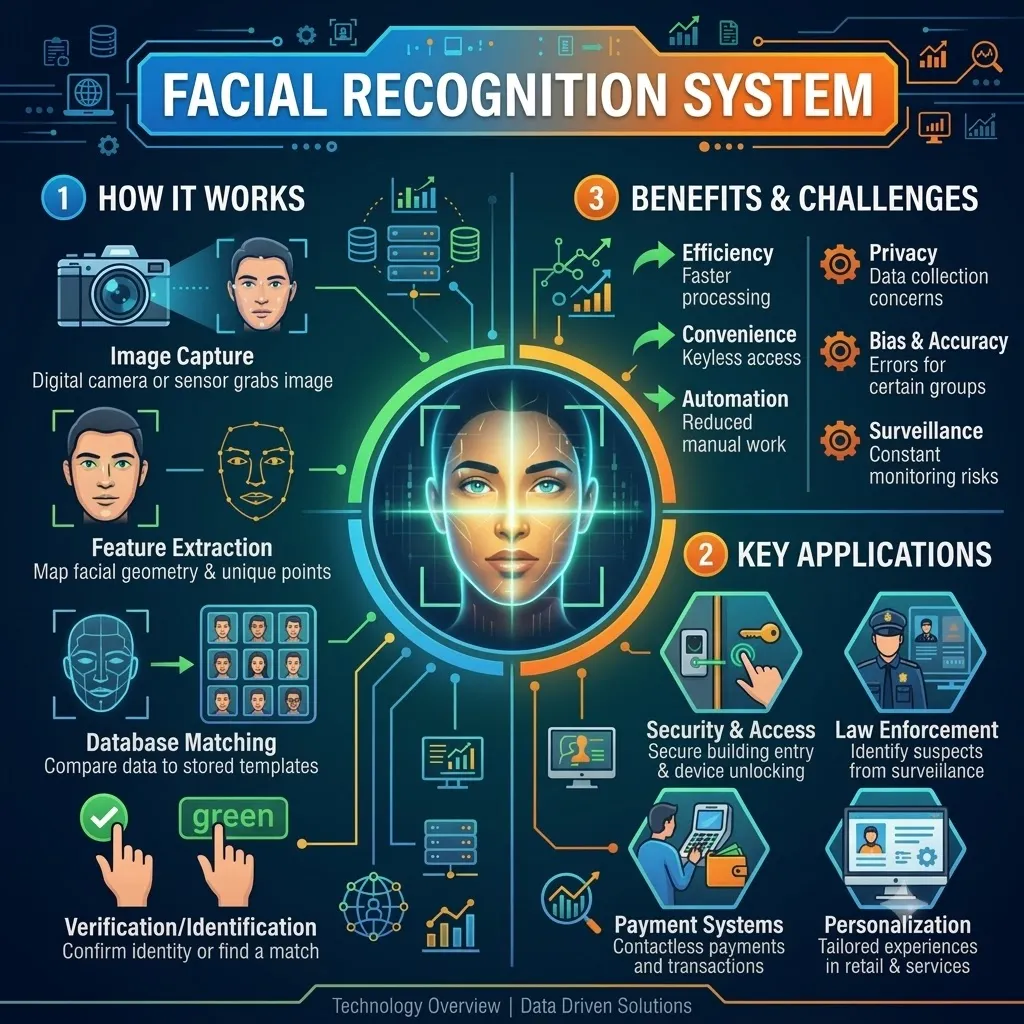
Biometric authentication methods, such as facial recognition and fingerprint scanning, are being integrated into proctoring tools to verify the identity of test-takers more securely.
Advanced Analytics
Advanced analytics provide detailed insights into test-taker behavior, helping institutions to understand and address issues related to exam integrity.
Future Prospects of Proctoring Tools
Integration with Other Technologies
Proctoring tools are expected to integrate more seamlessly with other educational technologies, such as learning management systems (LMS), to provide a more cohesive experience.
Improvements in User Experience
Future developments will likely focus on improving the user experience, making proctoring tools less intrusive and more user-friendly.
Global Market Trends
The market for proctoring tools is set to grow as more institutions and organizations recognize the need for secure and reliable remote assessment solutions.
Comparative Analysis
ProctorU vs. ExamSoft
- ProctorU: Known for its live proctoring services and real-time human intervention.
- ExamSoft: Focuses on automated proctoring with robust analytics and reporting features.
Respondus Monitor vs. Honorlock
- Respondus Monitor: Utilizes AI to monitor exams, with a strong focus on integration with LMS.
- Honorlock: Combines AI and human proctoring, offering unique features like voice detection.
Key Differences and Similarities
While all these tools aim to ensure exam integrity, they differ in their approaches, features, and pricing. Choosing the right tool depends on the specific needs and preferences of the institution or organization.
User Guides and Tutorials
Setting Up Proctoring Tools
Setting up proctoring tools typically involves:
- Installing the required software.
- Configuring the settings according to exam requirements.
- Ensuring all necessary hardware is functional.
Best Practices for Using Proctoring Tools
- Clear Communication: Inform test-takers about the proctoring process and requirements.
- Trial Runs: Conduct trial exams to familiarize users with the system.
- Support: Provide technical support to address any issues promptly.
Troubleshooting Common Issues
Common issues include software compatibility problems, internet connectivity issues, and hardware malfunctions. Providing a comprehensive FAQ and support resources can help mitigate these problems.
Expert Insights
Quotes from Educational Technologists
"Proctoring tools have revolutionized online assessments by ensuring fairness and integrity, which are crucial for maintaining the credibility of remote education." – Dr. Jane Smith, Educational Technologist
Opinions from Industry Experts
"While proctoring tools are essential for secure online exams, it\'s important to balance security with user experience to minimize anxiety and technical issues." – John Doe, EdTech Consultant
Case Studies and Real-World Examples
Several universities have successfully implemented proctoring tools, resulting in a significant reduction in cheating incidents and enhanced exam integrity.
Conclusion
Proctoring tools are indispensable in the modern digital landscape, ensuring the integrity of online assessments across various sectors. While challenges exist, continuous advancements and thoughtful implementation can address these issues effectively.
FAQs
What are proctoring tools used for?
Proctoring tools are used to monitor and supervise online exams, ensuring the integrity and security of the examination process.
How do proctoring tools ensure exam security?
They use technologies like AI, facial recognition, and eye tracking to detect and prevent cheating.
Can proctoring tools detect cheating?
Yes, proctoring tools can detect suspicious activities that might indicate cheating through various monitoring technologies.
Are proctoring tools safe to use?
Yes, but it\'s essential to choose reputable tools and be aware of privacy concerns.
What should I look for in a proctoring tool?
Look for robust security features, user-friendliness, and cost-effectiveness when choosing a proctoring tool.



















Sign in to leave a comment.