
Let’s be honest for a second.
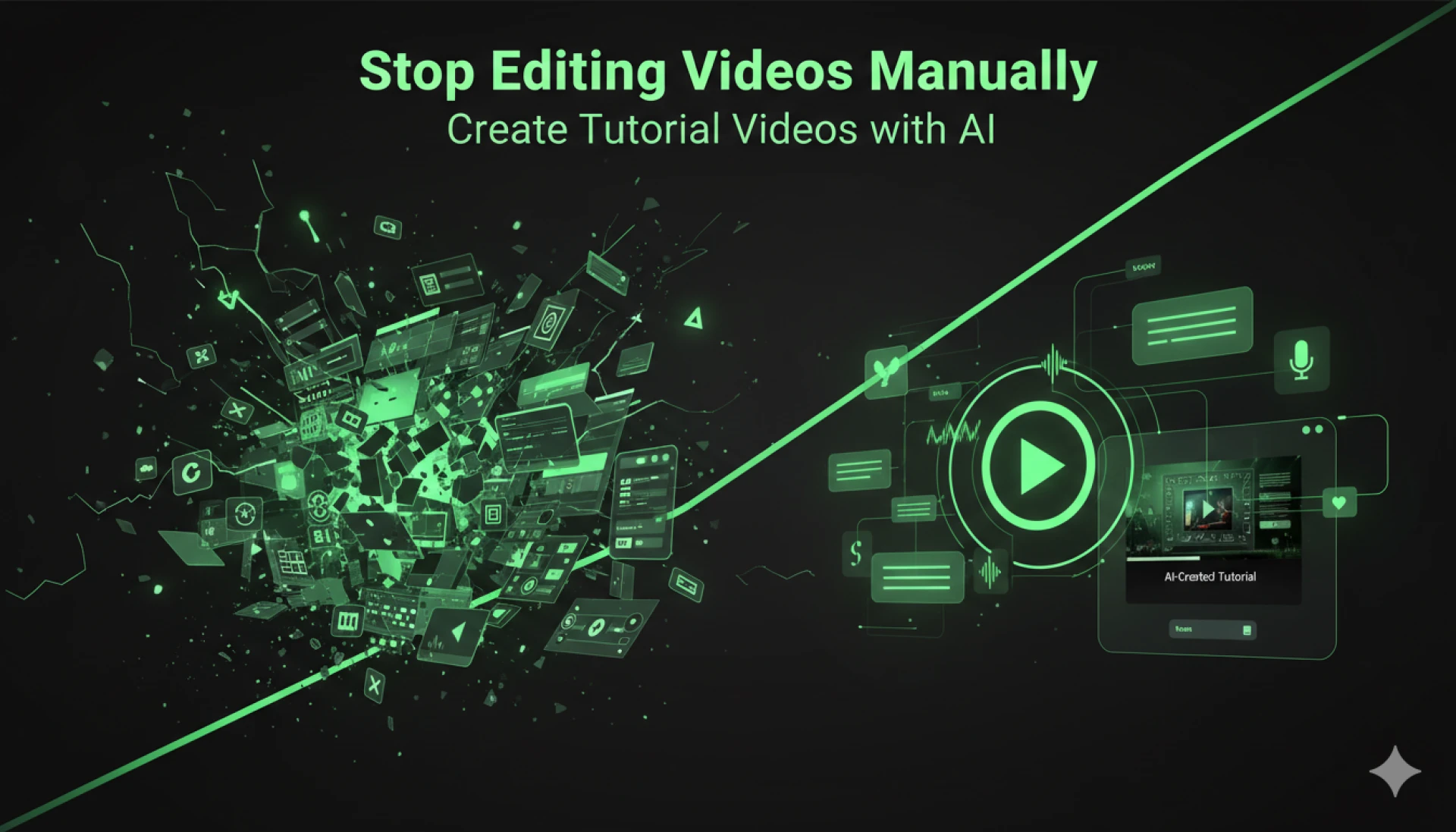
Creating tutorial videos the traditional way is exhausting.
You record your screen…
Then re-record because you made a mistake…
Then spend hours trimming clips…
Add voiceover… fix audio… adjust timing…
And somehow, a “10-minute tutorial” turns into a 6-hour task.
Sound familiar?
Now here’s the good news: you don’t have to do it this way anymore.
The Big Shift: From Manual Editing to AI Automation
What if you could:
- Record once (or not even record at all)
- Skip editing completely
- Generate voiceovers instantly
- Publish polished tutorials in minutes
That’s exactly what’s happening with AI Screen Recorder tools.
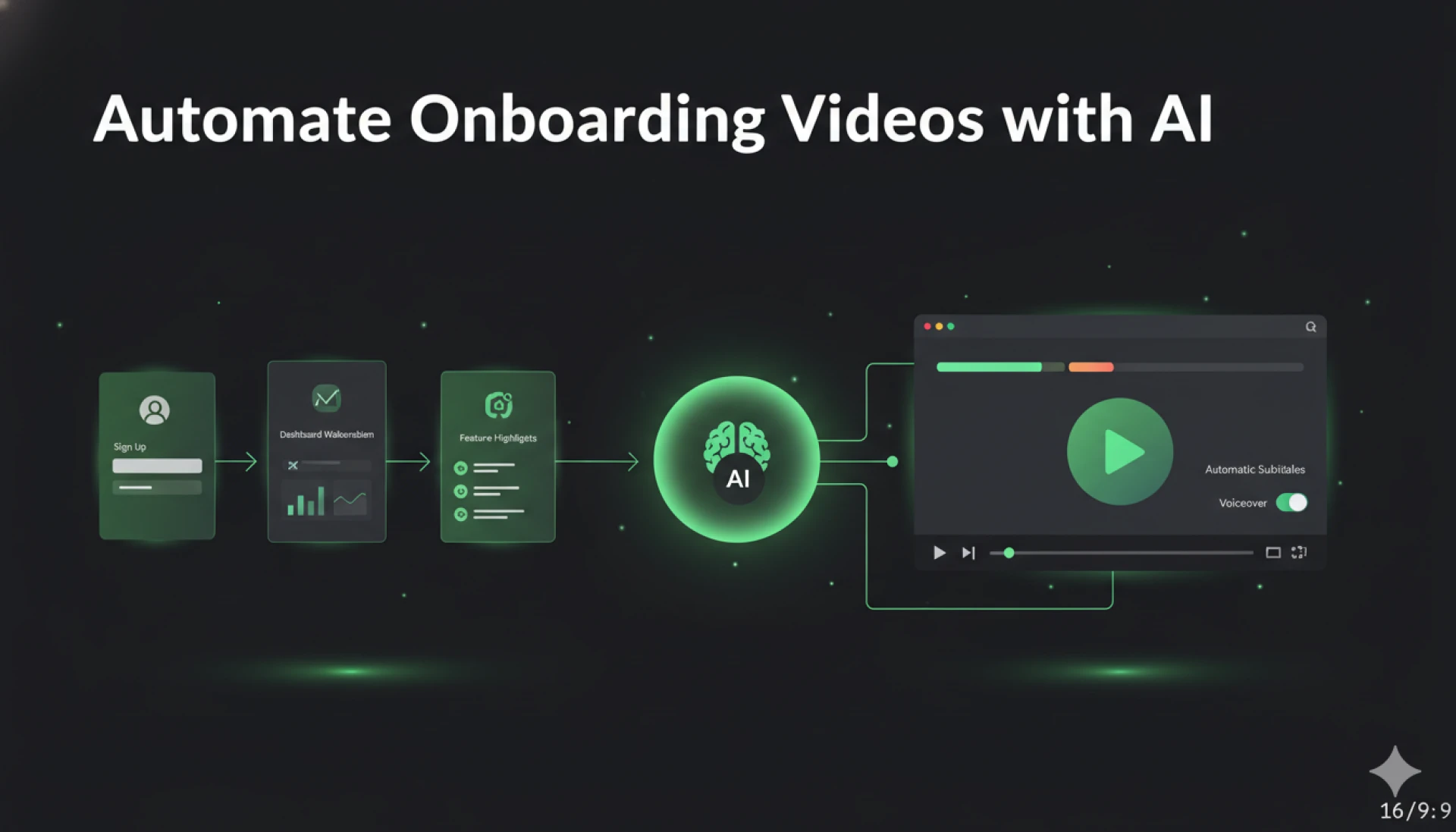
Instead of editing videos manually, AI now handles:
- Recording
- Script generation
- Voice narration
- Scene transitions
- Even subtitles
So instead of being a video editor…
You become a content creator at scale.
Why Manual Video Editing Is Holding You Back
Let’s break it down.
1. It Eats Your Time
Editing is the biggest bottleneck. Even simple tutorials take hours to polish.
2. It Requires Skills You May Not Have
Not everyone is comfortable with editing tools like Premiere Pro or Final Cut.
3. It Slows Down Content Production
If you want to create Ai training videos regularly, manual editing just doesn’t scale.
4. It Kills Consistency
You start strong… then burn out after 3–4 videos.
How AI Screen Recorder Changes Everything
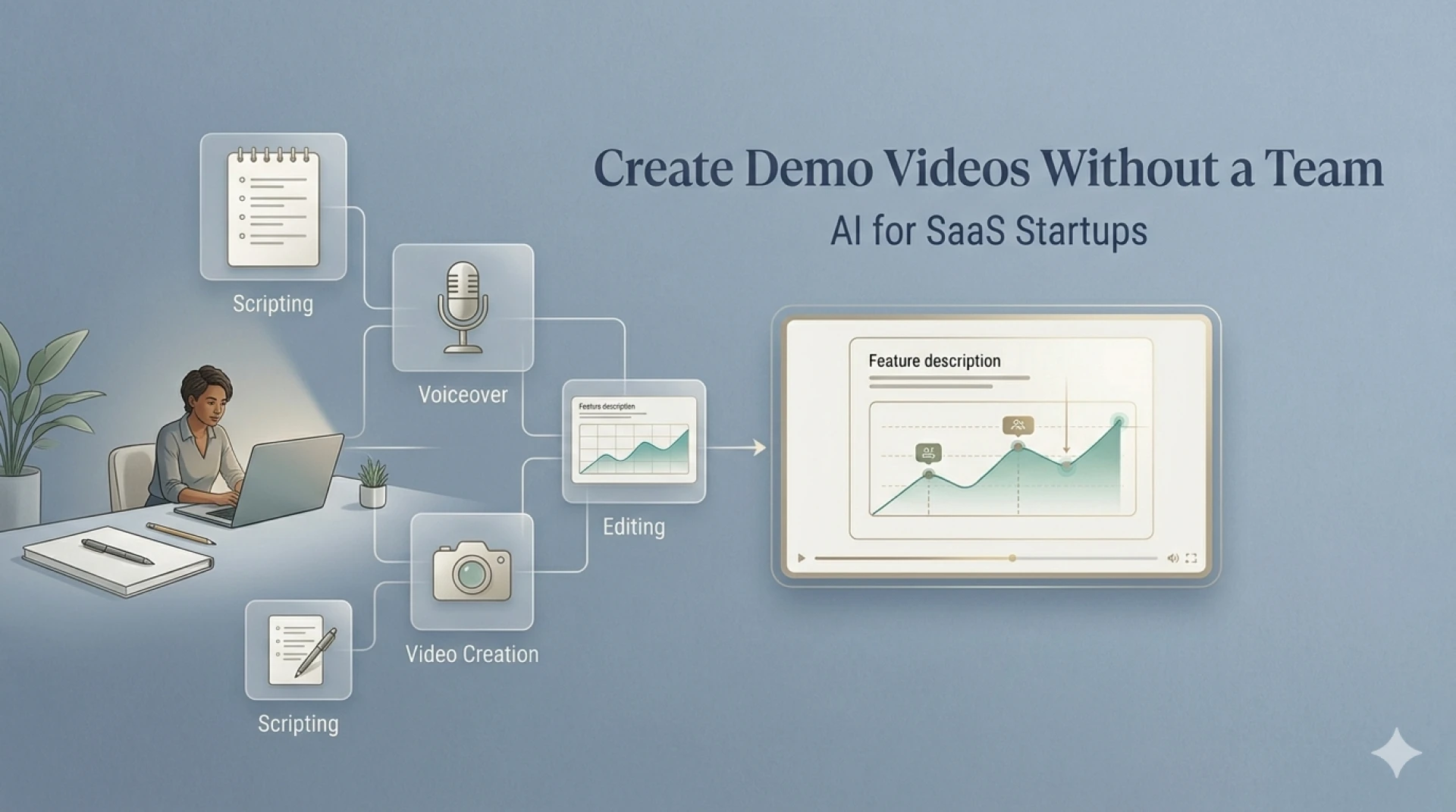
Now imagine this workflow instead:
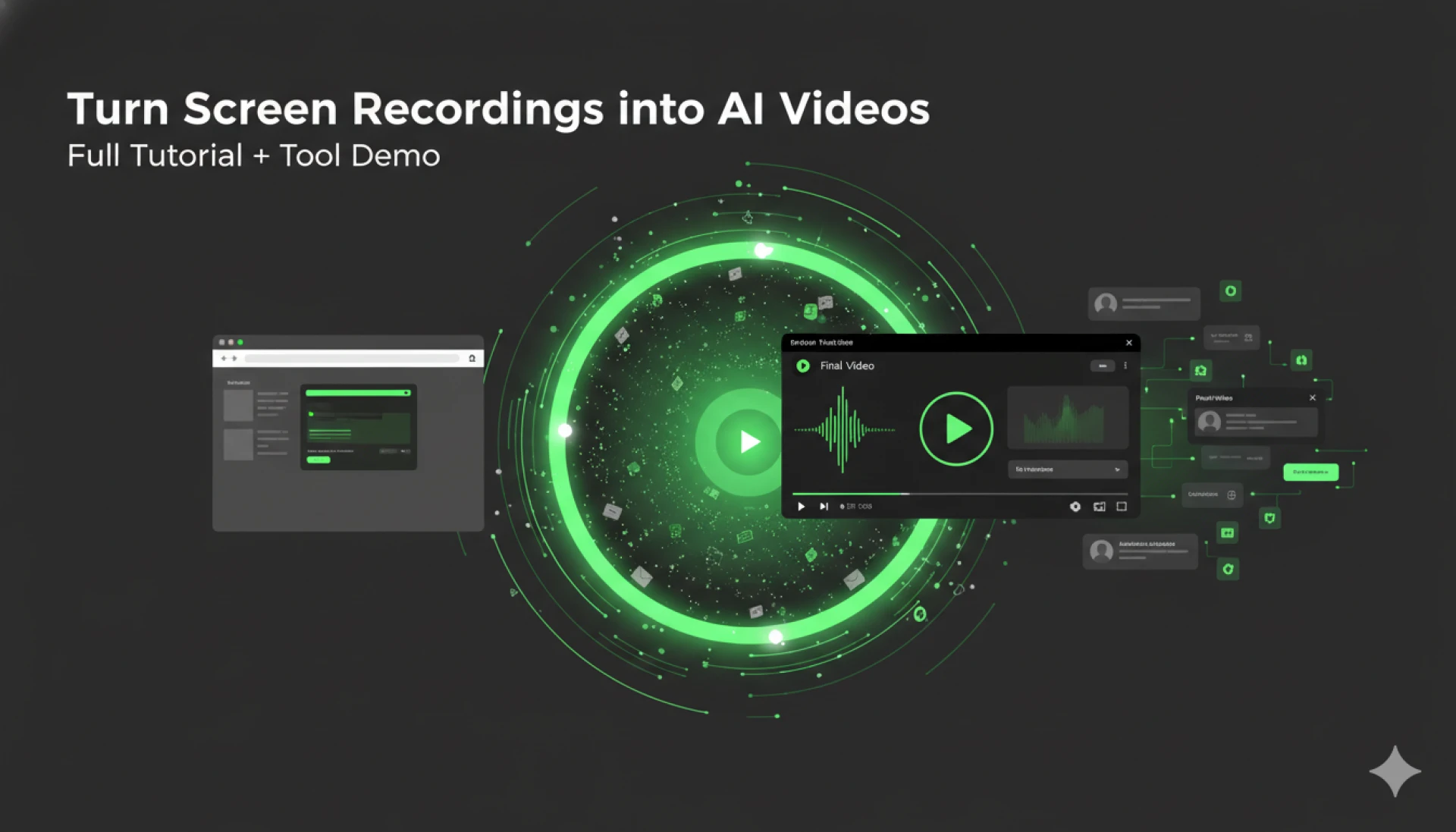
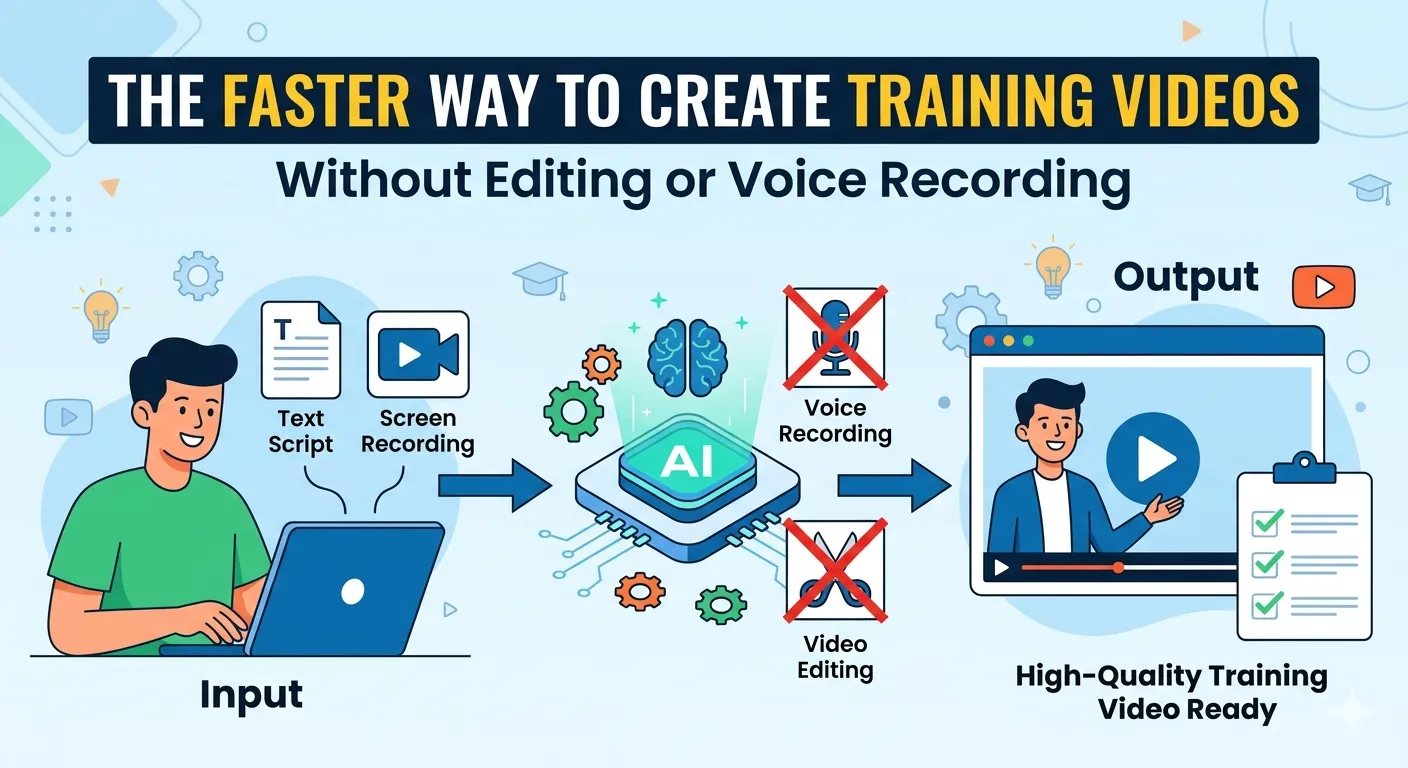
- Open an AI Screen Recorder
- Record your screen or upload steps
- Let AI generate the script
- Choose a voiceover
- Export your video
Done.
No timeline editing. No audio syncing. No stress.
Creating AI Training Videos in Minutes
If you’re building:
- SaaS onboarding tutorials
- Product walkthroughs
- Internal training content
- Course materials
AI makes it ridiculously easy.
Here’s how:
Step 1: Capture or Input Your Process
You can either:
- Record your screen
- Or just describe the steps
AI understands both.
Step 2: Let AI Generate the Script
Instead of writing scripts manually, AI:
- Converts actions into clear instructions
- Structures the flow logically
- Keeps the tone simple and engaging
Step 3: Add AI Voiceover
No microphone? No problem.
AI generates natural voiceovers that:
- Sound human
- Match your pacing
- Sync perfectly with visuals
Step 4: Auto-Editing Happens Instantly
This is where the magic happens.
AI automatically:
- Cuts unnecessary pauses
- Adds transitions
- Highlights key steps
- Inserts captions
You don’t touch an editor.
Step 5: Export & Share
Your tutorial is ready to go:
- Upload to YouTube
- Embed in your website
- Use in onboarding flows
Real Talk: Is AI Better Than Manual Editing?
Short answer: For most use cases, yes.
But let’s keep it real.
AI Wins When You Need:
- Speed
- Scale
- Consistency
- Beginner-friendly workflows
Manual Editing Still Works For:
- High-end cinematic videos
- Creative storytelling
- Advanced branding projects
For tutorials and Ai training videos, AI is the clear winner.
The Hidden Advantage: Consistency at Scale
Here’s something most people don’t talk about.
When you use AI:
- Every video has the same tone
- Every tutorial follows a structure
- Every output feels professional
That’s how you build:
- Better onboarding experiences
- Stronger brand perception
- Faster content pipelines
Who Should Switch to AI Right Now?
If you fall into any of these categories, it’s a no-brainer:
- SaaS founders creating product demos
- Marketers building onboarding funnels
- Educators launching online courses
- Support teams reducing tickets
Basically, if you’re making tutorial content repeatedly, AI will save you hundreds of hours.
The Future of Tutorial Videos Is Already Here
We’re moving from:
“Edit everything manually”
to
“Let AI handle the heavy work”
And honestly… it just makes sense.
Because your time is better spent on:
- Strategy
- Messaging
- Growth
Not trimming video clips for the 10th time.
Final Thought
You don’t need to be a video editor anymore.
You just need the right AI Screen Recorder.
Start creating smarter, faster, and better Ai training videos — without burning yourself out.



























Sign in to leave a comment.