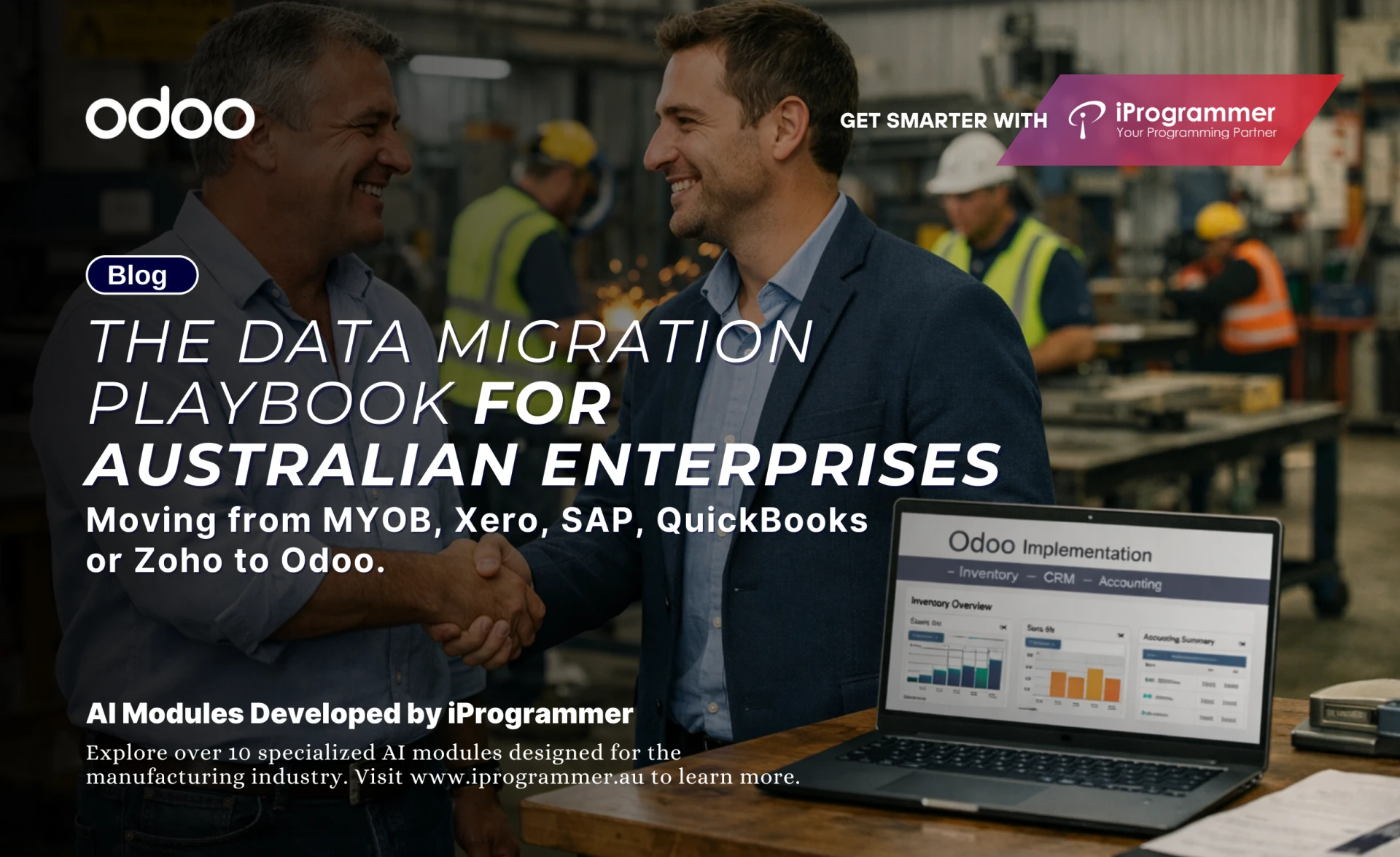

A system shift always feels bigger than the software itself. Teams know the move is needed, yet no one wants to carry the fear of losing past work, past numbers or past decisions. That fear is valid. Years of invoices, stock entries, journal adjustments and customer interactions sit inside older ERPs. Much of that data has its own history. Some of it is neat. Some of it carries years of patchwork fixes. This is why large Australian firms hesitate when the subject of migration comes up.
Yet this same hesitation is also the reason many want to leave their current system.
- MYOB feels restrictive as operational complexity increases.
- Xero supports accounting well but struggles with end-to-end workflows.
- QuickBooks suits small setups but limits control as teams grow.
- SAP delivers stability but becomes heavy when flexibility is required.
- Zoho works for light operations but lacks tight process integration at scale.
This is why Odoo catches attention. It offers control without rigidity. It offers integration without clutter. Most important, it brings every department into one environment. But the value only appears when the migration is done right. A rushed shift can interrupt reporting. A poor mapping process can create mismatched records. A flawed tax configuration can break compliance. Large enterprises cannot afford any of these risks.
This playbook helps Australian enterprises move with clarity. It lays out the steps, the pitfalls and the strategies that bring stability to the migration journey.
Understanding What an Odoo Migration Involves
Press enter or click to view image in full size
Understanding What an Odoo Migration Involves
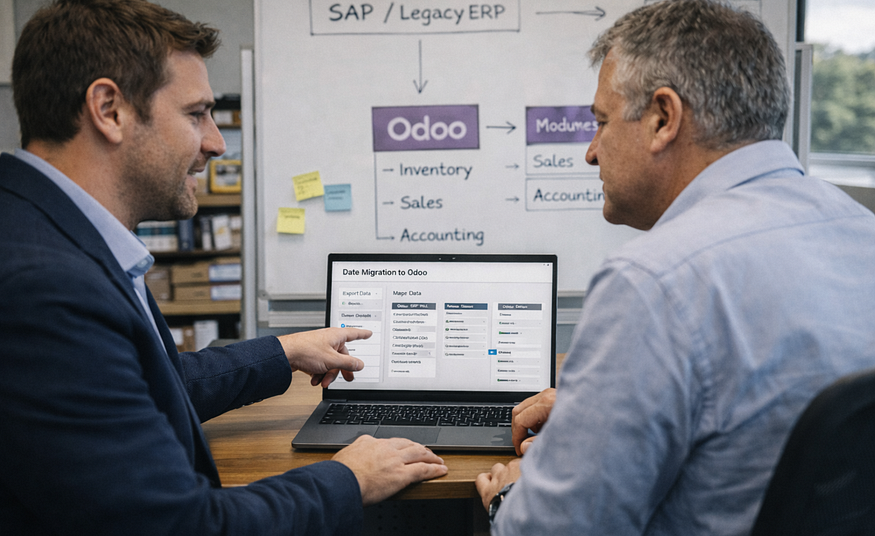
An Odoo Migration is the structured process of moving data, configuration and business logic from an existing ERP into a fresh Odoo environment. It covers three layers. The first is the core data. This includes customers, suppliers, products, financial entries, historical invoices, stock details and more. The second is the functional layer. This includes modules, workflows, permissions and automation. The third is the extended layer. This includes integrations, reporting logic and custom setups.
Within migration, two common terms appear. The first is Odoo Module migration. This refers to shifting functional modules and ensuring they reflect the workflows of the older system. The second is Odoo apps migration. This covers custom or third-party apps that must remain consistent after the move. Both must work together with the main dataset.
Migration is often misunderstood as a simple export and import. It is not. Data structures differ across systems. Naming rules differ. Historical records follow different linking logic. Even the meaning of certain fields can vary. Teams that ignore these differences face errors during reconciliation. This is why a stable migration process needs both functional and technical depth.
Why Australian Companies Move to Odoo
Australian organisations often outgrow their current systems in slow, unnoticed stages. The accounts team may work well in Xero, yet the production team may depend on manual tools. The warehouse may hold separate spreadsheets. Sales teams may use CRMs that do not link with stock. Managers end up juggling several platforms.
This fragmentation appears in every system but for different reasons. MYOB and QuickBooks hit limits once operations introduce multi-warehouse or multi-entity workflows. Xero suits financial processes but does not support deeper operational chains. Zoho works for light operations but starts to slip when teams need tighter control over stock, projects and procurement.
SAP carries a different problem. It handles scale but locks teams into rigid processes. Mid-market firms find it harder to react fast. Small configuration changes demand long cycles. Even a simple custom workflow can need large effort. These constraints matter in Australian businesses that run thin teams and need fast decision cycles.
Odoo gives firms the balance they want. It supports accounting, operations, sales, stock, manufacturing and HR in one system. It does this without heavy complexity. Teams gain better visibility. Processes move without manual checks. Leaders get reports they can trust.
This combination of flexibility, integration and control is the reason Australian firms shift from MYOB, Xero, SAP, QuickBooks or Zoho. They need a system that grows with them and does not slow their pace.
Addressing the Big Question — Will You Lose Data?
Data loss is the biggest concern during migration. The fear is understandable. But actual data loss does not occur when the shift is designed properly. Loss occurs when the process is rushed, when structures are mismatched or when validation rules are ignored.
Every system holds duplicates, incomplete entries or inconsistent tax details. These issues surface only during migration. Teams often confuse this with data loss. What looks like missing data is usually data that fails validation during import. A structured migration handles this.
There are three layers of protection. The first is clean extraction. The second is field-level mapping with validation. The third is multi-stage reconciliation. If any of these are skipped, the risk rises. When all are followed, loss does not occur. The process becomes predictable and stable.
Pre-Migration Diagnostics and Audit Checklist
Press enter or click to view image in full size
Pre-Migration Diagnostics and Audit Checklist
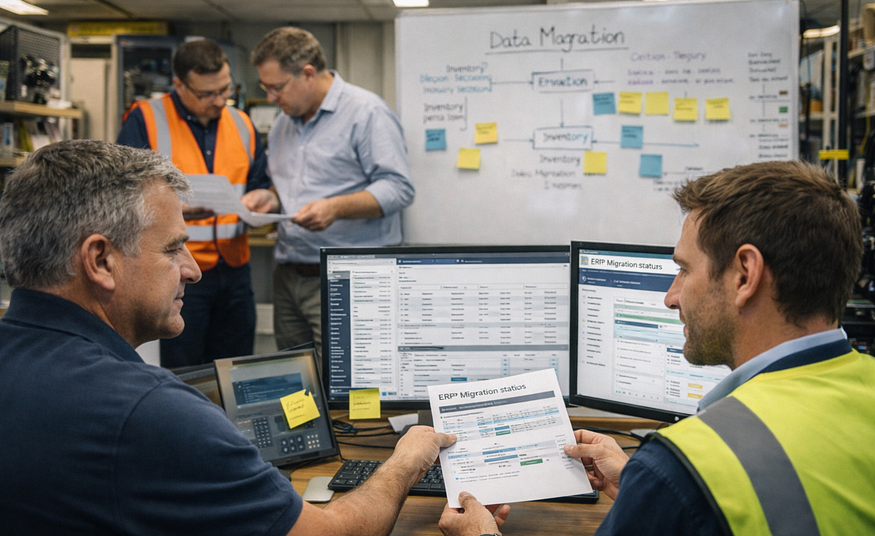
A detailed diagnostic phase helps Australian organisations understand the quality and fit of their existing data before any import begins. Older systems often store fields that do not match Odoo formats. Some carry tax overrides. Some hold legacy rounding rules that affect final reports. A structured audit prevents these issues from appearing during import.
A complete diagnostic should cover:
- Review of naming logic across masters
- Matching of GST codes used across purchases and sales
- Cross-check of PAYG withholding fields
- Mapping of BAS reporting groups
- Review of invoice-level and line-level rounding
- Audit of reverse charge entries
- Detection of manual journal workarounds done to “fix” reports
- Multi-currency audit for firms trading in AUD and USD
- Stock valuation entries that carry incomplete metadata
- Historical adjustments that break linking logic
Australian GST rules need special focus. Some older systems store GST codes with custom naming. Others store them with partial values. A migration must rebuild these codes with precision. BAS reports depend on sensitive links between transactions and tax groups. A wrong mapping can create mismatches during audits.
Rounding rules also demand attention. Systems like Xero and MYOB use different rounding logic. When ignored, these differences create variations between Odoo totals and legacy totals. This leads to false reconciliation errors that look like data loss.
A diagnostic phase captures these issues early. It gives the migration team a stable base before extraction starts.
Read Full Blog — The Data Migration Playbook To Odoo






























Sign in to leave a comment.