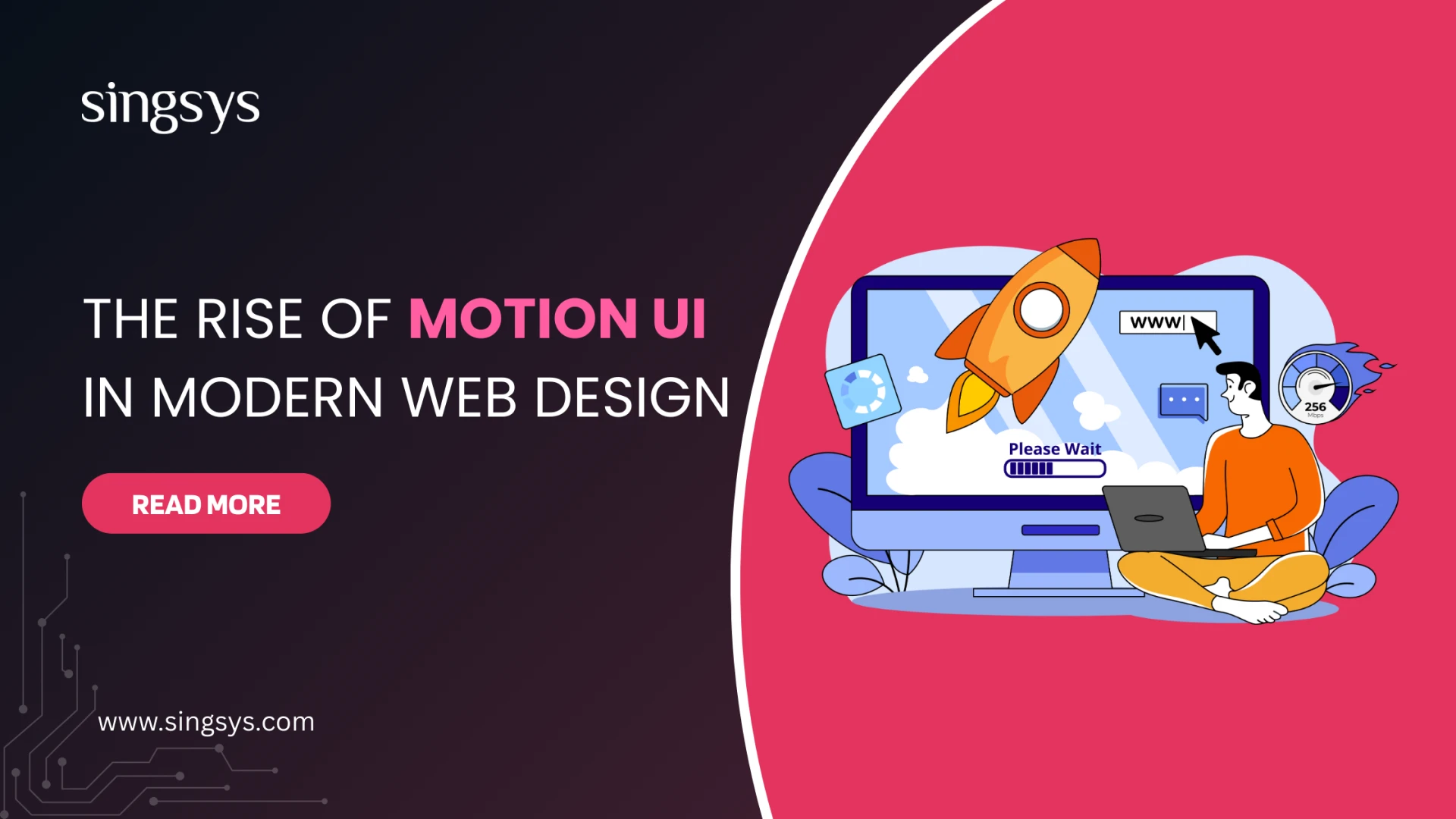

Businesses are no longer competing solely on content or core functionality—the real competition lies in experience. With users spending just a few seconds deciding whether to stay on a website or move on, brands need something more compelling than static layouts and traditional design patterns. This is where Motion UI and micro-animations step in, transforming websites into dynamic, intuitive, and interactive experiences that guide users, enhance clarity, and delight at every stage of their journey.
Motion UI is not just a trend—it has become a critical component of modern web design, shaping how users perceive, interact with, and emotionally connect with digital interfaces. As attention spans shrink and expectations rise, motion-driven design helps websites feel alive, meaningful, and truly memorable.
This blog explores the growing adoption of Motion UI, why micro-animations matter more than ever, and how they are redefining engagement in modern web design.
What Is Motion UI?
Motion UI refers to the strategic use of animations, transitions, and visual movement within a digital interface. Rather than adding movement for decoration, Motion UI focuses on purposeful, functional motion that helps users understand what’s happening.
Motion UI includes:
- Smooth page transitions
- Animated navigations
- Visual feedback on clicks, taps, or scroll
- Hover effects
- Micro-interactions (e.g., button ripple, liking a post, progress indicators)
- Loading animations
- Animated product displays
When implemented correctly, Motion UI bridges the gap between user intent and interface response, offering a more natural and intuitive digital experience.
The Rise of Micro-Animations in Web Design
Micro-animations are small, subtle animations designed to guide users, acknowledge actions, and improve usability. They often appear for split seconds, yet their impact is significant.
Examples include:
- A heart icon fills up when clicked
- An input box shakes when an incorrect password is entered
- Text sliders that reveal new content
- Progress loaders showing upload/download status
- Menu icons transitioning into close buttons
These tiny moments may seem trivial, but together they build a sense of interactivity and responsiveness, which users subconsciously appreciate.
Why Motion UI Is Becoming a Standard in Professional Web Design
1. Enhances User Engagement
Static websites are losing attention. Today’s audience expects movement, storytelling, and visually guided journeys.
Motion UI helps:
- Hold attention with subtle transitions
- Highlight key elements
- Balance white space with interactive cues
- Encourage users to scroll more
Sites with animated elements experience higher engagement rates, longer session durations, and lower bounce rates.
2. Improves User Guidance & Navigation
A website should help users understand where to go and what to do next. Motion UI does this intuitively through:
- Animated indicators
- Hover cues
- Smooth menu transitions
- Guided scroll effects
These small animations act like virtual signposts, making navigation effortless and reducing cognitive load.
3. Boosts Brand Personality
Animation gives brands a chance to express personality.
For example:
- A fun bounce effect for a youthful brand
- A smooth fade for a luxury brand
- Energetic transitions for a tech startup
Motion UI serves as an extension of brand identity, helping businesses stand out in competitive online spaces.
4. Makes Interactions Feel Natural
Motion mimics real-world physics.
When done well, it:
- Helps users understand cause and effect
- Indicates loading, completion, or transitions
- Confirms actions visually
Users feel more confident when they can see the impact of their actions.
5. Elevates Mobile Experience
Mobile users drive more than 60% of global web traffic. Motion UI simplifies mobile usability through:
- Smooth collapsible menus
- Animated tab transitions
- Touch-responsive micro-interactions
- Swipe-triggered animations
Combined with responsive design, Motion UI makes mobile browsing more immersive and enjoyable.
Key Types of Motion UI & Micro-Animations in Modern Websites
1. Hover and Focus Animations
Hover effects help users understand clickable elements.
Examples:
- Button color shifts
- Image zooms
- Link animations
They subtly improve user clarity and reduce confusion.
2. Page Transition Animations
Transitions help maintain flow when navigating between pages:
- Sliding transitions
- Fade-in/fade-out
- Zoom or scale effects
These animations keep the interface feeling cohesive and continuous.
3. Interactive Loading States
Instead of plain spinners, websites now use creative loaders:
- Progress bars
- Animated brand icons
- Skeleton screens
These keep users engaged and convey professionalism.
4. Animated Product or Content Displays
Motion helps highlight products or features through:
- Scroll-triggered animations
- Parallax effects
- Animated section reveals
It creates a more immersive browsing experience.
5. Form Interaction Animations
Forms are often the most important conversion point. Motion UI improves them by:
- Highlighting active fields
- Displaying real-time error input feedback
- Showing confirmation ticks
This reduces frustration and improves submission rates.
6. Micro-Feedback Animations
Small animations that inform users that their action succeeded or failed:
- Like buttons
- Notification pop-ins
- Upload confirmations
These build trust and comfort.
Psychology Behind Motion UI: Why It Works So Well
Humans are naturally drawn to movement. Our brains interpret motion as a sign of relevance or importance. Motion UI leverages this behavior by:
- Drawing attention to key elements
- Creating directional cues
- Breaking down complex interactions into simpler visual steps
Good motion design feels intuitive because it aligns with how the human brain processes information.
The Balance: Motion Must Be Purposeful
Motion UI is powerful—but only when used purposefully. Overuse can cause distraction, slow down loading, or even annoy users.
Effective motion design follows these principles:
- Keep it subtle
- Serve a purpose
- Improve usability, not overwhelm it
- Ensure performance optimization
- Maintain accessibility
Animations must enhance—not overshadow—the experience.
How Motion UI Supports Business Goals
Motion isn’t just aesthetic; it drives measurable outcomes:
- Higher conversions through guided interactions
- Stronger brand recall
- Better storytelling and emotional connection
- Greater user satisfaction
- Improved product understanding through visual cues
From SaaS to ecommerce to service-based websites, Motion UI delivers real business value.
Future Trends in Motion UI
Web design is shifting toward:
1. Scroll-Based Storytelling
Narrative-driven animations that unfold as the user scrolls.
2. Immersive 3D Animations
Lightweight 3D elements powered by WebGL and Lottie.
3. AI-Enhanced Motion Personalization
Animations triggered based on user behavior or preferences.
4. Hyper-Minimal Micro-Interactions
Small, ultra-smooth, lightweight animations that enhance UX.
5. Motion-Driven Branding
Logos, icons, and illustrations with animated identity elements.
These innovations will redefine what “interactive” means on the web.
Motion UI and micro-animations are no longer optional—they’re becoming central pillars of modern web design. They elevate experience, improve usability, strengthen brand identity, and offer a competitive edge in an increasingly crowded digital landscape.
Businesses that adopt motion-driven design early will capture attention faster, build deeper engagement, and deliver digital experiences that feel truly modern.
























Sign in to leave a comment.