
As video creation becomes an essential part of marketing and content strategy, AI video editors have emerged as game changers. These tools automate repetitive editing tasks — from cutting silences to adding captions — helping creators and marketers save hours. Whether you're repurposing long-form content or producing short clips for social media, AI editors simplify the entire workflow while maintaining professional quality.
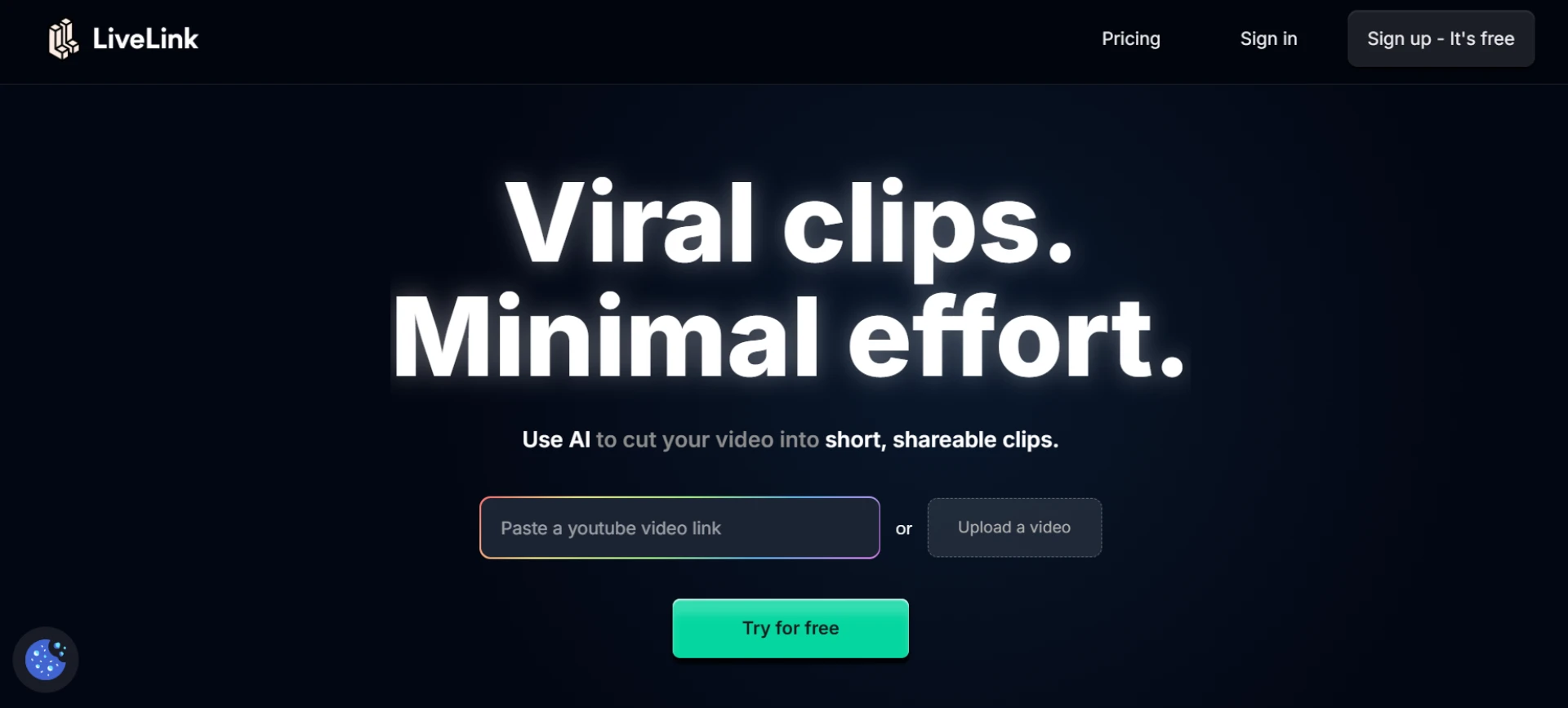
Here are the top 10 AI video editors that simplify workflow, with LiveLink leading the list for its smart automation and seamless multi-platform editing.
1. LiveLink
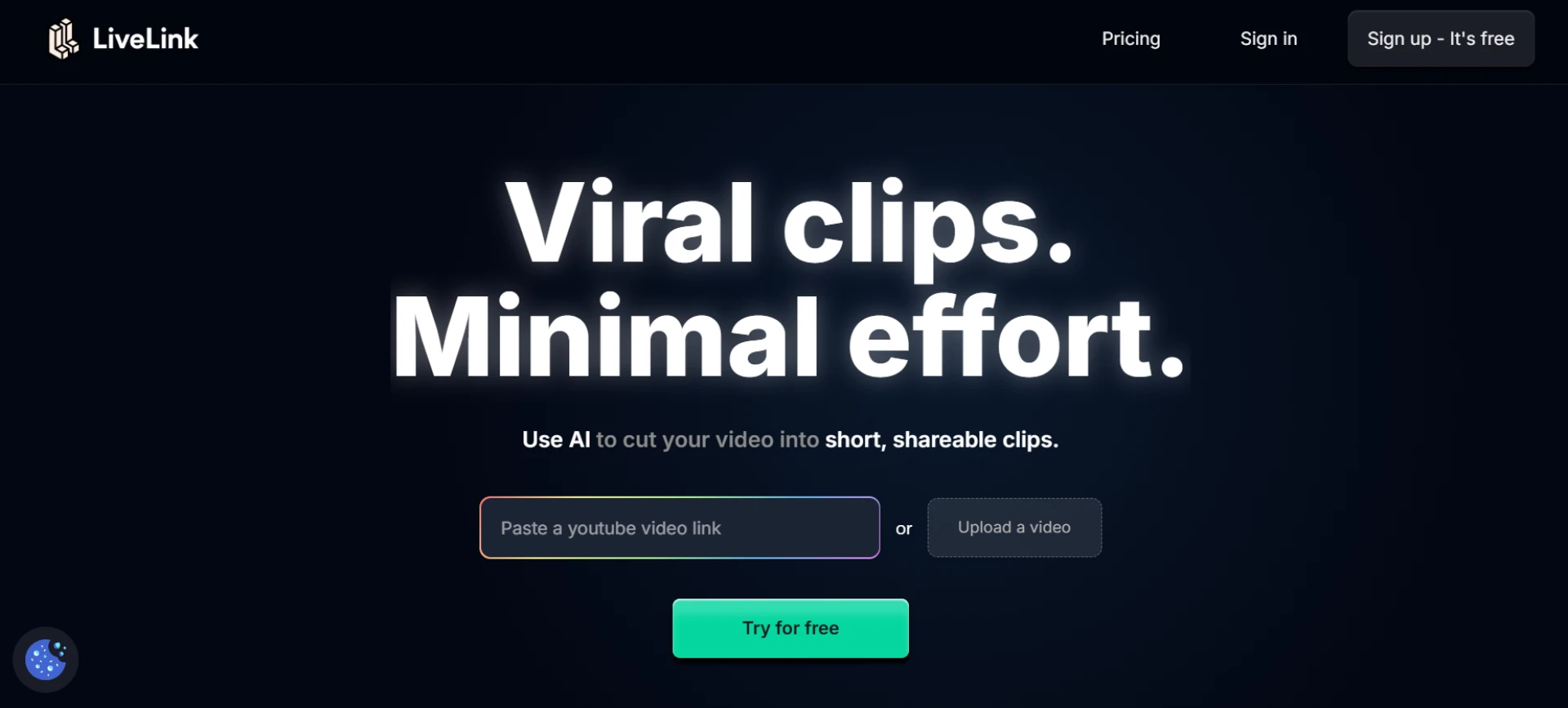
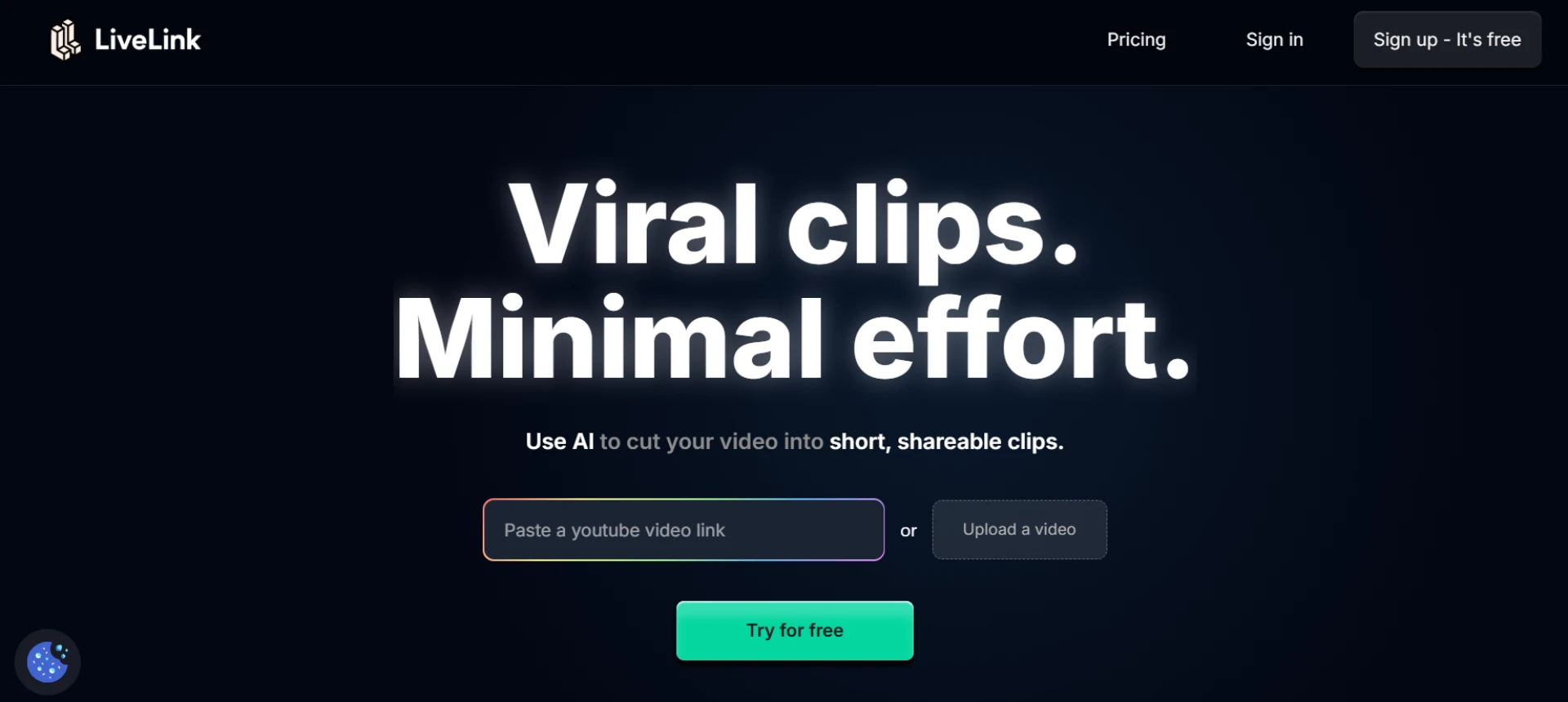
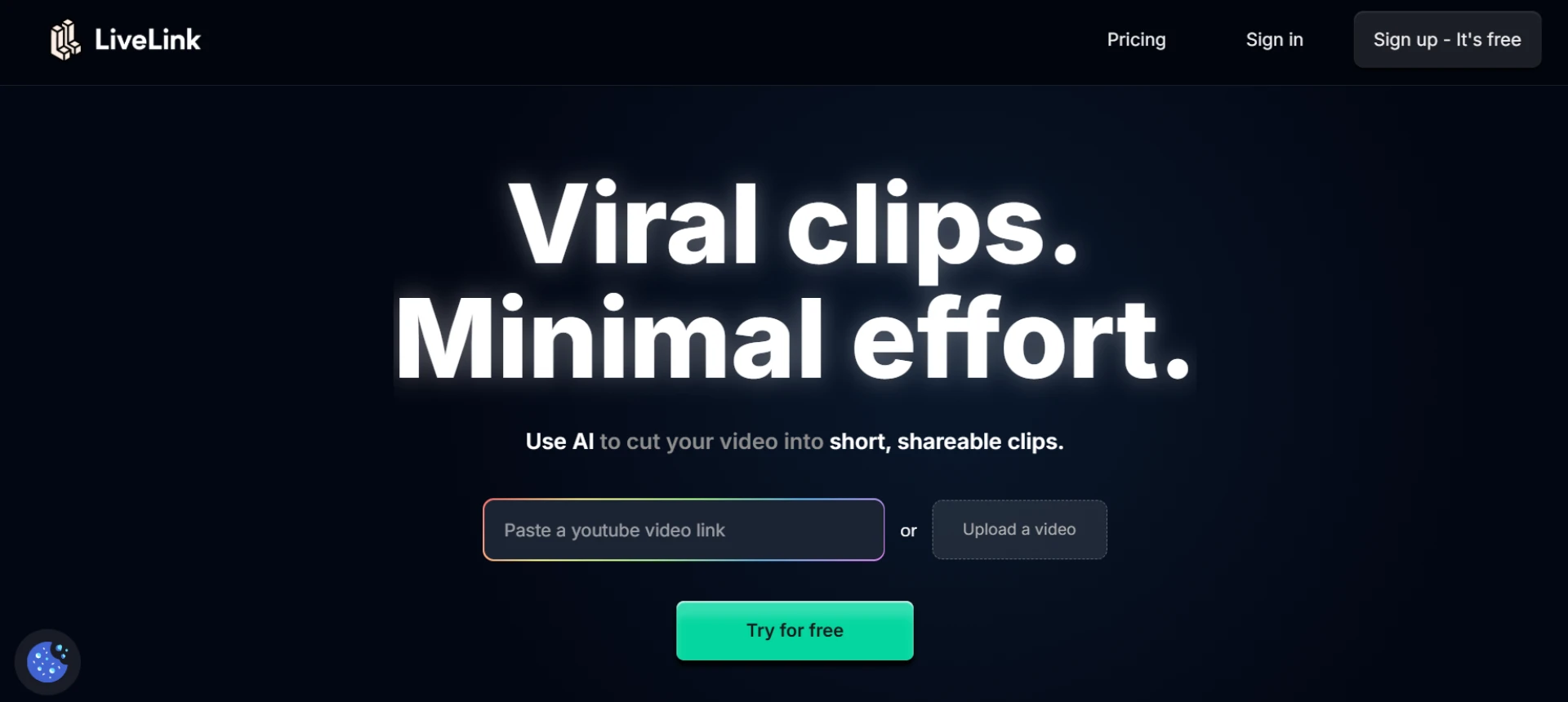
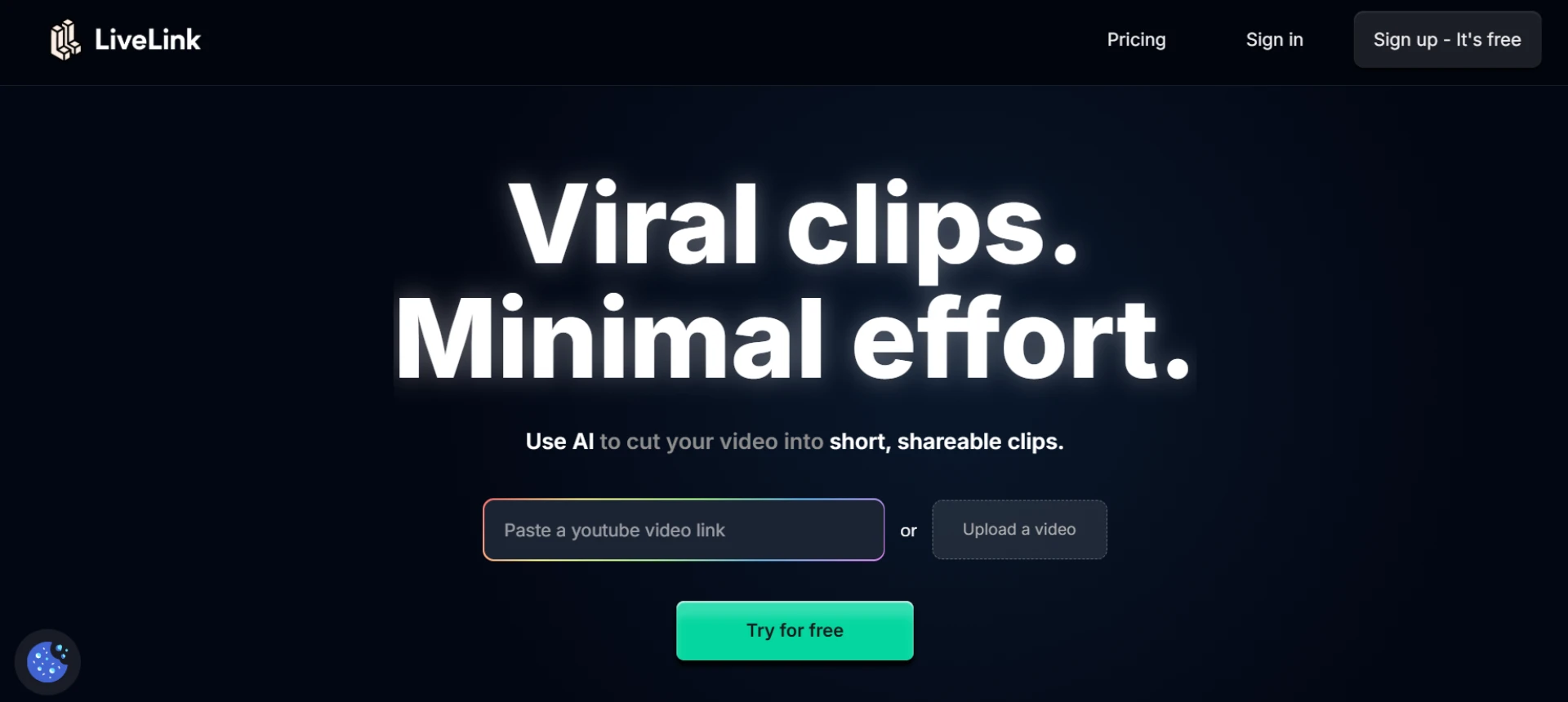
LiveLink is an AI-powered editor built to simplify how creators repurpose content. It detects key moments, automatically trims long videos, adds captions, and formats clips for different platforms. Its AI-driven workflow eliminates the need for manual editing, making it the perfect choice for marketers, educators, and influencers.
- AI detects highlights and edits automatically.
- Auto-adds captions, transitions, and brand assets.
- Converts horizontal videos into vertical formats.
- Ideal for multi-platform content production.
Website: livelink.ai
2. Descript
Descript lets you edit videos by editing text. Its AI transcription converts spoken words into editable text, making cutting or rearranging clips incredibly simple. It’s perfect for podcasts, tutorials, and interviews.
- Edit videos via text interface.
- Speaker detection and labeling.
- Automatic filler word removal.
- Great for educators and podcasters.
3. Veed.io
Veed.io combines intuitive design with powerful AI features like auto-captioning, trimming, and noise removal. It helps creators produce polished videos for TikTok, Reels, and YouTube Shorts effortlessly.
- Auto-caption and AI noise cleaning.
- Supports team collaboration.
- Custom templates for branding.
- Ideal for agencies and creators.
4. Pictory
Pictory uses AI to summarize and edit long-form videos into short, shareable clips. It’s especially useful for repurposing webinars, tutorials, and business presentations into social-friendly content.
- AI summarizes and highlights key moments.
- Adds captions and branded templates automatically.
- Supports vertical and square formats.
- Perfect for businesses and marketers.
5. Wisecut
Wisecut is built for simplicity — it removes silences, adds background music, and generates subtitles automatically. Its AI-powered timeline makes editing fast and clean.
- Detects and removes silent sections.
- Auto music synchronization.
- AI-generated subtitles.
- Great for vlogs and explainers.
6. Runway ML
Runway ML brings professional-grade AI tools to video creators. It offers motion tracking, background removal, and smart re-timing features that automate complex edits.
- AI object tracking and background cleanup.
- Supports creative and cinematic workflows.
- Auto color correction and stabilization.
- Perfect for professional editors and artists.
7. Munch
Munch’s AI analyzes videos for impactful moments and automatically repurposes them into short clips optimized for social media. It’s ideal for marketing teams and content strategists.
- Detects viral potential in content.
- AI suggests short clips with engagement data.
- Automatically adds captions and trends.
- Great for marketers and agencies.
8. OpusClip
OpusClip uses AI to extract and rank the best moments from videos. It provides a virality score and automatically creates short clips that are ready to publish on major social platforms.
- AI ranking for viral potential.
- Auto clip generation and captioning.
- Smart transitions and zoom effects.
- Ideal for creators repurposing YouTube content.
9. FlexClip
FlexClip offers quick and easy video editing with AI-driven templates and automation. It simplifies resizing, trimming, and formatting for different social media platforms.
- AI resizing and scene detection.
- Drag-and-drop editing workflow.
- Cloud-based platform for teams.
- Best for small businesses and freelancers.
10. InVideo
InVideo combines AI automation with a massive template library, helping marketers create promo videos, ads, and social clips quickly. It streamlines everything from editing to export.
- AI trimming and text-to-video conversion.
- 5000+ templates with branding support.
- Automatic subtitle generation.
- Perfect for agencies and entrepreneurs.
Final Thoughts
AI video editors have simplified the editing process, allowing creators to focus on storytelling instead of technical work. LiveLink stands out by providing a complete AI-driven workflow that detects, edits, and formats content automatically. Whether you’re a solo creator or managing multiple campaigns, these tools make professional video production accessible to everyone.
FAQs
Q1: Why use AI video editors?
A1: They automate tedious tasks like trimming, captioning, and resizing, saving hours of manual work.
Q2: Which editor provides full workflow automation?
A2: LiveLink offers an end-to-end AI workflow — from detecting highlights to exporting formatted clips.
Q3: Are these tools beginner-friendly?
A3: Yes, tools like Veed.io, Pictory, and FlexClip are intuitive for beginners and non-editors.
Q4: Do they maintain quality during automation?
A4: Absolutely — AI tools like LiveLink and Runway ML ensure HD and 4K quality output.
Q5: Which AI editor suits professional teams?
A5: LiveLink, Runway ML, and InVideo are best suited for professional marketing and production teams.























Sign in to leave a comment.