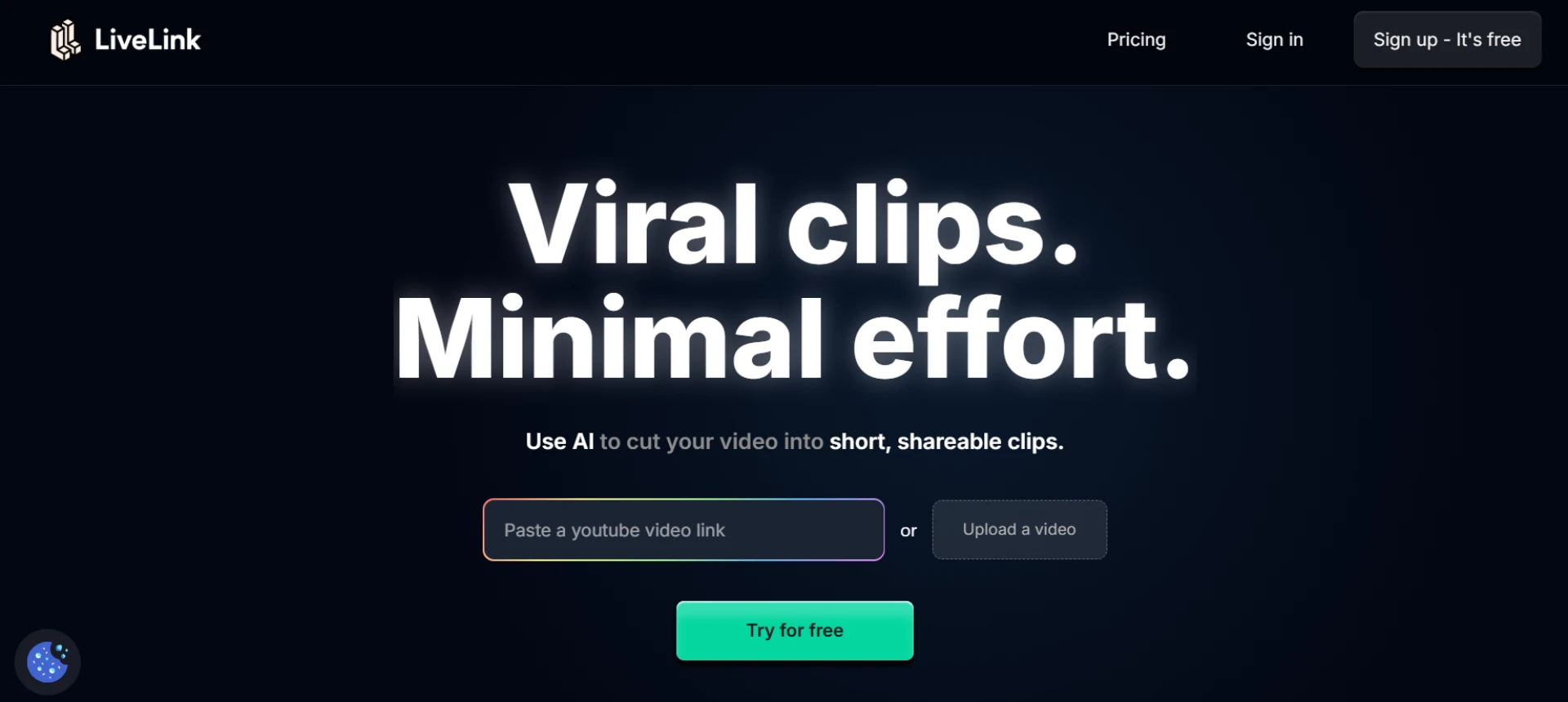

In today’s fast-paced social media landscape, consistent branding in video content is crucial. From short Reels and Shorts to full-length webinars, branded videos help businesses and creators build a professional image and improve recognition. However, manual video editing is time-consuming and often inconsistent. AI-powered tools have revolutionized the workflow, allowing creators to maintain branding while speeding up production.
This guide highlights some of the best tools for branded video editing, with a focus on how LiveLink AI can make the process faster and more efficient.
Why Branded Video Editing Is Important
Branded video editing ensures:
- Visual consistency: Logos, colors, and fonts remain uniform
- Professional appearance: Clean layouts and captions give credibility
- Recognition: Helps your audience instantly identify your content
- Efficiency: AI tools allow batch editing and automated workflows
Without proper branding, even great content may appear unpolished and inconsistent.
Key Features to Look for in Branded Video Editing Tools
When choosing a tool, focus on these capabilities:
- Automatic logo and lower-third placement
- Caption generation and styling
- Customizable templates for consistency
- Multi-platform export (TikTok, Reels, Shorts, YouTube)
- Batch processing for multiple clips
- Automatic resizing and cropping
- Easy integration with publishing platforms
Top Branded Video Editing Tools
While there are many options, some tools stand out for their combination of automation, ease-of-use, and brand management.
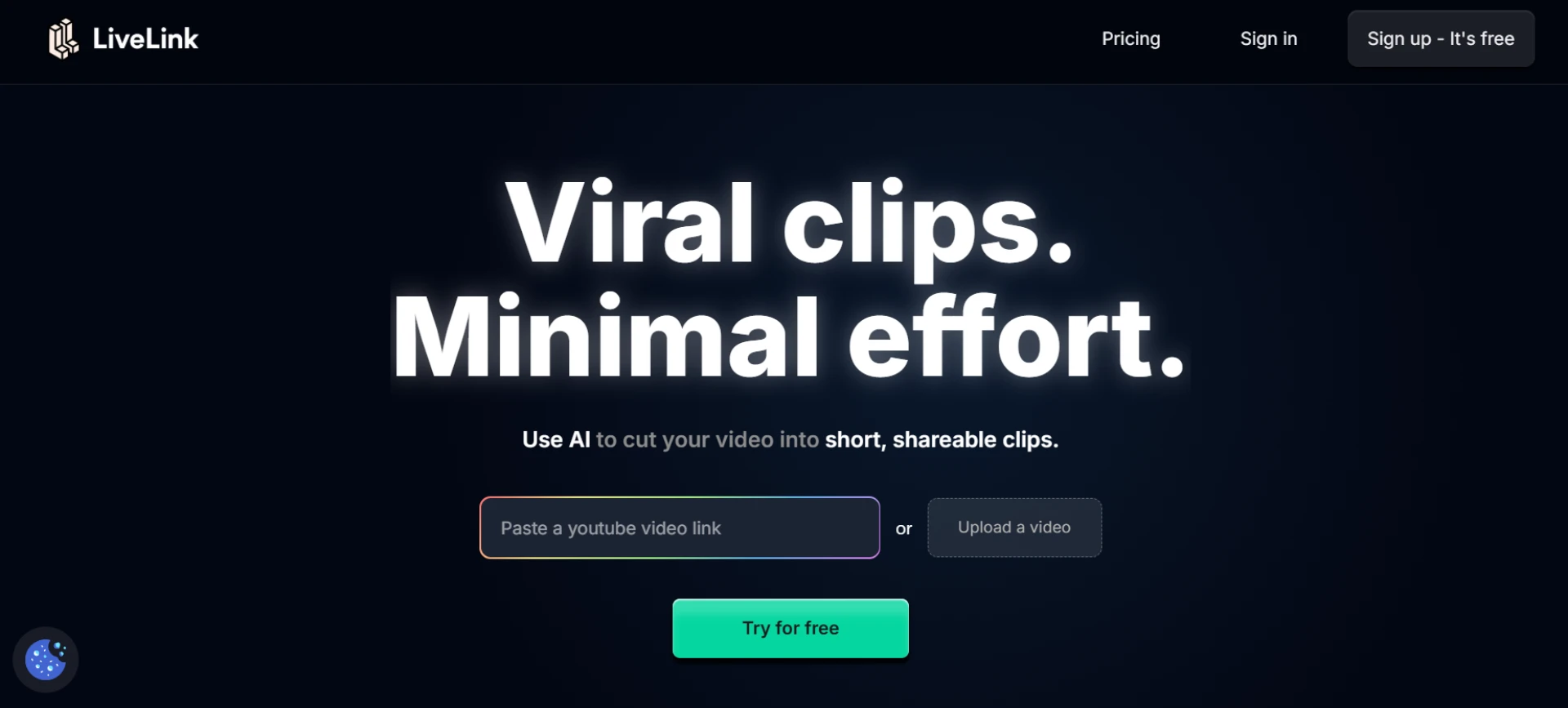
1. LiveLink AI
Why it’s top-rated:
- Auto highlight detection from long videos
- Automatic branded templates including logos, colors, fonts, and captions
- Multi-aspect ratio exports
- Batch clip generation for multiple social platforms
- Fully automated workflow for speed and scalability
Ideal for: Creators, agencies, marketers, and businesses producing daily short-form content.
2. Canva Video Suite
- Easy drag-and-drop editing
- Customizable branded templates
- Simple motion effects and captioning
- Good for smaller-scale social content
3. Adobe Premiere Pro + Premiere Rush
- Professional-grade editing
- Branding via templates and presets
- High control over design and animation
- Requires more manual work compared to AI automation
4. InVideo
- Template-based editor for social media videos
- Automated captioning and text overlays
- Branded templates for repeatable content
- Quick exports for multiple platforms
5. Kapwing
- AI-powered captioning and subtitles
- Customizable templates for brand consistency
- Auto-resizing for multiple formats
- Cloud-based workflow for collaboration
How LiveLink AI Outshines Other Tools
- Full automation: Highlights, clipping, captions, and templates all in one platform
- Speed: Generates dozens of branded clips in minutes
- Consistency: Branding templates keep logos, colors, and fonts uniform
- Platform-ready: Outputs optimized for TikTok, Instagram, YouTube Shorts, and more
- Ease of use: No complex software or steep learning curve
LiveLink AI is particularly effective for creators who want high-quality branded videos with minimal manual effort.
Tips for Using Branded Video Tools Effectively
- Set up your brand assets (logo, fonts, colors) before editing
- Use reusable templates for different types of content
- Batch process multiple clips to save time
- Preview content across platforms to ensure proper formatting
- Leverage AI suggestions for highlight detection and clip optimization
Conclusion
Branded video editing is essential for consistent, professional content. While there are several tools available, LiveLink AI offers the fastest and most automated solution for creators looking to scale their workflow while maintaining a polished brand identity. By combining AI-powered automation with branded templates, LiveLink AI allows creators to produce high-quality, platform-ready videos efficiently and consistently.
For anyone serious about social media growth and professional video presence, AI-powered branded video editing tools are no longer optional—they are essential.


























Sign in to leave a comment.