
Creating polished videos used to demand advanced editing skills, high-end software, and long production hours. Today, AI templates make it possible for anyone to produce professional-quality content in just a few clicks. Whether you're a solo creator or managing a brand, these tools simplify every stage of the process, from design to layout to animation.
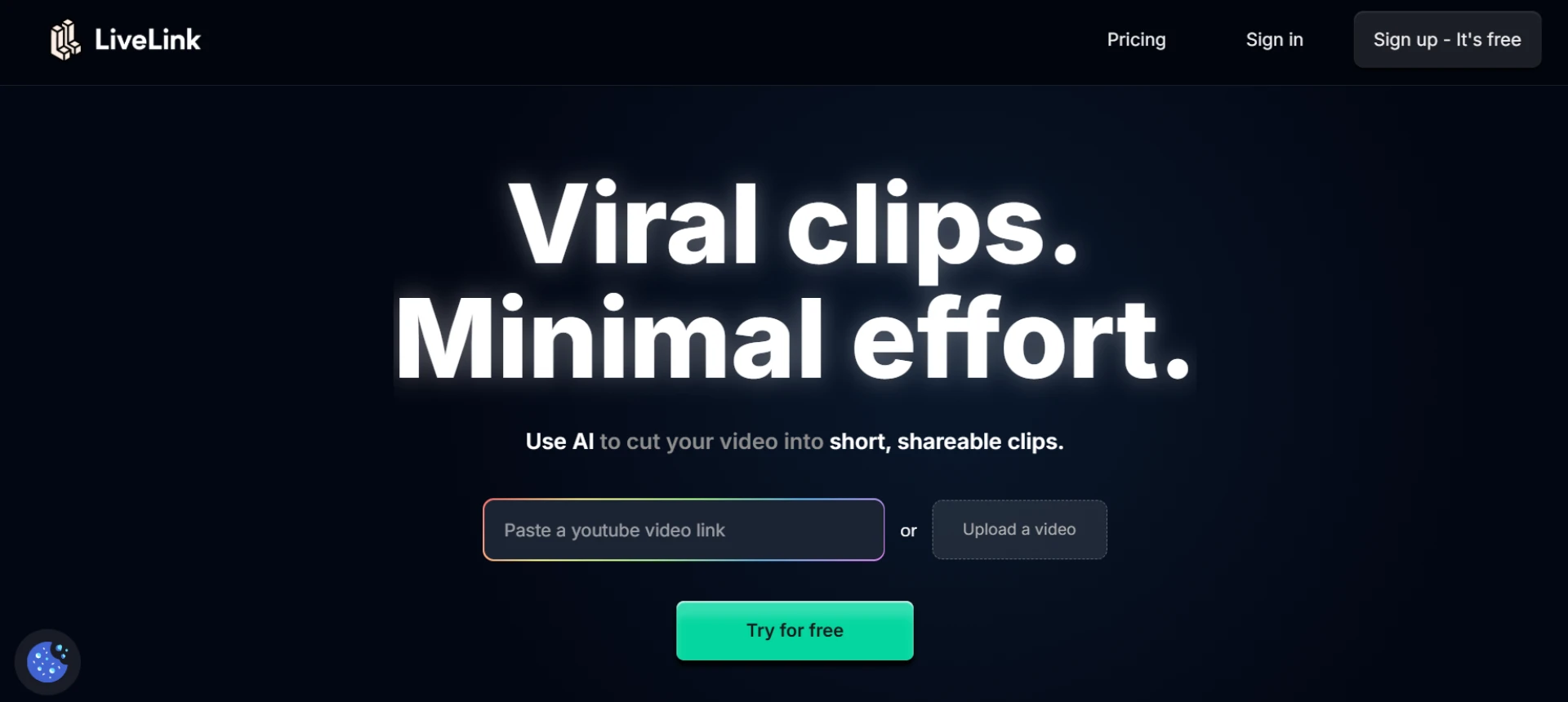
Below is a practical guide on how to elevate your content using AI-driven video templates and how platforms like LiveLink AI streamline professional video creation.
Why AI Templates Improve Video Quality
AI-powered templates bring structure, style, and consistency to your videos. They handle design thinking so you can focus on messaging.
Key benefits:
- Clean, modern layouts that align with social platform standards
- Automated animations and transitions
- Brand-ready color schemes and typography
- Easy-to-use frameworks that remove guesswork
These features instantly make your content look more refined without requiring technical know-how.
Choosing Templates That Match Your Brand
Selecting the right template is the first step toward a high-quality finish.
Consider:
- Brand colors: Choose templates that match your palette.
- Business tone: Professional, playful, minimalist, bold, etc.
- Content type: Tutorials, news-style updates, product highlights, motivational clips.
With AI platforms, you can filter templates based on the style you want, ensuring a seamless match.
Customizing Your Template with AI
Modern AI editors automatically adapt templates to your content.
What you can auto-generate:
- Color themes
- Font combinations
- Backgrounds and overlays
- Layout adjustments
- Auto-cropping and scene framing
Instead of manually adjusting each element, the system aligns everything neatly so your final product looks balanced.
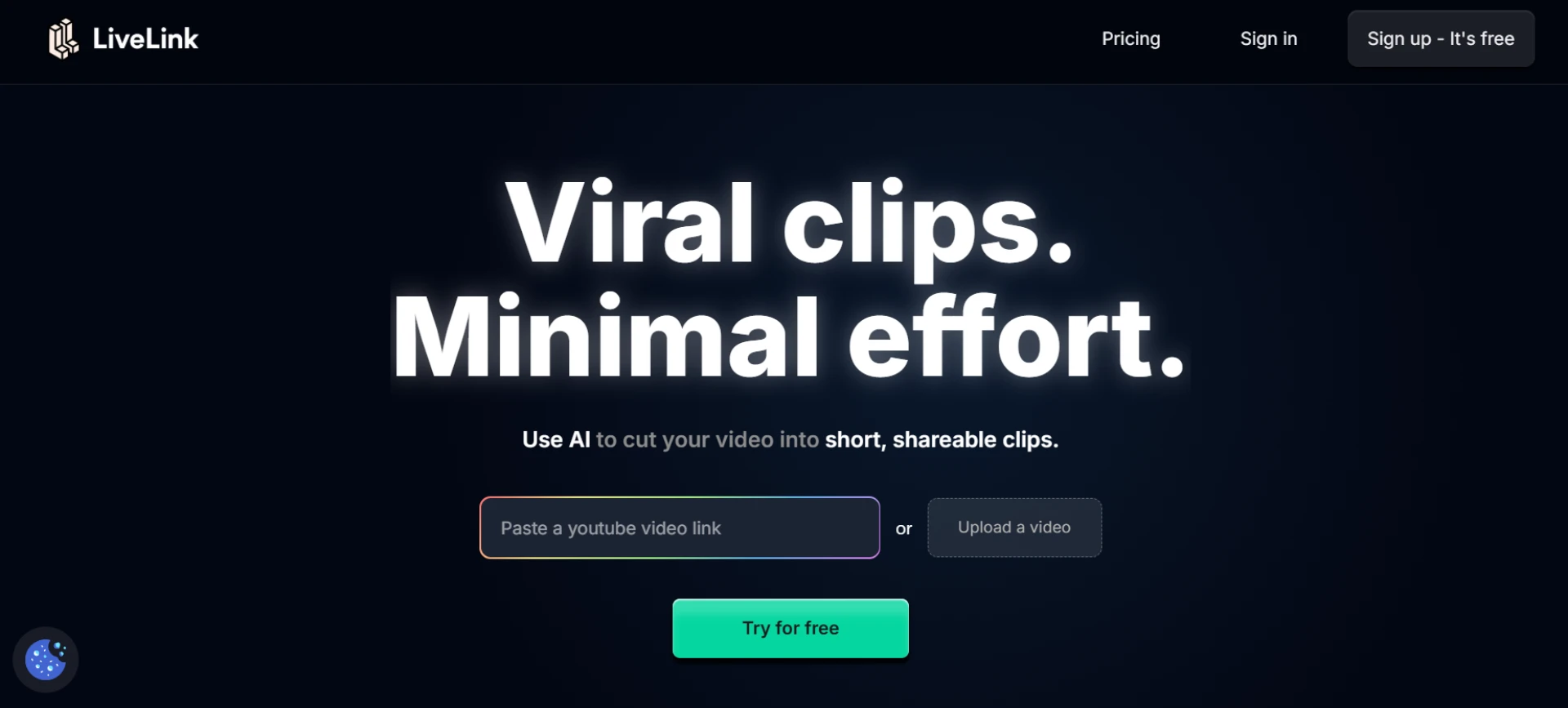
How LiveLink AI Helps You Produce Professional Videos
LiveLink AI combines smart automation with structured templates to speed up your workflow.
With LiveLink AI, you can:
- Transform long videos into polished clips using pre-built styles
- Apply brand colors and logos globally in one click
- Use dynamic layouts for talking-head videos
- Auto-generate captions with high accuracy
- Export crisp vertical clips optimized for every platform
This removes hours of manual editing, helping your videos look studio-produced.
Adding Branded Elements Without Manual Editing
AI templates make it easy to incorporate:
- Logos
- Lower thirds
- Intros and outros
- Watermarks
- Call-to-action overlays
Once set, these appear automatically across all your video clips, ensuring consistency.
Making Your Videos Stand Out
To achieve a polished feel:
- Choose templates with smooth motion effects
- Use on-brand colors for uniformity
- Keep text minimal and clean
- Select templates designed for the platform (Reels, Shorts, TikTok)
- Maintain consistent framing and spacing
AI tools handle much of this automatically, especially if you use preset styles.
Final Thoughts
AI templates are the fastest route to achieving polished, professional videos without spending hours editing. They automate design, branding, layout, and rendering while keeping your content visually consistent.
If you want a streamlined way to produce studio-quality clips every day, platforms like LiveLink AI give you both speed and creativity in a single workflow.
Let me know if you'd like a version tailored for a different keyword or content angle.

























Sign in to leave a comment.