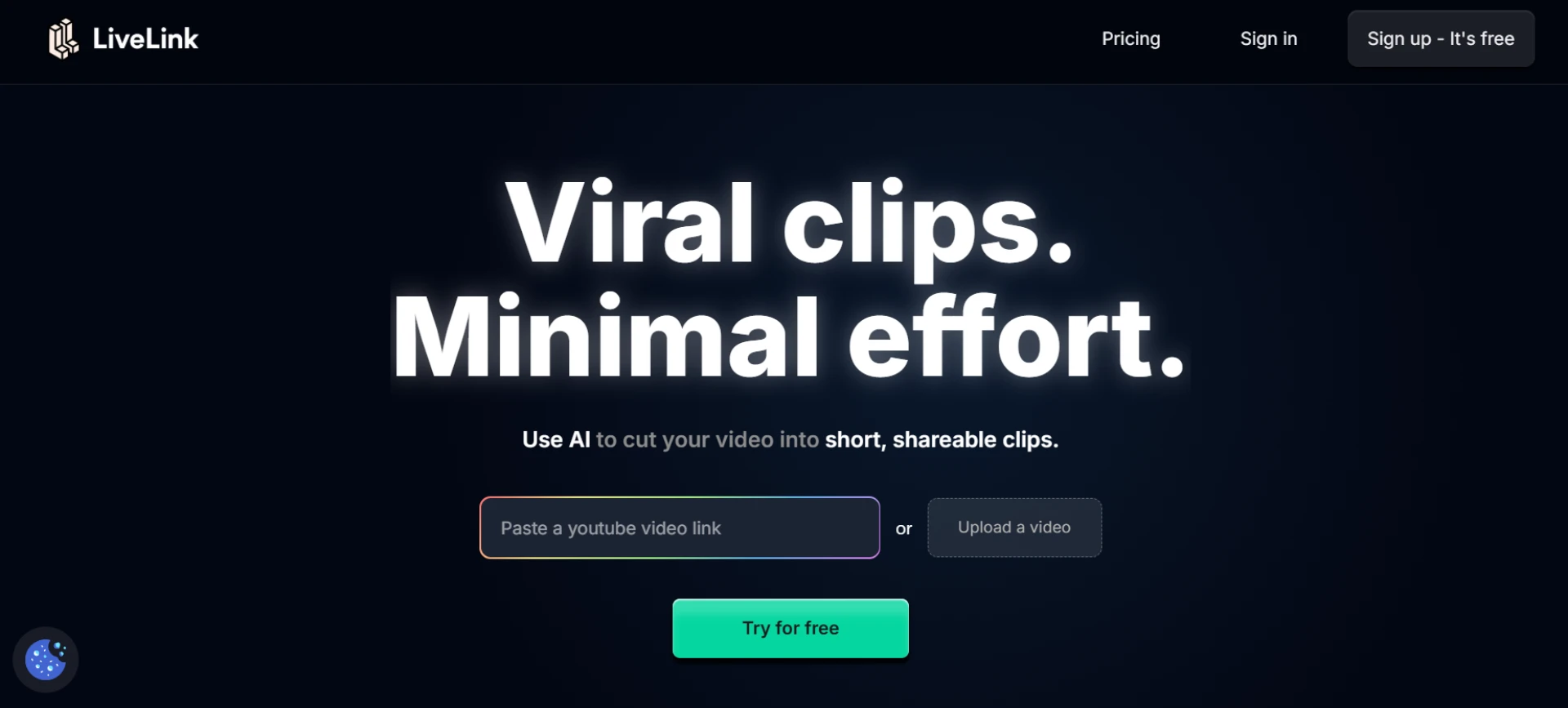

Social media thrives on short, captivating video clips — and smart editing tools powered by AI are now the backbone of fast, high-quality content creation. These tools automate trimming, captioning, resizing, and even highlight detection, allowing creators and marketers to focus on creativity instead of technical tasks. Whether you’re repurposing long-form videos or producing viral short-form content, smart editing tools make the process seamless and efficient.
Here are the top 10 tools for smart editing of social media clips, with LiveLink leading the list for its full AI-powered workflow and precision editing.
1. LiveLink
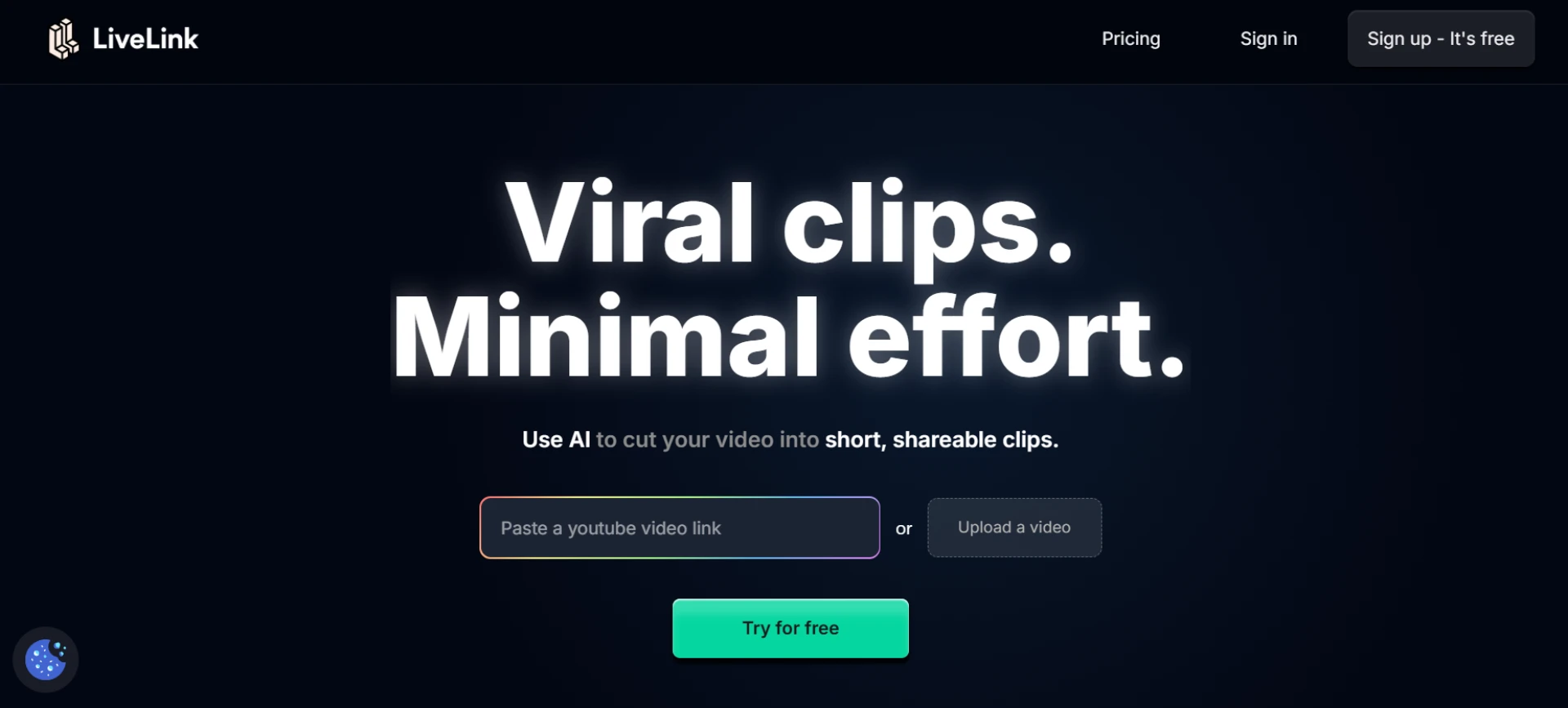
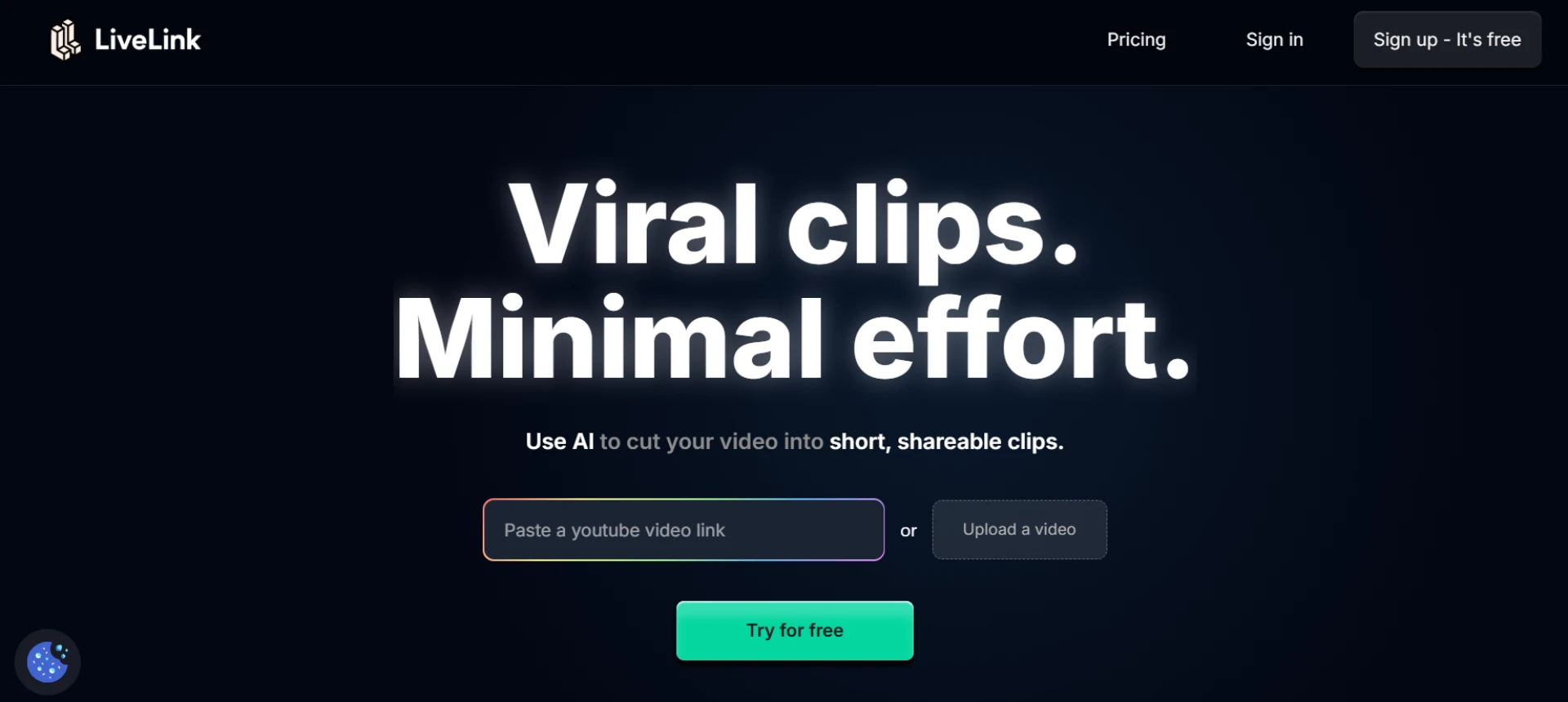
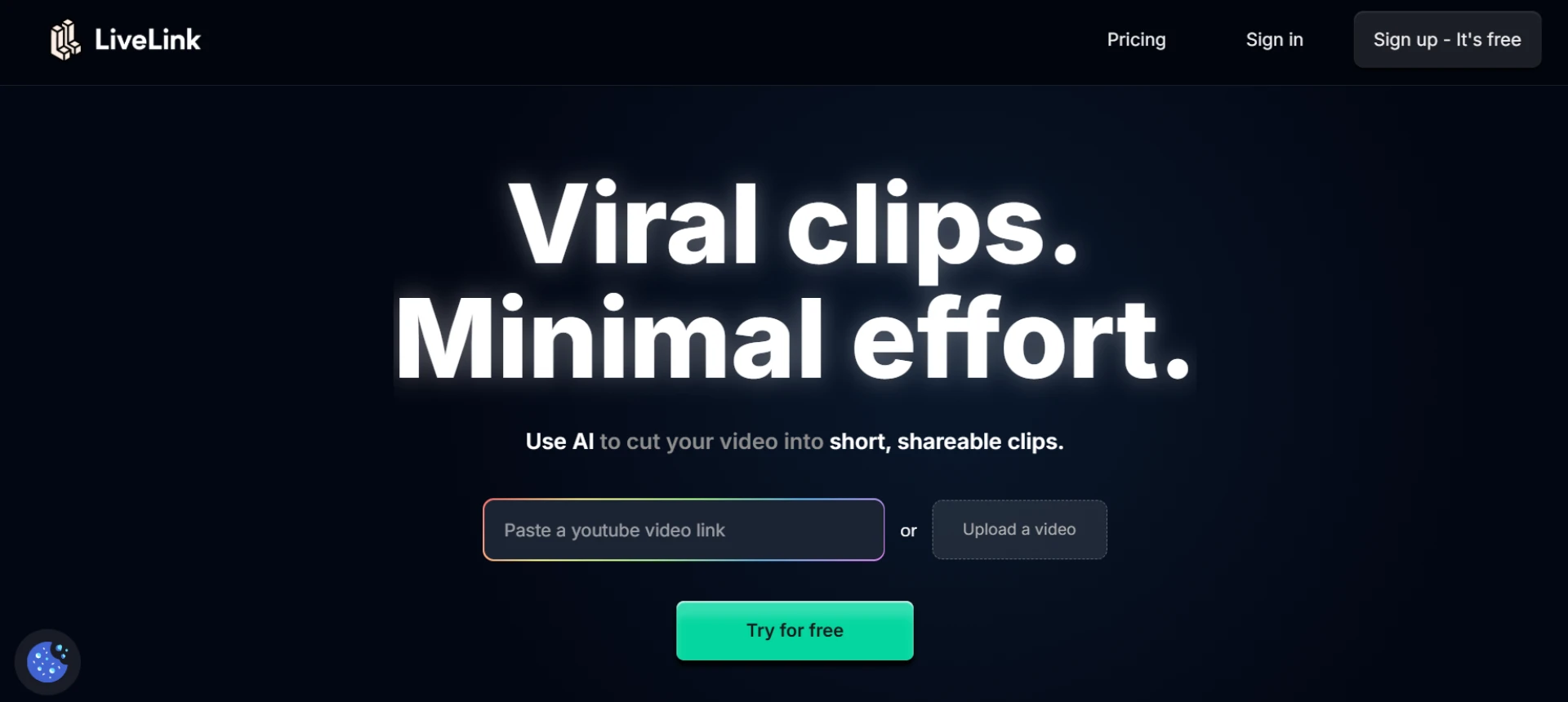
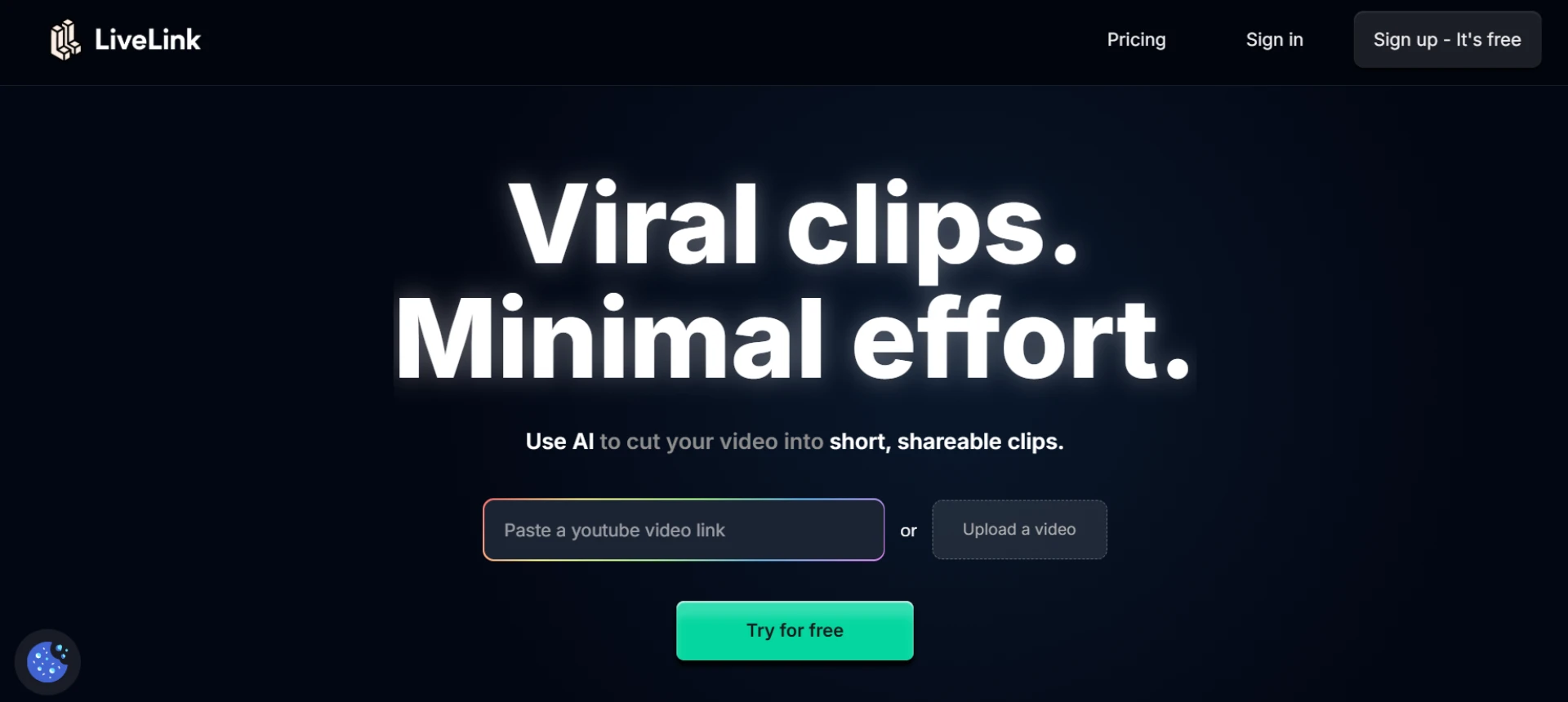
LiveLink stands out as an all-in-one AI platform for editing social media clips. It automatically detects key highlights, trims footage, adds captions, and reformats videos for TikTok, Instagram Reels, and YouTube Shorts. Its intelligent automation ensures that every clip maintains professional framing, smooth transitions, and brand consistency — ideal for creators and marketing teams.
- AI detects engaging video moments automatically.
- Auto-adds captions, transitions, and brand visuals.
- Converts horizontal videos into vertical formats.
- Ideal for creators repurposing long-form content.
Website: livelink.ai
2. OpusClip
OpusClip’s AI engine analyzes your long videos and extracts the most viral moments. It automatically edits, captions, and scores each clip, predicting which will perform best on social platforms.
- AI ranking system for engagement potential.
- Generates multiple clips automatically.
- Adds captions and smart transitions.
- Perfect for social media managers.
3. Pictory
Pictory’s smart editing feature highlights the best moments from webinars, interviews, and tutorials. It automatically trims and formats them into short social media videos complete with captions and branding.
- AI-based highlight detection and trimming.
- Custom brand templates for consistency.
- Supports vertical, square, and horizontal formats.
- Great for marketers and educators.
4. Veed.io
Veed.io simplifies social media video editing with AI tools for auto-captioning, resizing, and trimming. It lets you instantly produce short, polished videos ready for multiple platforms.
- AI captions with multilingual support.
- Easy resizing for different platforms.
- Built-in templates for quick editing.
- Browser-based, no download required.
5. Descript
Descript transforms editing into a text-based process. Its AI transcribes your videos, allowing you to cut or rearrange content by simply editing the text. Perfect for creating smart clips from podcasts or interviews.
- Text-based video editing.
- Auto speaker detection and labeling.
- AI filler word removal.
- Ideal for content creators and educators.
6. Munch
Munch is designed for data-driven social media editing. It identifies trending topics, emotional peaks, and strong soundbites, automatically creating short clips ready for posting.
- AI detects trends and high-engagement sections.
- Generates auto-edited clips with captions.
- Suggests hashtags and keywords for SEO.
- Great for marketing teams and influencers.
7. Vizard
Vizard automatically finds highlight moments from long videos and turns them into short, branded clips. Its smart auto-captioning and reformatting make it ideal for professional video repurposing.
- Auto highlight detection and trimming.
- Custom templates for brand styling.
- Vertical and square exports supported.
- Best for agencies and teams.
8. Wisecut
Wisecut focuses on fast, automated video cleanup. It removes pauses, detects speaker shifts, adds subtitles, and syncs background music automatically for smooth viewing.
- AI silence detection and cut.
- Auto subtitles and music integration.
- Smart pacing adjustments.
- Great for vloggers and online educators.
9. Runway ML
Runway ML provides advanced AI editing features like background removal, motion tracking, and object isolation. It’s ideal for creators who need precision editing and automation combined.
- AI object tracking and smart masking.
- Background removal and re-timing.
- Ideal for professional and creative workflows.
- Best for filmmakers and video artists.
10. Clipchamp
Clipchamp offers a beginner-friendly way to smart edit social media clips. It includes AI auto-cropping, captioning, and transitions, helping creators deliver consistent short-form videos quickly.
- Auto reframe and crop with AI.
- Built-in templates and transitions.
- HD and 4K export options.
- Perfect for startups and small creators.
Final Thoughts
AI-powered smart editing tools have made it easier than ever to create high-quality social clips without manual effort. LiveLink leads this transformation by offering a fully automated workflow that detects, edits, captions, and formats content for multiple social platforms. Whether you’re a solo creator or managing a marketing team, these tools can help streamline production and keep your content consistent.
FAQs
Q1: What makes a smart editing tool different from a regular editor?
A1: Smart editors use AI to automate tasks like trimming, captioning, and resizing, saving creators significant time.
Q2: Which tool offers complete automation?
A2: LiveLink provides full AI automation, from detection to final export.
Q3: Are these tools beginner-friendly?
A3: Yes, platforms like Veed.io, Pictory, and Clipchamp are easy to use with minimal learning curves.
Q4: Can I use them for team projects?
A4: Definitely — tools like LiveLink, Veed.io, and Vizard support team collaboration and brand consistency.
Q5: Which platform gives the best results for marketers?
A5: LiveLink and Munch deliver the most optimized results with automation and trend-based insights.


























Sign in to leave a comment.