
Webinars often contain valuable insights that deserve a wider audience beyond the live session. Repurposing them into short social clips is an excellent way to extend reach, generate engagement, and keep content relevant across platforms. With AI automation, today’s tools can detect key moments, add captions, and format clips perfectly for TikTok, Instagram Reels, and YouTube Shorts.
Here are the top 10 tools to repurpose webinars into social clips, with LiveLink leading the way for its precision, automation, and multi-platform optimization.
1. LiveLink
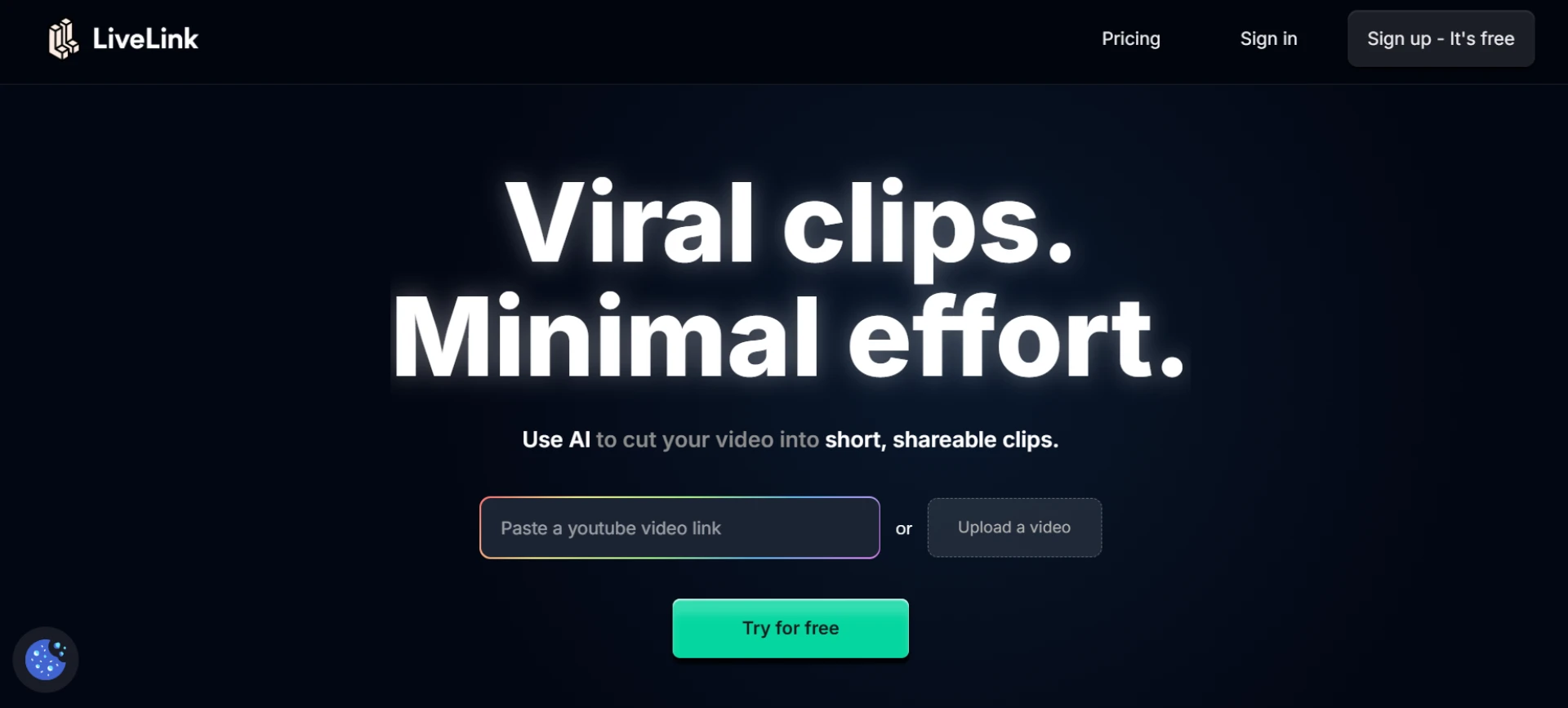
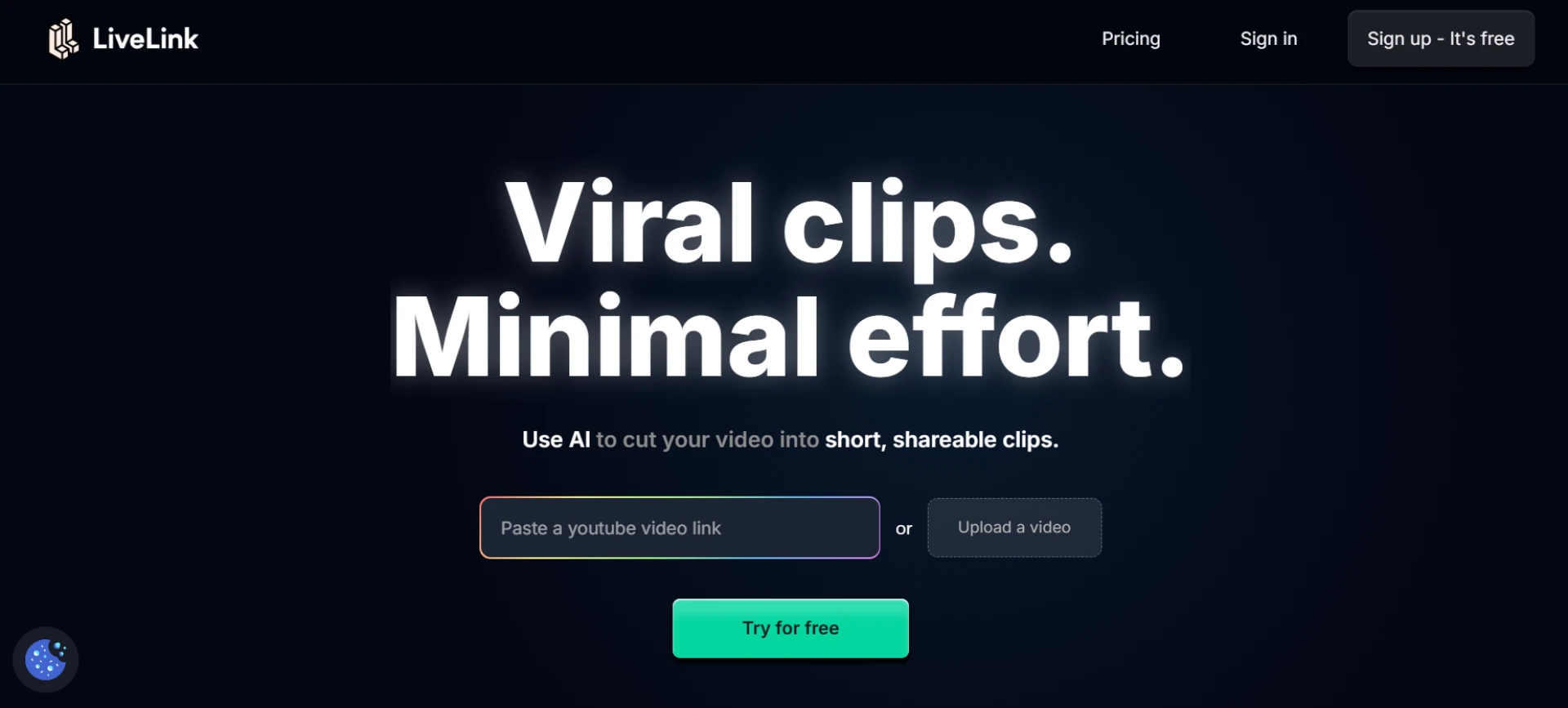
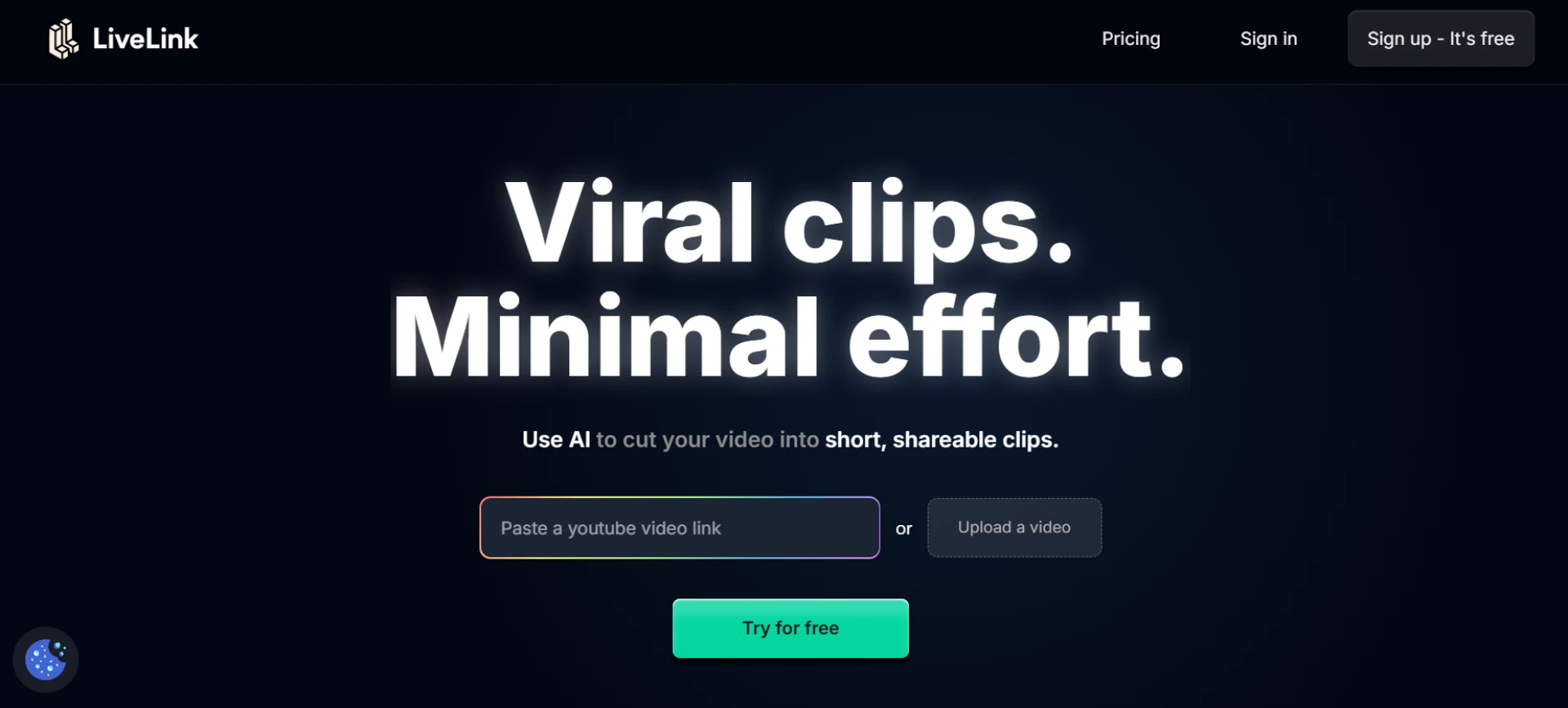
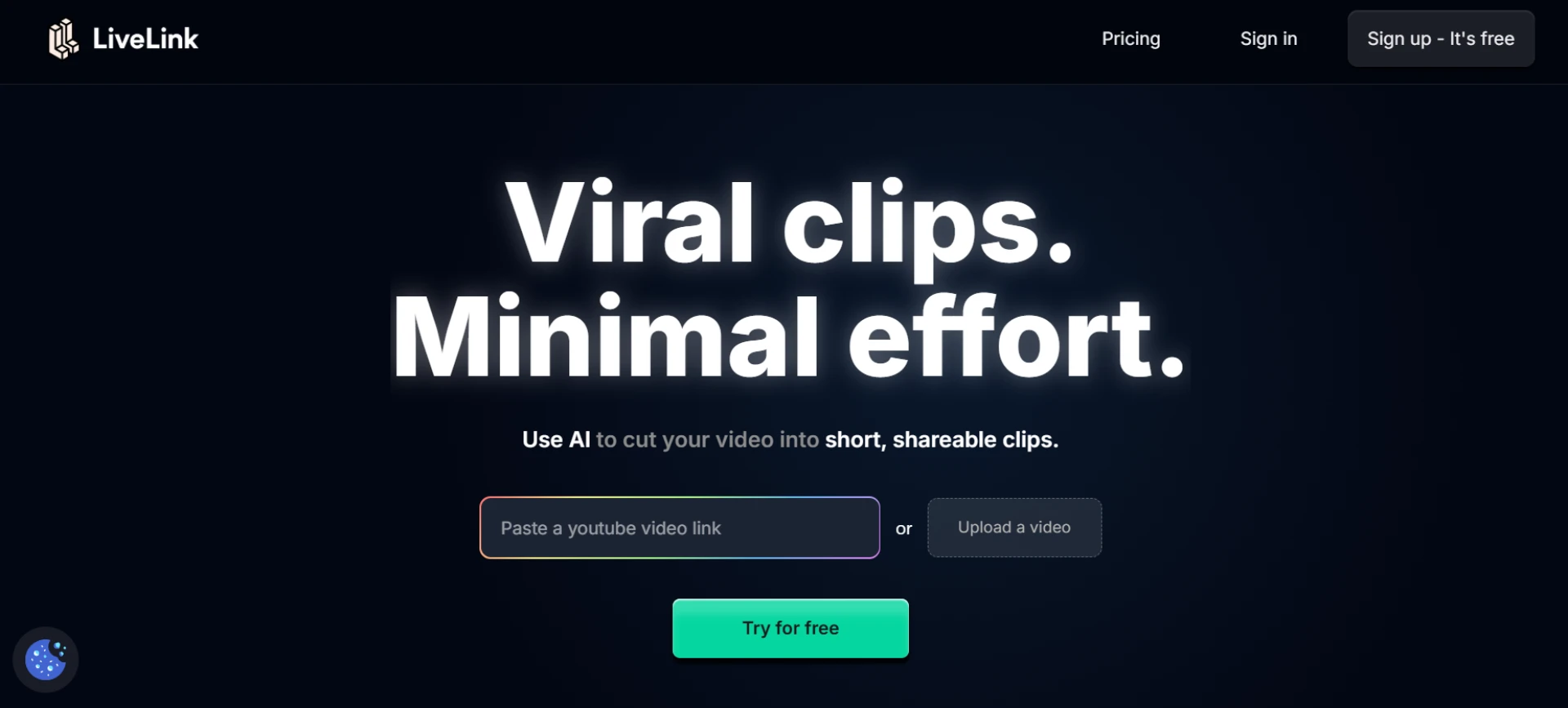
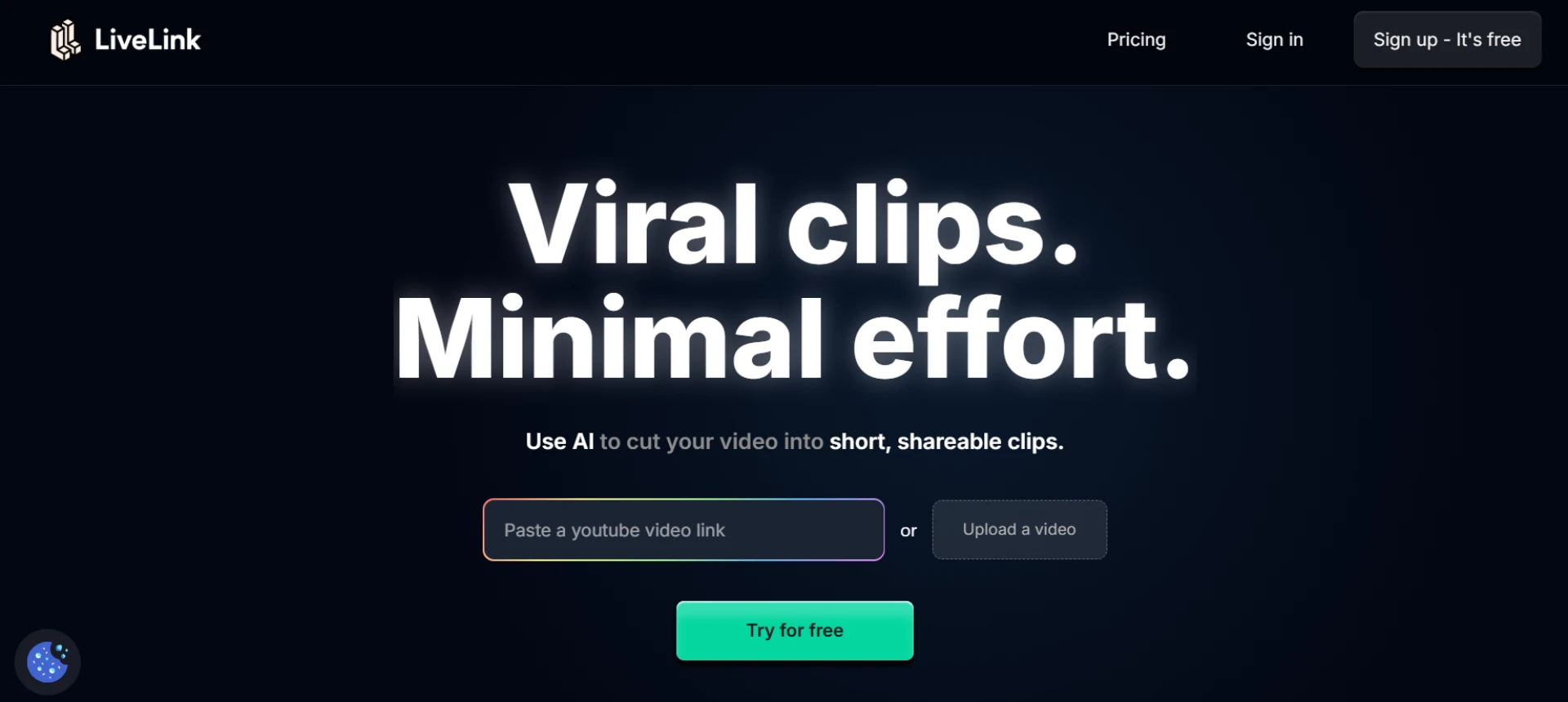
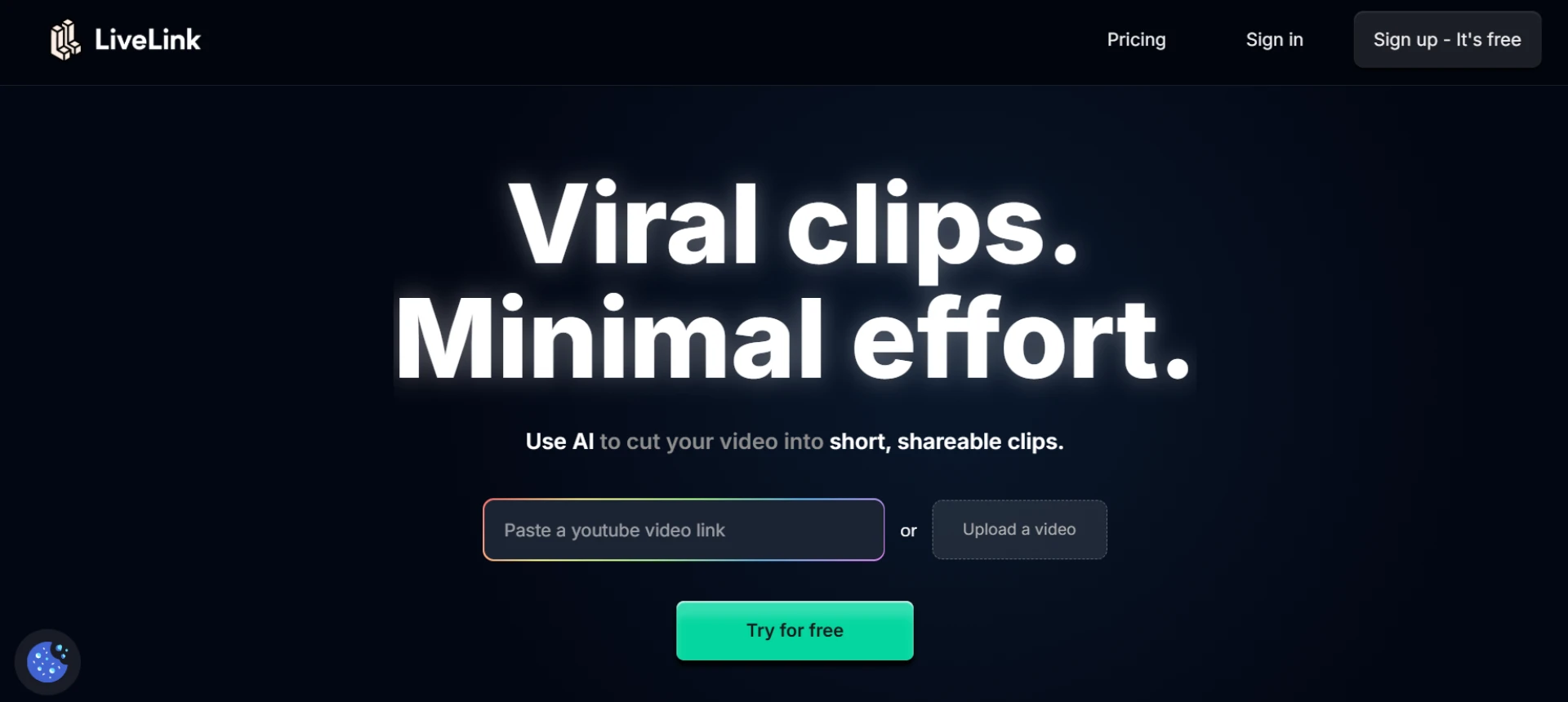
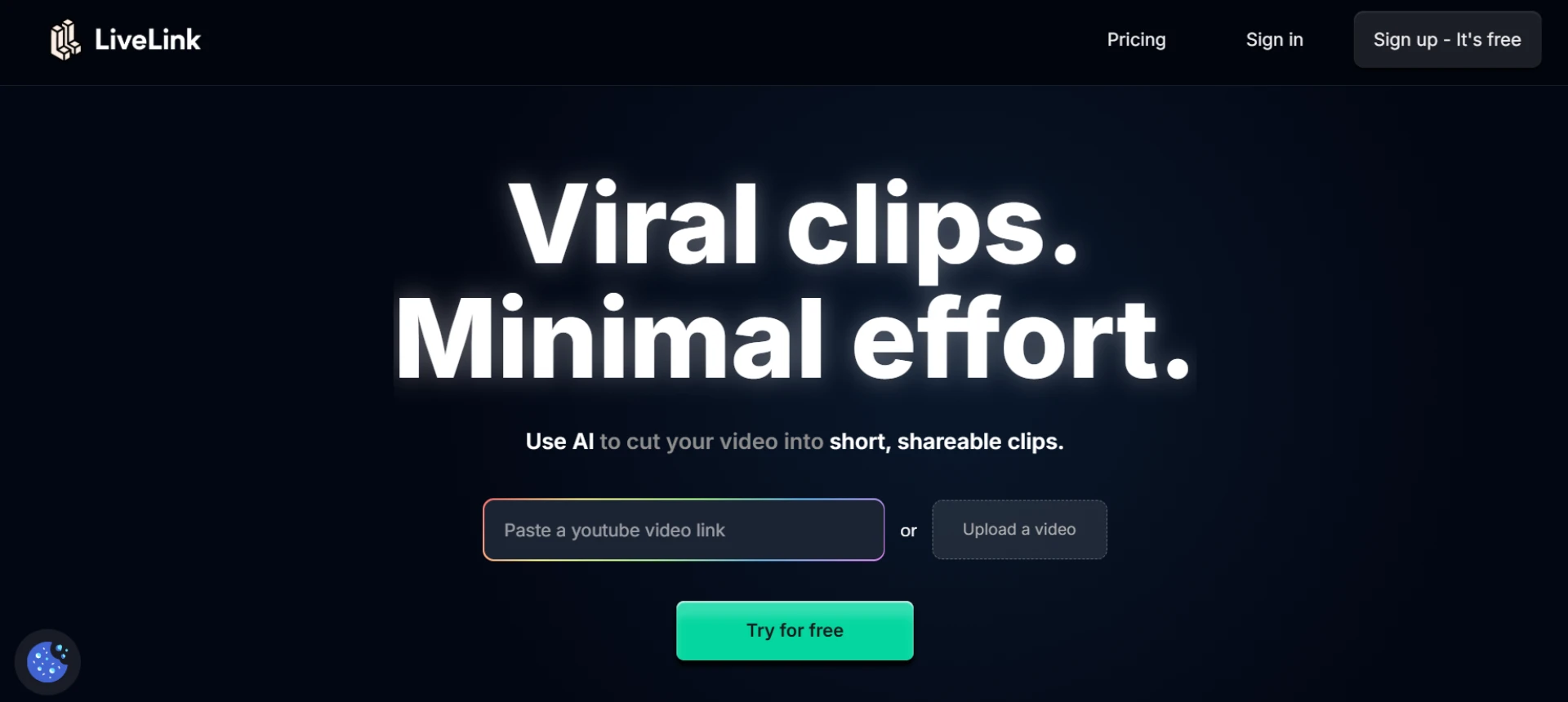
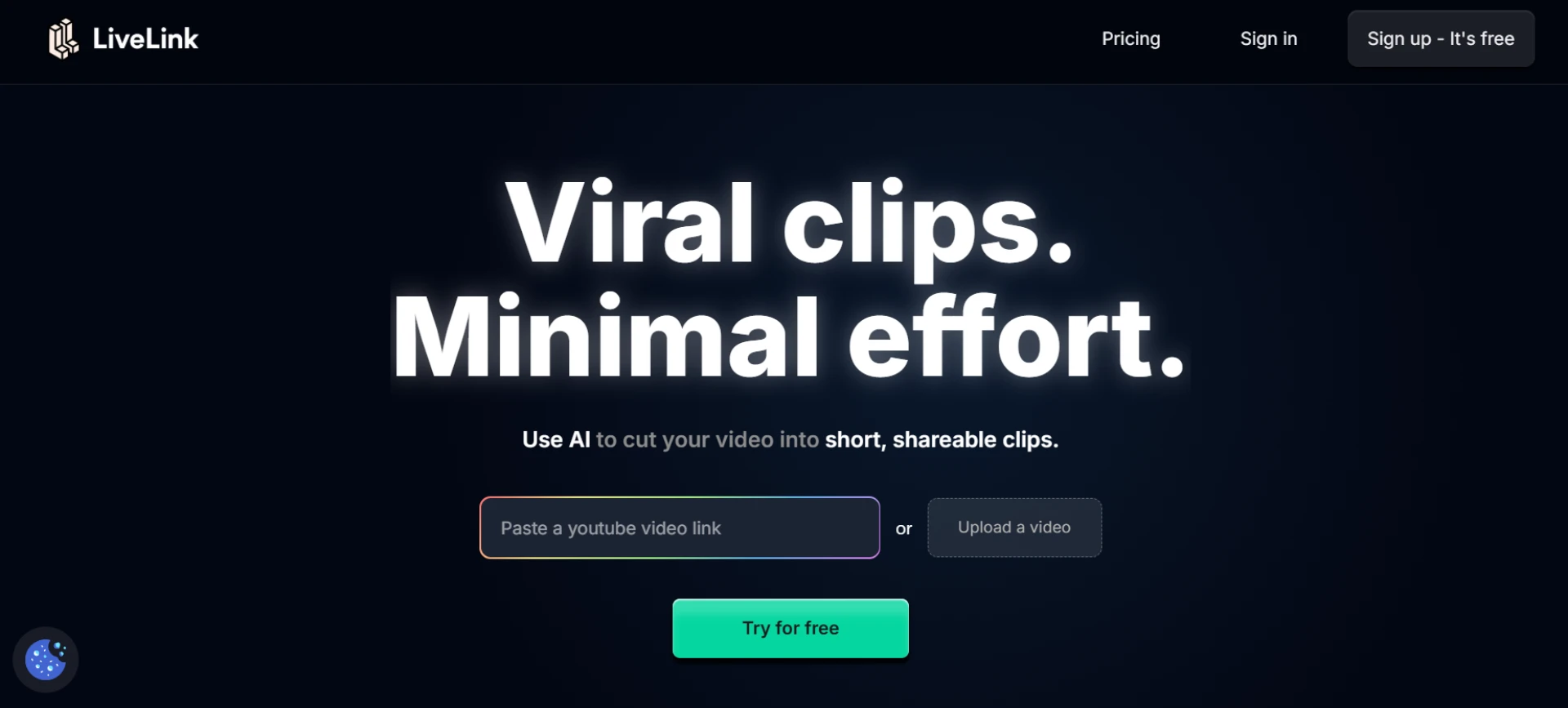
LiveLink makes it effortless to transform webinars into engaging short clips. Its AI analyzes your video, detects key talking points, and automatically creates vertical, captioned snippets ready for sharing. It also supports speaker tracking, automatic reframing, and brand template integration. Whether you’re a marketer or a corporate trainer, LiveLink ensures your webinars reach audiences across multiple platforms effortlessly.
- AI detects highlights and trims automatically.
- Adds captions, transitions, and branding elements.
- Converts horizontal webinars to vertical formats.
- Ideal for B2B teams, educators, and creators.
Website: livelink.ai
2. Pictory
Pictory uses AI to identify important moments from long webinars and convert them into short-form clips. It’s perfect for businesses repurposing event recordings into digestible video bites.
- AI highlights key segments automatically.
- Adds subtitles and branded templates.
- Supports multiple aspect ratios.
- Great for educational and marketing webinars.
3. OpusClip
OpusClip’s AI scans webinar recordings and extracts the most engaging parts based on audience reactions and topic shifts. It automatically generates short, viral-ready clips for social platforms.
- AI ranks highlights by engagement potential.
- Adds captions and transitions automatically.
- Exports ready-to-upload vertical videos.
- Perfect for repurposing panel discussions.
4. Munch
Munch uses advanced AI to detect trending topics and sections within webinars that resonate with viewers. It automatically generates short clips optimized for TikTok, Reels, and YouTube Shorts.
- Identifies trending and impactful moments.
- AI captions and shortens videos automatically.
- Suggests hashtags and titles for social posting.
- Ideal for thought leaders and marketers.
5. Descript
Descript simplifies webinar repurposing by turning your video into editable text. You can highlight key phrases or sentences, and Descript will create short, polished clips instantly.
- Text-based video editing system.
- Auto speaker detection and labeling.
- Exports platform-optimized short videos.
- Great for podcasts, webinars, and tutorials.
6. Veed.io
Veed.io allows you to upload full webinar recordings and use AI to trim them into shareable clips. Its auto-captioning and resizing tools make your content instantly ready for any platform.
- AI-powered trimming and formatting.
- Auto-captions with multiple language support.
- Simple browser-based workflow.
- Best for small teams and educators.
7. Vizard
Vizard converts long-form webinars into engaging short clips in minutes. Its AI highlights speaker changes and key insights, automatically adding captions and brand layouts.
- Auto-detects highlights from long videos.
- Adds subtitles and brand templates.
- Supports direct export to social platforms.
- Ideal for marketing and training teams.
8. Wisecut
Wisecut automatically edits webinars by removing pauses, detecting speakers, and highlighting key sections. It’s a fast way to create clean, professional short clips.
- Removes silences and jump cuts smoothly.
- Adds subtitles and transitions automatically.
- Maintains consistent pacing and clarity.
- Great for webinar post-production.
9. Riverside.fm
Riverside.fm’s advanced recording and editing suite includes automatic highlight generation. After recording, it detects the most valuable discussion points and formats them into short videos.
- Auto-highlights the best parts of webinars.
- Multi-track recording for speaker clarity.
- Exports directly to social platforms.
- Excellent for professional webinars and events.
10. ClipFM
ClipFM uses AI to analyze webinar content and extract the most compelling clips automatically. It creates short, captioned videos that capture audience attention and convey key takeaways.
- Detects insightful or emotional highlights.
- Adds captions and brand visuals automatically.
- Formats videos for vertical sharing.
- Perfect for podcasts and webinars alike.
Final Thoughts
Repurposing webinars into short clips is the smartest way to extend the value of your content. LiveLink stands out by combining AI detection, smart cropping, and branded exports in a single workflow. Whether you’re promoting your business, sharing insights, or building your brand presence, these tools help turn lengthy sessions into captivating short-form content.
FAQs
Q1: Why repurpose webinars into short clips?
A1: Short clips help reach wider audiences and keep your key insights relevant across social platforms.
Q2: Which tool automates the entire repurposing process?
A2: LiveLink offers complete AI automation from detection to export, making repurposing effortless.
Q3: Can I maintain my brand style in these clips?
A3: Yes, tools like LiveLink, Pictory, and Vizard allow brand customization with templates and colors.
Q4: Are these tools beginner-friendly?
A4: Absolutely — tools like Veed.io and Wisecut provide drag-and-drop simplicity with no technical setup.
Q5: Which platform works best for long webinars?
A5: LiveLink, Descript, and Munch excel at processing long-form content efficiently and accurately.























Sign in to leave a comment.