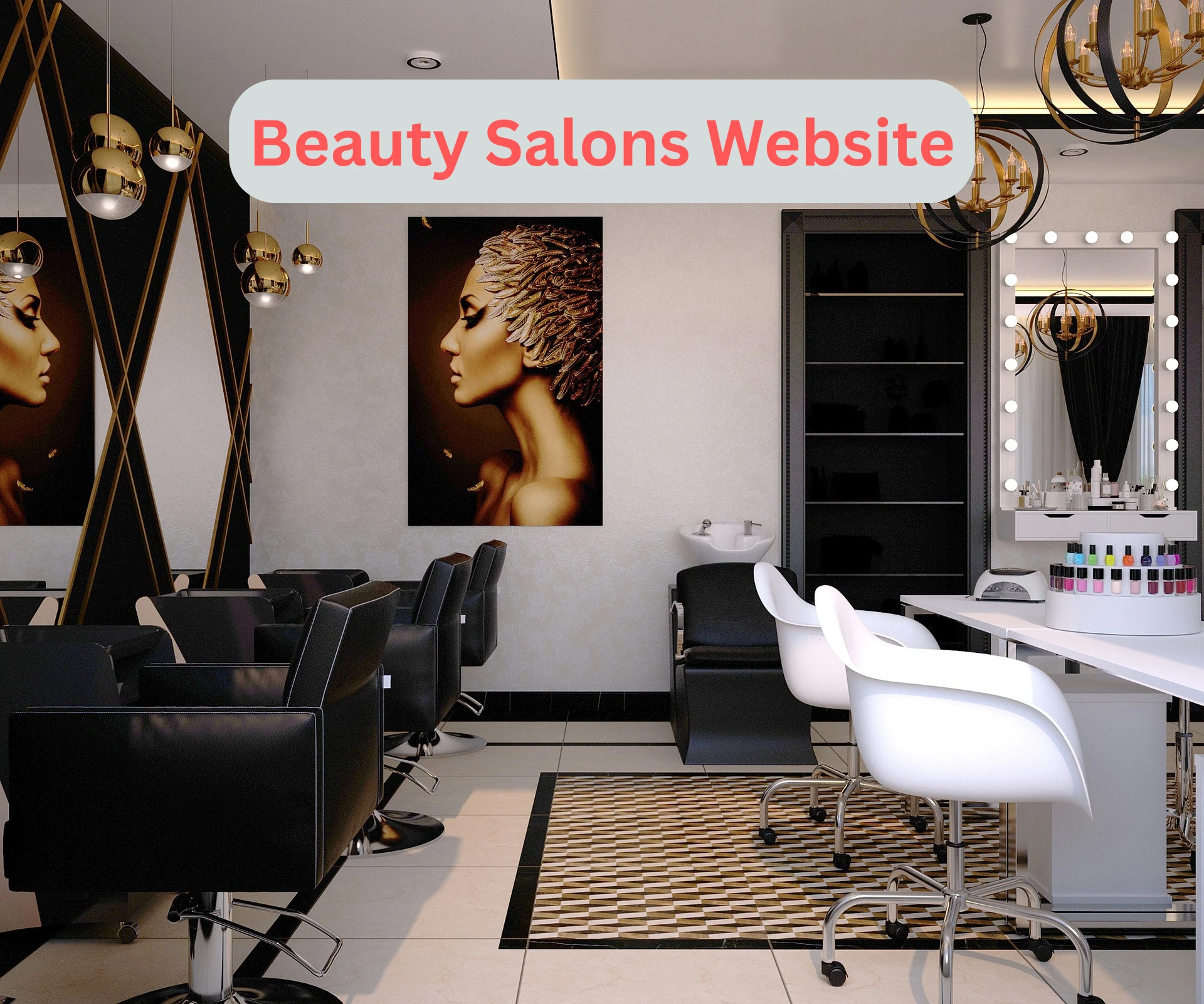
Creating a beauty salons website is only the first step. To make it truly helpful, you need to include the right features. These features should make it easy for clients to learn about your services, make bookings, and stay in touch. In this article, we’ll go through the most important elements every salon website should have.
1. Clear Navigation
Your website should be easy to use. Organize the pages in a clear menu like Home, About, Services, Gallery, Book Now, and Contact. Visitors should find what they’re looking for within a few clicks.
2. Service List with Pricing
Include a detailed list of all your services. Each service should have a short explanation and price. For example, "Haircut – Includes wash and dry, approx. 30 minutes." This helps visitors know exactly what you offer.
3. Online Booking System
An easy-to-use booking system is a must. Clients should be able to select a service, pick a time slot, and confirm the booking. Many tools are available that integrate with your calendar and avoid double bookings.
4. About Us Page
This is where you tell your story. Share a short background about your salon, your team, and your experience. This helps new clients feel more comfortable and connected.
5. Gallery of Work
Photos can say more than words. Show real examples of your work—haircuts, makeup, nail designs, and more. Make sure images are clear and not too large, so they load quickly.
6. Testimonials and Reviews
Add a section for customer reviews. Positive feedback builds trust and shows your service quality. You can collect reviews from past clients and update this section regularly.
7. Contact Information
Make sure your phone number, email, and salon address are visible on every page, preferably in the footer. Also, include a contact form for those who prefer writing instead of calling.
8. Google Maps Integration
Help clients find you easily by embedding a map on the contact page. This is especially helpful for new customers visiting your salon for the first time.
9. Mobile-Friendly Design
Most people visit websites using their phones. Your beauty salons website must work well on all screen sizes. A mobile-friendly layout makes browsing and booking easier.
10. Social Media Links
Add buttons that link to your salon's Instagram, Facebook, or YouTube pages. Clients who follow you can stay updated with your latest work, tips, and offers.
11. FAQ Section
A page with common questions and answers can reduce phone calls and messages. Include topics like cancellation policy, booking rules, or product info.
12. Blog or Tips Section
If you want to go further, consider adding a blog. Share simple tips on hair care, skincare, or makeup. This adds value to your visitors and improves your site’s ranking.
13. Speed and Load Time
Ensure your website loads quickly. Large images or too many videos can slow down the page, causing users to leave.
14. Call-to-Action Buttons
Buttons like "Book Now," "Call Us," or "View Services" should be clearly visible. These guide the visitor to take action.
Conclusion
The success of your beauty salons website depends on its features. A good site should be simple, informative, and easy to use. By including these features, you’ll not only look professional but also make it easier for clients to connect with your salon. This helps build long-term relationships and keeps your appointment calendar full.





















Sign in to leave a comment.