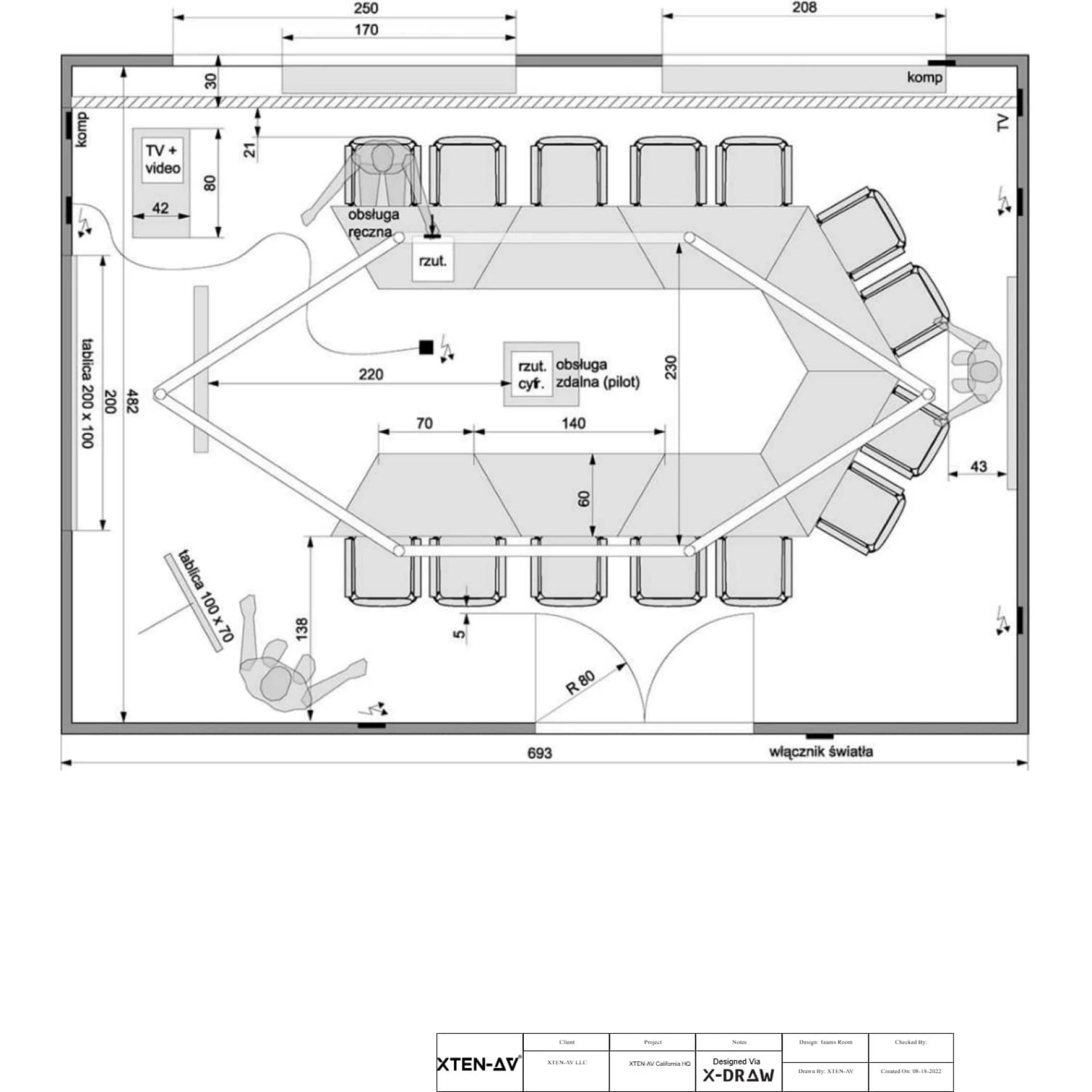

The modern workplace has evolved significantly, with remote work becoming a standard practice across industries. For designers, architects, and engineers, this shift means relying on cloud-based tools that allow collaboration, access, and productivity from anywhere. While AutoCAD has traditionally dominated the CAD landscape, its desktop-centric model can limit flexibility for remote teams. Fortunately, several web-based Autocad alternative platforms have emerged, enabling professionals to work seamlessly from any device with an internet connection. In this blog, we explore the top web-based AutoCAD alternatives for remote work and their features, benefits, and use cases.
Why Professionals Need Web-Based AutoCAD Alternatives
Remote work introduces unique challenges for CAD professionals:
- Accessibility: Designers need access to their projects from multiple devices and locations.
- Collaboration: Teams require real-time collaboration tools for sharing designs, feedback, and revisions.
- Cost Efficiency: Web-based platforms often reduce the need for high-end hardware and expensive software licenses.
- Ease of Updates: Cloud-based software eliminates the hassle of manual updates and version control.
Web-based Autocad alternative solutions address these challenges by providing flexibility, portability, and collaborative features for modern design workflows.
Key Features to Look for in a Web-Based CAD Tool
When choosing a web-based AutoCAD alternative for remote work, consider the following:
- Cloud Storage and Access: Projects should be accessible from any device with internet connectivity.
- Real-Time Collaboration: Multiple team members should be able to view, edit, and comment on designs simultaneously.
- 2D and 3D Modeling: The platform should support both 2D drafting and 3D modeling for comprehensive workflows.
- File Compatibility: Support for DWG, DXF, STL, and other standard CAD formats ensures smooth collaboration.
- User-Friendly Interface: A simple and intuitive interface reduces the learning curve for remote teams.
- Security: Data encryption and secure access are critical for protecting sensitive projects.
Top Web-Based AutoCAD Alternatives
Several web-based CAD solutions provide professional-grade tools for remote work. Here are the most popular options:
1. Onshape
Onshape is a full-cloud 3D CAD platform designed for collaboration and accessibility:
- Cloud-Based: Access projects from any device without installation.
- Real-Time Collaboration: Multiple users can edit, comment, and review designs simultaneously.
- Version Control: Automatically tracks changes and maintains project history.
- Integration Options: Connects with other tools such as simulation software and project management platforms.
Onshape is an ideal Autocad alternative for engineers and designers who need real-time collaboration and remote access for complex projects.
2. TinkerCAD
TinkerCAD is a browser-based CAD tool developed by Autodesk, aimed at simplicity and accessibility:
- 3D Modeling: Create basic 3D models suitable for prototyping and education.
- Easy Learning Curve: Intuitive drag-and-drop interface ideal for beginners and hobbyists.
- Cloud Storage: Projects are saved online and accessible from any device.
- Export Options: Models can be exported for 3D printing or integration with other CAD software.
TinkerCAD is a lightweight Autocad alternative for quick modeling tasks, educational purposes, and small-scale design projects.
3. Vectary
Vectary is a browser-based 3D design platform designed for creatives and professionals alike:
- 3D Modeling and Texturing: Create complex 3D designs with realistic textures and lighting.
- Collaboration Tools: Share projects and work collaboratively with team members.
- Templates and Components: Access pre-built models and design assets to speed up workflows.
- Web-Based Rendering: Visualize designs in high quality directly in the browser.
Vectary is an effective Autocad alternative for designers focusing on visualization, product design, or architectural concepts remotely.
4. SketchUp for Web
SketchUp offers a web-based version of its popular 3D modeling software:
- Push-Pull Modeling: Easily create and modify 3D shapes.
- 3D Warehouse Access: Utilize pre-built models and components.
- Collaboration Features: Share designs and allow multiple users to view and comment.
- Cross-Platform Compatibility: Works on any device with a browser, including tablets and Chromebooks.
SketchUp for Web is a versatile Autocad alternative for architects, interior designers, and hobbyists working remotely.
5. AutoDesk Fusion 360 for Web
Fusion 360 provides a cloud-enabled version of Autodesk’s powerful CAD and CAM tool:
- 3D Modeling and Simulation: Create complex assemblies and test designs in real time.
- Cloud Collaboration: Team members can access, comment, and modify projects simultaneously.
- Integrated CAM and Manufacturing Tools: Prepare designs for production directly from the platform.
- Cross-Platform Accessibility: Web version complements desktop workflows.
Fusion 360 for Web is an advanced Autocad alternative suitable for engineers, industrial designers, and product development teams working remotely.
How to Choose the Right Web-Based AutoCAD Alternative
Step 1: Define Your Remote Workflow Needs
- Identify whether your projects require simple 2D drafting, advanced 3D modeling, or both.
- Determine collaboration requirements and team size.
Step 2: Test Software Usability
- Explore free or trial versions to assess interface, tools, and performance.
- Create sample projects to evaluate responsiveness and workflow efficiency.
Step 3: Check Compatibility and Integration
- Ensure the platform supports standard file formats like DWG, DXF, STL, or OBJ.
- Evaluate integration options with project management, BIM, or other CAD tools.
Step 4: Evaluate Security and Reliability
- Confirm secure cloud storage with encryption and regular backups.
- Assess uptime and performance reliability for uninterrupted remote work.
Step 5: Consider Long-Term Viability
- Look for platforms with active development, regular updates, and community support.
- Assess scalability to handle larger projects as your remote team grows.
Benefits of Using Web-Based AutoCAD Alternatives
- Remote Accessibility: Work from anywhere using any device with a browser.
- Real-Time Collaboration: Multiple team members can work simultaneously on the same project.
- Reduced Hardware Requirements: No need for high-end computers as processing occurs in the cloud.
- Automatic Updates: Access the latest features and improvements without manual installations.
- Cost Savings: Many web-based tools offer free or subscription-based plans that are more affordable than traditional CAD software.
Conclusion
Remote work has reshaped how design professionals approach CAD projects. While AutoCAD remains a powerful tool, web-based Autocad alternative platforms such as Onshape, TinkerCAD, Vectary, SketchUp for Web, and Fusion 360 for Web provide flexible, accessible, and collaborative solutions for modern design workflows.
Selecting the right web-based AutoCAD alternative depends on your project needs, collaboration requirements, and technical preferences. By evaluating usability, features, file compatibility, and security, remote teams can maintain productivity, streamline workflows, and deliver high-quality designs efficiently from anywhere in the world.
Web-based AutoCAD alternatives empower professionals to design, visualize, and collaborate seamlessly, making remote work not only possible but productive and engaging. With these tools, designers can stay connected, creative, and efficient without being tied to a single physical location.
Read more: https://enhanceyourwebsites.com/top-autocad-alternatives-for-3d-design-professionals/
























Sign in to leave a comment.