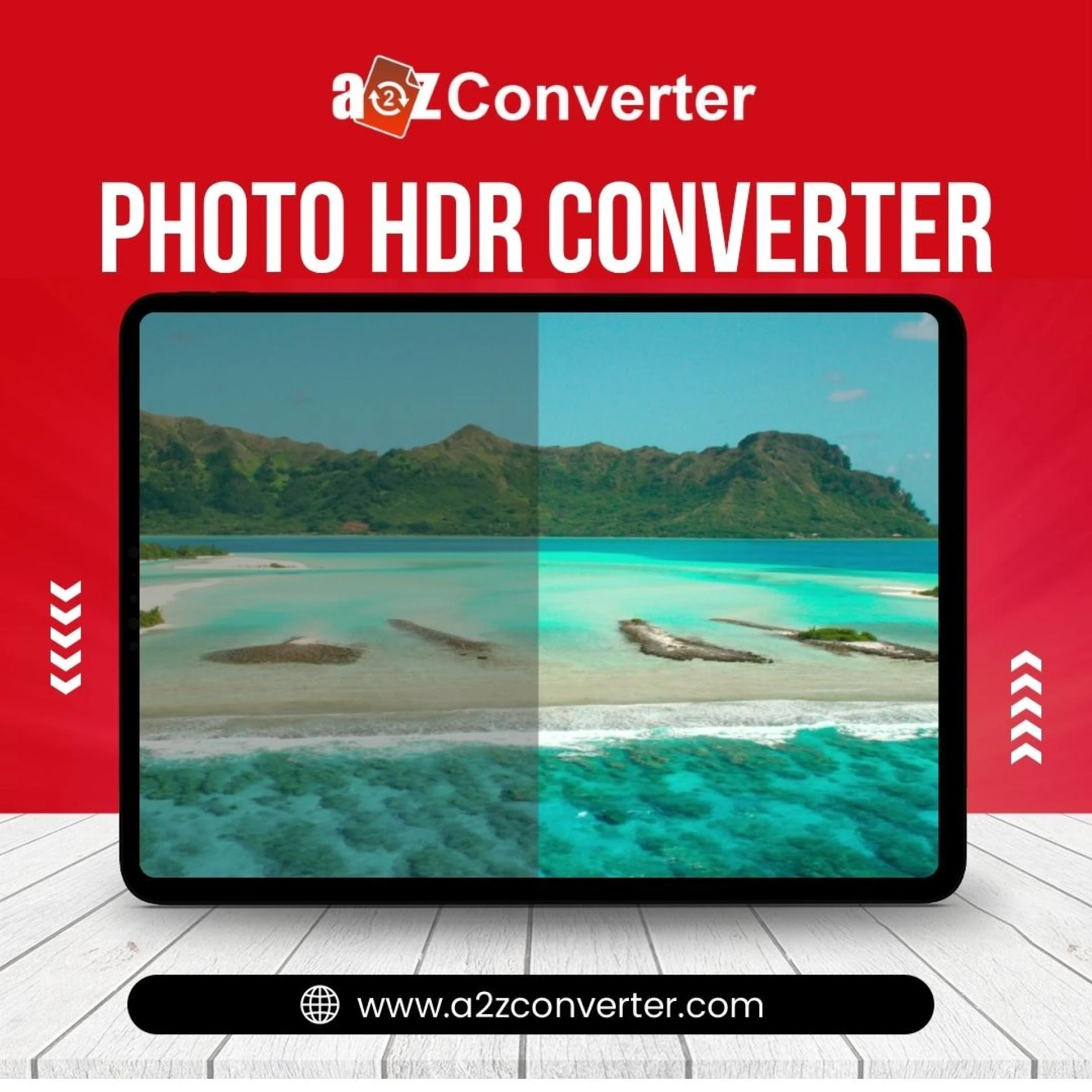

In today’s visual-first world, a good photo is worth more than a thousand words. But what if your photos could tell even more? What if you could reveal every hidden texture, every soft shadow, and every vibrant highlight—just by using one smart tool? That’s exactly what HDR conversion does.
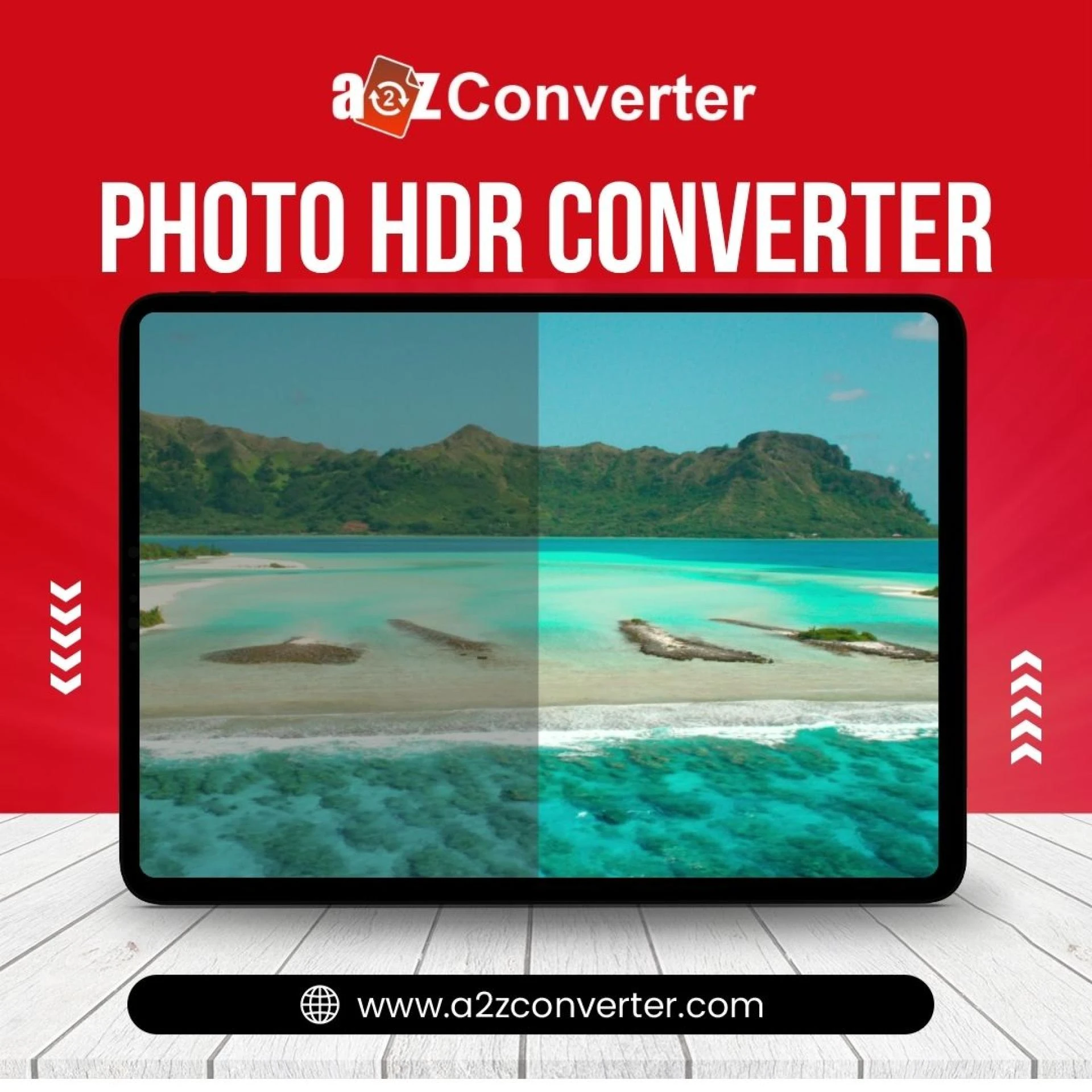
If you’ve ever wondered how professional photographers capture such rich, detailed, and lifelike images, the answer often lies in HDR (High Dynamic Range) imaging. And with HDR conversion online tools, even beginners can achieve stunning results without expensive gear or complex editing software.
Let’s explore how HDR conversion can unlock the true potential of your photos and how you can do it easily online.
What Is HDR and Why Does It Matter?
HDR (High Dynamic Range) refers to a photography technique that enhances the difference between the darkest and lightest parts of an image. Standard photos (SDR or LDR) often lose detail in very bright or very dark areas. HDR fixes that.
Think of a sunset photo:
- In a regular photo, the sky may look beautiful, but the foreground (like trees or people) appears as a black silhouette.
- In an HDR image, you can see the brilliant colors of the sky and the fine detail in the foreground—both perfectly exposed.
That’s the magic of HDR. It balances light, recovers lost detail, and creates visually dynamic images that pop off the screen.
Why Your Photos Might Be Missing Detail
Your smartphone or digital camera can only capture a limited range of light in one shot. That means:
- Blown-out highlights in bright areas (like the sky or lights)
- Crushed shadows in dark areas (like hair or night scenes)
- Lack of depth in contrast-heavy environments
But the data is still there—especially in RAW files or high-quality JPEGs. You just need the right tool to extract it.
That’s where HDR image conversion comes in.
What Is HDR Conversion?
HDR conversion is the process of enhancing a single image or combining multiple exposures to simulate or create a high dynamic range effect.
There are two common methods:
- Single Image HDR (Tone Mapping)
- – Using algorithms to extract shadow/highlight detail from one photo
- Multi-Exposure HDR
- – Blending multiple images taken at different exposures (usually via bracketing)
Thanks to AI and smart online tools, you no longer need a DSLR or tripod to achieve this. A simple HDR converter online can transform your flat photo into a masterpiece—instantly.
Benefits of Using HDR Conversion Online
Here’s why photographers, content creators, and social media users love HDR conversion tools:
1. Reveal Hidden Details
HDR brings out textures in hair, skin, clouds, buildings, and landscapes that were lost in flat lighting.
2. Fix Bad Lighting
Shot in a dark room? Washed out background? HDR can recover data in both shadows and highlights.
3. Make Your Photos Pop
Images look vibrant, colorful, and balanced. HDR brings the depth and drama that grabs attention.
4. No Software Needed
Most HDR converters are online. No need for Photoshop, Lightroom, or heavy installs.
5. Boost Engagement
HDR-enhanced images perform better on social media. More likes, shares, and comments.
How to Convert Your Photo to HDR Online
Using an online HDR converter is fast, easy, and doesn’t require any technical knowledge.
Step-by-Step Guide:
- Visit an HDR Converter Website
- Example: www.a2zconverter.com
- Upload Your Photo
- Supported formats: JPEG, PNG, TIFF, etc.
- Choose HDR Mode
- Some tools offer basic, medium, and strong HDR strength
- Preview & Adjust (Optional)
- Use sliders to tweak contrast, saturation, or sharpness
- Download Your Enhanced HDR Image
- Ready to share or print!
In under a minute, you can go from “meh” to “wow.”
Best Types of Photos for HDR Conversion
While HDR can improve almost any image, it works especially well with:
- Landscape photography – mountains, sunsets, beaches
- Architecture – cityscapes, historic buildings, interiors
- Portraits in tricky lighting – backlit or shadowed faces
- Travel photos – street shots, cultural scenes
- Nature & wildlife – forests, waterfalls, animals
Even simple selfies or food photos can gain more vibrance and detail with HDR treatment.
Pro Tips for Better HDR Results
To get the most out of your HDR conversion:
Use High-Quality Photos
The better the input, the better the output. Use high-resolution images when possible.
Avoid Overdoing It
Too much HDR can look fake. Look for tools that let you adjust intensity.
Try Different Styles
Some HDR tools offer artistic presets like “natural,” “vivid,” or “surreal.”
Combine with Other Tools
After HDR, you can also crop, resize, or convert formats using tools like A2Z Converter.
Why Choose A2Z Converter for HDR?
There are many online converters, but few match the speed, simplicity, and quality of A2Z Converter.
Features of A2Z HDR Conversion:
- Fast processing (under 30 seconds)
- Supports all common image formats
- Mobile-friendly and no signup required
- Free to use with watermark-free results
- Privacy-focused (no data stored)
Whether you're enhancing a vacation photo or prepping images for your business website, A2Z Converter delivers professional results with just a few clicks.
🔗 Try it now: www.a2zconverter.com
Final Thoughts: HDR Is the Secret to Photo Magic
In a world where attention spans are shrinking and visuals dominate communication, image quality matters more than ever.
HDR conversion isn’t just for professionals. With the right tool, anyone can:
- Rescue poorly lit shots
- Reveal hidden textures
- Create scroll-stopping visuals
So why settle for ordinary when your photos can be extraordinary?
With HDR conversion, you’re not just editing photos—you’re unlocking a whole new level of visual storytelling.
Ready to Try?
Head over to www.a2zconverter.com and turn your regular photos into HDR masterpieces—no software, no skills, just results.

























Sign in to leave a comment.