
Introduction
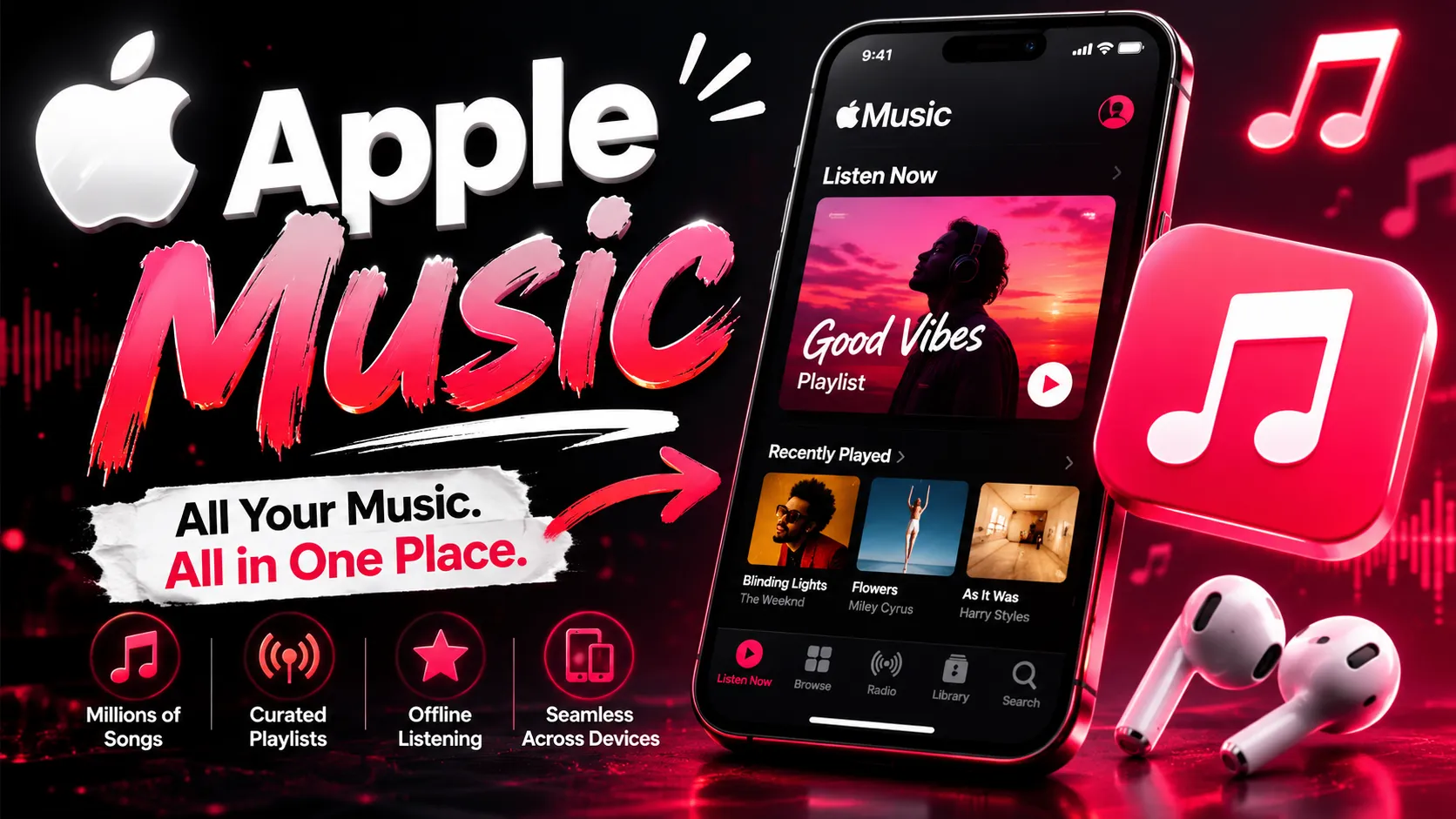
Apple Music has become one of the most popular music streaming services for iPhone users because of its personalized recommendations, curated playlists, and seamless integration with the Apple ecosystem. One feature many users enjoy is the ability to revisit their listening history and discover the songs they have played the most over time. Whether you are nostalgic about old favorites or simply curious about your music habits, viewing your all-time favorite songs on an iPhone is now easier than ever.
With regular iOS updates and improvements in Apple Music, users can quickly access detailed listening insights directly from their devices. If you own a newer iPhone or are planning to upgrade through trusted platforms like Easy Phones, understanding how to use these features can enhance your overall music experience.
Understanding Apple Music Replay
Apple Music Replay is the feature that tracks your listening habits throughout the year. It creates playlists based on your most-played songs, albums, and artists. Unlike third-party music statistics apps, Apple Music Replay is built directly into Apple’s ecosystem, making it safe, reliable, and simple to use.
Replay playlists update automatically every week, giving users a constantly refreshed look at their favorite music. You can access not only your current year’s listening statistics but also playlists from previous years. This makes it easy to revisit songs that defined different periods of your life.
The feature is especially useful for users who stream music daily and want a personalized experience without manually creating playlists.
Steps to View Your All-Time Favorite Songs on iPhone
Viewing your favorite songs on Apple Music takes only a few minutes. Follow these simple steps on your iPhone:
- Open the Apple Music app.
- Tap on the “Listen Now” tab at the bottom of the screen.
- Scroll down until you find the “Replay” section.
- Select your current Replay playlist or browse previous years.
- Tap the playlist to view your most-played tracks.
Apple Music organizes songs in descending order based on play count, allowing you to see which tracks you truly listened to the most. The playlist can also be downloaded for offline listening.
For users who want deeper insights, Apple Music Replay is also available through a web browser. Logging into the Replay website provides detailed statistics about listening hours, top albums, and favorite artists.
Benefits of Tracking Your Favorite Songs
Many users underestimate how valuable listening history can be. Keeping track of your favorite songs offers several advantages beyond entertainment.
First, it helps you rediscover tracks you may have forgotten. Music often connects to memories, events, and emotions, so replaying older favorites can feel meaningful.
Second, it allows you to understand your changing music preferences. Over time, users often notice patterns in genres, artists, or moods they consistently enjoy.
Third, Apple Music Replay makes playlist management easier. Instead of manually searching for frequently played tracks, users can instantly access collections generated automatically.
Finally, music tracking adds a social aspect. Many people enjoy sharing their yearly music summaries with friends and family, similar to other streaming platforms.
Why iPhone Performance Matters for Apple Music
A smooth Apple Music experience depends heavily on your iPhone’s performance. Features like Replay playlists, offline downloads, spatial audio, and lossless streaming work best on devices with strong processors and updated software.
Users looking for premium performance without overspending often consider devices such as iphone 16 refurbished. Refurbished iPhones provide modern features and reliable Apple performance at a more affordable price, making them an attractive option for music lovers.
Battery life is another important factor when streaming music throughout the day. Newer iPhones offer improved efficiency, ensuring uninterrupted listening during travel, workouts, or long work sessions.
Tips to Improve Your Apple Music Experience
There are several ways to make Apple Music even more enjoyable on your iPhone.
Start by enabling high-quality audio settings in the Music app preferences. If you have enough storage and a stable internet connection, lossless audio can significantly improve sound quality.
You should also organize your library regularly by creating playlists based on mood, activity, or genre. This keeps your music collection easy to navigate.
Another useful tip is to enable automatic downloads for favorite songs and playlists. This ensures your music remains accessible even when internet connectivity is weak.
For users who enjoy premium smartphone features, devices like iphone 16 pro refurbished deliver excellent audio processing, advanced display quality, and powerful battery performance that enhance streaming experiences.
Additionally, pairing your iPhone with quality wireless earbuds or headphones can make a noticeable difference in sound clarity and immersion.
Choosing Reliable iPhones for Music Streaming
When purchasing an iPhone for Apple Music and entertainment, reliability is important. Many buyers today prefer refurbished devices because they combine affordability with premium Apple features.
Trusted sellers like Easy Phones make it easier to find quality-tested Apple devices at competitive prices. Customers searching for second hand iphones online in india often prioritize warranty coverage, battery health, and device condition before making a purchase.
Buying from a reputable source ensures that the iPhone performs smoothly for streaming, app usage, and software updates. Refurbished models can deliver an experience very close to brand-new devices while helping users save money.
This growing trend reflects how consumers are becoming more practical while still wanting access to premium technology.
Conclusion
Apple Music Replay offers iPhone users a simple and engaging way to revisit their all-time favorite songs. By tracking listening habits automatically, Apple Music creates personalized playlists that make discovering and enjoying music easier than ever.
Whether you want to relive memories, organize your music preferences, or simply enjoy curated playlists, accessing your Replay statistics on an iPhone is straightforward and convenient. Combined with a reliable device and quality audio settings, Apple Music becomes an even more immersive experience.
For users considering an upgrade, Easy Phones provides practical options for enjoying modern Apple features without paying full retail prices. With the right iPhone and Apple Music settings, your favorite songs are always just a tap away.
























Sign in to leave a comment.