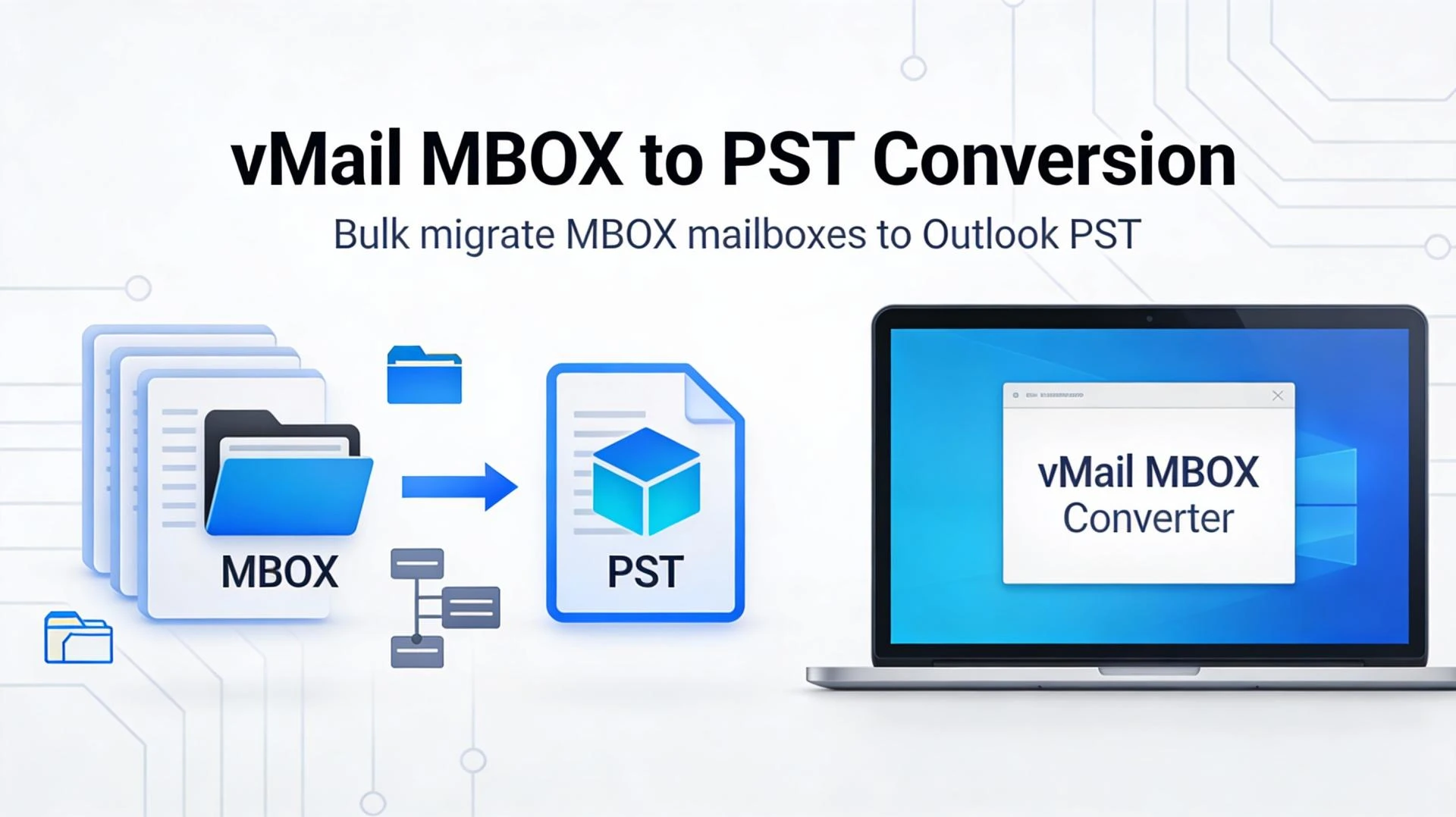

MBOX is one of the most widely used mailbox formats, supported by popular email clients such as Mozilla Thunderbird and other MBOX-based apps. The challenge starts when users need to move from an MBOX-based client to Microsoft Outlook, export messages for eDiscovery, or create a structured backup in a different format—especially when there are multiple mailboxes and years of email data. That’s where vMail MBOX Converter Tool becomes practical: it focuses on converting MBOX data in a controlled, repeatable way while maintaining essential mailbox structure and message attributes.
Why batch conversion matters
In real-world scenarios, conversions are rarely “one small file.” IT admins, businesses, and even freelancers often handle multiple MBOX files (for example, one per user profile, one per year, or one per mailbox export). vMail MBOX Converter Tool supports converting MBOX to Outlook-friendly and email-friendly formats such as PST, EML, MSG, and HTML, which helps reduce the manual effort of opening, exporting, and re-importing mailboxes across apps.
Batch conversion is especially useful when:
- A company is migrating multiple users from Thunderbird (MBOX) to Outlook (PST).
- A support team needs to consolidate several MBOX archives into a format that’s easier to search and manage.
- A user is splitting work across multiple clients and wants a consistent output format for long-term access.
Because the tool is positioned for both technical and non-technical users, the batch workflow is intended to be straightforward: add file(s), review content, choose export type, and run conversion.
Advanced options that improve control
“Conversion” isn’t only about changing a file extension—it’s about protecting mailbox usability after export. vMail MBOX Converter Tool emphasizes preserving mailbox elements such as folder hierarchy and message properties during export, which is critical when users later open the resulting PST/EML/MSG set and expect the same logical organization. In addition, listings for the product highlight export capabilities beyond PST, including EML, EMLX, HTML, and MSG, which is valuable for workflows that involve multiple email clients or legal/archival needs.
Key advanced options commonly expected in professional conversions—and supported in vMail’s positioning—include:
- Multiple output formats (PST and other email/document-friendly formats) to match different migration goals.
- Support for a wide range of MBOX sources, which is useful when mailboxes come from different clients and environments.
- A user-friendly interface designed to reduce the learning curve for non-technical users handling time-sensitive migrations.
These options matter because users often need flexibility: PST is ideal for Outlook import, while EML/MSG can be better for granular storage and case-by-case review.
Preview and selective processing
One practical requirement in any conversion job is confidence—users want to verify what will be exported before they commit. vMail MBOX Converter Tool is commonly described as providing a preview capability so users can check mailbox items prior to conversion, which helps reduce errors like exporting the wrong mailbox or missing a critical folder.
Selective conversion (exporting specific folders or specific sets of messages) is also a major productivity feature for large mailboxes. Instead of processing everything, selective export helps when:
- Only one project folder needs to be migrated to Outlook.
- A user is creating a partial archive for compliance or handover.
- The mailbox is huge, and a staged migration approach is preferred.
Data integrity and structure preservation
Email migrations can fail quietly: missing attachments, broken formatting, or lost header metadata can undermine the whole purpose of conversion. The vMail MBOX Converter Tool is designed to focus on accurate conversion, preserving folder structure and message details intact, ensuring the exported data remains usable and verifiable. For businesses, that integrity can be the difference between a successful migration and weeks of manual cleanup after import.
Who should use it?
vMail MBOX Converter Tool is a strong fit for:
- Organizations moving from MBOX-based clients to Outlook, where PST is the preferred destination format.
- Users who need to export MBOX emails into alternative formats like EML/MSG/HTML for review, portability, or archiving.
- Teams that want a conversion workflow built for both technical and non-technical stakeholders.




















Sign in to leave a comment.